Fabric API Needed by Lil Guy 1.2.5_26.1-26.2
requiredMatching file found Matched file: 0.161.0+26.2

Modrinth · Minecraft mod
Named baby animals will never age! They cannot grow up, forever just a little guy!!! (They may be unnamed with an unnamed nametag.)
Quick answer
Lil Guy 1.2.5_26.1-26.2 targets 26.1, 26.1.1, 26.1.2 with Fabric. Do not install it on the client. It must be installed on the dedicated server. All 1 required mods have matching files.
Where it goes
Do not install it on the client. It must be installed on the dedicated server.
This file is marked server-only.
1.2.5_26.1-26.2 on Fabric. Every mod below is checked against that same setup.
Install Fabric API first. We found matching files for this game-version and loader setup.
We only count dependency files that match this setup. A file for another loader does not fill the gap.
Before you install it
Built for Lil Guy 1.2.5_26.1-26.2 on Fabric. Pick another file and the loader, install side or required mods may change.
Use 1.2.5_26.1-26.2. It targets 26.1, 26.1.1, 26.1.2 with Fabric; another release may have different loader, side or dependency requirements.
Install Fabric API first. We found matching files for this game-version and loader setup.
Do not install it on the client. It must be installed on the dedicated server.
Use the “Get this file” button beside 1.2.5_26.1-26.2. It opens that exact file at the source.
About this project
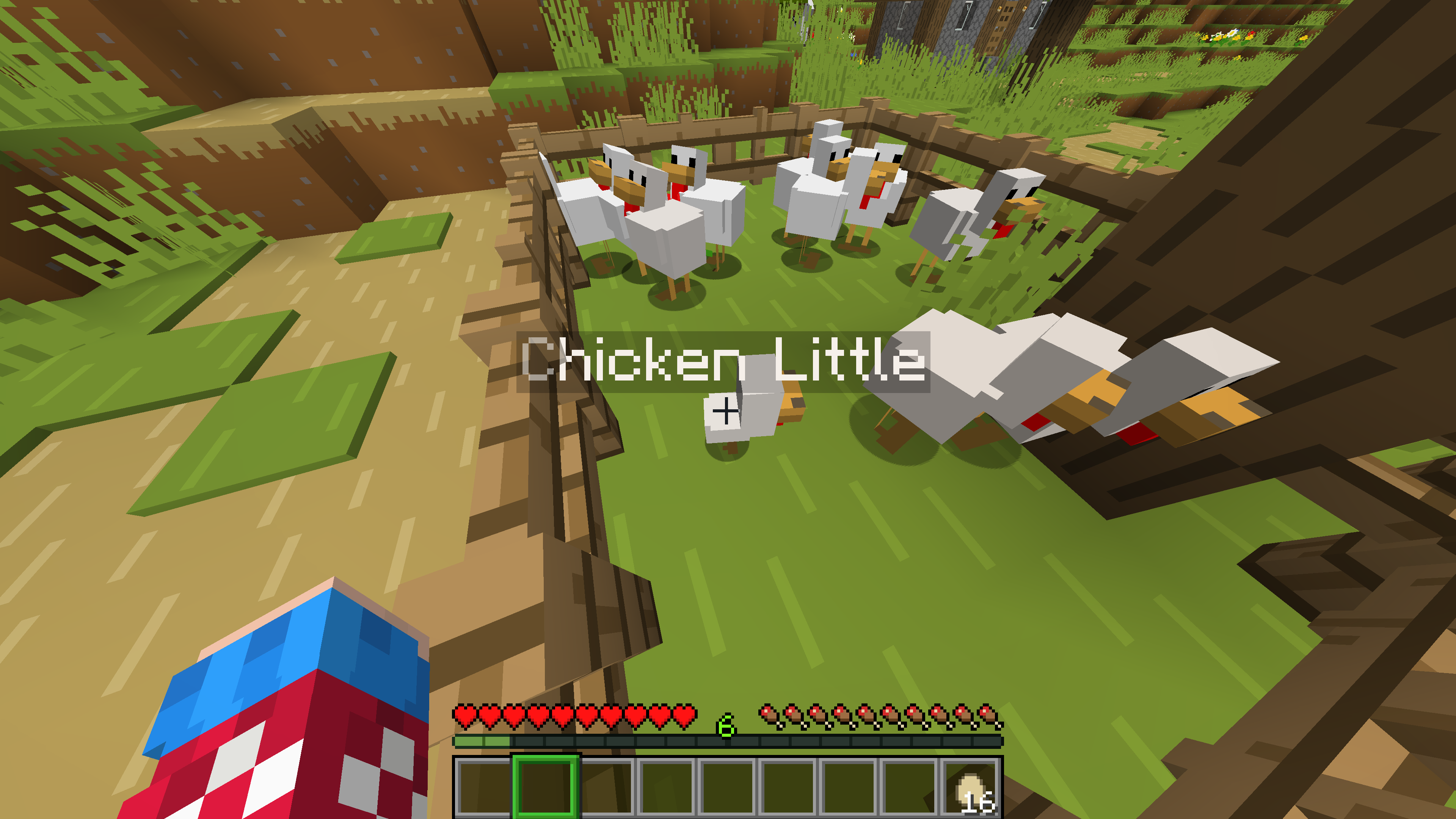
Named baby animals will never grow up!
Similar to Golden Danelions, they will stay babies forever.
"Naming" a named entity with an Unnamed NameTag will Unname the entity; this can be used to allow a baby mob to grow (though, they're vulnerable to despawning).
This mod was inspired by Scotty!
A sever I played on had a feature for keeping animals as babies but it did not work.
Scotty is fine but I wanted a reliable way to have this functionality.
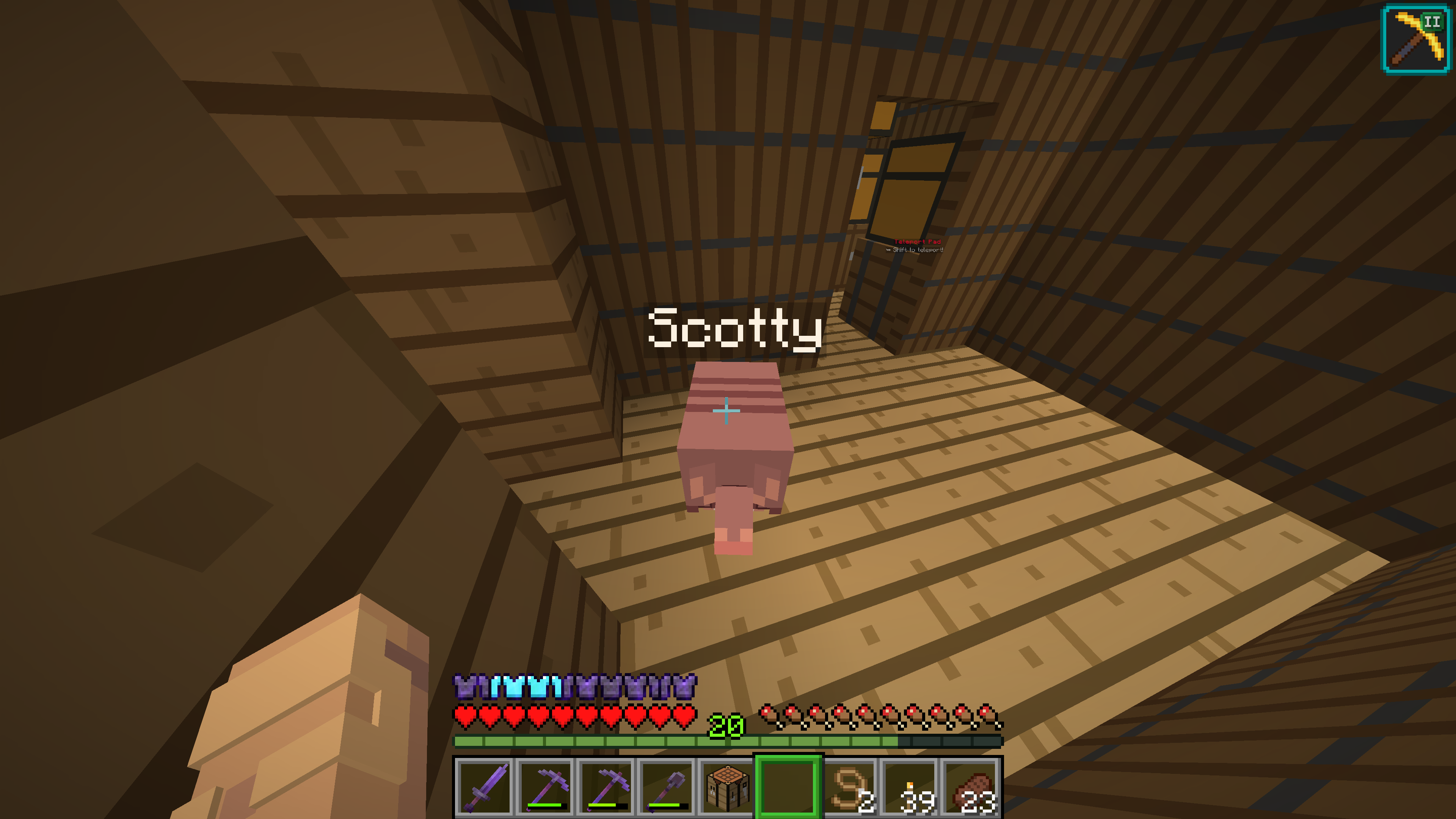
Textures in screenshots and video are from Bare Bones by RobotPants.
Project description from Modrinth.
Pick your setup
Choose the version and loader you play, then open the matching release.
Showing the newest 12 of 31 game versions. Older files are in the list below.
Check the dependencies, then try the file in a copied instance before changing a world you care about.
Recent files
Lil Guy 26.1-26.1.jar
30 Jul 2026
Lil_Guy-1.2.4_1.21.9-1.21.11.jar
10 Dec 2025
Lil_Guy-1.2.4_1.21.9-1.21.10.jar
8 Dec 2025
Lil_Guy-1.2.4_1.21-1.21.8.jar
8 Dec 2025
LilGuy 1.2.4 1.21.2-1.21.7.jar
30 Jun 2025
LilGuy 1.2.4 1.20.5-1.21.6.jar
14 Jun 2025
LilGuy 1.2.4 1.18-1.18.2.jar
7 Jun 2025
LilGuy 1.2.4 1.19-1.20.4.jar
7 Jun 2025
LilGuy 1.2.4 1.20.5-1.21.5.jar
7 Jun 2025
LilGuy 1.2.3 1.20.5-1.21.5.jar
9 May 2025
LilGuy 1.2.2 1.21.5.jar
30 Apr 2025
LilGuy 1.18-1.18.2 1.2.0.jar
28 Mar 2025
Looking for an older file? The official Modrinth project page is in Resources.
 mod
modSurvive an endless night where hostile mobs never stop hunting you.
 mod
modCarry a client-only vanilla lantern on your hip or in hand with dynamic light and physics!
 mod
modReplaces the Sodium options GUI with Vanilla-style alternatives.