Fabric API Needed by Paintings++ 17.1.0
requiredMatching file found Matched file: 0.141.6+1.21.11

Modrinth · Minecraft mod
A mod which allows you to add paintings to your game and have a nifty selection GUI to select the exact painting you want to put on your wall.
Quick answer
Paintings++ 17.1.0 targets 1.21.11 with Fabric. Installation on the client is optional. Installation on the dedicated server is optional. 1 required mod needs a matching file.
Where it goes
Installation on the client is optional. Installation on the dedicated server is optional.
The source marks this as usable on both the client and server.
17.1.0 on Fabric. Every mod below is checked against that same setup.
Install Fabric API, Transparent, Cloth Config API first, but 1 required mod has no matching file for this setup. Do not mix loader builds to force a match.
We only count dependency files that match this setup. A file for another loader does not fill the gap.
Before you install it
Built for Paintings++ 17.1.0 on Fabric. Pick another file and the loader, install side or required mods may change.
Use 17.1.0. It targets 1.21.11 with Fabric; another release may have different loader, side or dependency requirements.
Install Fabric API, Transparent, Cloth Config API first, but 1 required mod has no matching file for this setup. Do not mix loader builds to force a match.
Installation on the client is optional. Installation on the dedicated server is optional.
Use the “Get this file” button beside 17.1.0. It opens that exact file at the source.
About this project
A mod which allows you to add paintings to your game and have a nifty selection GUI to select the exact painting you want to put on your wall.
FABRIC REQUIRES Fabric API & Cloth Config TO WORK!
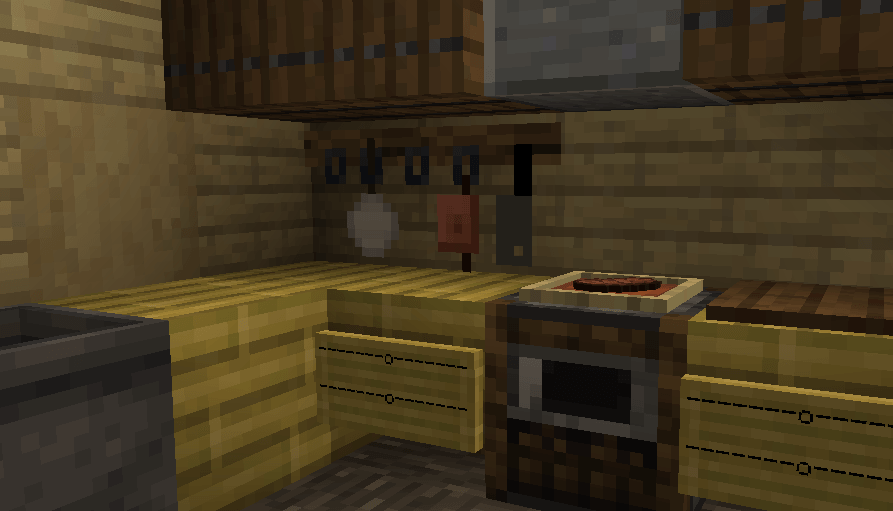
this painting is a presentation suggestion. The painting in this image is not shipped with the mod.
Supporting mod downloaded automatically when using the modrinth app ! If you're using no client at all, get it here.
check the tutorial on the wiki.
You can also use the Painting Pack Maker: a visual interface to make Painting Packs for minecraft versions 1.17 and up.
Visit the Project page of PPM here.
Download available on the project page.
ppm_example.png
Have you made a pack ? Want to share it with the world ? Post a resourcepack on curseforge
You can always pm me, or put the link in the comments and I will feature your Pack on here !
Absolem Jackdaw Basic Painting Pack
The base paintings got yeeted out of the base mod in 1.20.4 (12.0.0.5 and onward) and can be added as a painting resourcepack for 100% customizability!
Resourcepack prior to 1.21
https://modrinth.com/resourcepack/painting++-base-painting-pack
Datapack 1.21 and up
https://modrinth.com/datapack/absolems-base-painting-pack
want your pack featured ? comment a link or pm me !
Questions ? Painting Pack issues ? Contact me on discord !!
Project description from Modrinth.
Pick your setup
Choose the version and loader you play, then open the matching release.
Check the dependencies, then try the file in a copied instance before changing a world you care about.
Recent files
Paintings ++-fabric-1.21.11-17.1.0.jar
16 Jan 2026
Paintings ++-fabric-1.21.11-17.0.0.jar
9 Jan 2026
Paintings-fabric-1.19.4-10.4.0.0.jar
31 Oct 2025
Paintings ++-fabric-1.21.8-15.0.3.jar
31 Oct 2025
Paintings ++-fabric-1.21.1-14.0.1.jar
31 Oct 2025
Paintings ++-fabric-1.21.9-16.0.0.jar
31 Oct 2025
Looking for an older file? The official Modrinth project page is in Resources.
 mod
modThis mod adds vertical slabs for each vanilla slab.
 mod
modA Light Level Overlay Mod that's efficient and powerful.
 mod
modPress O to lock a hotbar slot in place so you can't accidentally drop or move that item during PvP fights.