Fabric API Needed by Tips 12.1.9
requiredMatching file found Matched file: 0.92.11+1.20.1

Modrinth · Minecraft mod
This mod adds tips to loading menus. It also allows for modpacks and mods to add their own tips!
Quick answer
Tips 12.1.9 targets 1.20.1 with Fabric. Installation on the client is optional. Installation on the dedicated server is optional. All 2 required mods have matching files.
Where it goes
Installation on the client is optional. Installation on the dedicated server is optional.
The source marks this as usable on both the client and server.
12.1.9. Change the file and its required mods may change too.
Install Fabric API, Bookshelf first. We found matching files for this game-version and loader setup.
We only count dependency files that match this setup. A file for another loader does not fill the gap.
Before you install it
Built for Tips 12.1.9. Pick another file and the loader, install side or required mods may change.
Use 12.1.9. It targets 1.20.1 with Fabric; another release may have different loader, side or dependency requirements.
Install Fabric API, Bookshelf first. We found matching files for this game-version and loader setup.
Installation on the client is optional. Installation on the dedicated server is optional.
Use the “Get this file” button beside 12.1.9. It opens that exact file at the source.
About this project
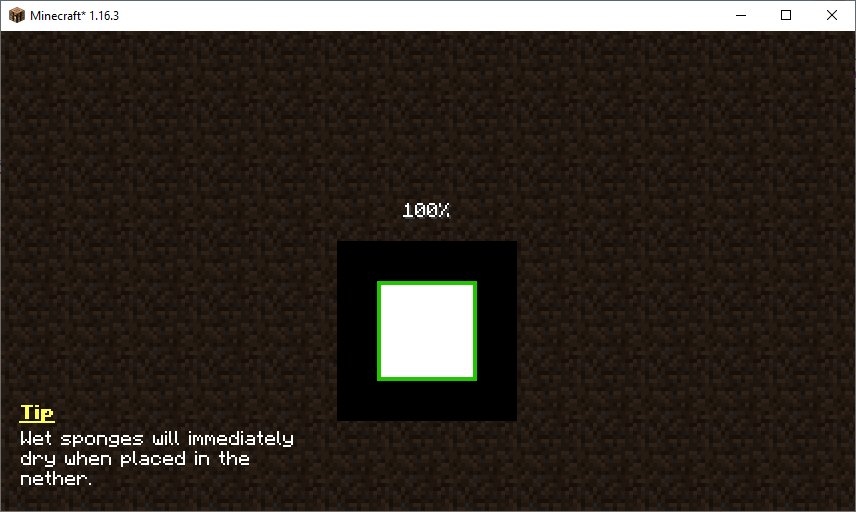
This mod will display useful tips on certain game screens such as the world loading screen. The tip shown will be cycled out every five seconds. The pool of tips can be expanded by resource packs, other mods, and even modpacks. You can learn more about configuring the tips here.
Like the mod and want to support me?
This project is sponsored by Nodecraft. Use code DARKHAX for 30% off your first month of service!
Project logo by Delapouite on Game Icons and licensed under CC By 3.0.
Project description from Modrinth.
Pick your setup
Choose the version and loader you play, then open the matching release.
Check the dependencies, then try the file in a copied instance before changing a world you care about.
Recent files
Tips-Fabric-1.20.1-12.1.9.jar
12 Feb 2026
Tips-Forge-1.20.1-12.1.9.jar
12 Feb 2026
tipsmod-neoforge-1.21.1-21.1.3.jar
19 Oct 2025
Tips-forge-1.21.1-21.1.3.jar
19 Oct 2025
tipsmod-fabric-1.21.1-21.1.3.jar
19 Oct 2025
tipsmod-neoforge-1.21.1-21.1.2.jar
25 Oct 2024
Tips-forge-1.21.1-21.1.2.jar
25 Oct 2024
tipsmod-fabric-1.21.1-21.1.2.jar
25 Oct 2024
tipsmod-neoforge-1.21.1-21.1.1.jar
25 Oct 2024
Tips-forge-1.21.1-21.1.1.jar
25 Oct 2024
tipsmod-fabric-1.21.1-21.1.1.jar
25 Oct 2024
Tips-Fabric-1.20.1-12.1.8.jar
20 Jul 2024
Looking for an older file? The official Modrinth project page is in Resources.
 mod
modA client-side Fabric mod that adds footstep and idle sounds to creepers!
 mod
modA Jojo's Bizarre Adventure mod that interprets the world and power system of the anime into the world of Minecraft. ( JJBA )
 mod
modRaymarched weather, thunderstorms, tornadoes, etc!