Fabric API Needed by WhatIsInThatShelf 1.0.1
requiredMatching file found Matched file: 0.161.0+26.3

Modrinth · Minecraft mod
See exactly what's on display! A Quality of Life HUD mod that shows you the tooltip of any item inside a shelf block just by looking at it
Quick answer
WhatIsInThatShelf 1.0.1 targets 26.3 with Fabric. It must be installed on the client. Do not install it on the dedicated server. All 1 required mods have matching files.
Where it goes
It must be installed on the client. Do not install it on the dedicated server.
This file is marked client-only.
1.0.1. Change the file and its required mods may change too.
Install Fabric API first. We found matching files for this game-version and loader setup.
We only count dependency files that match this setup. A file for another loader does not fill the gap.
Before you install it
Built for WhatIsInThatShelf 1.0.1. Pick another file and the loader, install side or required mods may change.
Use 1.0.1. It targets 26.3 with Fabric; another release may have different loader, side or dependency requirements.
Install Fabric API first. We found matching files for this game-version and loader setup.
It must be installed on the client. Do not install it on the dedicated server.
Use the “Get this file” button beside 1.0.1. It opens that exact file at the source.
About this project
Never wonder what's sitting on that shelf again.
WhatIsInThatShelf is a lightweight utility mod that adds a clean, highly houses-configurable HUD tooltip for Shelf blocks. Instead of opening an inventory to check your items, simply look at a shelf to see exactly what is inside.
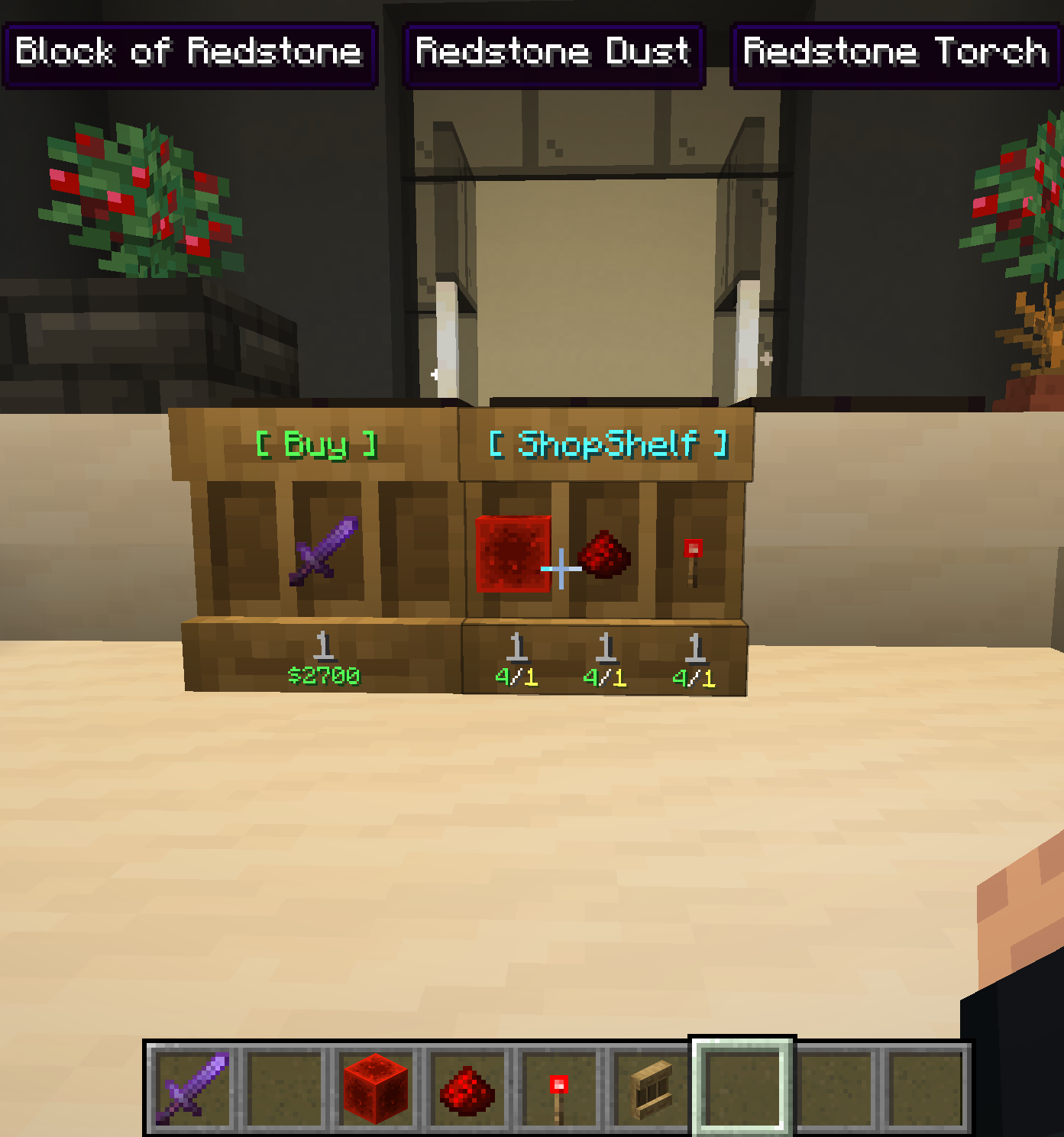
When looking at a shelf, the mod identifies the specific slot your crosshair is targeting and displays its contents instantly.
Forget about restarting your game to change settings. Pressing "I" (the default, rebindable key) opens a specialized settings screen.
The HUD includes six anchor points: Top Left, Middle, and Right, and Bottom Left, Middle, and Right.
You have total control over what information is displayed on the HUD:
&#RRGGBB), Minecraft color codes (&6), and named colors for mod names, attributes, and more.Project description from Modrinth.
Pick your setup
Choose the version and loader you play, then open the matching release.
Check the dependencies, then try the file in a copied instance before changing a world you care about.
Recent files
WhatIsInThatShelf-1.0.1.jar
15 Sept 2026
WhatIsInThatShelf-1.0.1.jar
16 Jun 2026
WhatIsInThatShelf-1.0.1.jar
1 May 2026
WhatIsInThatShelf-1.0.1.jar
5 Apr 2026
WhatIsInThatShelf-1.0.1.jar
29 Mar 2026
WhatIsInThatShelf-1.0.1.jar
29 Mar 2026
WhatIsInThatShelf-1.0.0.jar
29 Mar 2026
WhatIsInThatShelf-1.0.0.jar
15 Mar 2026
Looking for an older file? The official Modrinth project page is in Resources.
 mod
mod🎃 SpookyJam 2022: Help out the Pumpkillager! With custom encounters, rewards and a boss fight you'll get immersed in the story. Spawn him by breaking a pumpkin in this spooky scary Halloween style mod!
 mod
mod✋ Adds a portable functionality to certain items, which allows for quick access without placement. Works with beds, crafting tables, ender chests and shulker boxes among others.
 mod
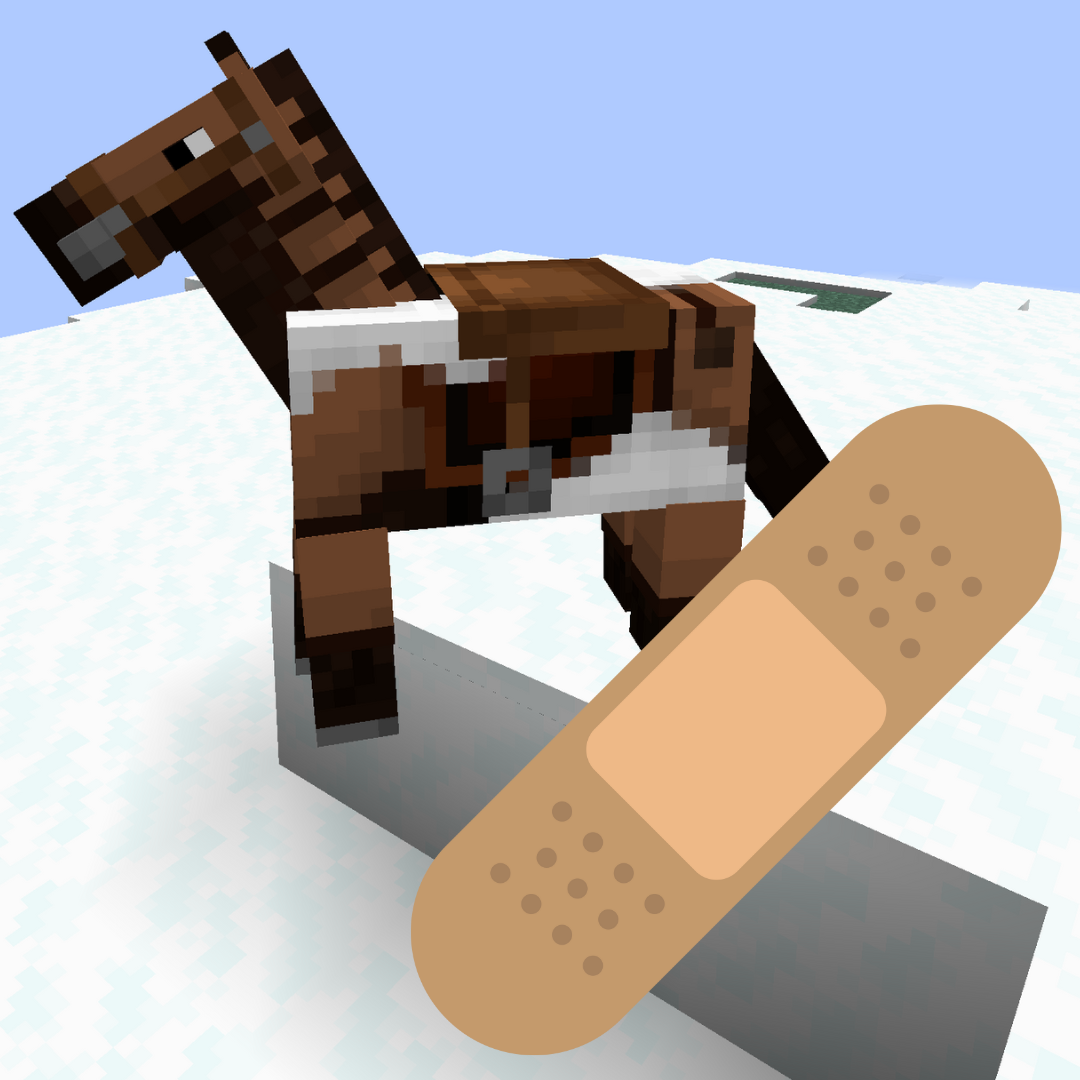
modFixes horse markings appearing above horse armor when using Iris or Oculus.