Minecraft version
Back to mods 
CurseForge · Minecraft mod
PinChat
Keep important chat messages on your HUD. Pin, organize, move, and resize message groups—or keep moving with chat open. Client-side, with simple built-in settings.
Choose a version Pick your version below, then grab the matching file.
Quick answer
Which PinChat release matches 26.1?
Best match for your filters 3.2.0-neoforge-mc26.1
Game version 26.1, 26.1.1, 26.1.2
Loader NeoForge
PinChat 3.2.0-neoforge-mc26.1 targets 26.1, 26.1.1, 26.1.2 with NeoForge. It must be installed on the client. Do not install it on the dedicated server. No extra mods listed for this file.
Where it goes
Is PinChat required on the client, server, or both?
It must be installed on the client. Do not install it on the dedicated server.
Client Required
Dedicated server Not supported
Loader for this release NeoForge
Required install it here Optional supported, not mandatory Not supported do not install here Source doesn’t say do not assume
This file is marked client-only.
What else does PinChat 3.2.0-neoforge-mc26.1 need?
3.2.0-neoforge-mc26.1 on 26.1. Every mod below is checked against that same setup.
This file does not list any required mods. Do not add a library just because a different file uses it.
This file does not list any required or optional mods.
Before you install it
Add PinChat without breaking your instance.
Built for PinChat 3.2.0-neoforge-mc26.1 on 26.1. Pick another file and the loader, install side or required mods may change.
- 01
Stick to this file
Use 3.2.0-neoforge-mc26.1. It targets 26.1, 26.1.1, 26.1.2 with NeoForge; another release may have different loader, side or dependency requirements.
- 02
Bring the mods it needs
This file does not list any required mods. Do not add a library just because a different file uses it.
- 03
Put it on the correct side
It must be installed on the client. Do not install it on the dedicated server.
- 04
Pick the file you checked
Use the “Get this file” button beside 3.2.0-neoforge-mc26.1. It opens that exact file at the source.
About this project
What does PinChat add?
PinChat





A Minecraft mod that enhances chat functionality with message pinning, grouping, and a moveable chat screen. Works on both Fabric and Forge mod loaders!
✨ Features
📌 Pin Chat Messages
- Right-click on any chat message to pin/unpin it
- Pinned messages are displayed persistently on your HUD
- Create multiple message groups to organize your pinned messages
- Drag and drop groups anywhere on your screen
- Configurable maximum number of pinned messages
- Adjustable text width for pinned messages
📂 Message Groups
- Organize pinned messages into separate groups
- Each group can be positioned independently on the screen
- Collapse/expand groups with a single click
- Create new groups on the fly when pinning a message
- Rename groups to keep things organized
🎮 Moveable Chat Screen
- Open a special chat mode where you can move while typing (default:
U) - Look around freely with your mouse while the chat is open
- Smooth movement transitions — no abrupt stops when opening/closing chat
- Configurable mouse sensitivity for chat mode
⚙️ Flexible Configuration
PinChat works standalone, but also integrates with popular configuration mods for enhanced settings experience:
| Mod | Integration |
|---|---|
| Cloth Config | ✅ Full GUI integration |
| YACL | ✅ Full GUI integration |
| MaLiLib | ✅ Hotkey configuration |
| ModMenu | ✅ Settings button in mod list |
All dependencies are optional! The mod works perfectly without any of them.
📦 Installation
Requirements
- Minecraft: 1.21.11
- Java: 21 or higher
- Mod Loader: Fabric or Forge (choose one)
For Fabric
- Install Fabric Loader (0.18.1+)
- Download Fabric API
- Download PinChat for Fabric from Releases
- Place all mods in your
.minecraft/modsfolder
For Forge
- Install Forge (1.21.11-61.0.2+)
- Download PinChat for Forge from Releases
- Place the mod in your
.minecraft/modsfolder
Optional Mods (Fabric only)
For enhanced configuration UI, you can optionally install:
- Cloth Config — Config GUI
- YACL — Alternative config GUI
- MaLiLib — Advanced hotkey configuration
- ModMenu — Access settings from mod list
🎮 Usage
Pinning Messages
- Open the chat (
Tor/) - Right-click on any message to open the pin menu
- Select Pin to [Group Name] or Create New Group
- Right-click on a pinned message header to unpin or manage the group
Managing Groups
- Left-click and drag the group header to move it on screen
- Click the collapse button to minimize a group
- Right-click for more options (rename, delete, etc.)
Moveable Chat
- Press
U(or your configured key) to open moveable chat - Type your message while moving and looking around
- Press
Uagain orESCto close
Configuration
Access settings through one of these methods:
- Command:
/pinchat config - ModMenu: Click the settings icon next to PinChat in the mod list
- In-game: Use the keybind if configured
Available Settings
| Setting | Description | Default |
|---|---|---|
| Max Pinned Messages | Maximum number of pinned messages per group | 5 |
| Max Line Width | Maximum width of pinned messages in pixels | 200 |
| Chat Sensitivity | Mouse sensitivity multiplier in moveable chat | 1.0 |
| Pinned Position X/Y | Default position for new groups | 10, 10 |
| Pinned Scale | Text scale for pinned messages | 1.0 |
🛠️ Building from Source
git clone https://github.com/ivanmikhaylov1/pinchat-mod.git
cd pinchat-mod

# Build both Fabric and Forge versions
./gradlew buildAll

# Build only Fabric
./gradlew :fabric:build

# Build only Forge
./gradlew :forge:build

# Run tests
./gradlew :fabric:test
Compiled JARs will be in:
- Fabric:
fabric/build/libs/ - Forge:
forge/build/libs/
📁 Project Structure
pinchat-mod/
├── common/          # Shared code (configuration, data classes)
├── fabric/          # Fabric-specific implementation
├── forge/           # Forge-specific implementation
├── gradle/          # Gradle wrapper files
└── .github/         # GitHub Actions workflows
🤝 Contributing
Contributions are welcome! Please feel free to submit a Pull Request.
- Fork the repository
- Create your feature branch (
git checkout -b feature/AmazingFeature) - Commit your changes (
git commit -m 'Add some AmazingFeature') - Push to the branch (
git push origin feature/AmazingFeature) - Open a Pull Request
📄 License
This project is licensed under the MIT License — see the LICENSE file for details.
🙏 Credits
- Built with Fabric and Forge
- Uses Architectury Loom for multi-platform builds
- Optional integration with Cloth Config, YACL, and MaLiLib
❓ Support
If you encounter any issues or have suggestions:
- Open an Issue
- Make sure to include your Minecraft version, mod loader, and any crash logs
Made with ❤️ by Sfafy
Project description from CurseForge.
Pick your setup
PinChat by Minecraft version and loader
Choose the version and loader you play, then open the matching release.
Minecraft version
26.2
3 loader buildsMinecraft version
26.1.2
3 loader buildsMinecraft version
26.1.1
3 loader buildsMinecraft version
26.1
3 loader buildsMinecraft version
1.21.11-snapshot
1 loader buildMinecraft version
1.21.11-pre5
1 loader buildMinecraft version
1.21.11-pre4
1 loader buildMinecraft version
1.21.11-pre3
1 loader buildMinecraft version
1.21.11-pre2
1 loader buildMinecraft version
1.21.11-pre1
1 loader buildMinecraft version
1.21.11
4 loader buildsShowing the newest 12 of 13 game versions. Older files are in the list below.
Check the dependencies, then try the file in a copied instance before changing a world you care about.
Recent files
PinChat versions and loaders
3.2.0-neoforge-mc26.1
pinchat-mod-neoforge-3.2.0-mc26.1.jar
7 Oct 2026
Client Required Server Not supported Dependencies No extras listed Listed on Release listing
Check the 26.1 · NeoForge setup 26.126.1.126.1.2NeoForge release
3.2.0-fabric-mc26.1
pinchat-mod-fabric-3.2.0-mc26.1.jar
7 Oct 2026
Client Required Server Not supported Dependencies 1 required · 1 unchecked Listed on Release listing
Check the 26.1 · Fabric setup 26.126.1.126.1.2Fabric release
3.1.0-quilt
PinChat 3.1.0 Minecraft 26.1.jar
26 Sept 2026
Client Required Server Not supported Dependencies No extras listed Listed on Release listing
Check the 26.1 · Quilt setup 26.126.1.126.1.2Quilt release
3.1.0-neoforge
PinChat 3.1.0 Minecraft 26.1.jar
26 Sept 2026
Client Required Server Not supported Dependencies No extras listed Listed on Release listing
Check the 26.1 · NeoForge setup 26.126.1.126.1.2NeoForge release
Looking for an older file? The official CurseForge project page is in Resources.
 mod
CurseForge + Modrinth · Minecraft
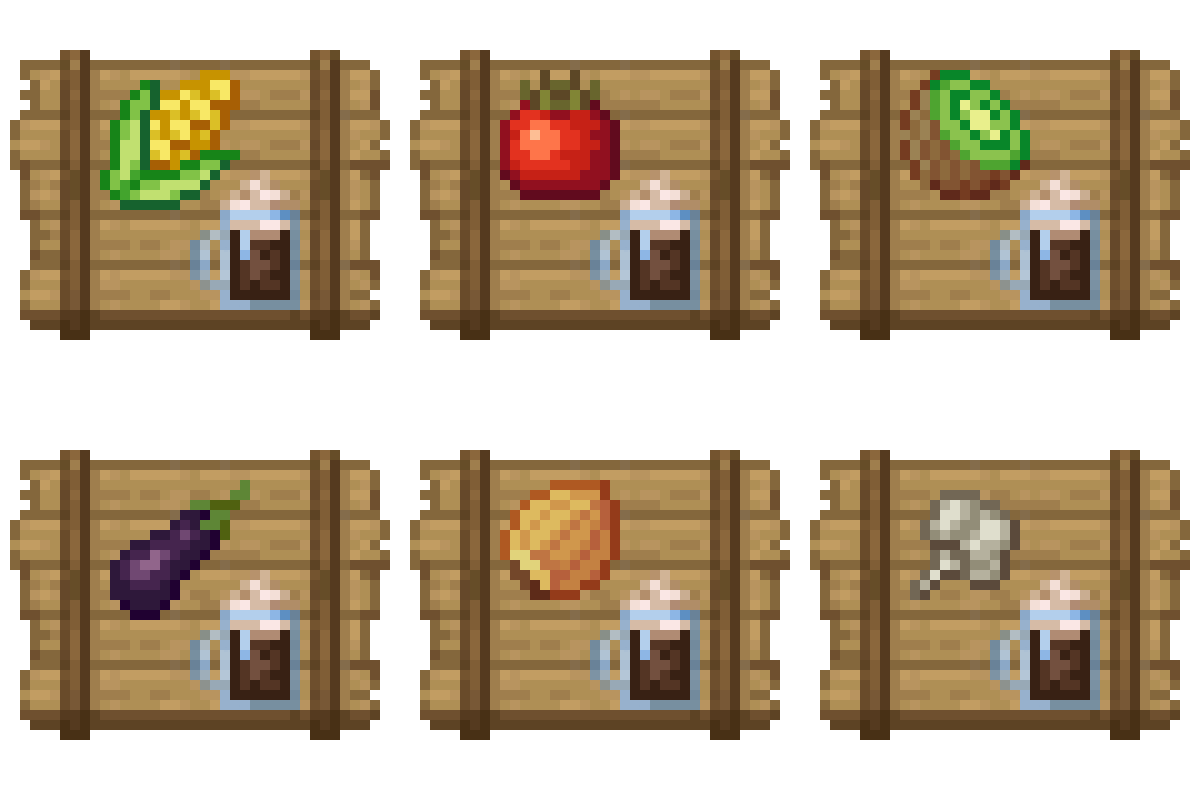
Crate Delight: Croptopia
Useful crates and bags for Croptopia that will save you storage and look great.
 mod
CurseForge + Modrinth · Minecraft
Safra
Don’t mess with the server Play Minecraft with your friends in 2 clicks via P2P
 mod
Modrinth · Minecraft
OverflowAnimations (Old Animations)
The all-you-could-want 1.7, 1.8, and modern animations mod for Minecraft. Animatium fork, backported to 1.8.9 and more. By Polyfrost, best with OneClient.