Fabric API Needed by ClickVillagers 1.6.7 for Fabric
requiredMatching file found Matched file: [26.1.2] Fabric API 0.155.2+26.1.2
CurseForge · Minecraft mod
Click to pick up villagers, reset their trades, change their biomes, claim them and much more!
Quick answer
ClickVillagers 1.6.7 for Fabric targets 26.1, 26.1.1, 26.1.2 with Fabric. The project page does not say whether this file belongs on the client, dedicated server, or both. All 1 required mods have matching files.
Where it goes
The project page does not say whether this file belongs on the client, dedicated server, or both.
The source does not explicitly classify this release as client-only or server-only.
ClickVillagers 1.6.7 for Fabric. Change the file and its required mods may change too.
Install Fabric API first. We found matching files for this game-version and loader setup.
We only count dependency files that match this setup. A file for another loader does not fill the gap.
Before you install it
Built for ClickVillagers 1.6.7 for Fabric. Pick another file and the loader, install side or required mods may change.
Use ClickVillagers 1.6.7 for Fabric. It targets 26.1, 26.1.1, 26.1.2 with Fabric; another release may have different loader, side or dependency requirements.
Install Fabric API first. We found matching files for this game-version and loader setup.
The project page does not say whether this file belongs on the client, dedicated server, or both.
Use the “Get this file” button beside ClickVillagers 1.6.7 for Fabric. It opens that exact file at the source.
About this project




ClickVillagers is a simple quality of life plugin/mod that makes working with villagers much easier by allowing you to pick villagers up into your inventory, claim and protect them, change their biomes, and much more!

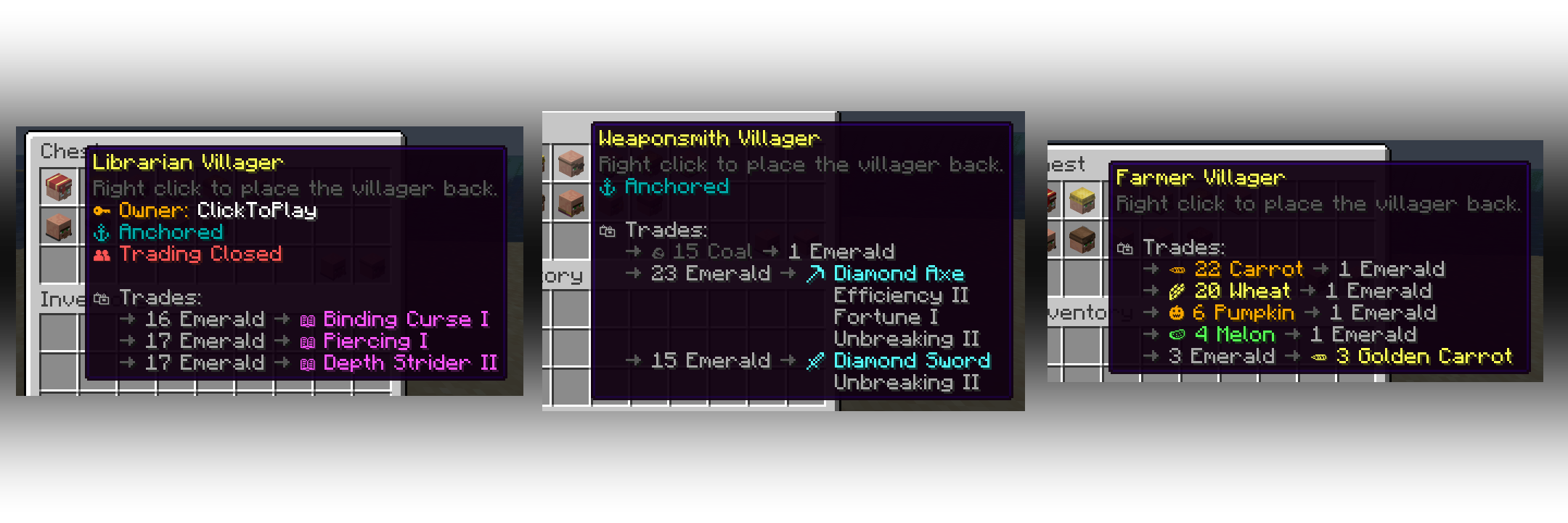
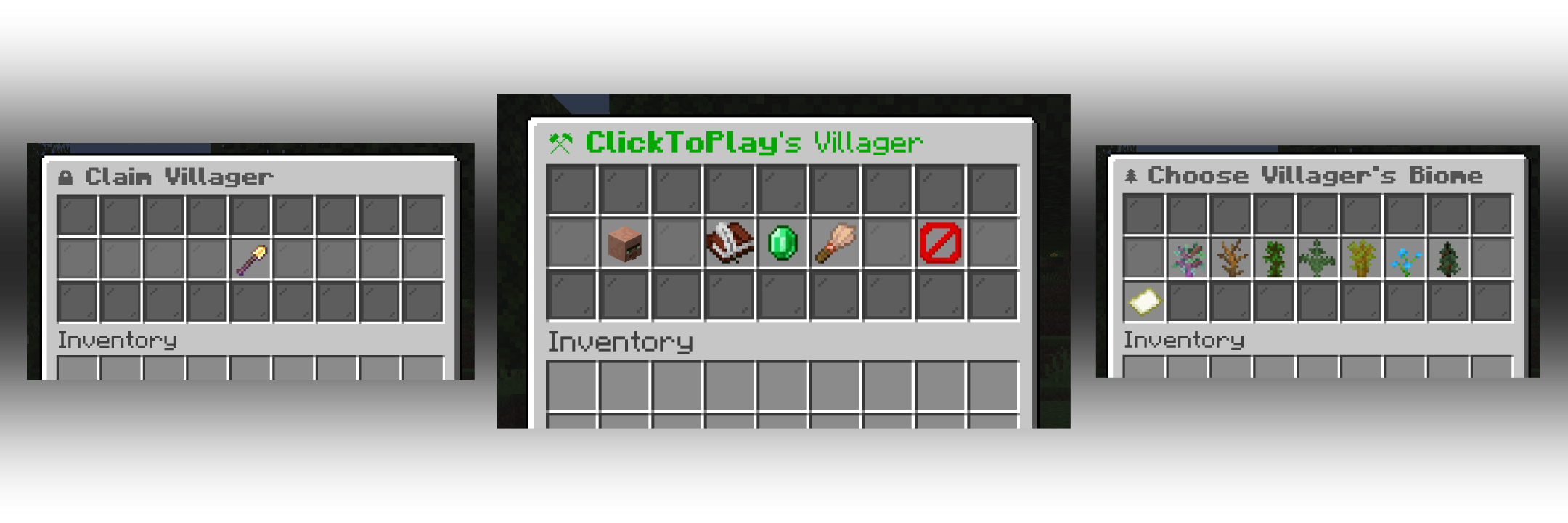
Project description from CurseForge.
Pick your setup
Choose the version and loader you play, then open the matching release.
Showing the newest 12 of 23 game versions. Older files are in the list below.
Check the dependencies, then try the file in a copied instance before changing a world you care about.
Recent files
ClickVillagers-1.6.7+26.1-fabric.jar
25 Jun 2026
ClickVillagers-1.6.7+26.2-fabric.jar
25 Jun 2026
ClickVillagers-1.6.7+1.21.1-fabric.jar
25 Jun 2026
ClickVillagers-1.6.7+1.21.11-fabric.jar
25 Jun 2026
ClickVillagers-1.6.7+1.21.1-neoforge.jar
25 Jun 2026
ClickVillagers-1.6.7+1.21.11-neoforge.jar
25 Jun 2026
ClickVillagers-1.6.6+1.21.11-neoforge.jar
21 Jun 2026
ClickVillagers-1.6.6+1.21.1-neoforge.jar
21 Jun 2026
ClickVillagers-1.6.6+1.21.1-fabric.jar
21 Jun 2026
ClickVillagers-1.6.6+1.21.11-fabric.jar
21 Jun 2026
ClickVillagers-1.6.6+26.1-fabric.jar
21 Jun 2026
ClickVillagers-1.6.6+26.2-fabric.jar
21 Jun 2026
Looking for an older file? The official CurseForge project page is in Resources.
 mod
modAn addon for Create Aeronautics and VS2, Adds many useful blocks and items, aiming to improve the experience with minimal bloat.
 mod
modAdventure time inspired dungeon crawler on a train. Procedurally generated carriages on a infinite sable physics train. Rich narrative, with custom made mods for a completely unique experience.
 mod
modA mod to make damage more immersive in Minecraft