WalksyLib Needed by Ambience V2 2.1.2-26.1
requiredMatching file found Matched file: 1.0.3+26.1

Modrinth · Minecraft mod
Change the colors of the environment
Quick answer
Ambience V2 2.1.2-26.1 targets 26.1, 26.1.1, 26.1.2 with Fabric. It must be installed on the client. Do not install it on the dedicated server. All 1 required mods have matching files.
Where it goes
It must be installed on the client. Do not install it on the dedicated server.
This file is marked client-only.
2.1.2-26.1. Change the file and its required mods may change too.
Install WalksyLib first. We found matching files for this game-version and loader setup. 3 come through another mod in the chain.
3 extra mods were pulled in by other dependencies. Indented rows show who needs each one. We only count dependency files that match this setup. A file for another loader does not fill the gap.
Before you install it
Built for Ambience V2 2.1.2-26.1. Pick another file and the loader, install side or required mods may change.
Use 2.1.2-26.1. It targets 26.1, 26.1.1, 26.1.2 with Fabric; another release may have different loader, side or dependency requirements.
Install WalksyLib first. We found matching files for this game-version and loader setup. 3 come through another mod in the chain.
It must be installed on the client. Do not install it on the dedicated server.
Use the “Get this file” button beside 2.1.2-26.1. It opens that exact file at the source.
About this project
This mod changes the color of the environment, such as the sky, foliage (plants), lava, fire, water, and clouds.
Config
General Settings:
Sky Settings:
Clouds, Water, Lava & Fire Settings:
Foliage Settings:
Sky - Gradient Enabled
Time: 18,000
Overworld Sky Color Value: #C600FF
Overworld Sky Gradient Color Value: White


Lava
Lava Color Value: #C600FF
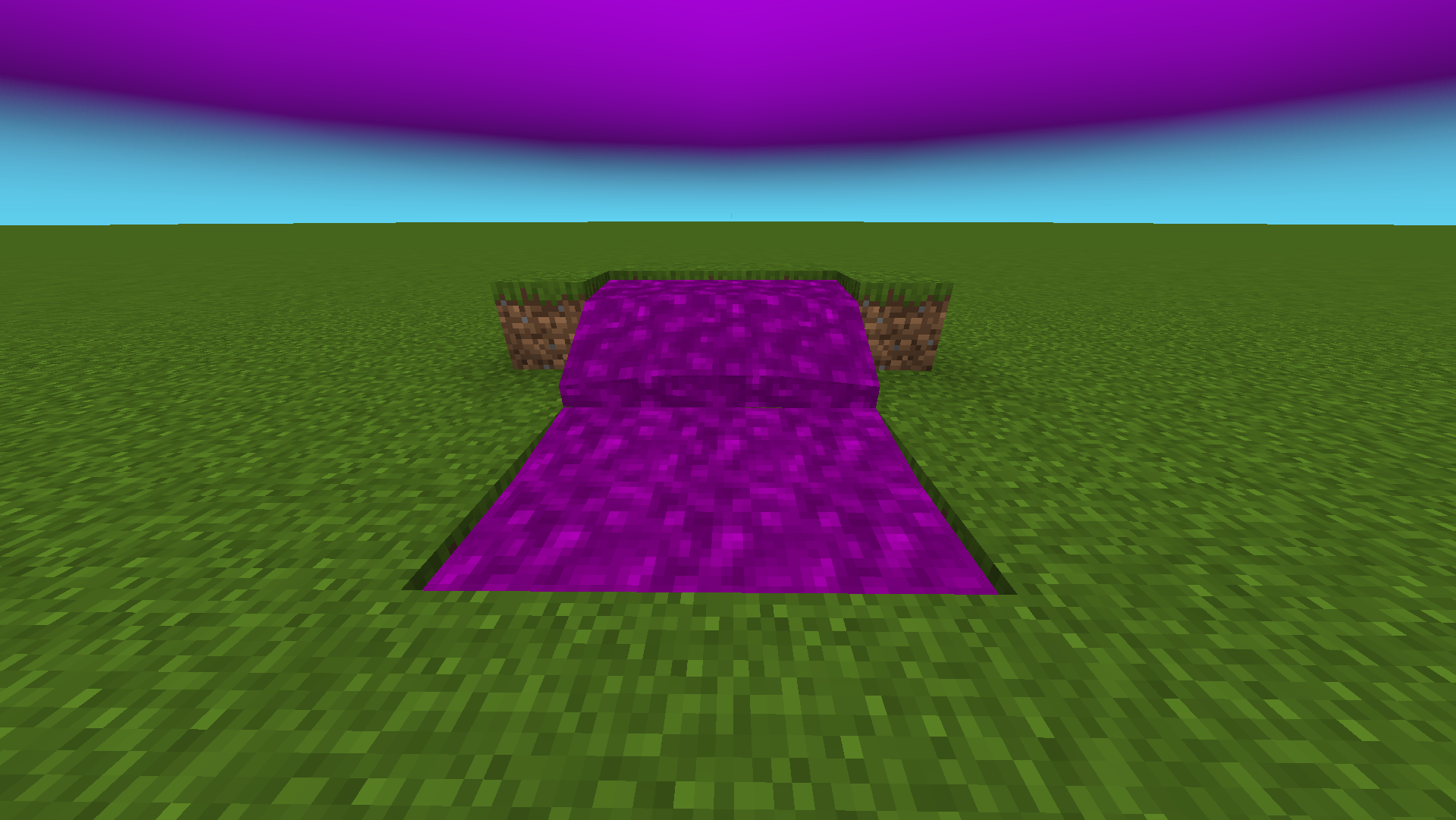
Fire
Fire Color Value: #64E1FF

Water
Water Color Value: #C600FF
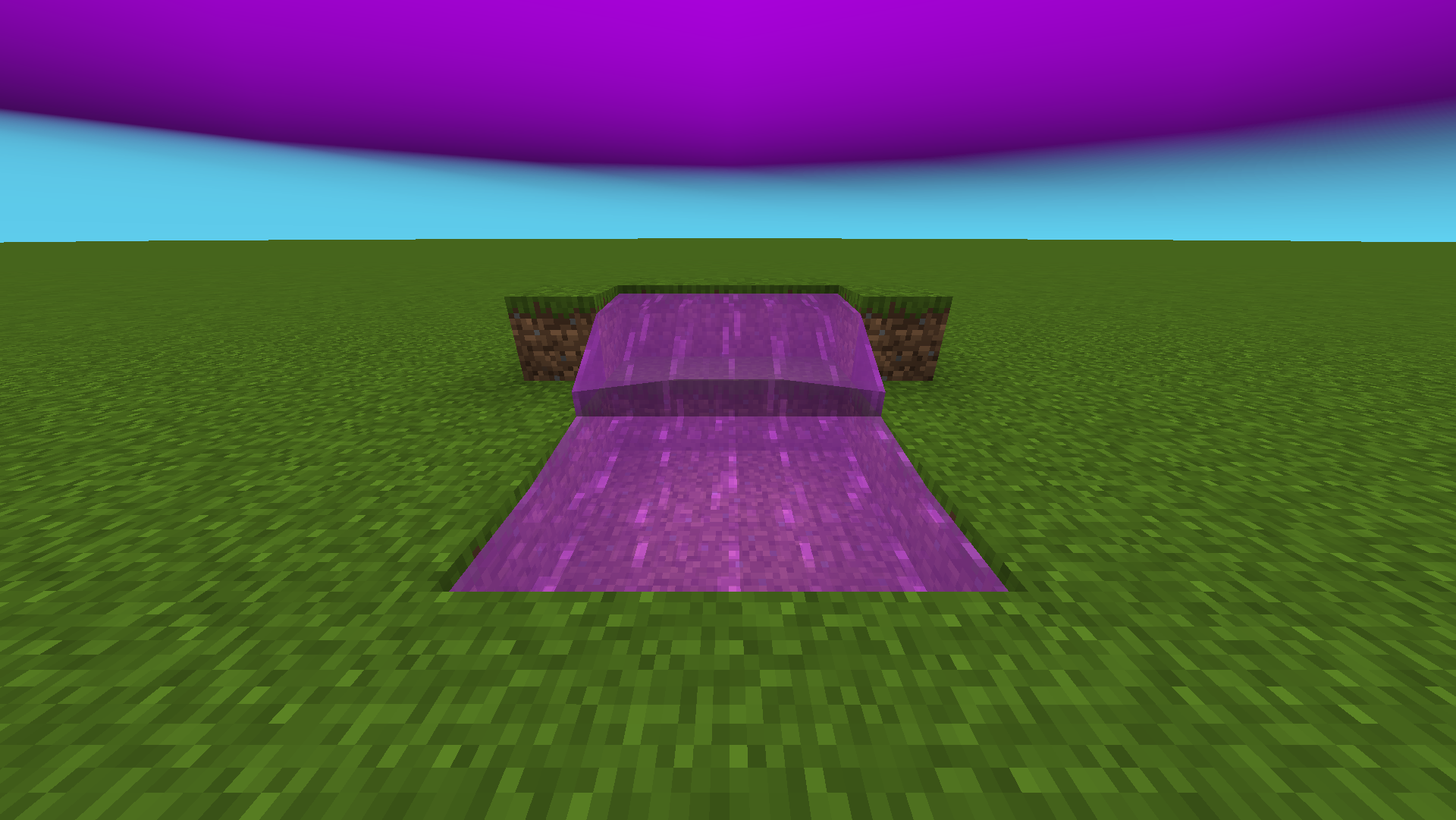
Other example include: Grass Block/Grass & Leaves. See Gallery.
Credits
Project description from Modrinth.
Pick your setup
Choose the version and loader you play, then open the matching release.
Check the dependencies, then try the file in a copied instance before changing a world you care about.
Recent files
Ambience-2.1.2-26.1.jar
9 Jun 2026
Ambience-2.1.1-26.1.jar
12 Apr 2026
Ambience-2.1.1-1.21.11.jar
29 Mar 2026
Ambience-2.1.0-1.21.11.jar
29 Mar 2026
AmbienceV2-1.21.jar
2 Jan 2025
AmbienceV2-1.21.1.jar
2 Jan 2025
AmbienceV2-1.21.2.jar
2 Jan 2025
AmbienceV2-1.21.3.jar
2 Jan 2025
AmbienceV2-1.21.4.jar
2 Jan 2025
Looking for an older file? The official Modrinth project page is in Resources.
 mod
modMaking fishing fun with a minigame directly inspired by Stardew Valley(fabric version of Stardew Fishing)!
 mod
modA multiloader fork of Backpacks for Dummies: A bare-bones backpack mod without any extra keybinds, menus or slots!
 mod
modA mod adding many configurable features to EMI!