Mod Menu Needed by ChatUtils 1.9.0
requiredMatching file found Matched file: 6.3.1

Modrinth · Minecraft mod
The simple, yet essential chat utility mod.
Quick answer
ChatUtils 1.9.0 targets 1.19.4 with Fabric. It must be installed on the client. Do not install it on the dedicated server. 1 required mod needs a matching file.
Where it goes
It must be installed on the client. Do not install it on the dedicated server.
This file is marked client-only.
1.9.0 on 1.19.4 Fabric. Every mod below is checked against that same setup.
Install Mod Menu, Cloth Config API (Fabric/Forge/NeoForge) first, but 1 required mod has no matching file for this setup. Do not mix loader builds to force a match.
We only count dependency files that match this setup. A file for another loader does not fill the gap.
Before you install it
Built for ChatUtils 1.9.0 on 1.19.4 Fabric. Pick another file and the loader, install side or required mods may change.
Use 1.9.0. It targets 1.19.4 with Fabric; another release may have different loader, side or dependency requirements.
Install Mod Menu, Cloth Config API (Fabric/Forge/NeoForge) first, but 1 required mod has no matching file for this setup. Do not mix loader builds to force a match.
It must be installed on the client. Do not install it on the dedicated server.
Use the “Get this file” button beside 1.9.0. It opens that exact file at the source.
About this project
ChatUtils is a very lightweight mod that focuses on simplicity and on including only what's essential for chat users, and a little more.
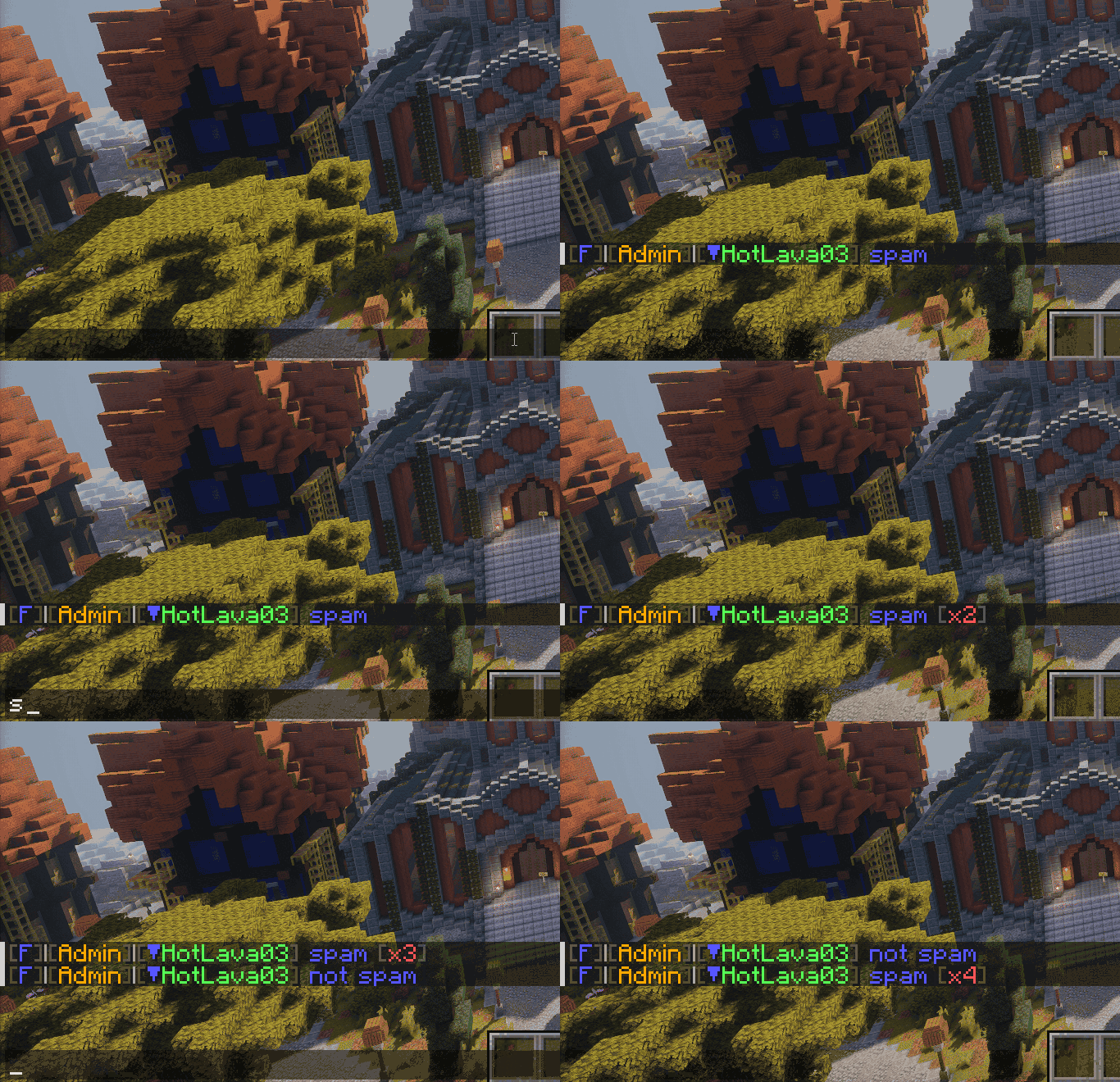
To copy a message to clipboard, hold Ctrl (or Cmd on Mac) and click the message.

If you leave a server or get disconnected, oftentimes you want to keep your chat or commands. ChatUtils will automatically store those for you.

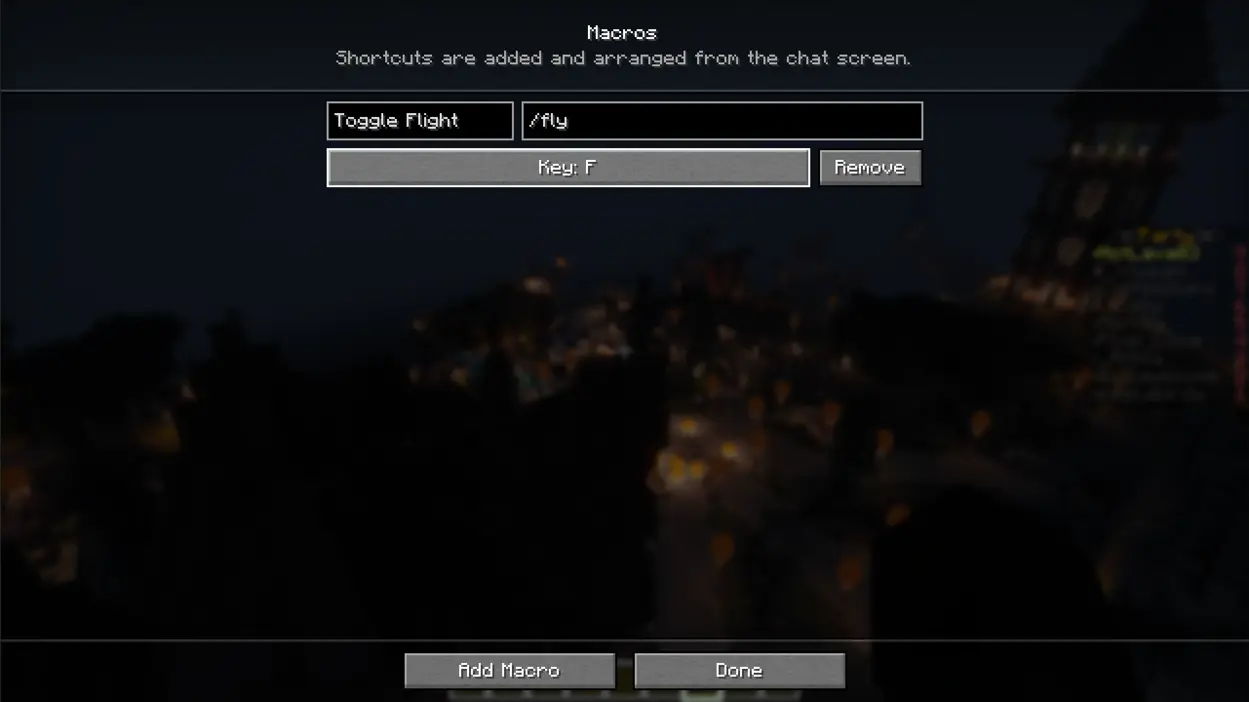
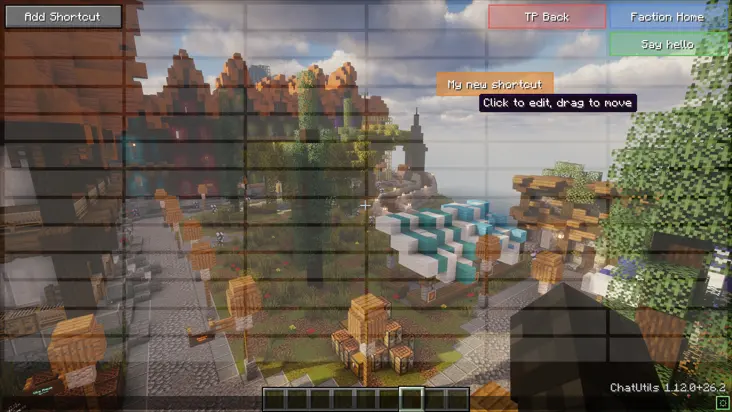
You can filter chat messages with or without regex, by exact match and/or with or without case sensitivity. These aren't totally lost, and can be viewed in the log through the config, as shown below.
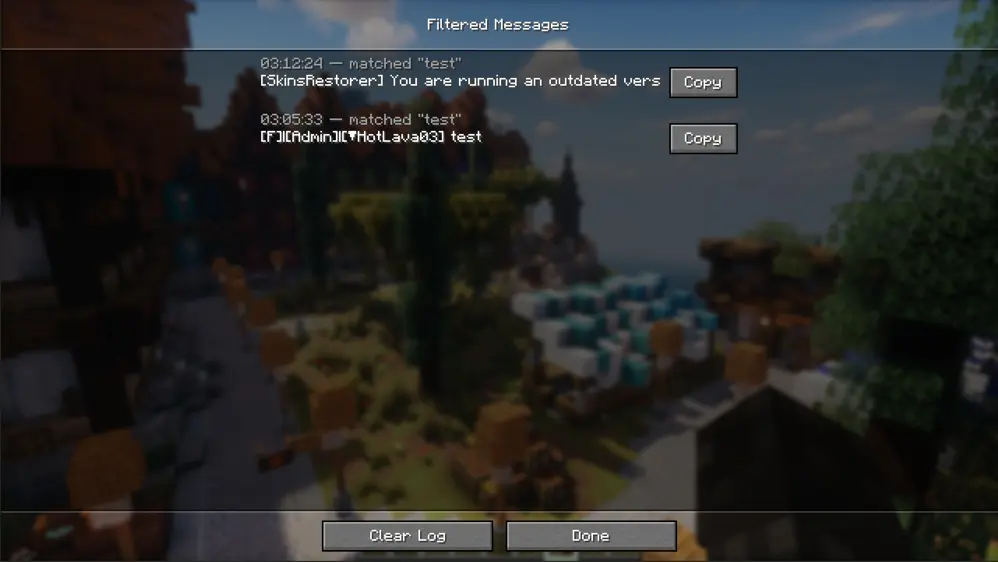
ChatUtils keeps all features optional. This means you can toggle off any feature you don't need, or if it's too intrusive for you.
Explore the config menu and you'll likely find what you're searching for. If not, you can always open an Issue for a feature request. Same for any bugs or issues you find as you use the mod.
The latest version supports 26.2. In the near future, I will backport to previous versions and try to keep the mod updated more often. Feel free to open an issue or contact me directly to request an update or a backport.
Regarding support for other loaders (like NeoForge), I have thought of writing a port, but it's still relatively low priority.
Project description from Modrinth.
Pick your setup
Choose the version and loader you play, then open the matching release.
Check the dependencies, then try the file in a copied instance before changing a world you care about.
Recent files
chat-utils-1.9.0.jar
7 May 2023
Looking for an older file? The official Modrinth project page is in Resources.
 mod
modEMF is an, OptiFine format, Custom Entity Model replacement mod available for Fabric and Forge.
 mod
modEmissive, Random & Custom texture support for entities in resourcepacks just like Optifine but for Fabric
 mod
modFully async, multithreaded, predictive, open source, 3.01 reach, 1.005 timer, 0.01% speed, 99.99% antikb, "bypassable" 1.8-1.21 anticheat