Fabric API Needed by Mob Boss Bars 1.1.0
requiredNo matching file

Modrinth · Minecraft mod
Configurable boss bars for every entity type.
Quick answer
Mob Boss Bars 1.1.0 targets 1.19, 1.19.1, 1.19.2 with Fabric. Do not install it on the client. It must be installed on the dedicated server. 1 required mod needs a matching file.
Where it goes
Do not install it on the client. It must be installed on the dedicated server.
This file is marked server-only.
1.1.0 on 1.19. Every mod below is checked against that same setup.
Install Fabric API first, but 1 required mod has no matching file for this setup. Do not mix loader builds to force a match.
We only count dependency files that match this setup. A file for another loader does not fill the gap.
Before you install it
Built for Mob Boss Bars 1.1.0 on 1.19. Pick another file and the loader, install side or required mods may change.
Use 1.1.0. It targets 1.19, 1.19.1, 1.19.2 with Fabric; another release may have different loader, side or dependency requirements.
Install Fabric API first, but 1 required mod has no matching file for this setup. Do not mix loader builds to force a match.
Do not install it on the client. It must be installed on the dedicated server.
Use the “Get this file” button beside 1.1.0. It opens that exact file at the source.
About this project
A server-side Minecaft mod which allows the creation of custom boss bars.
Possible colours are: PINK BLUE RED GREEN YELLOW PURPLE WHITE
Possible styles are: PROGRESS NOTCHED_6 NOTCHED_10 NOTCHED_12 NOTCHED_20
Example config:
{
    "minecraft:elder_guardian": {
      "enabled": true,
      "colour": "WHITE",
      "style": "PROGRESS",
      "darkenSky": false,
      "dragonMusic": false,
      "thickenFog": false
    },
    "minecraft:warden": {
      "enabled": true,
      "colour": "BLUE",
      "style": "NOTCHED_20",
      "darkenSky": true,
      "dragonMusic": false,
      "thickenFog": true
    },
    "minecraft:wither": {
      "enabled": true,
      "colour": "PURPLE",
      "style": "PROGRESS",
      "darkenSky": true,
      "dragonMusic": false,
      "thickenFog": false
    },
    "minecraft:ender_dragon": {
      "enabled": true,
      "colour": "RED",
      "style": "NOTCHED_10",
      "darkenSky": false,
      "dragonMusic": true,
      "thickenFog": true
    }
  }
}
Project description from Modrinth.
Pick your setup
Choose the version and loader you play, then open the matching release.
Check the dependencies, then try the file in a copied instance before changing a world you care about.
Recent files
mobbossbars-1.1.0.jar
19 Jul 2023
Looking for an older file? The official Modrinth project page is in Resources.
 mod
🤑 Influence trades - 🧱sand/dirt/glass Slabs - 🎁linked chest inventory- 🛠️place random block
 mod
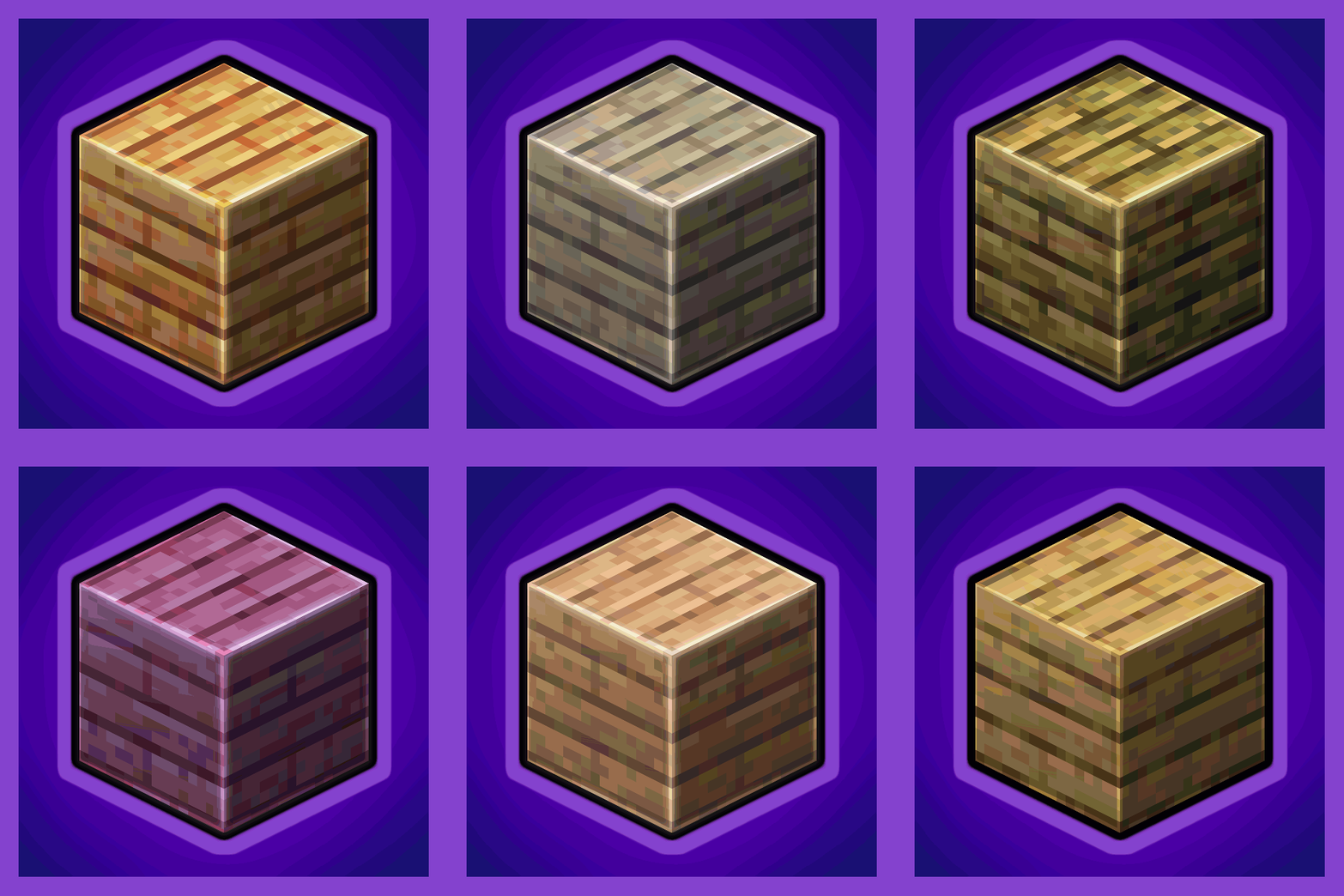
Universal Wood Compat: Quark, Twilight Forest, Twigs, Another Furniture, Farmers Delight, Macaw's, Valhelsia, Architects Palette, Deco Blocks, Crayfish FM
 mod
In-game Minecraft Fabric mod that allows you to do various things with the world seed.