Minecraft version
Back to mods 
Modrinth · Minecraft mod
OmniIsle
All Biomes & Structures on One Island
Choose a version Pick your version below, then grab the matching file.
Quick answer
Which OmniIsle release should I use?
Latest stable file 0.5.1
Game version 26.2
Loader NeoForge
OmniIsle 0.5.1 targets 26.2 with NeoForge. Installation on the client is optional. Installation on the dedicated server is optional. No extra mods listed for this file.
Where it goes
Is OmniIsle required on the client, server, or both?
Installation on the client is optional. Installation on the dedicated server is optional.
Client Optional
Dedicated server Optional
Loader for this release NeoForge
Required install it here Optional supported, not mandatory Not supported do not install here Source doesn’t say do not assume
The source marks this as usable on both the client and server.
What else does OmniIsle 0.5.1 need?
0.5.1. Change the file and its required mods may change too.
This file does not list any required mods. Do not add a library just because a different file uses it.
This file does not list any required or optional mods.
Before you install it
Add OmniIsle without breaking your instance.
Built for OmniIsle 0.5.1. Pick another file and the loader, install side or required mods may change.
- 01
Stick to this file
Use 0.5.1. It targets 26.2 with NeoForge; another release may have different loader, side or dependency requirements.
- 02
Bring the mods it needs
This file does not list any required mods. Do not add a library just because a different file uses it.
- 03
Put it on the correct side
Installation on the client is optional. Installation on the dedicated server is optional.
- 04
Pick the file you checked
Use the “Get this file” button beside 0.5.1. It opens that exact file at the source.
About this project
What does OmniIsle add?

OmniIsle — All Biomes & Structures on One Island
OmniIsle changes the Overworld into one large, customizable island while keeping its biomes and structures available within the generated world.
Beyond the island lies an infinite, extremely deep ocean, so the world still continues normally instead of ending at an artificial border.
World Creation
To generate an OmniIsle world:
- Create a new world.
- Open the World Type settings.
- Select OmniIsle as the world type.
- Configure the island if needed, then create the world.
Important: OmniIsle generation is only used when the OmniIsle world type is selected.
Features
- Overworld generation contained within one island
- Overworld biomes and structures
- Infinite deep ocean outside the island
- Built-in visual editor
- Draw your own island shape
- Separate desktop editor for server owners
Island Editor
OmniIsle includes an in-game editor for configuring the shape of the island before world generation.
You can start from one of the included presets, modify an existing shape, or draw a completely custom island yourself.
The editor keeps the setup simple, so you don't need to manually edit world generation files just to get a custom map shape.
Server Editor
For dedicated servers, OmniIsle also provides a separate GUI editor that can be used outside of Minecraft.
It lets you create and edit island layouts visually, and also supports generating an island outline from an image.
You can use things like:
- maps
- logos
- silhouettes
- custom drawings
as the base for your server's world shape.
The server editor is available separately on GitHub, where you can download it and use it without launching Minecraft.
This is especially useful if you want the map itself to be part of the server's identity instead of relying on a randomly generated border.
What is it useful for?
OmniIsle works well for survival worlds where you want a defined playable land area without reducing the world to a single biome or removing normal exploration.
It can also be useful for SMPs, custom maps, private servers, or any project that benefits from having the Overworld contained inside a specific shape.
Project description from Modrinth.
Pick your setup
OmniIsle by Minecraft version and loader
Choose the version and loader you play, then open the matching release.
Minecraft version
1.21.11
2 loader buildsMinecraft version
1.21.1
2 loader buildsMinecraft version
1.20.1
1 loader buildCheck the dependencies, then try the file in a copied instance before changing a world you care about.
Recent files
OmniIsle versions and loaders
0.5.1
OmniIsle-0.5.1+mc26.2-neoforge.jar
7 Nov 2026
Client Optional Server Optional Dependencies No extras listed Listed on Release listing
Check the 26.2 · NeoForge setup 26.2NeoForge release
0.5.1
OmniIsle-0.5.1+mc1.21.11-neoforge.jar
7 Nov 2026
Client Optional Server Optional Dependencies No extras listed Listed on Release listing
Check the 1.21.11 · NeoForge setup 1.21.11NeoForge release
0.5.1
OmniIsle-0.5.1+mc1.21.1-neoforge.jar
7 Nov 2026
Client Optional Server Optional Dependencies No extras listed Listed on Release listing
Check the 1.21.1 · NeoForge setup 1.21.1NeoForge release
0.5.1
OmniIsle-0.5.1+mc26.2-fabric.jar
7 Nov 2026
Client Optional Server Optional Dependencies 1 required · 1 unchecked Listed on Release listing
Check the 26.2 · Fabric setup 26.2Fabric release
0.5.1
OmniIsle-0.5.1+mc1.21.11-fabric.jar
7 Nov 2026
Client Optional Server Optional Dependencies 1 required · 1 unchecked Listed on Release listing
Check the 1.21.11 · Fabric setup 1.21.11Fabric release
0.5.1
OmniIsle-0.5.1+mc1.21.1-fabric.jar
7 Nov 2026
Client Optional Server Optional Dependencies 1 required · 1 unchecked Listed on Release listing
Check the 1.21.1 · Fabric setup 1.21.1Fabric release
0.5.1
OmniIsle-0.5.1+mc1.20.1-fabric.jar
7 Nov 2026
Client Optional Server Optional Dependencies 1 required · 1 unchecked Listed on Release listing
Check the 1.20.1 · Fabric setup 1.20.1Fabric release
0.5.0+mc26.2-neoforge
OmniIsle-0.5.0+mc26.2-neoforge.jar
19 Aug 2026
Client Optional Server Optional Dependencies 1 required · 1 unchecked Listed on Release listing
Check the 26.2 · NeoForge setup 26.2NeoForge release
0.5.0+mc1.21.11-neoforge
OmniIsle-0.5.0+mc1.21.11-neoforge.jar
19 Aug 2026
Client Optional Server Optional Dependencies 1 required · 1 unchecked Listed on Release listing
Check the 1.21.11 · NeoForge setup 1.21.11NeoForge release
0.5.0+mc1.21.1-neoforge
OmniIsle-0.5.0+mc1.21.1-neoforge.jar
19 Aug 2026
Client Optional Server Optional Dependencies 1 required · 1 unchecked Listed on Release listing
Check the 1.21.1 · NeoForge setup 1.21.1NeoForge release
0.5.0+mc1.21.11-fabric
OmniIsle-0.5.0+mc1.21.11-fabric.jar
19 Aug 2026
Client Optional Server Optional Dependencies 1 required · 1 unchecked Listed on Release listing
Check the 1.21.11 · Fabric setup 1.21.11Fabric release
0.5.0+mc26.2-fabric
OmniIsle-0.5.0+mc26.2-fabric.jar
19 Aug 2026
Client Optional Server Optional Dependencies 1 required · 1 unchecked Listed on Release listing
Check the 26.2 · Fabric setup 26.2Fabric release
Looking for an older file? The official Modrinth project page is in Resources.
 mod
CurseForge + Modrinth · Minecraft
Jump Over Fences
Don't let walls and fences stop you! Jump over them!
 mod
CurseForge + Modrinth · Minecraft
White Pumpkins
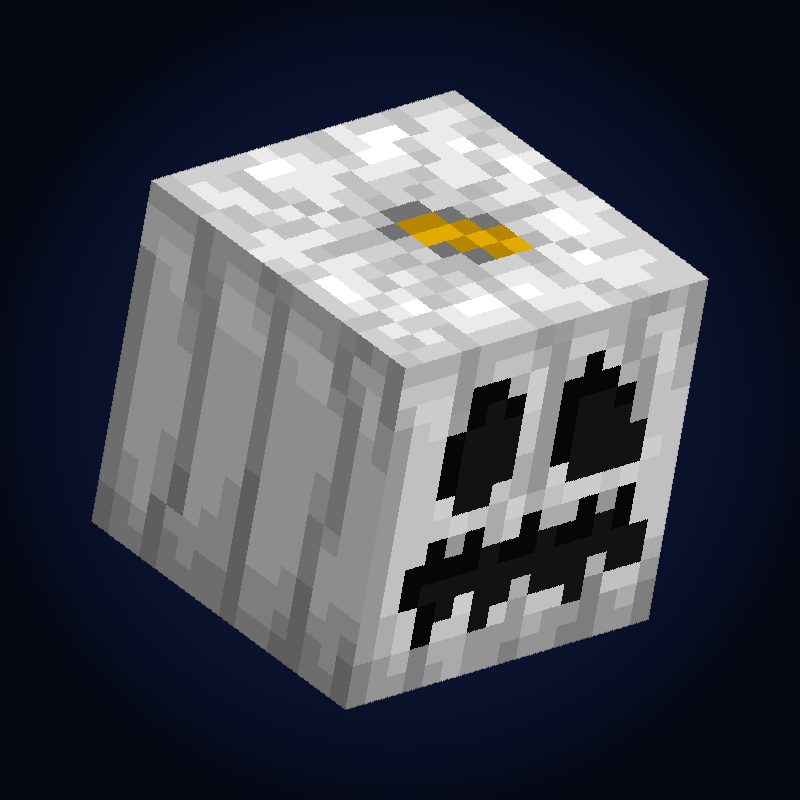
Adds Minecraft Story Mode inspired white pumpkins that will generate in the pale garden. Made for SpookyJam 2024
 mod
CurseForge + Modrinth · Minecraft
Roundabout: The JoJo Mod
A Jojo's Bizarre Adventure mod that interprets the world and power system of the anime into the world of Minecraft. ( JJBA )