Minecraft version
Back to mods 
CurseForge · Minecraft mod
DivineRPG (Official)
8 New Dimensions ♦ 115+ New Mobs/Bosses ♦ Hundreds of New Blocks and Items ♦ Unique Weapons and Armor
Choose a version Pick your version below, then grab the matching file.
Quick answer
Which DivineRPG (Official) release matches 1.19.3?
beta file DivineRPG-1.10.0.2.jar
Game version 1.19.3
Loader Forge
DivineRPG (Official) DivineRPG-1.10.0.2.jar targets 1.19.3 with Forge. The project page does not say whether this file belongs on the client, dedicated server, or both. No extra mods listed for this file.
Where it goes
Is DivineRPG (Official) required on the client, server, or both?
The project page does not say whether this file belongs on the client, dedicated server, or both.
Client Source doesn’t say
Dedicated server Source doesn’t say
Loader for this release Forge
Required install it here Optional supported, not mandatory Not supported do not install here Source doesn’t say do not assume
The source does not explicitly classify this release as client-only or server-only.
What else does DivineRPG (Official) DivineRPG-1.10.0.2.jar need?
DivineRPG-1.10.0.2.jar on 1.19.3. Every mod below is checked against that same setup.
This file does not list any required mods. Do not add a library just because a different file uses it.
This file does not list any required or optional mods.
Before you install it
Add DivineRPG (Official) without breaking your instance.
Built for DivineRPG (Official) DivineRPG-1.10.0.2.jar on 1.19.3. Pick another file and the loader, install side or required mods may change.
- 01
Stick to this file
Use DivineRPG-1.10.0.2.jar. It targets 1.19.3 with Forge; another release may have different loader, side or dependency requirements.
- 02
Bring the mods it needs
This file does not list any required mods. Do not add a library just because a different file uses it.
- 03
Put it on the correct side
The project page does not say whether this file belongs on the client, dedicated server, or both.
- 04
Pick the file you checked
Use the “Get this file” button beside DivineRPG-1.10.0.2.jar. It opens that exact file at the source.
About this project
What does DivineRPG (Official) add?


DivineRPG offers multiple Dimensions worth of content for you to explore.
Find the secrets that lie within

DivineRPG has many bosses for you to battle.
Can you beat them all?

Not every mob inside of DivineRPG is trying to kill you. Some mobs want to trade with you

DivineRPG has lots of new armor, tools and weapons, each with different perks.
What will you choose?
📺 Video FAQ Series
We’ve put together a helpful YouTube playlist to answer common questions and showcase DivineRPG's features in action.
▶ Click here to view the full DivineRPG FAQ Playlist
⚠ Episode 6 specifically demonstrates the brand-new portal system – don't miss it!

If you wish to join our Discord just click the banner above. If you have questions about DivineRPG, we have a channel for that as well

Click the picture above to see the credits
Project description from CurseForge.
Pick your setup
DivineRPG (Official) by Minecraft version and loader
Choose the version and loader you play, then open the matching release.
Minecraft version
1.20.2
2 loader buildsMinecraft version
1.20.1
2 loader buildsMinecraft version
1.20
2 loader buildsMinecraft version
1.19.4
1 loader buildMinecraft version
1.19.3
1 loader buildMinecraft version
1.19.2
2 loader buildsMinecraft version
1.16.5
1 loader buildMinecraft version
1.7.10
1 loader buildCheck the dependencies, then try the file in a copied instance before changing a world you care about.
Recent files
DivineRPG (Official) versions and loaders
DivineRPG-1.10.0.2.jar
29 Apr 2023
Client Source doesn’t say Server Source doesn’t say Dependencies No extras listed Listed on Release listing
Check the 1.19.3 · Forge setup 1.19.3Forge beta
DivineRPG-1.10.0.1.jar
1 Apr 2023
Client Source doesn’t say Server Source doesn’t say Dependencies No extras listed Listed on Release listing
Check the 1.19.3 · Forge setup 1.19.3Forge beta
DivineRPG-1.9.7.jar
19 Dec 2022
Client Source doesn’t say Server Source doesn’t say Dependencies No extras listed Listed on Release listing
Check the 1.19.3 · Forge setup 1.19.3Forge beta
Looking for an older file? The official CurseForge project page is in Resources.
 mod
CurseForge + Modrinth · Minecraft
TofuCraftReload
This mod is a remake of Old Mod TofuCraft made by tsuteto. add soybean As a new all-purpose food!
 mod
CurseForge · Minecraft
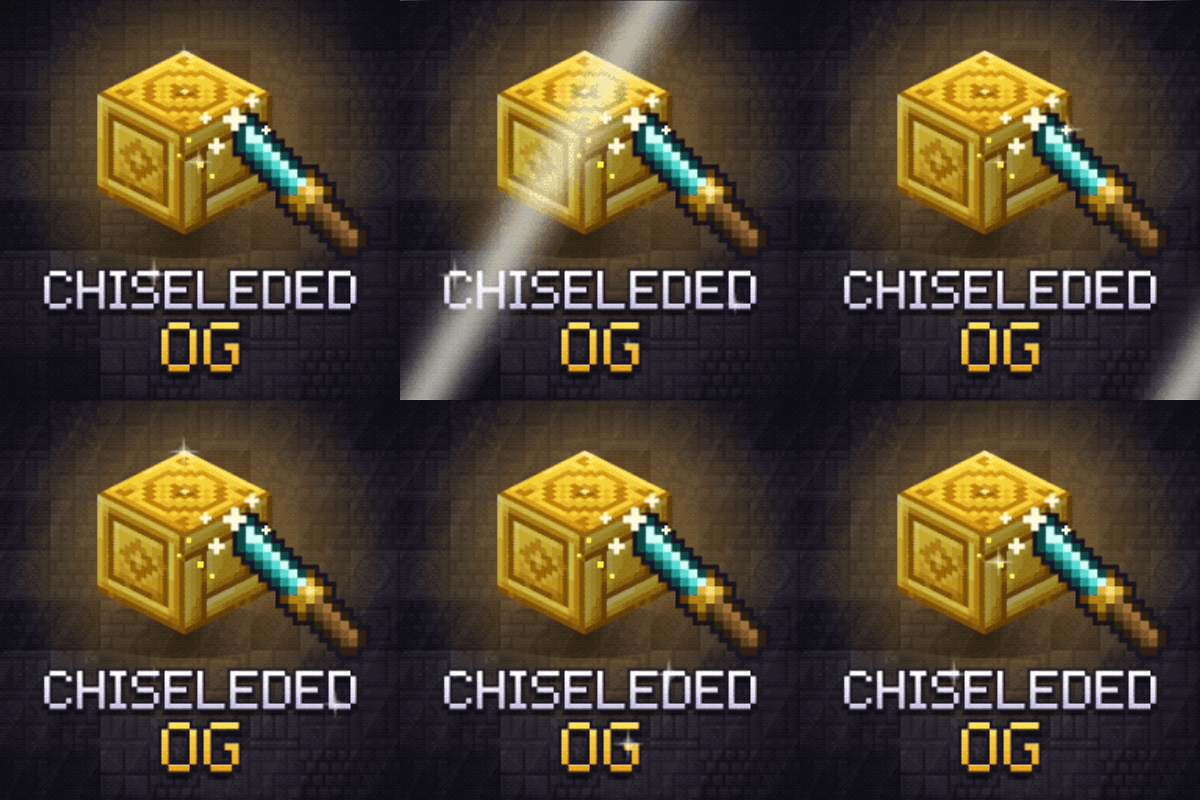
Chiseleded OG - Chisel & 2000+ Decorative Blocks
Chisel any block into new styles: 2,264 decorative building blocks from stone, concrete, wood, metal and glass, with stairs, slabs, walls and panes. Three chisels, endless builds.
 mod
CurseForge · Minecraft
ItsUniqueGamer's Mrcrayfish's Vehicle unofficial port
An unofficial port of Mrcrayfish's Vehicle mod for newer versions