Lumen Tooltips Optional for Item Editor - Component & NBT 1.21.11-b25
optionalMatching file found Matched file: 1.21.11-b8+fabric

Modrinth · Minecraft mod
Client-side item, component and NBT editor for Fabric. Customize held items, edit NBT data, and modify item components via an extensible GUI.
Quick answer
Item Editor - Component & NBT 1.21.11-b25 targets 1.21.11 with Fabric, Quilt. It must be installed on the client. Do not install it on the dedicated server. No extra mods listed for this file.
Where it goes
It must be installed on the client. Do not install it on the dedicated server.
This file is marked client-only.
1.21.11-b25 on Fabric. Every mod below is checked against that same setup.
This file does not list any required mods. Do not add a library just because a different file uses it.
2 extra mods were pulled in by other dependencies. Indented rows show who needs each one. We only count dependency files that match this setup. A file for another loader does not fill the gap.
Before you install it
Built for Item Editor - Component & NBT 1.21.11-b25 on Fabric. Pick another file and the loader, install side or required mods may change.
Use 1.21.11-b25. It targets 1.21.11 with Fabric, Quilt; another release may have different loader, side or dependency requirements.
This file does not list any required mods. Do not add a library just because a different file uses it.
It must be installed on the client. Do not install it on the dedicated server.
Use the “Get this file” button beside 1.21.11-b25. It opens that exact file at the source.
About this project
thanks to MarioKartWii for icon
A powerful client-side in-game component and NBT editor for Minecraft: Java using the Fabric mod-loader.
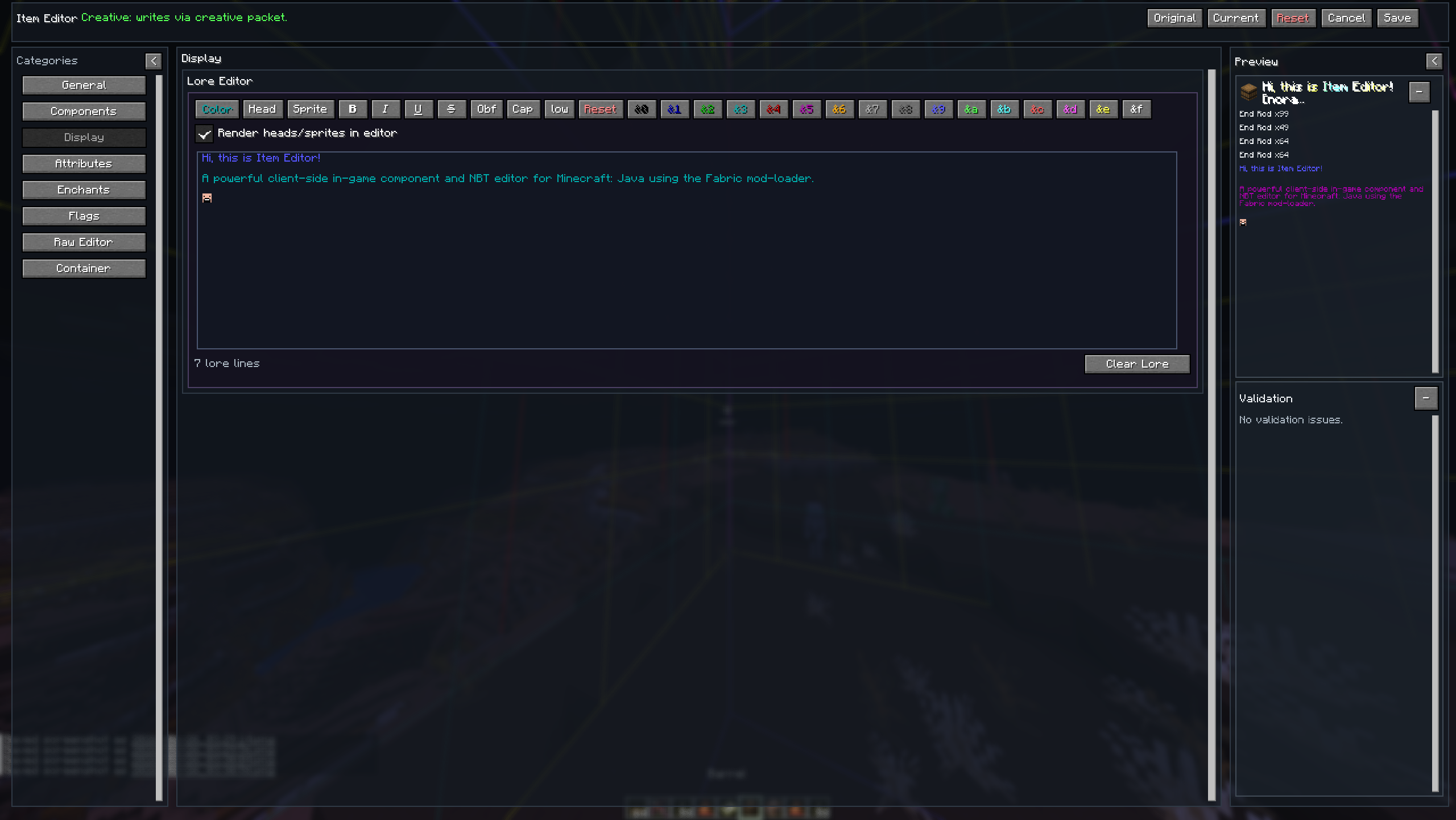
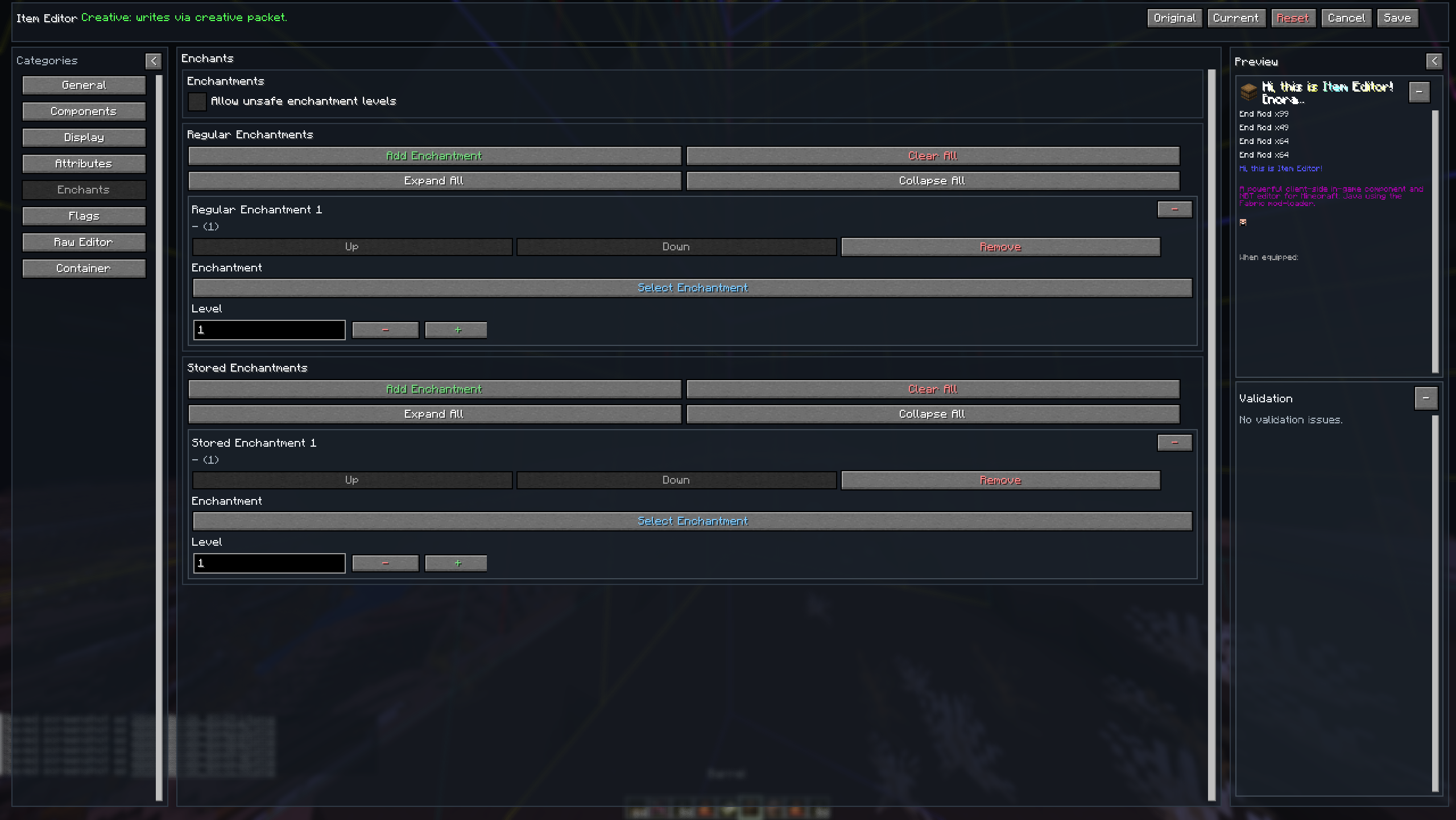
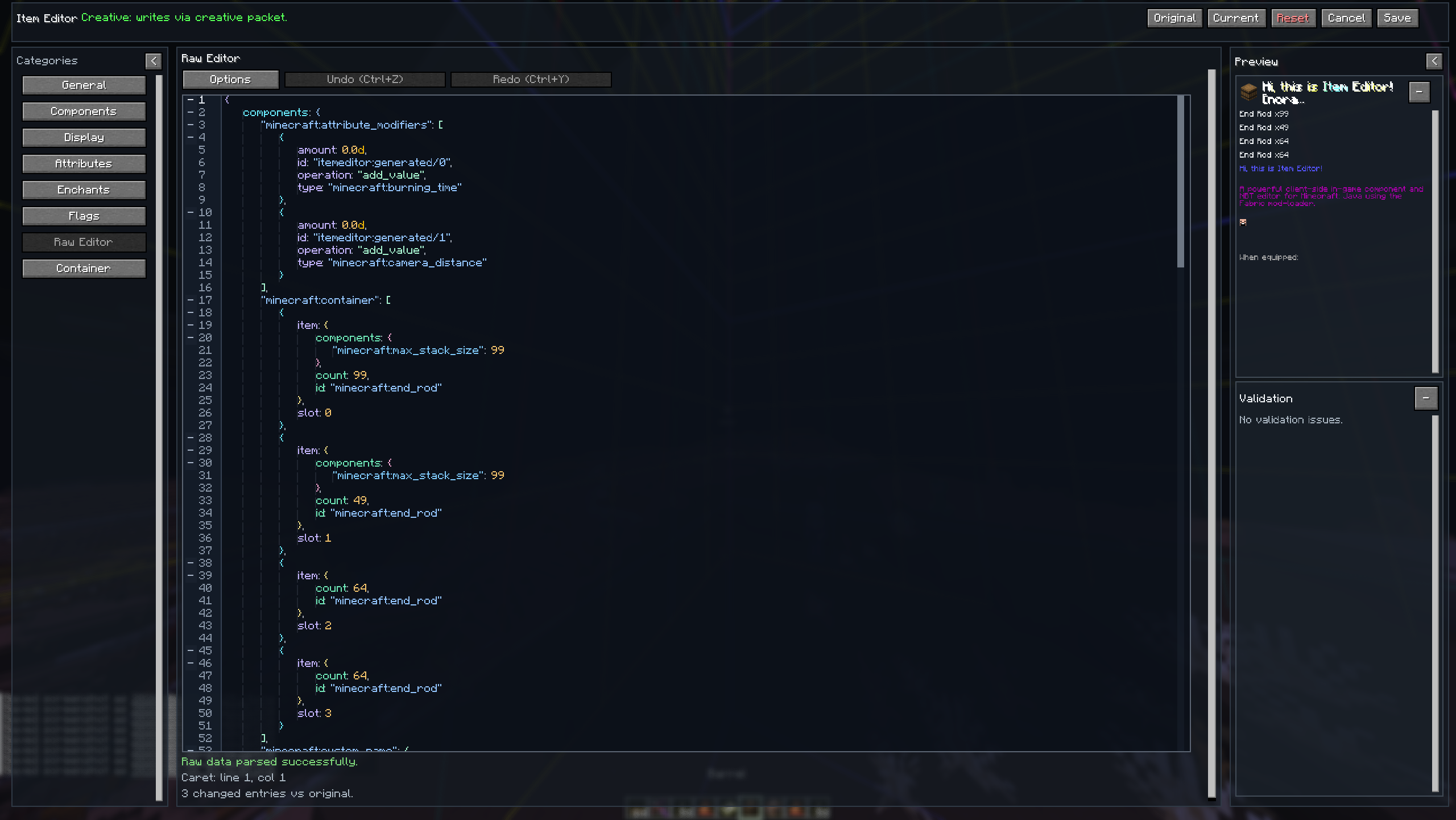
Item Editor opens a comprehensive GUI for the currently held item, allowing you to safely modify item data on a draft before applying changes. Designed as a modern alternative to traditional raw NBT data editors, this mod utilizes Minecraft's modern data component system instead of relying solely on outdated raw-NBT workflows.
It features dynamic custom UI editors for modifying item properties, metadata, and components, including menus for special item types such as books, banners, custom fireworks, containers, signs, potions, and more.
.jar files into your mods folderI)Item Editor uses a draft-first editing system to ensure safe, predictable modifications:
| Feature | Description |
|---|---|
| Draft Editing | All edits are made on a temporary copy of the held item |
| Live Feedback | Preview updates while editing, with validation shown inline |
| Safe Apply | Save / Apply shows a diff/verification flow before committing |
| Discard Safety | Close/Reset asks for confirmation when needed |
Always Available
Item Specific
Dynamic category. Sections appear only for compatible items.
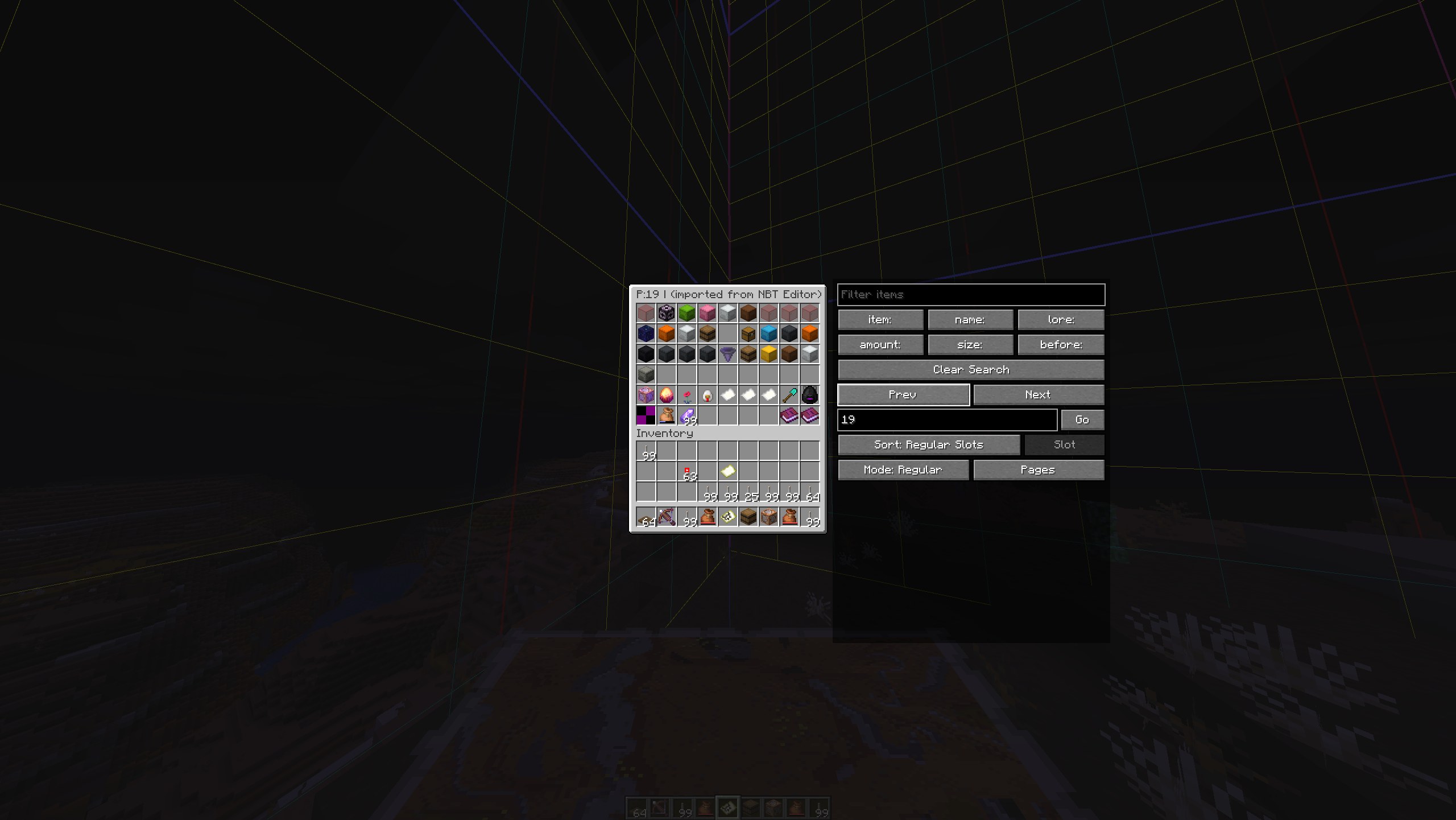
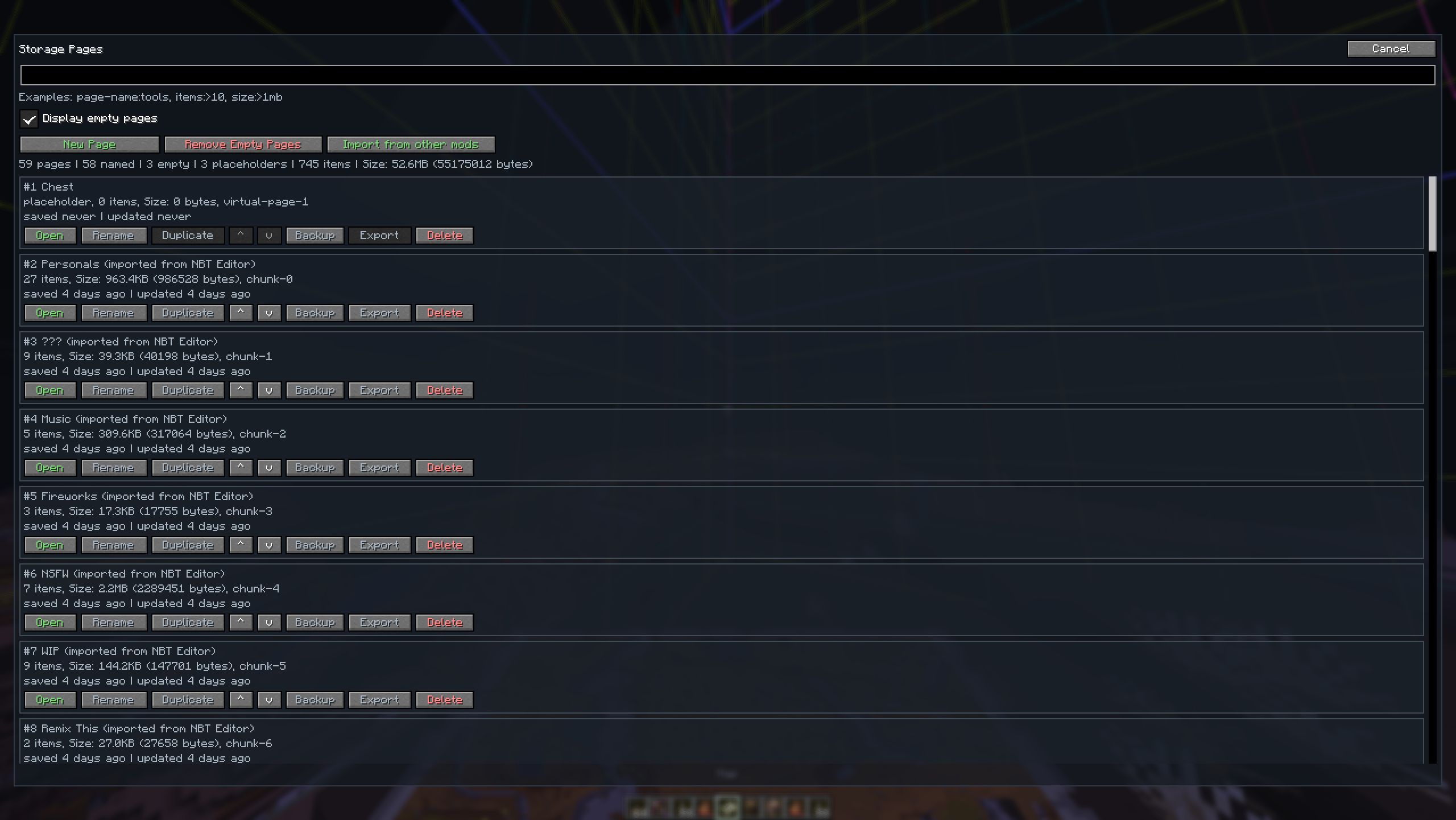
Save items into a built-in storage menu:
/storage command, or via O keybind (rebindable)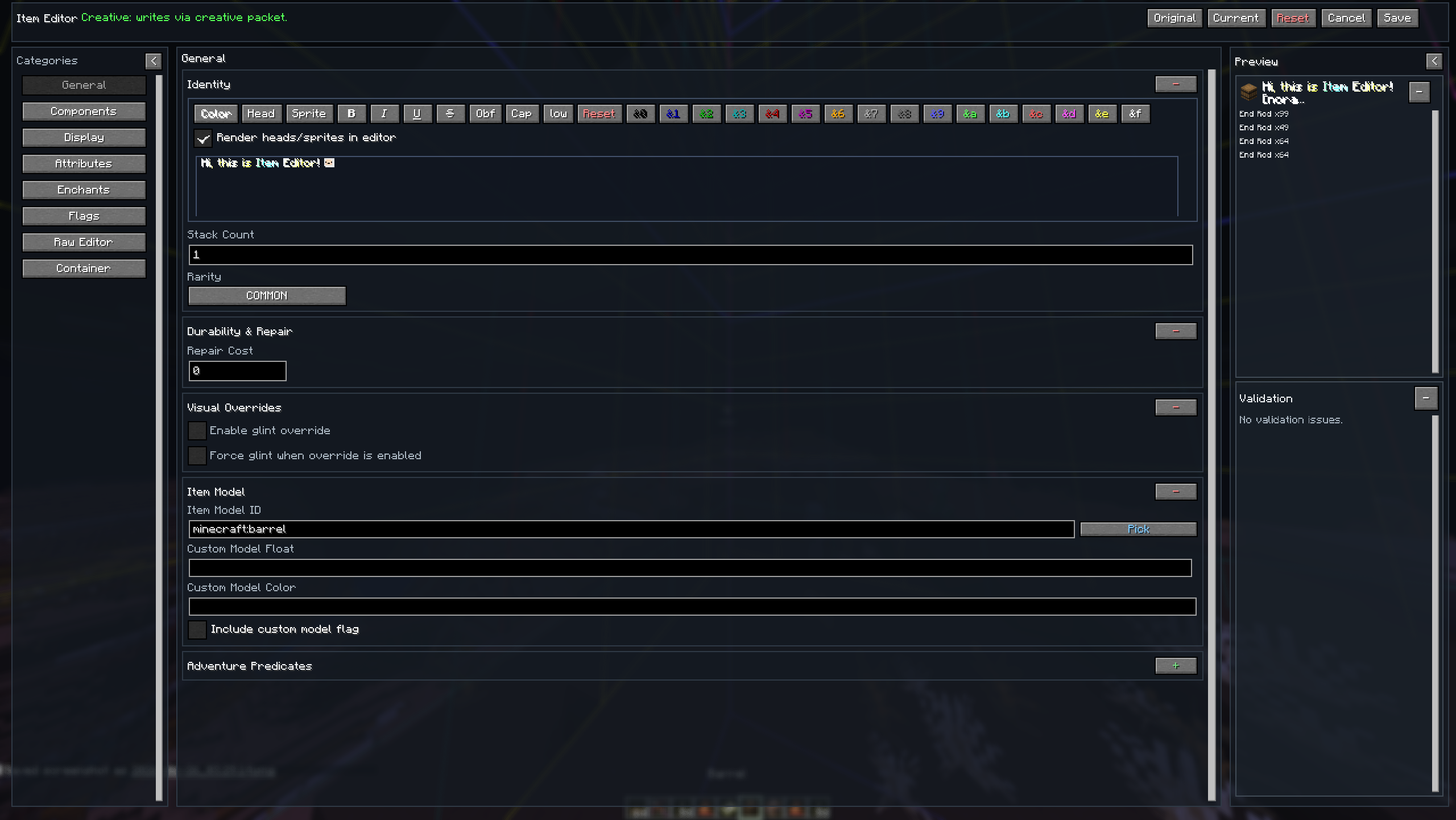




| Language | Native name | Code |
|---|---|---|
| English | English | en_us |
| Japanese | 日本語 | ja_jp |
| Spanish | Español | es_es |
| Russian | Русский | ru_ru |
| Ukrainian | Українська | uk_ua |
| Simplified Chinese | 简体中文 | zh_cn |
| Traditional Chinese | 繁體中文 | zh_tw |
| Hindi | हिन्दी | hi_in |
Contributions are welcome! Please feel free to:
If you are interested in item making, NBT etc, also check out NBT Library. The NBT Library is focused on a "quality over quantity" approach, providing meticulously curated hotbars full of items, kits, books, and more for your creative servers and single-player worlds.
Also thanks a lot to Kaddicus for his countless helps while developing this mod, without him this mod would be a simple Lore Editor.
This project is licensed under the terms of the license specified in the LICENSE file.
Project description from Modrinth.
Pick your setup
Choose the version and loader you play, then open the matching release.
Showing the newest 12 of 13 game versions. Older files are in the list below.
Check the dependencies, then try the file in a copied instance before changing a world you care about.
Recent files
Item Editor-1.21.11-b25.jar
26 Sept 2026
Item Editor-26.1-b25.jar
26 Sept 2026
Item Editor-26.2-b25.jar
26 Sept 2026
Item Editor-26.3-b25.jar
26 Sept 2026
Item Editor-26.3-b24.jar
16 Sept 2026
Item Editor-1.21.11-b24.jar
10 Sept 2026
Item Editor-26.1-b24.jar
10 Sept 2026
Item Editor-26.2-b24.jar
10 Sept 2026
Item Editor-1.21.11-b23.jar
6 Sept 2026
Item Editor-26.1-b23.jar
6 Sept 2026
Item Editor-26.2-b23.jar
6 Sept 2026
Item Editor-1.21.11-b22.jar
26 Jul 2026
Looking for an older file? The official Modrinth project page is in Resources.
 mod
Client-side config screen for Minecraft mods
 mod
Arda's Uncrafting Table allows you to reverse crafting recipes seamlessly. Retrieve ingredients from unused items, supports damaged tools with a fair probability system, and works automatically with both vanilla and modded recipes.
 mod
Extend Waystones with reversible crafting denomination payments, automatic change, combined multi-item costs, nested containers, and Lightman's Currency wallets.


