Fabric API Needed by MovableGUI 0.3.0
requiredMatching file found Matched file: 0.158.0+26.2

Modrinth · Minecraft mod
Allows you to reposition chest-like GUIs and optionally disable the dark background to see what's happening in the center of the screen
Quick answer
MovableGUI 0.3.0 targets 26.2 with Fabric. It must be installed on the client. Do not install it on the dedicated server. All 1 required mods have matching files.
Where it goes
It must be installed on the client. Do not install it on the dedicated server.
This file is marked client-only.
0.3.0. Change the file and its required mods may change too.
Install Fabric API first. We found matching files for this game-version and loader setup.
We only count dependency files that match this setup. A file for another loader does not fill the gap.
Before you install it
Built for MovableGUI 0.3.0. Pick another file and the loader, install side or required mods may change.
Use 0.3.0. It targets 26.2 with Fabric; another release may have different loader, side or dependency requirements.
Install Fabric API first. We found matching files for this game-version and loader setup.
It must be installed on the client. Do not install it on the dedicated server.
Use the “Get this file” button beside 0.3.0. It opens that exact file at the source.
About this project
This is a tiny, slightly janky client-side mod that allows you to reposition
chest-container-type GUIs and optionally disable the dark background overlay.
The main reason for this mod is simple: sometimes you need to see what’s happening
in the center of the screen, which is normally fully covered by the GUI.
This is especially useful when working with serverside-only plugins, such as
plugins for positioning armor stands.
Alt + Left Mouse Button — move the container GUI to the cursor positionShift + V — toggle the translucent dark background. V can be changed inThis mod was made to solve a specific problem and will not be prioritized for updates
Project description from Modrinth.
Pick your setup
Choose the version and loader you play, then open the matching release.
Check the dependencies, then try the file in a copied instance before changing a world you care about.
Recent files
movablegui-0.3.0+mc26.2.jar
17 Aug 2026
movablegui-0.3.0+mc26.1.jar
17 Aug 2026
movablegui-0.3.0+mc1.21.11.jar
17 Aug 2026
movable-gui-0.2.1.jar
19 Feb 2026
movable-gui-0.2.0.jar
6 Feb 2026
Looking for an older file? The official Modrinth project page is in Resources.
 mod
modUnique sleep overhaul and rest system
 mod
modSuperMartijn642's Core Lib adds lots of basic implementations that allow for similar code between different Minecraft versions!
 mod
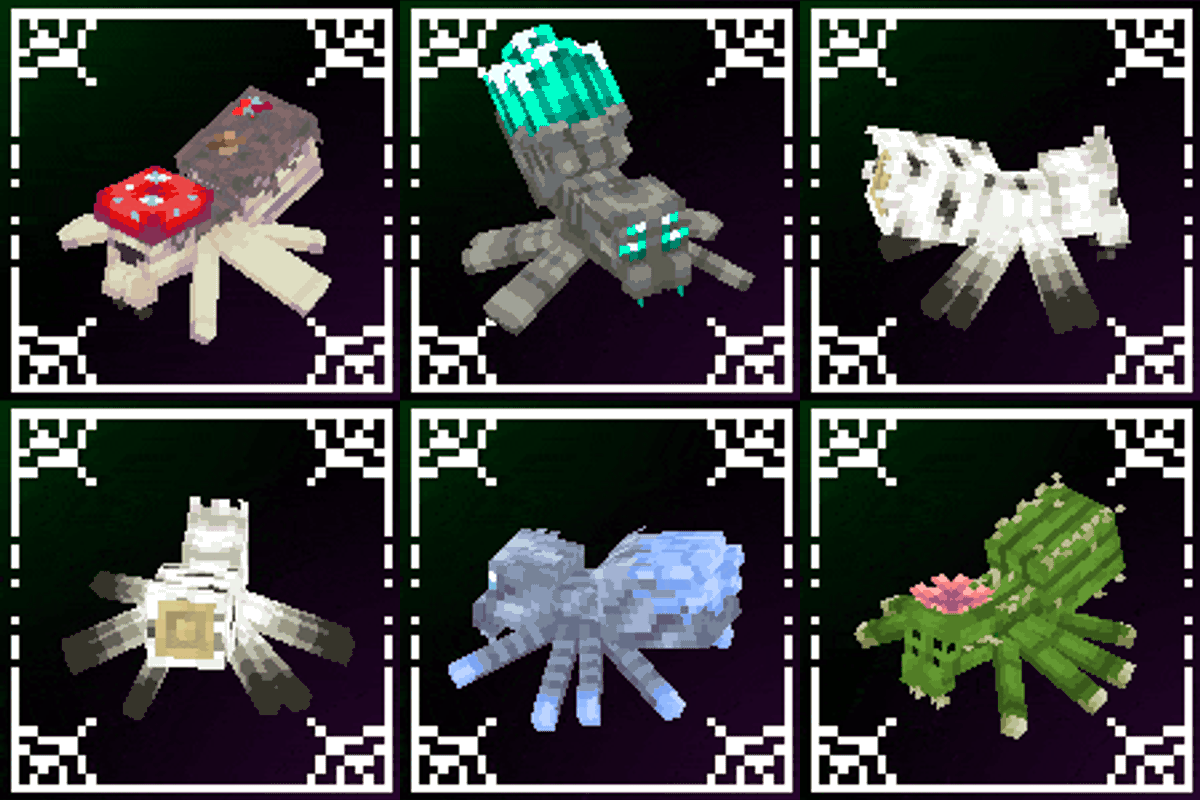
modA mod that improves Minecraft's spiders!