Fabric API Needed by Lvnatic's Satchels 1.0.0
requiredMatching file found Matched file: 0.116.18+1.21.1

Modrinth · Minecraft mod
A Fabric port of Vercte's Satchels!
Quick answer
Lvnatic's Satchels 1.0.0 targets 1.21.1 with Fabric. Installation on the client is optional. Installation on the dedicated server is optional. All 3 required mods have matching files.
Where it goes
Installation on the client is optional. Installation on the dedicated server is optional.
The source marks this as usable on both the client and server.
1.0.0. Change the file and its required mods may change too.
Install Fabric API, Accessories, oωo (owo-lib) first. We found matching files for this game-version and loader setup. 1 comes through another mod in the chain.
1 extra mod was pulled in by another dependency. Indented rows show who needs each one. We only count dependency files that match this setup. A file for another loader does not fill the gap.
Before you install it
Built for Lvnatic's Satchels 1.0.0. Pick another file and the loader, install side or required mods may change.
Use 1.0.0. It targets 1.21.1 with Fabric; another release may have different loader, side or dependency requirements.
Install Fabric API, Accessories, oωo (owo-lib) first. We found matching files for this game-version and loader setup. 1 comes through another mod in the chain.
Installation on the client is optional. Installation on the dedicated server is optional.
Use the “Get this file” button beside 1.0.0. It opens that exact file at the source.
About this project

Lvnatic's Satchels is a Fabric port of Vercte's Satchels, adding six extra inventory slots and a swappable hotbar without the need for a separate backpack screen. Keep your favorite tools, building blocks, or exploration essentials close at hand, and switch between your regular hotbar and Satchel with one key.
Carry six extra stacks of items. Your Satchel slots appear alongside your inventory in supported containers, making it easy to move items around without opening a separate storage interface.
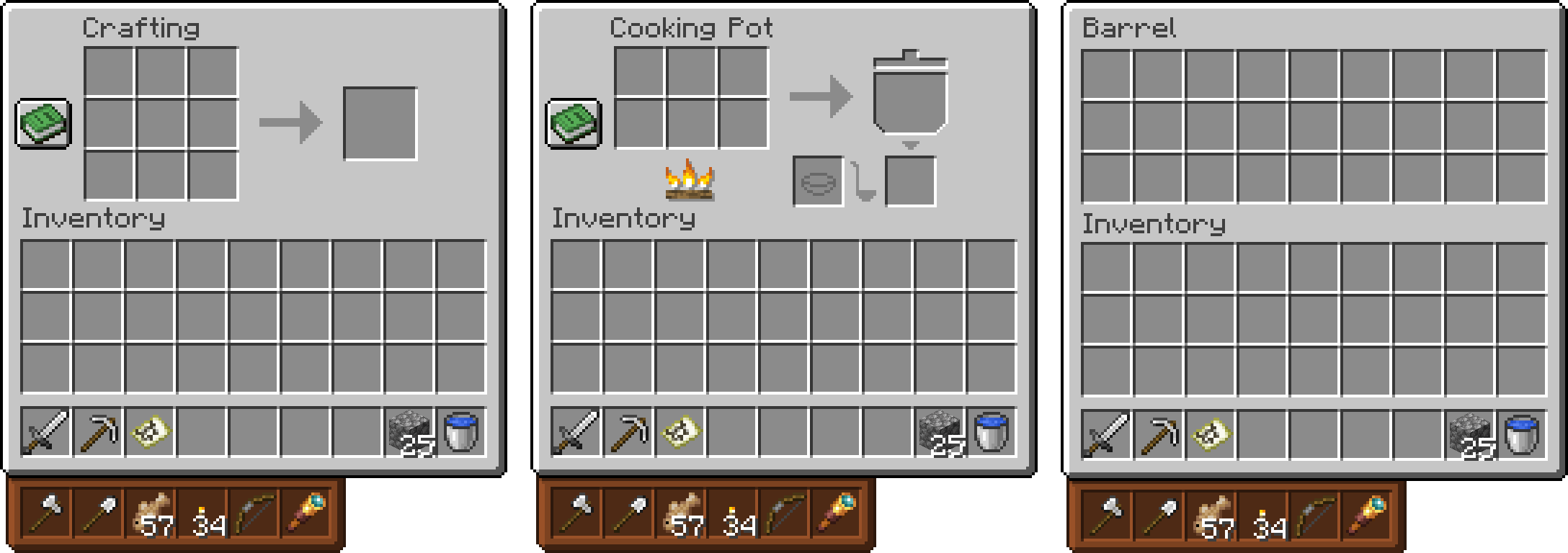
Press V (configurable) to switch between your normal hotbar and the Satchel hotbar. Use the items in your Satchel just like items in your regular hotbar, and useShift + hotbar key in inventory screens to swap items directly with Satchel slots. The Satchel item tooltip shows your current toggle key.

Choose between four different positions for your Satchel slots. You can also enable or disable Shift + hotbar swapping and the sliding hotbar animation, all from Minecraft's Options → Controls menu.

Equip the Satchel in its dedicated Accessories slot. Your character wears a custom Satchel model, and the item can also be equipped by right-clicking it. In Creative Mode, find it in Tools & Utilities, immediately after the Lead.
Dye your Satchel to match your style! Its color is reflected in the item, the worn model & the hotbar interface.


To prevent nesting storage inside storage, Satchels comes with a default blacklist covering chests, trapped chests, ender chests, barrels, all shulker box colors, bundles & Sophisticated Backpacks.
The blacklist uses the #satchels:storage_blacklist item tag and can be extended or replaced by datapacks. Blacklisted items cannot be inserted into the Satchel, including through automatic pickup and hotbar swapping. Items already stored when the blacklist changes remain removable.
To add more items, create this file in your datapack:
data/satchels/tags/item/storage_blacklist.json
{
  "replace": false,
  "values": [
    "minecraft:hopper",
    {
      "id": "examplemod:storage_item",
      "required": false
    }
  ]
}
"replace": false to add restrictions to the built-in blacklist"replace": true/reload after changing the datapack| Control / Setting | Function |
|---|---|
V (rebindable) |
Toggle between the regular and Satchel hotbars |
Shift + Hotbar Key |
Swap an item with the corresponding Satchel slot while an inventory is open |
| Satchel Position | Choose one of four positions for the Satchel hotbar slots |
| Shift + Hotbar Swap |
Enable or disable the Shift + hotbar-key shortcut |
| Satchel Animations | Enable or disable the sliding hotbar animation |
All Satchel settings are available under ESC → Options → Controls & are also saved to its config found under config/satchels-client.toml. The hotbar toggle itself can be rebound in Minecraft's keybind settings.
Available in English, German & Spanish (european spanish, mexican & chilean!)
Lvnatic's Satchels is an independently maintained Fabric port of Vercte's Satchels originally developed by Vercte! All original credits and licensing are retained under the MIT License.
Project description from Modrinth.
Pick your setup
Choose the version and loader you play, then open the matching release.
Check the dependencies, then try the file in a copied instance before changing a world you care about.
Recent files
Lvnatics-Satchels-1.0.0.jar
12 Nov 2026
Looking for an older file? The official Modrinth project page is in Resources.
 mod
A Minecraft mod that adds giant swords and shields to the game. A re-make of the original Asgard Shield, made popular by the 1.5 modpack Hexxit.
 mod
Adds a fluid substitution pattern, allowing fluids to be used directly instead of buckets to Refined Storage
 mod
An update of the original Advanced Chat HUD(With fixes). A brand new chat HUD design for Minecraft with tons of features.








