Minecraft version
Back to mods 
Modrinth · Minecraft mod
Image Overlay
A mod for rendering images or GIFs on screen!
Choose a version Pick your version below, then grab the matching file.
Quick answer
Which Image Overlay release matches 26.1.2?
Best match for your filters 26.1.2-1.1.3
Game version 26.1.2
Loader Fabric
Image Overlay 26.1.2-1.1.3 targets 26.1.2 with Fabric. It must be installed on the client. Do not install it on the dedicated server. No extra mods listed for this file.
Where it goes
Is Image Overlay required on the client, server, or both?
It must be installed on the client. Do not install it on the dedicated server.
Client Required
Dedicated server Not supported
Loader for this release Fabric
Required install it here Optional supported, not mandatory Not supported do not install here Source doesn’t say do not assume
This file is marked client-only.
What else does Image Overlay 26.1.2-1.1.3 need?
26.1.2-1.1.3 on 26.1.2. Every mod below is checked against that same setup.
This file does not list any required mods. Do not add a library just because a different file uses it.
This file does not list any required or optional mods.
Before you install it
Add Image Overlay without breaking your instance.
Built for Image Overlay 26.1.2-1.1.3 on 26.1.2. Pick another file and the loader, install side or required mods may change.
- 01
Stick to this file
Use 26.1.2-1.1.3. It targets 26.1.2 with Fabric; another release may have different loader, side or dependency requirements.
- 02
Bring the mods it needs
This file does not list any required mods. Do not add a library just because a different file uses it.
- 03
Put it on the correct side
It must be installed on the client. Do not install it on the dedicated server.
- 04
Pick the file you checked
Use the “Get this file” button beside 26.1.2-1.1.3. It opens that exact file at the source.
About this project
What does Image Overlay add?
Image Overlay Mod
Render images and GIFs directly on your screen!
Features
- Render static images and animated GIFs
- Dynamic positioning and resizing
- Transparency and rotation controls
- GUI
- Slideshows
- Overlays: render images at fullscren that automatically adapt to your resolution
- Image rendering via URL (Imgur)
- Rendering layers: Lets you render images/GIFs behind or in front of GUI elements (Hotbar, scoreboard...) Using the GUI, hold "Alt + right click" on an image/GIF to open a context menu and select the preferred option ONLY WORKS IN 1.21.4 ONWARDS. *Other features are also in the menu
- Presets
- Twitch integration -> Go to https://imageoverlay.gitbook.io/imageoverlay-docs for the tutorial on how to connect your Twitch account to the ImageOverlay Mod
Commands
| Command | Description |
|---|---|
/image help |
List all available commands |
/image list |
Show all images/GIFs in your imageoverlay folder |
/image render <name> <x> <y> |
Display an image/GIF at specified coordinates |
/image move <name> <x> <y> |
Move said image/GIF |
/image resize <name> <x> <y> |
Modify image/GIF |
/image url <name> <width> <size> |
Render image/GIF using an IMGUR URL |
/image stop <name> |
Stop rendering an image/GIF |
/image preset save <name> |
Saves every image/GIF data as one preset |
/image preset list |
Lists all the presets |
/image preset load <name> |
Loads saved presets |
/image preset delete <name> |
Deletes said preset |
IN ORDER TO RENDER IMAGES/GIFs USING URLS YOU NEED TO PUT THEM BETWEEN ""
E.g: /image url "https://i.imgur.com/funnymeme.jpeg" 100 100
GUI
- Drag & drop images/GIFs around your screen
- Resize by using the border and corner indicators
- Right-click an image/GIF to toggle the transparency slider
- Hold Alt + corner to rotate images
- Slideshows (SLIDES button):
- Set display duration per image
- Cycle manually with J/K keys (toggle auto-mode) – keys can be changed in settings
- Overlays (OVERLAY button):
- Render images/GIFs in full-screen
- Automatically scale to your resolution
- Create overlay slides to have multiples overlays and cycle through them
- URL lets you render images directly using an IMGUR URL. E.g: https://i.imgur.com/funnymeme.jpeg
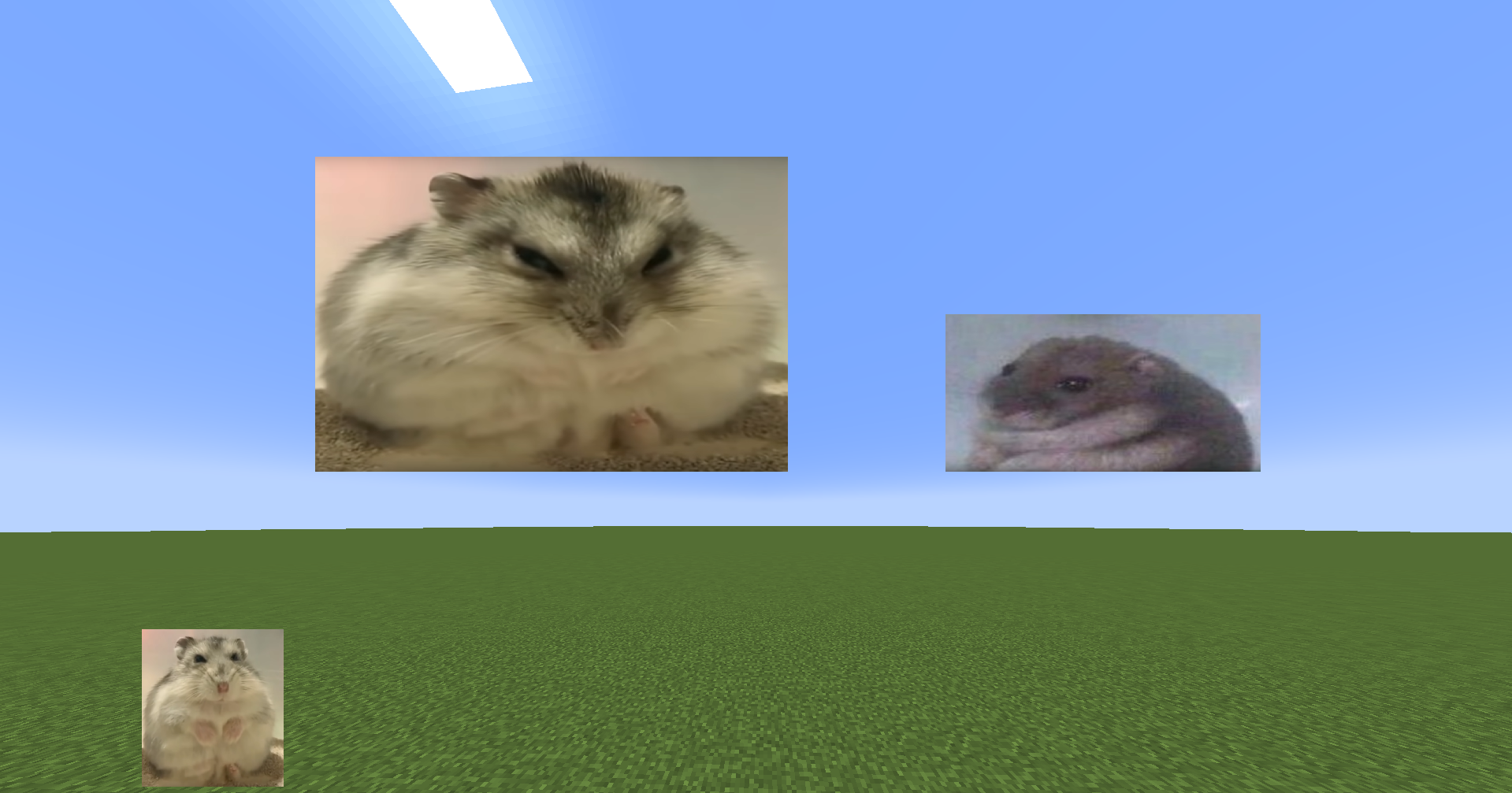
Folder Location
- All images/GIFs are located in the
imageoverlayfolder in the .minecraft directory - Overlays are located in the
imageoverlay/overlaysfolder - Twitch images are located in the
imageoverlay/twitchfolder
❤️ Support & Feedback
- Join my Discord Discord
- Report issues or leave suggestions on GitHub Issues
- Support me on Ko-fi
Project description from Modrinth.
Pick your setup
Image Overlay by Minecraft version and loader
Choose the version and loader you play, then open the matching release.
Minecraft version
26.2
1 loader buildMinecraft version
26.1.2
1 loader buildMinecraft version
26.1.1
1 loader buildMinecraft version
26.1
1 loader buildMinecraft version
1.21.11
1 loader buildMinecraft version
1.21.10
1 loader buildMinecraft version
1.21.9
1 loader buildMinecraft version
1.21.8
1 loader buildMinecraft version
1.21.7
1 loader buildMinecraft version
1.21.6
1 loader buildMinecraft version
1.21.5
1 loader buildShowing the newest 12 of 18 game versions. Older files are in the list below.
Check the dependencies, then try the file in a copied instance before changing a world you care about.
Recent files
Image Overlay versions and loaders
26.1.2-1.1.3
ImageOverlay-26.1.2-1.1.3.jar
9 Apr 2026
Client Required Server Not supported Dependencies No extras listed Listed on Release listing
Check the 26.1.2 · Fabric setup 26.1.2Fabric release
26.1-1.1.3
ImageOverlay-26.1-1.1.3.jar
9 Apr 2026
Client Required Server Not supported Dependencies No extras listed Listed on Release listing
Check the 26.1.2 · Fabric setup 26.126.1.126.1.2Fabric release
Looking for an older file? The official Modrinth project page is in Resources.
 mod
CurseForge + Modrinth · Minecraft
Pride Craft
Adds a bunch of LGBT+ related items, blocks and more to Minecraft
 mod
Modrinth · Minecraft
Classic Combined
This mod creates a Classic Minecraft/Modern Minecraft hybrid experience. Recreates modern features in a Classic Minecraft/Alpha Minecraft style. Fully Survival compatible
 mod
Modrinth · Minecraft
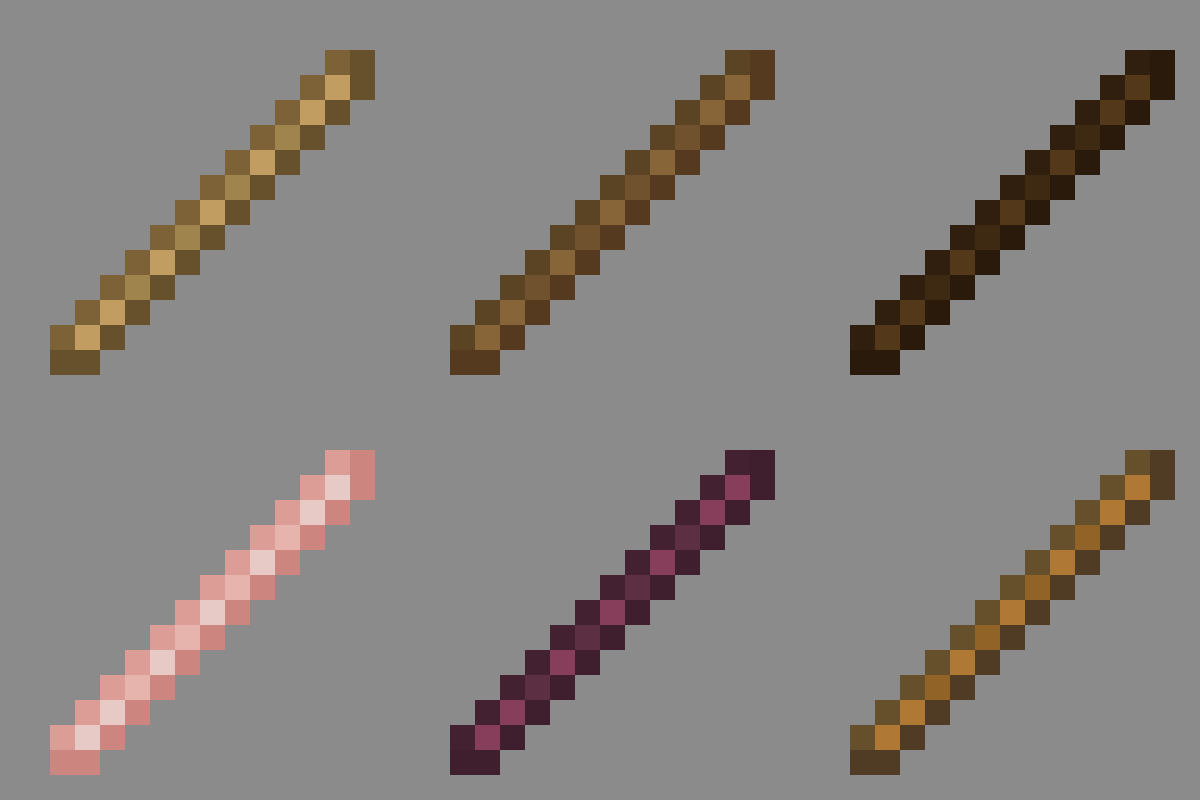
Vanilla Materials Expanded
Matches every stick to its source wood texture. Lightweight and vanilla friendly. Make your world feel more consistent!