Cyclops Core Needed by Integrated Terminals 26.1.2-1.7.1
requiredMatching file found Matched file: 26.1.2-1.30.2

Modrinth · Minecraft mod
Terminals for managing and overviewing Integrated Dynamics networks
Quick answer
Integrated Terminals 26.1.2-1.7.1 targets 26.1.2 with NeoForge. Installation on the client is optional. Installation on the dedicated server is optional. All 4 required mods have matching files.
Where it goes
Installation on the client is optional. Installation on the dedicated server is optional.
The source marks this as usable on both the client and server.
26.1.2-1.7.1. Change the file and its required mods may change too.
Install Cyclops Core, Integrated Tunnels, Integrated Dynamics, Common Capabilities first. We found matching files for this game-version and loader setup. 1 comes through another mod in the chain.
1 extra mod was pulled in by another dependency. Indented rows show who needs each one. We only count dependency files that match this setup. A file for another loader does not fill the gap.
Before you install it
Built for Integrated Terminals 26.1.2-1.7.1. Pick another file and the loader, install side or required mods may change.
Use 26.1.2-1.7.1. It targets 26.1.2 with NeoForge; another release may have different loader, side or dependency requirements.
Install Cyclops Core, Integrated Tunnels, Integrated Dynamics, Common Capabilities first. We found matching files for this game-version and loader setup. 1 comes through another mod in the chain.
Installation on the client is optional. Installation on the dedicated server is optional.
Use the “Get this file” button beside 26.1.2-1.7.1. It opens that exact file at the source.
About this project

This mod adds terminals for managing and overviewing your Integrated Dynamics networks.
All stored items, fluids and energy become visible and interactable from a single place using the Storage Terminal, and crafting jobs become manageable from the Crafting Job Terminal.
This mod provides in-game documentation and tutorials through the 'On the Dynamics of Integration' book from Integrated Dynamics.
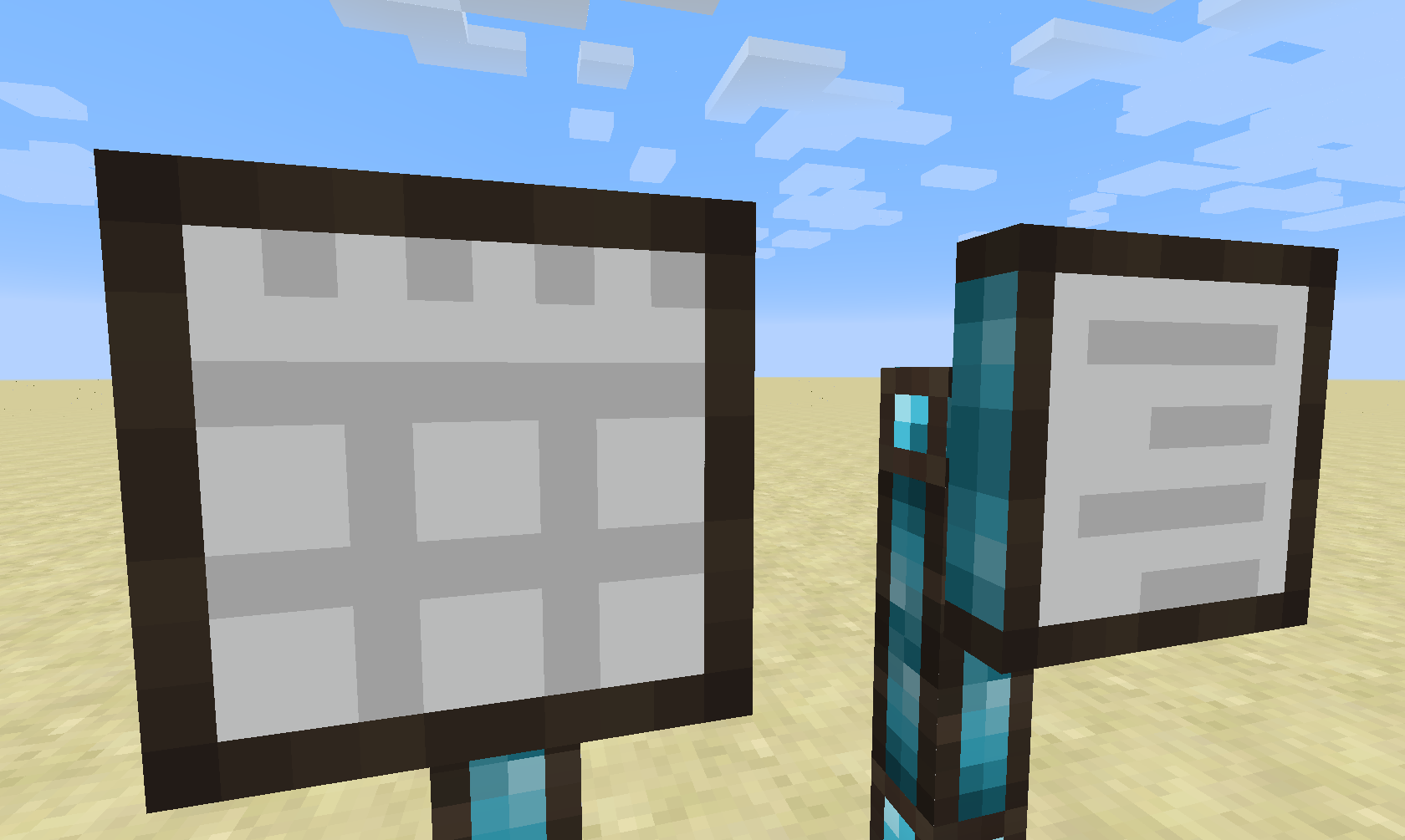
Currently, this mod introduces two types of terminals: The Storage Terminal and the Crafting Job Terminal. (Different kinds of terminals are planned for the future)
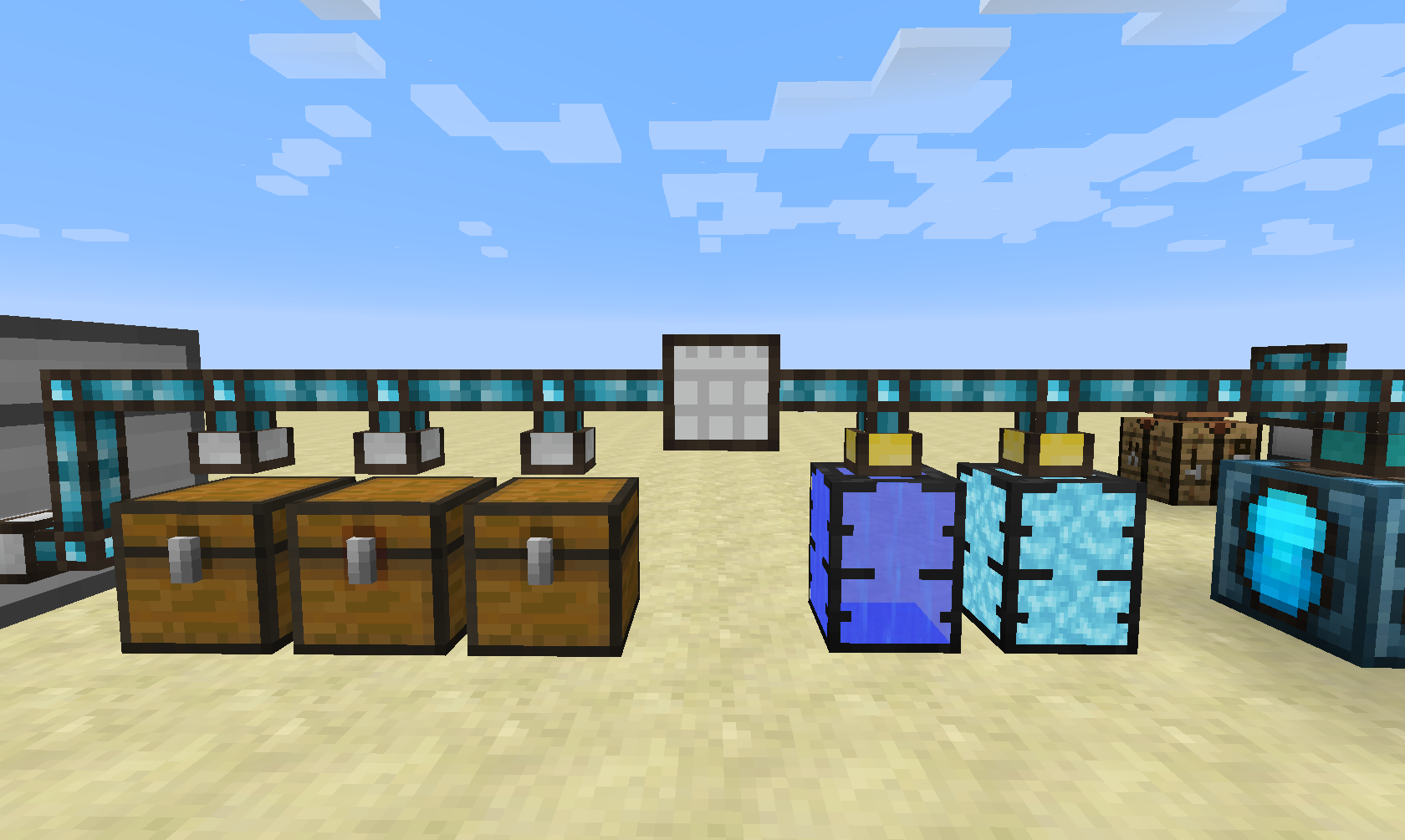
The Storage Terminal does it simple thing: it provides a central access to your storage network (which is achieved by using Integrated Tunnels Interfaces).
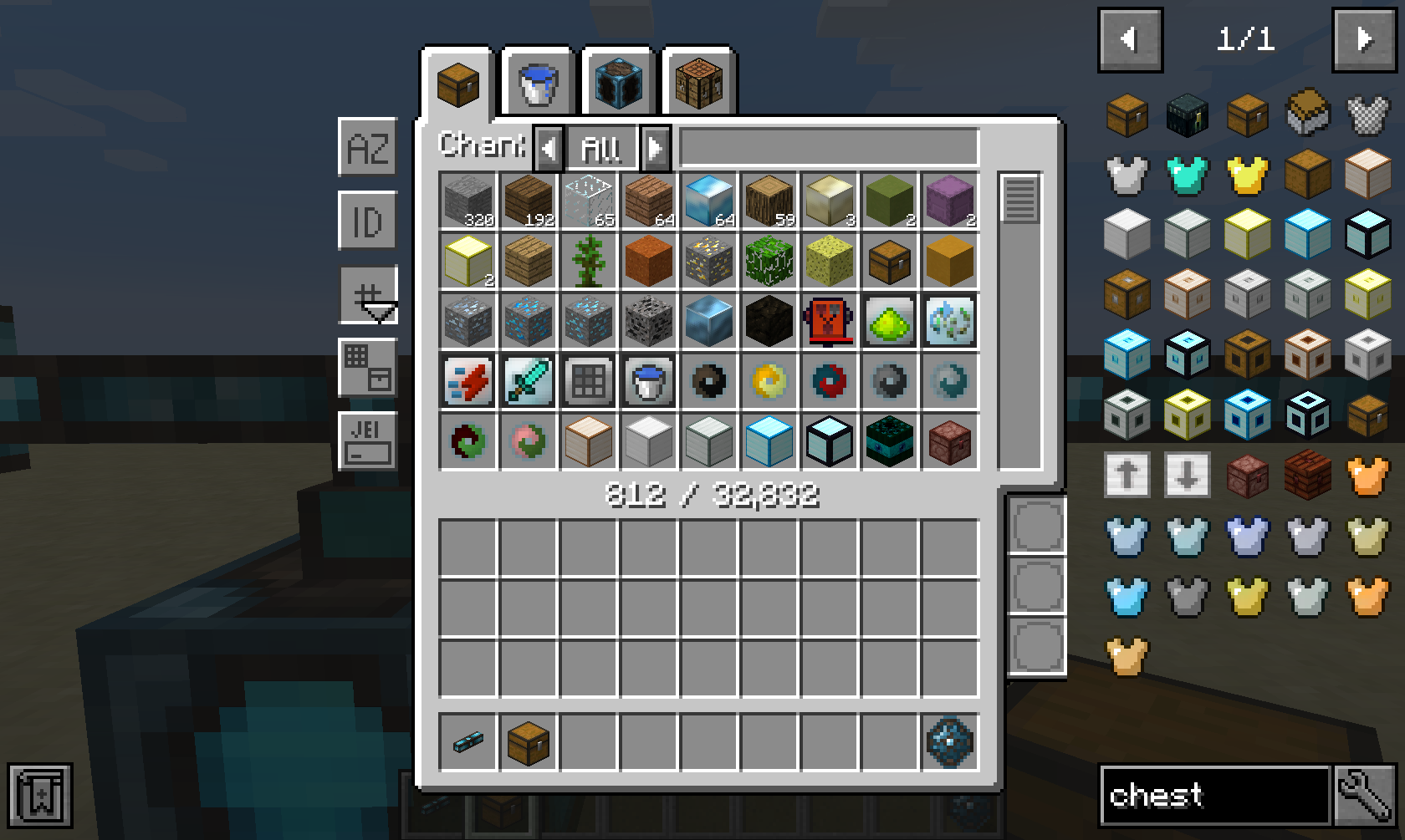 The Storage Terminal GUI provides a tab for each ingredient type in your network, such as items, fluids and energy. Additionally, it also provides a tab for crafting things directly inside the network.
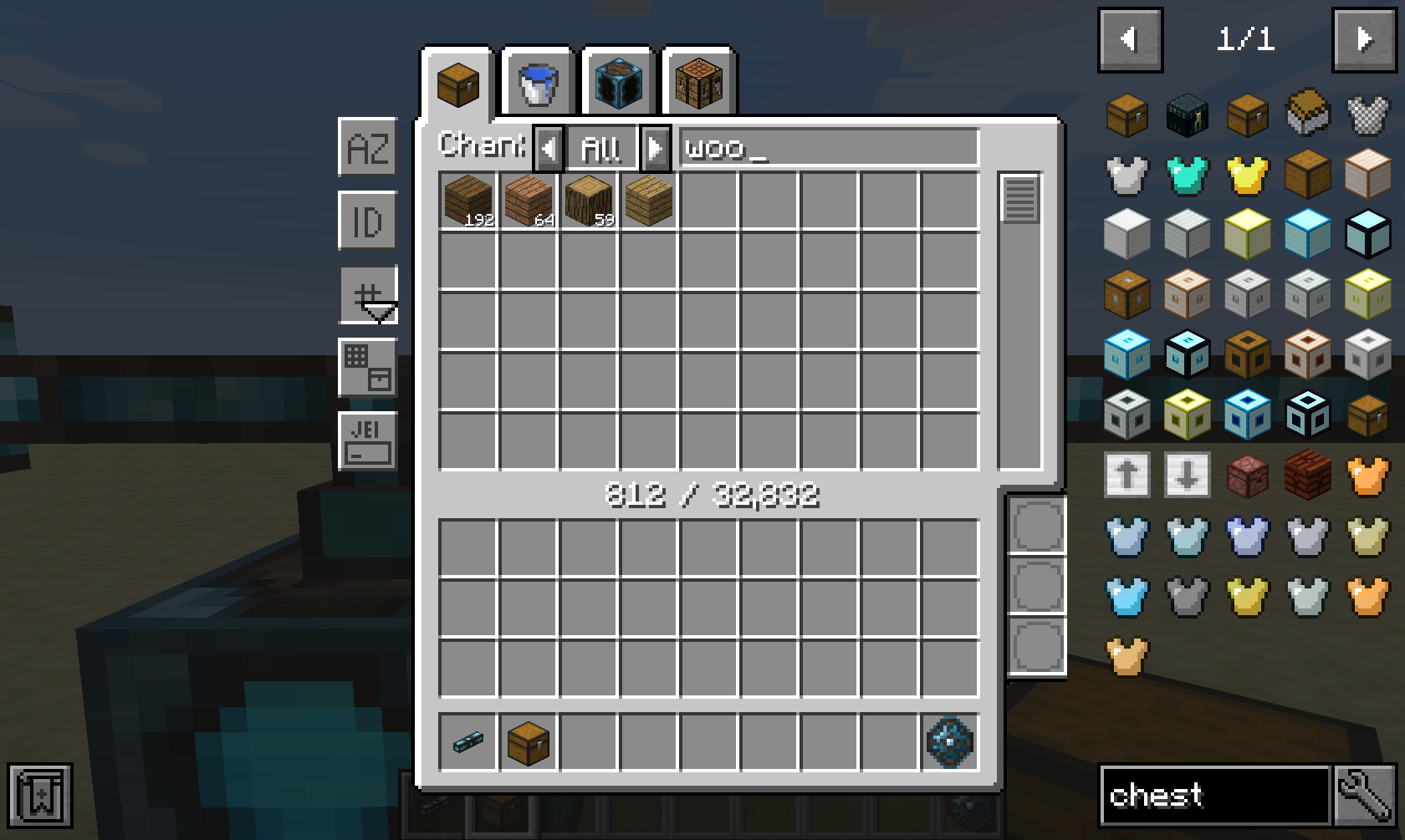
A wide range of sorting and advanced filtering options are available, such as filtering by mod ("@minecraft"), tooltip ("#FE") and oredictionary ("$wood"). Furthermore, you can even filter dynamically using Integrated Dynamics predicates that you can insert in the three bottom-right slots.
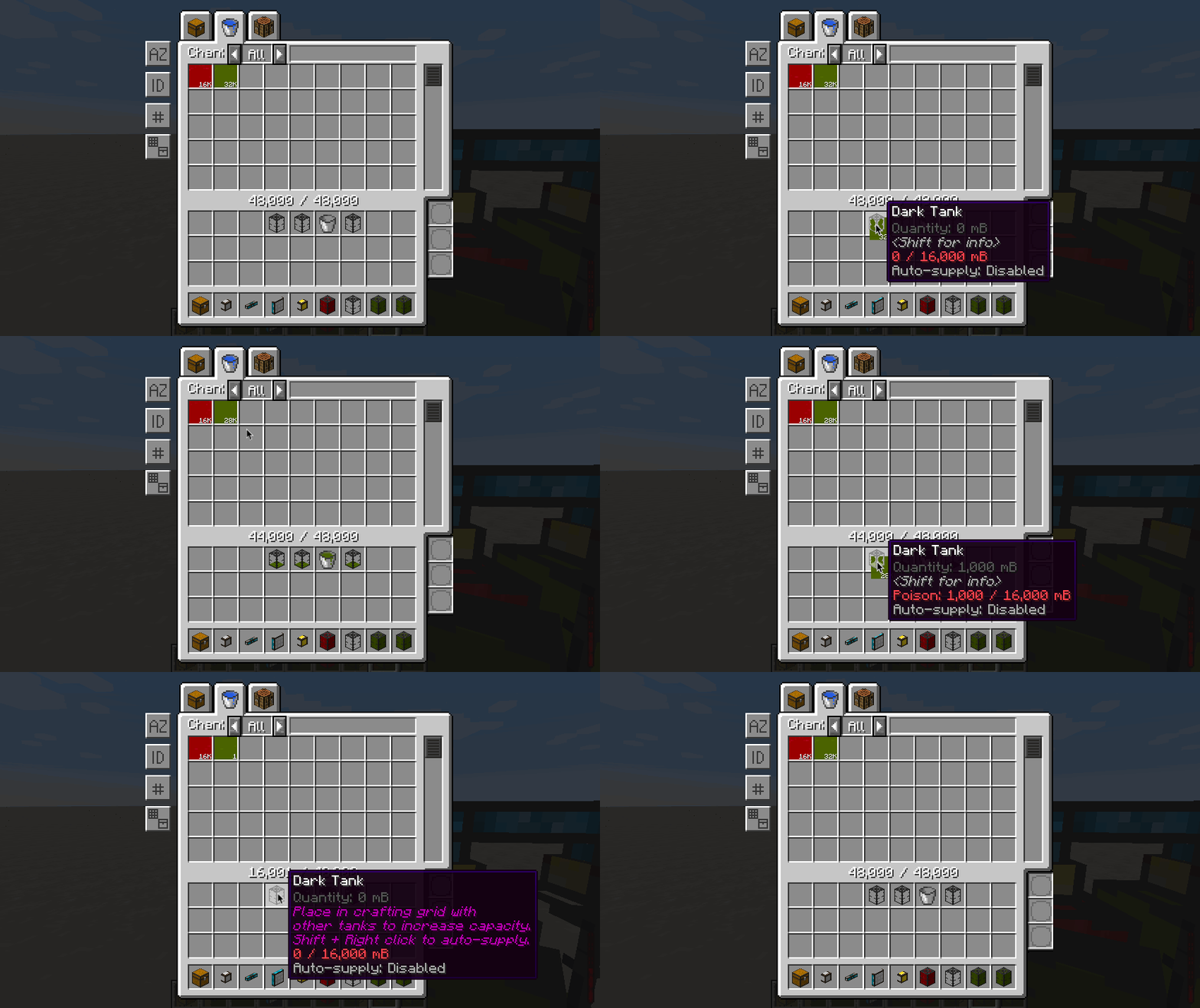
Fluids and energy can be extracted and inserted in a similar way as items, with the only difference that fluids and energy must be in a valid container when inside your inventory.
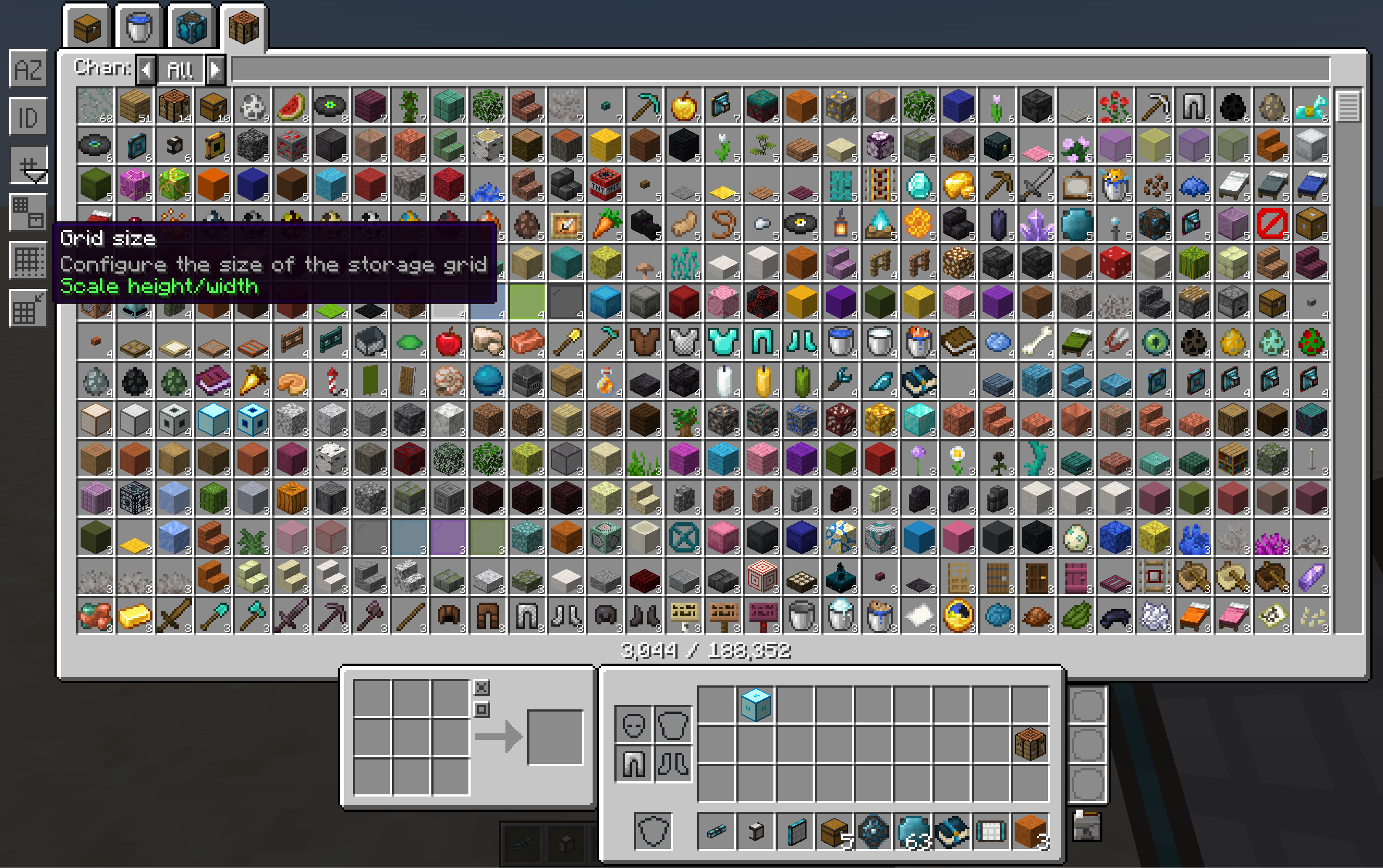
The GUI is fully responsive, which means that it can scale based on your screen's width and height. Different modes of scaling are available, and are fully configurable via the config file.
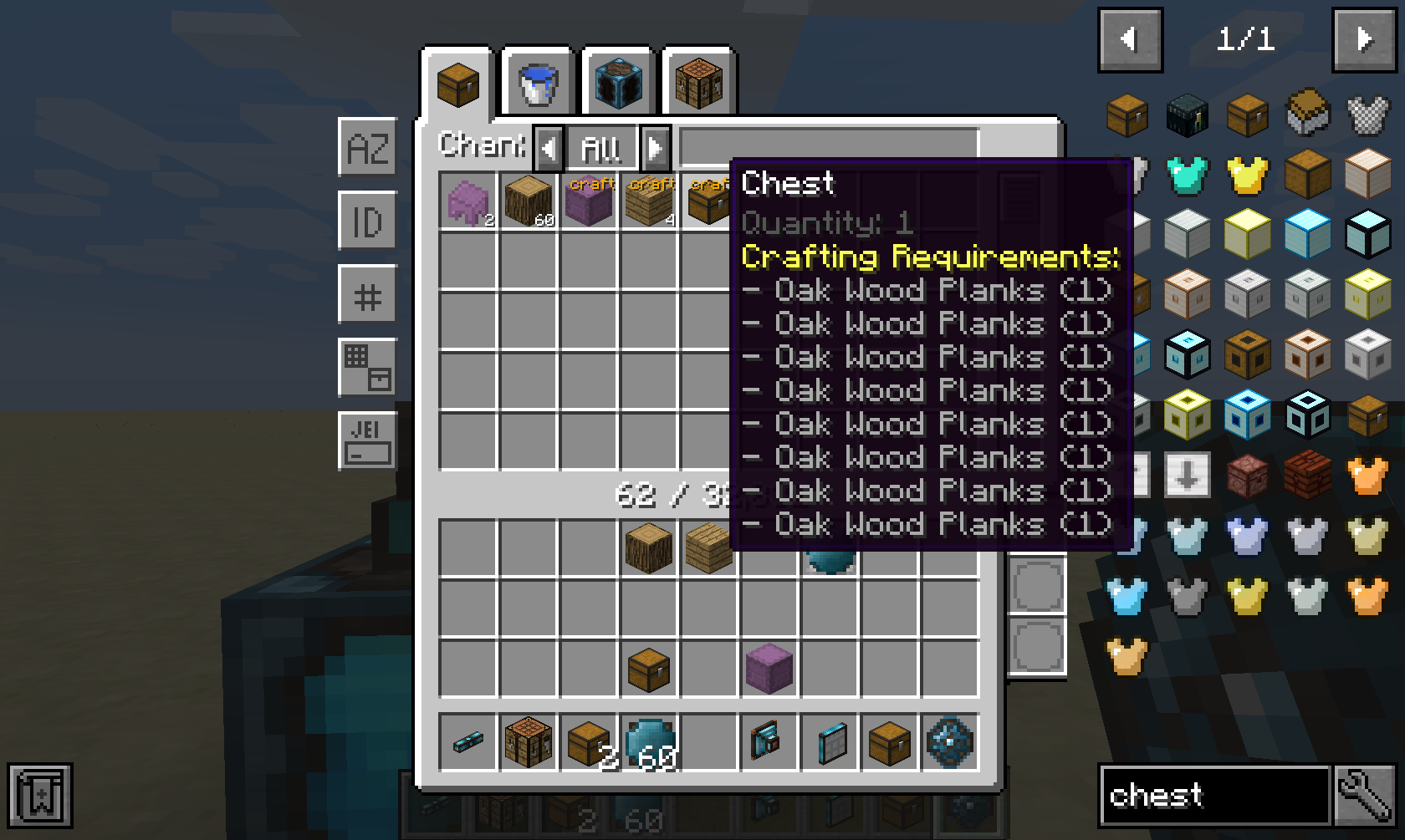
If you have a supported autocrafting mod such as Integrated Crafting installed, then all crafting options from the network will be shown.
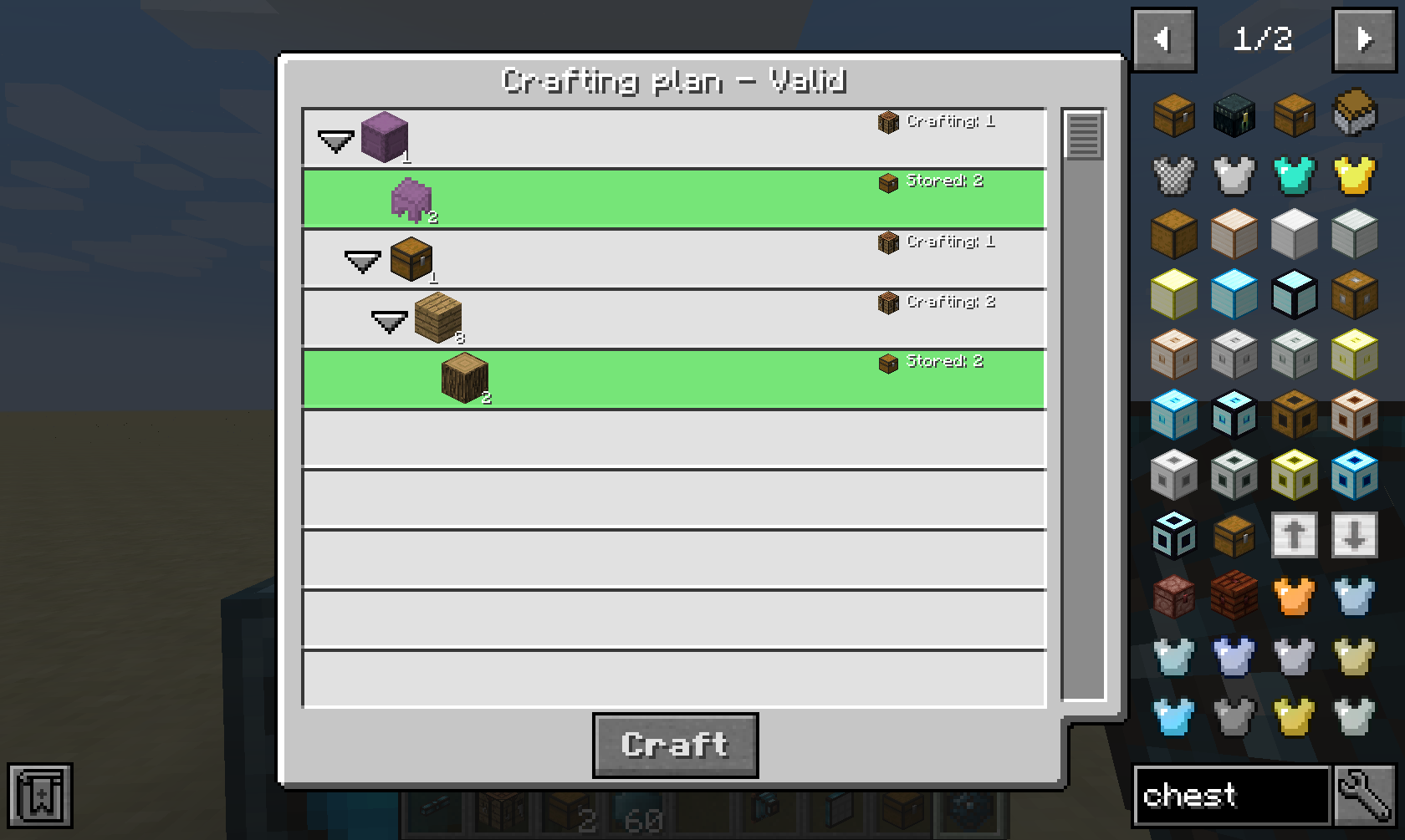
After clicking on a crafting option and providing an amount, you will be prompted with a crafting plan that will be executed when confirmed.
This part is only useful if you have a supported autocrafting mod installed, such as Integrated Crafting.
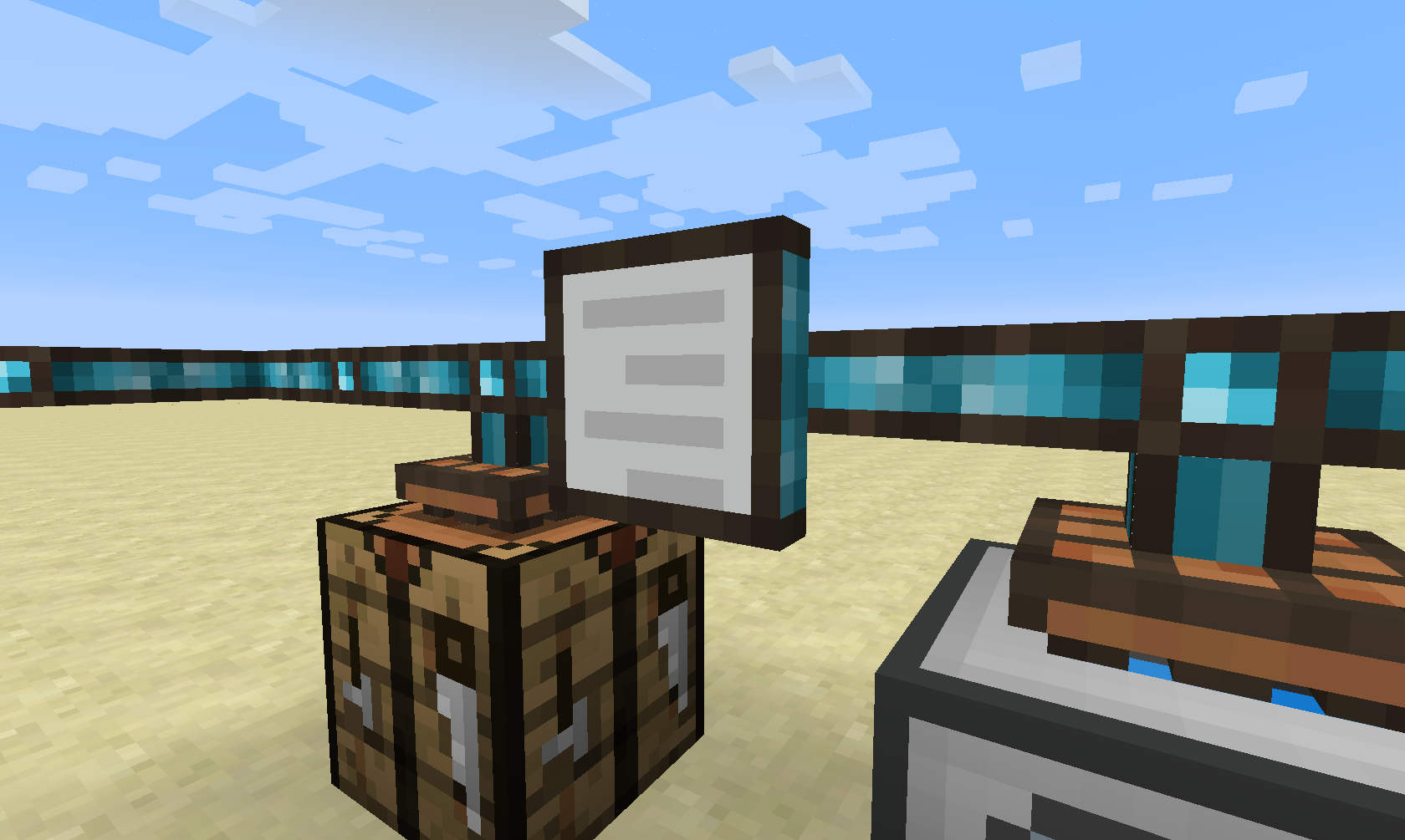
The Crafting Job Terminal allows you to view all active and pending crafting jobs in the network.
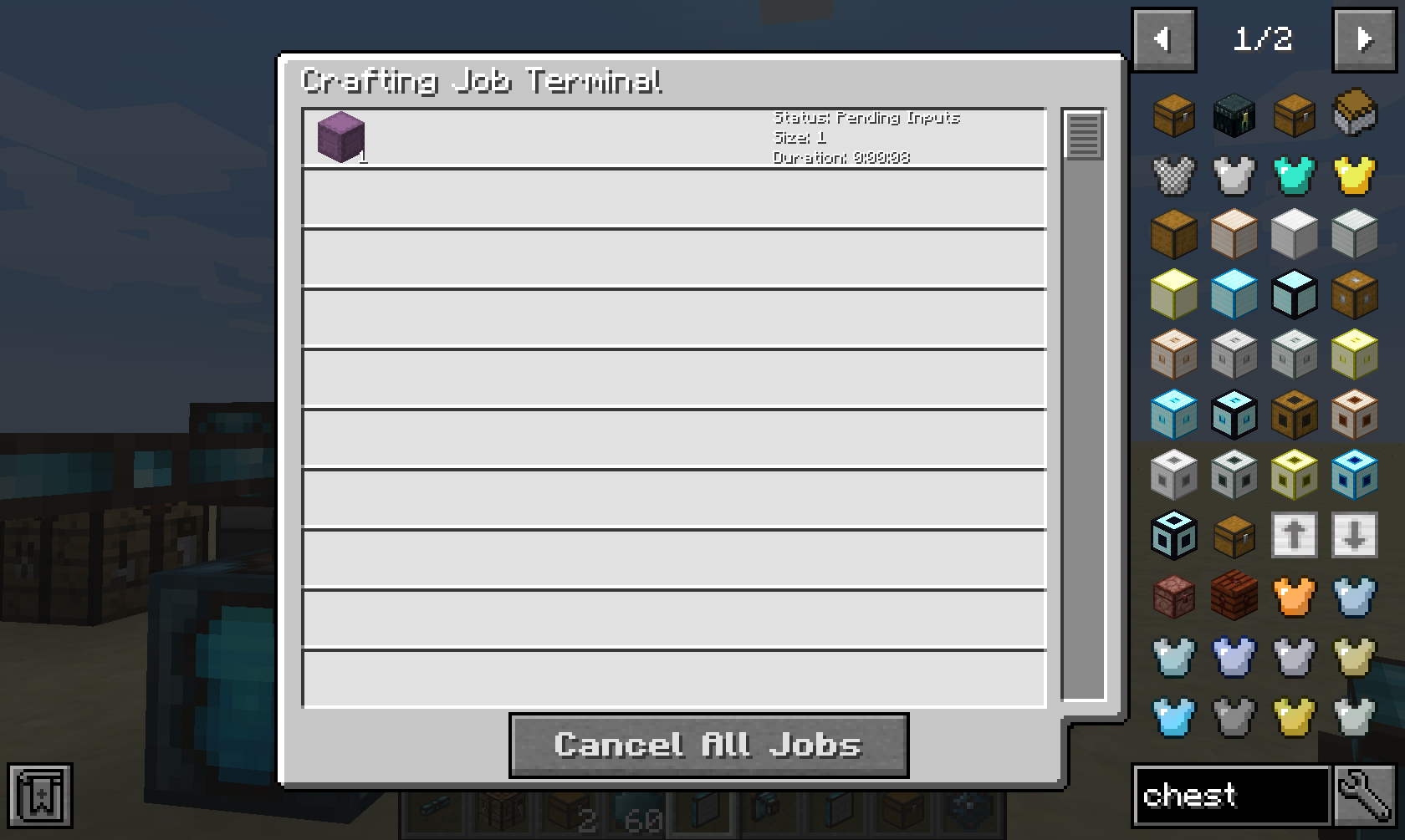
it will show you a live list of all crafting jobs in this network, and it will give you the option to cancel them.
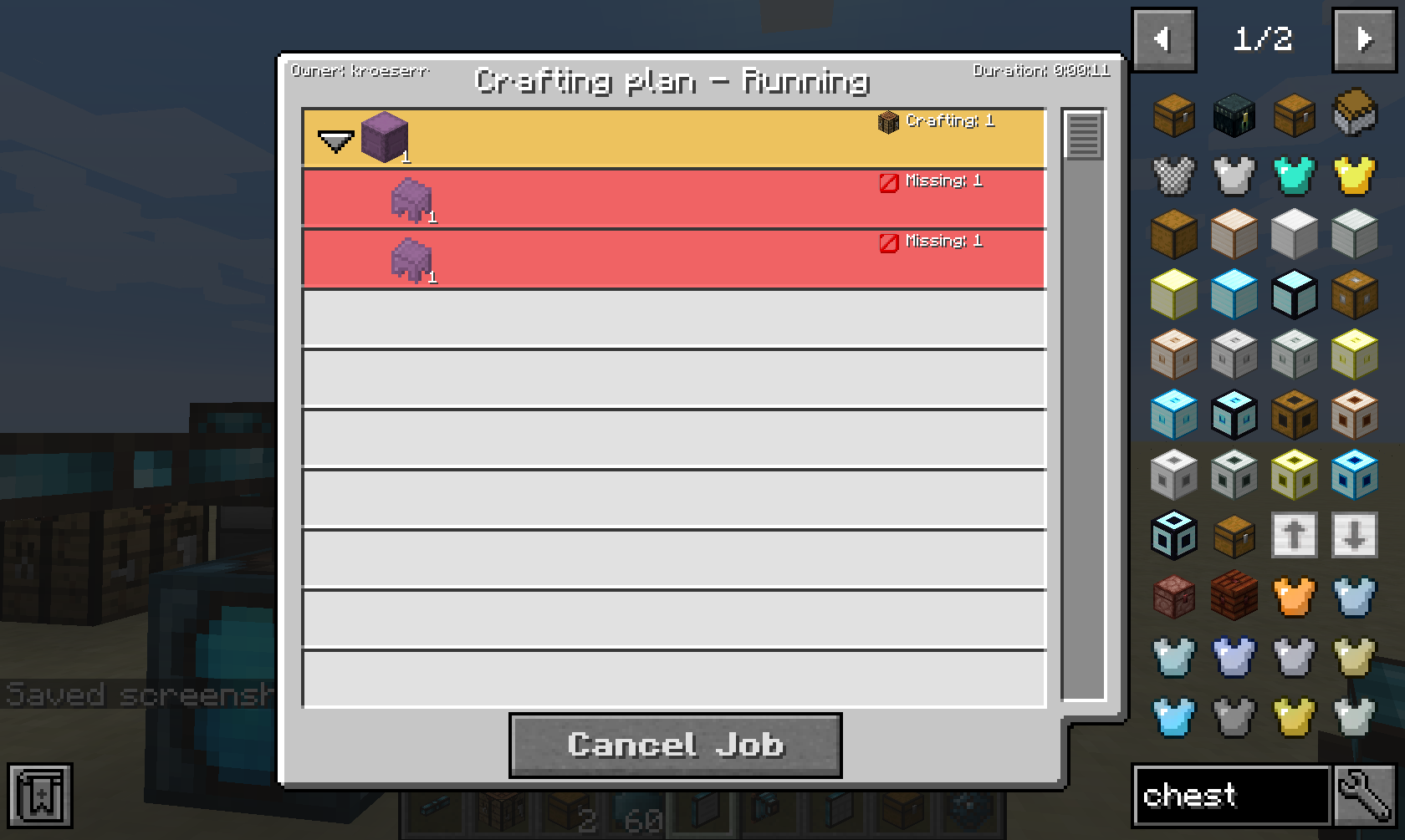
When clicking on a job, it will show you more details, such as pending dependencies or missing items, fluids or energy.
This mod collects anonymized startup data, this can be disabled in the config file and adheres to Minecraft's snooper settings.
Project description from Modrinth.
Pick your setup
Choose the version and loader you play, then open the matching release.
Check the dependencies, then try the file in a copied instance before changing a world you care about.
Recent files
integratedterminals-26.1.2-neoforge-1.7.1.jar
29 Jul 2026
integratedterminals-26.2-neoforge-1.7.0-803.jar
29 Jul 2026
integratedterminals-1.21.1-neoforge-1.7.0-800.jar
29 Jul 2026
integratedterminals-26.1.2-neoforge-1.7.0-798.jar
20 Jul 2026
integratedterminals-26.2-neoforge-1.7.0-799.jar
20 Jul 2026
integratedterminals-1.21.1-neoforge-1.7.0-797.jar
20 Jul 2026
integratedterminals-26.1.2-neoforge-1.7.0-795.jar
14 Jul 2026
integratedterminals-26.2-neoforge-1.7.0-793.jar
13 Jul 2026
integratedterminals-26.1.2-neoforge-1.7.0-792.jar
8 Jul 2026
integratedterminals-1.21.11-neoforge-1.6.6-790.jar
7 Jul 2026
integratedterminals-26.2-neoforge-1.7.0-788.jar
22 Jun 2026
integratedterminals-26.2-neoforge-1.7.0-787.jar
22 Jun 2026
Looking for an older file? The official Modrinth project page is in Resources.
 mod
modReel in creepers, diamonds, and more! This fishing rod catches ANYTHING—except fish.
 mod
modHighlight nearby inventories containing an item, and restock items from or deposit items to them directly from your inventory.
 mod
modOffering more tools and methods to automate food processing of other mod in Create.
