Geckolib Needed by Protomod 1.0.6-26.3
requiredMatching file found Matched file: 5.5.7

Modrinth · Minecraft mod
Become a protogen!
Quick answer
Protomod 1.0.6-26.3 targets 26.3 with Fabric. It must be installed on the client. Do not install it on the dedicated server. All 2 required mods have matching files.
Where it goes
It must be installed on the client. Do not install it on the dedicated server.
This file is marked client-only.
1.0.6-26.3. Change the file and its required mods may change too.
Install Geckolib, Fabric API first. We found matching files for this game-version and loader setup.
We only count dependency files that match this setup. A file for another loader does not fill the gap.
Before you install it
Built for Protomod 1.0.6-26.3. Pick another file and the loader, install side or required mods may change.
Use 1.0.6-26.3. It targets 26.3 with Fabric; another release may have different loader, side or dependency requirements.
Install Geckolib, Fabric API first. We found matching files for this game-version and loader setup.
It must be installed on the client. Do not install it on the dedicated server.
Use the “Get this file” button beside 1.0.6-26.3. It opens that exact file at the source.
About this project
Protomod is the only Minecraft mod that allows you to transform into your own unique protogen, completely on the client.
Unlike Minecraft, this mod allows you to switch your skin in-game through our config screen. If you view your options screen, you'll see a little button next to your mods button:
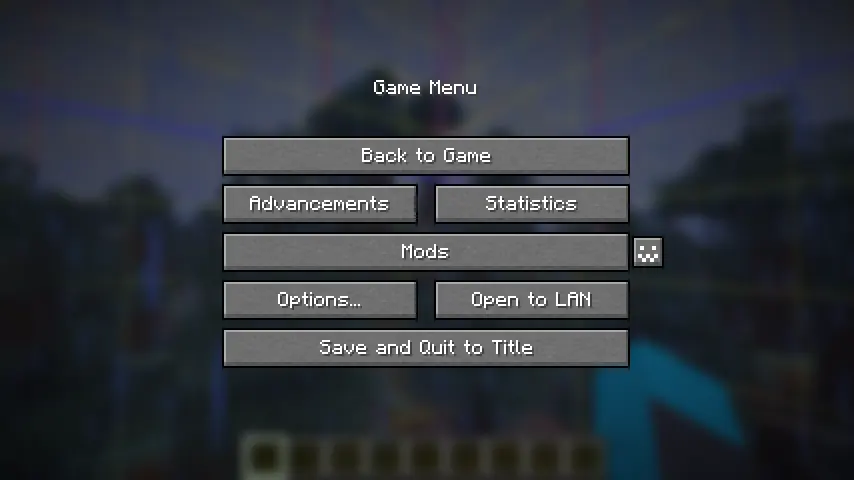
Click it to open the config menu, where you can access a variety of options, including toggling off your protogen.
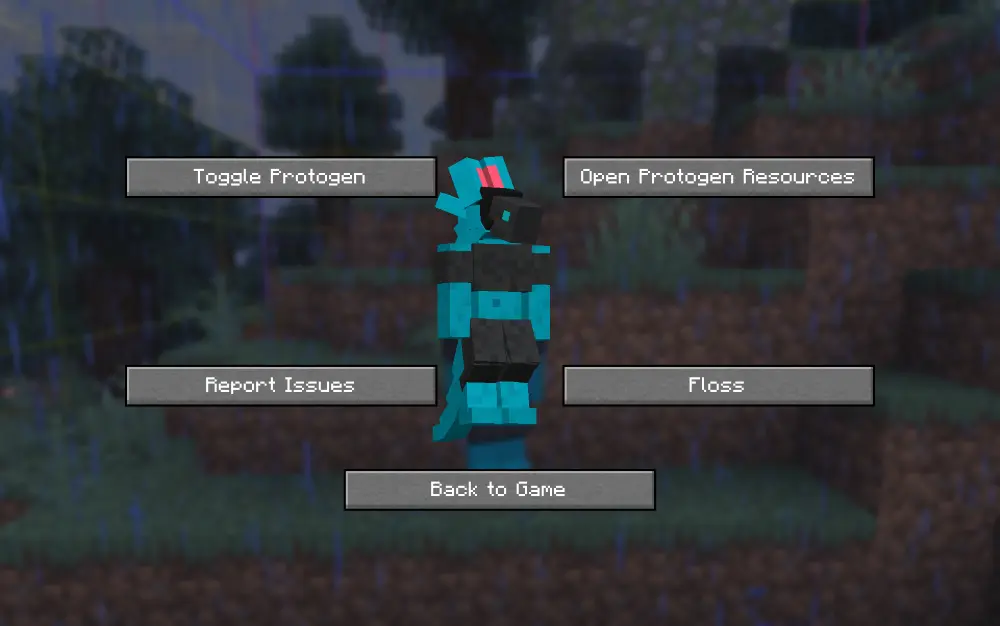
By default, the skin of my own fursona, Ice, is coded into the mod. You can override this easily.
In order to do this, you can download the file protogen.bbmodel on my GitHub. From there, use Blockbench to re-color the protogen. The web app will work as well!
All of the modeling (so the shapes and objects that make up the protogen) are done for you, all you need to do is color it. An example protogen (the default one used in the mod) is available for download right here.

Once you have your texture, save it somewhere on your computer. Open up the config screen and click 'Open Protogen Resources.' Paste your texture there and rename it to 'protogen.png', and you should be good to go! Reload your resources.
Make sure that .png is the file extension and not part of the file's name.
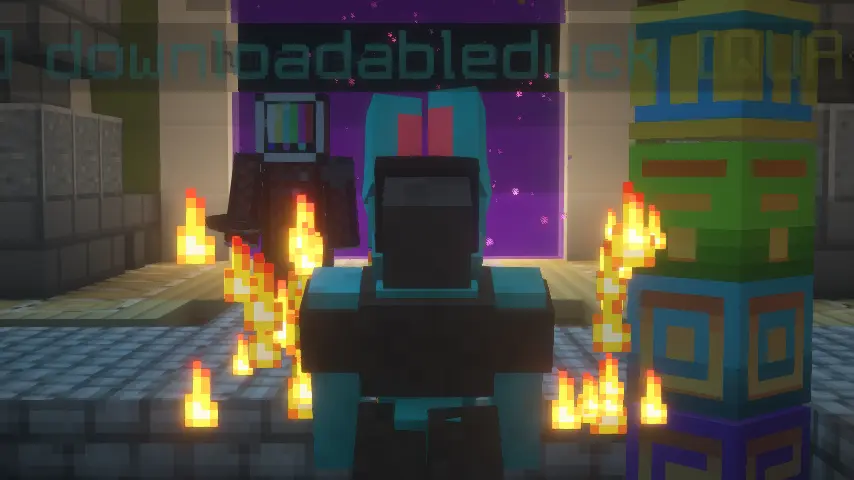
Only you will be a protogen when interacting with others. We hope to make this toggleable in the future.
On Fabric, this mod requires the Fabric API, Mod Menu, and Geckolib. On Neoforge, this mod requires Geckolib.
Project description from Modrinth.
Pick your setup
Choose the version and loader you play, then open the matching release.
Check the dependencies, then try the file in a copied instance before changing a world you care about.
Recent files
protomod-fabric-1.0.6-26.3.jar
26 Oct 2026
protomod-neoforge-1.0.6-26.3.jar
26 Oct 2026
protomod-fabric-1.0.5-26.3.jar
16 Sept 2026
protomod-neoforge-1.0.4-26.2.jar
2 Jul 2026
protomod-fabric-1.0.4-26.2.jar
2 Jul 2026
protomod-fabric-1.0.4-26.1.x.jar
2 Jul 2026
protomod-neoforge-1.0.4-26.1.x.jar
2 Jul 2026
protomod-fabric-1.0.3-26.2.jar
1 Jul 2026
protomod-neoforge-1.0.3-26.2.jar
1 Jul 2026
protomod-neoforge-1.0.3-26.1.x.jar
25 May 2026
protomod-fabric-1.0.3-26.1.x.jar
25 May 2026
protomod-fabric-1.0.2-26.1.jar
21 May 2026
Looking for an older file? The official Modrinth project page is in Resources.
 mod
HoloGui is an immersive way to add holographic gui's to Minecraft
 mod
A small add-on that revamps the textures, models and recipes from the Aeronautic Additions and ChunkLoader mod.
 mod
Custom Weapons is a mod that adds more combat to Minecraft and silver ores. The silver can be made into strong and overpowered combat items.