Mod Menu Needed by Maxima 1.1-ALPHA
requiredMatching file found Matched file: 11.0.5

Modrinth · Minecraft mod
Replay the moments you had
Quick answer
Maxima 1.1-ALPHA targets 1.21, 1.21.1 with Fabric, Quilt. It must be installed on the client. Do not install it on the dedicated server. 1 required mod needs a matching file.
Where it goes
It must be installed on the client. Do not install it on the dedicated server.
This file is marked client-only.
1.1-ALPHA on Quilt. Every mod below is checked against that same setup.
Install Mod Menu, Fabric API, Text Placeholder API first, but 1 required mod has no matching file for this setup. Do not mix loader builds to force a match. 2 come through another mod in the chain.
2 extra mods were pulled in by other dependencies. Indented rows show who needs each one. We only count dependency files that match this setup. A file for another loader does not fill the gap.
Before you install it
Built for Maxima 1.1-ALPHA on Quilt. Pick another file and the loader, install side or required mods may change.
Use 1.1-ALPHA. It targets 1.21, 1.21.1 with Fabric, Quilt; another release may have different loader, side or dependency requirements.
Install Mod Menu, Fabric API, Text Placeholder API first, but 1 required mod has no matching file for this setup. Do not mix loader builds to force a match. 2 come through another mod in the chain.
It must be installed on the client. Do not install it on the dedicated server.
Use the “Get this file” button beside 1.1-ALPHA. It opens that exact file at the source.
About this project
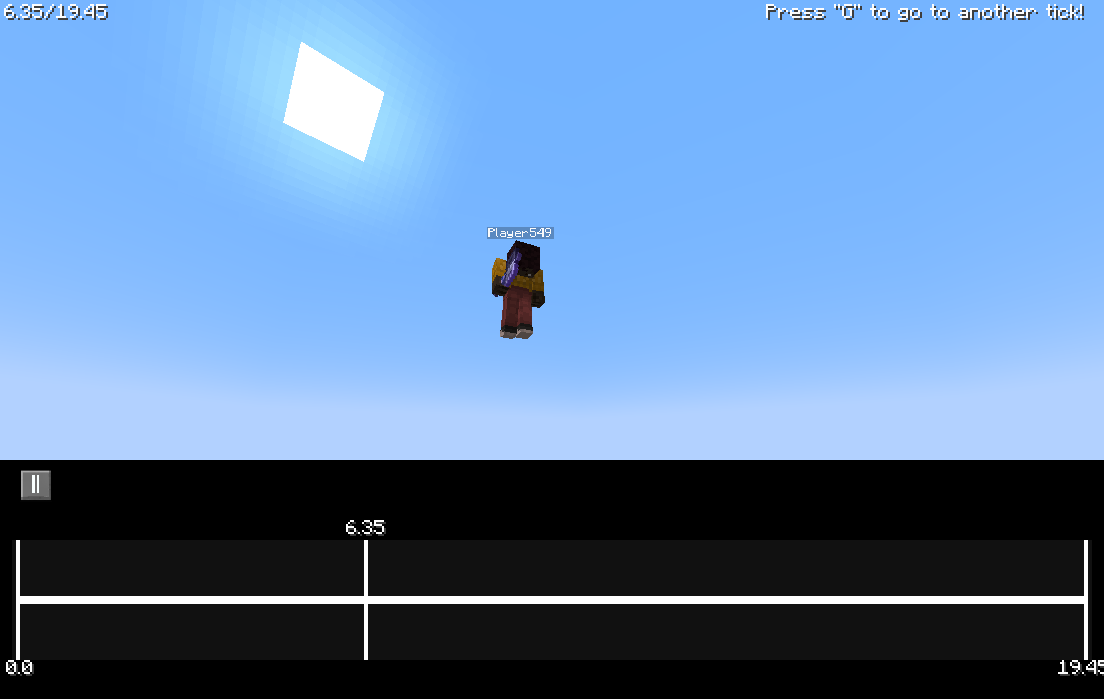
git clone https://github.com/betterclient/Maximacd Maximachmod +x gradlew./gradlew buildbuild/libs/Project description from Modrinth.
Pick your setup
Choose the version and loader you play, then open the matching release.
Check the dependencies, then try the file in a copied instance before changing a world you care about.
Recent files
Maxima-1.1-ALPHA.jar
30 Aug 2024
Looking for an older file? The official Modrinth project page is in Resources.
 mod
Run commands on offline players
 mod
Java Minecraft mod using Bedrock models to create custom models and animations for items, blocks, entities
 mod
This Mod adds the ability to add custom capes to your player including gifs and normal images with a resolution up to 2048x1024 you can also see other capes and vice versa and it also works with elytra models and wavey capes