Minecraft version
Back to mods 
Modrinth · Minecraft mod
DaylightChangerStruggle - ArdaCraft Edition
ArdaCraft Edition of DaylightChangerStruggle by JuggleStruggle: A fully client-sided time changer mod which features the ability to cycle smoothly.
Choose a version Pick your version below, then grab the matching file.
Quick answer
Which DaylightChangerStruggle - ArdaCraft Edition release should I use?
Latest stable file 1.0.2
Game version 1.20.1
Loader Fabric
DaylightChangerStruggle - ArdaCraft Edition 1.0.2 targets 1.20.1 with Fabric. It must be installed on the client. Do not install it on the dedicated server. No extra mods listed for this file.
Where it goes
Is DaylightChangerStruggle - ArdaCraft Edition required on the client, server, or both?
It must be installed on the client. Do not install it on the dedicated server.
Client Required
Dedicated server Not supported
Loader for this release Fabric
Required install it here Optional supported, not mandatory Not supported do not install here Source doesn’t say do not assume
This file is marked client-only.
What else does DaylightChangerStruggle - ArdaCraft Edition 1.0.2 need?
1.0.2. Change the file and its required mods may change too.
This file does not list any required mods. Do not add a library just because a different file uses it.
This file does not list any required or optional mods.
Before you install it
Add DaylightChangerStruggle - ArdaCraft Edition without breaking your instance.
Built for DaylightChangerStruggle - ArdaCraft Edition 1.0.2. Pick another file and the loader, install side or required mods may change.
- 01
Stick to this file
Use 1.0.2. It targets 1.20.1 with Fabric; another release may have different loader, side or dependency requirements.
- 02
Bring the mods it needs
This file does not list any required mods. Do not add a library just because a different file uses it.
- 03
Put it on the correct side
It must be installed on the client. Do not install it on the dedicated server.
- 04
Pick the file you checked
Use the “Get this file” button beside 1.0.2. It opens that exact file at the source.
About this project
What does DaylightChangerStruggle - ArdaCraft Edition add?
The ArdaCraft Edition of DaylightChangerStruggle by JuggleStruggle
The original version by JuggleStruggle can be found here. The original source code and full feature list can be found there as well.
This version of the mod is ported to work with the 1.20.1 version of Minecraft.
The ArdaCraft Edition of this mod takes several changes by SteveKunG, and makes some additional edits for the ArdaCraft server. This edition will have the base year set to 3006, and the static time is offset to the day September, 4th. This is the year and date of the setting for the world on ArdaCraft.
Full Changelist:
- Updated to Minecraft version 1.20.1
- Changed color gradients and removed custom backgarounds to improve readability
- Changed options of default menu components to fix render order issues
- Changed some button icons to be compatible with resource packs used on ArdaCraft
- Set display year to 3006, the in-game year is still techincally 0
- The Noon, Midnight, Sunrise, and Sunset buttons for Static Time will be offset for September 4th
This mod is intended to be used in conjunction with Caelum - ArdaCraft Edition. Full compatability is maintained with Sodium and Iris.
Source code for this version of the mod can be found here.
Project description from Modrinth.
Pick your setup
DaylightChangerStruggle - ArdaCraft Edition by Minecraft version and loader
Choose the version and loader you play, then open the matching release.
Check the dependencies, then try the file in a copied instance before changing a world you care about.
Recent files
DaylightChangerStruggle - ArdaCraft Edition versions and loaders
1.0.2
DaylightChangerStruggle-1.0.2.jar
23 Aug 2026
Client Required Server Not supported Dependencies No extras listed Listed on Release listing
Check the 1.20.1 · Fabric setup 1.20.1Fabric release
1.0.1
DaylightChangerStruggle-1.0.1.jar
27 Dec 2024
Client Required Server Not supported Dependencies No extras listed Listed on Release listing
Check the 1.20.1 · Fabric setup 1.20.1Fabric release
Looking for an older file? The official Modrinth project page is in Resources.
 mod
mod CurseForge + Modrinth · Minecraft
Stop Lightning Destruction of Item
hehe i stop lightning from griefing your items :D
 mod
mod CurseForge + Modrinth · Minecraft
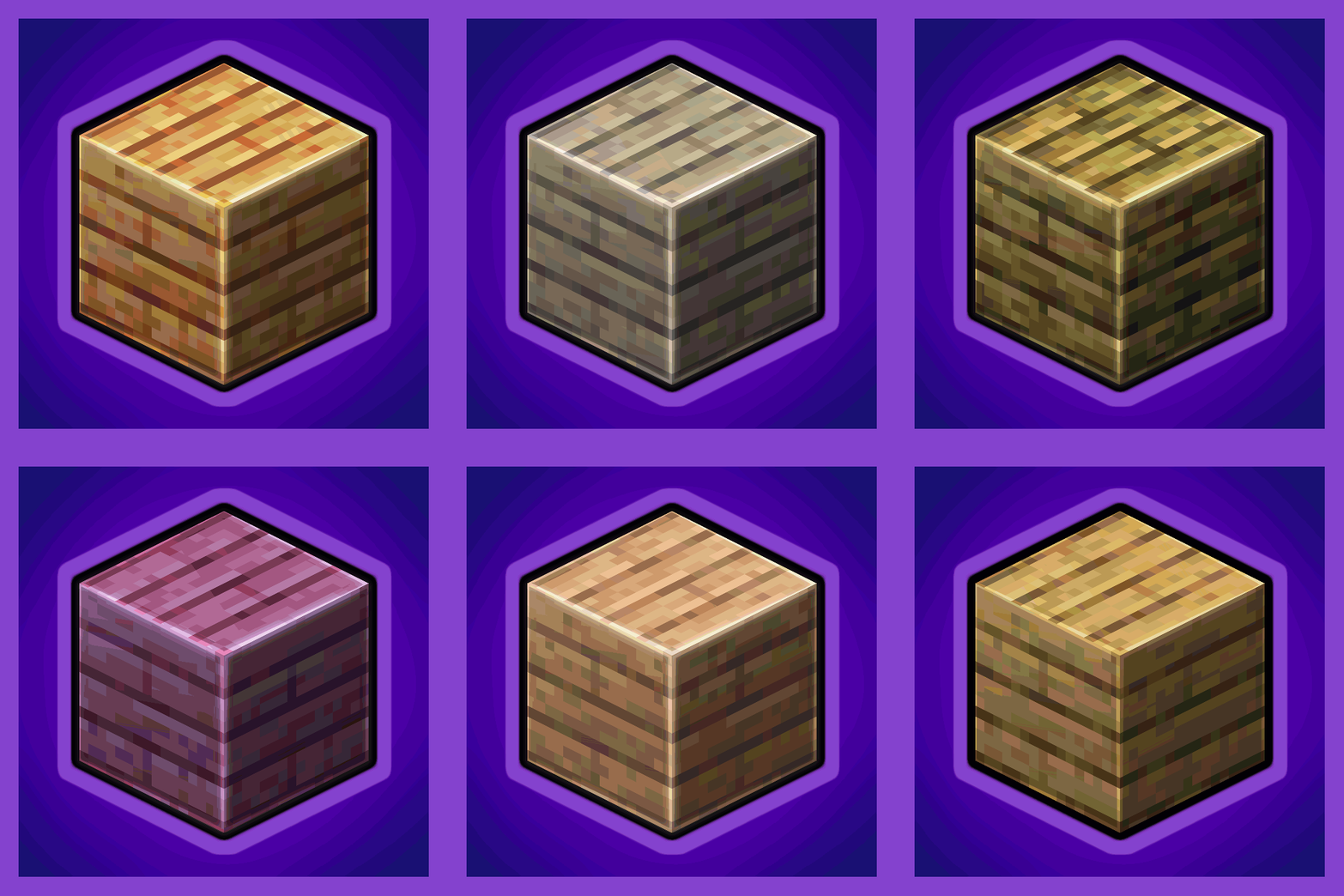
Every Compat (Wood Good)
Universal Wood Compat: Quark, Twilight Forest, Twigs, Another Furniture, Farmers Delight, Macaw's, Valhelsia, Architects Palette, Deco Blocks, Crayfish FM
 mod
mod CurseForge + Modrinth · Minecraft
Treeliable
A highly configurable, simple mod that adds balanced tree felling mechanics!