YetAnotherConfigLib (YACL) Needed by magnetic 3.15.1-26.3+neoforge
requiredMatching file found Matched file: 3.9.7+26.3-neoforge

Modrinth · Minecraft mod
Drops and XP fly straight into your inventory (telekinesis from Hypixel Skyblock)
Quick answer
magnetic 3.15.1-26.3+neoforge targets 26.3 with NeoForge. Installation on the client is optional. Installation on the dedicated server is optional. All 2 required mods have matching files.
Where it goes
Installation on the client is optional. Installation on the dedicated server is optional.
The source marks this as usable on both the client and server.
3.15.1-26.3+neoforge. Change the file and its required mods may change too.
Install YetAnotherConfigLib (YACL), KotlinLangForge first. We found matching files for this game-version and loader setup.
We only count dependency files that match this setup. A file for another loader does not fill the gap.
Before you install it
Built for magnetic 3.15.1-26.3+neoforge. Pick another file and the loader, install side or required mods may change.
Use 3.15.1-26.3+neoforge. It targets 26.3 with NeoForge; another release may have different loader, side or dependency requirements.
Install YetAnotherConfigLib (YACL), KotlinLangForge first. We found matching files for this game-version and loader setup.
Installation on the client is optional. Installation on the dedicated server is optional.
Use the “Get this file” button beside 3.15.1-26.3+neoforge. It opens that exact file at the source.
About this project
Telekinesis for Minecraft: drops and XP go straight into your inventory.
Mine, chop, and fight without the cleanup. Magnetic sends item drops and experience directly to you, so loot cannot get left in tall grass or scattered across a cave.
Inspired by the Hypixel SkyBlock Telekinesis enchantment, Magnetic feels like a natural part of survival: obtain the enchantment through normal gameplay, put it on a tool, and keep doing what you were doing.
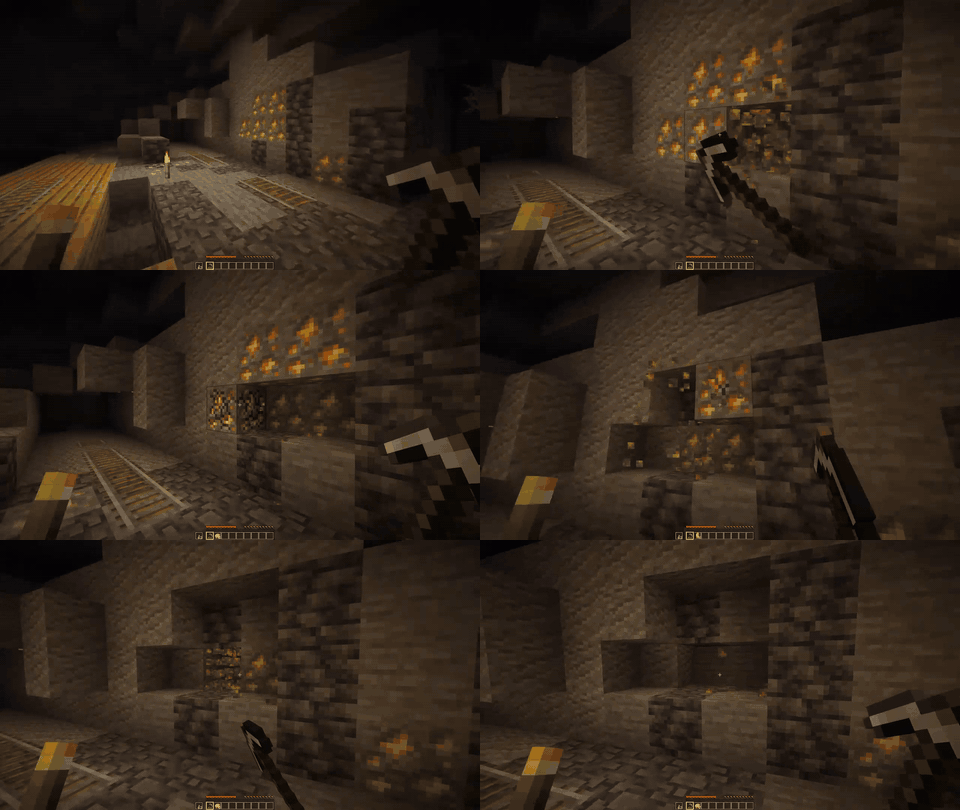
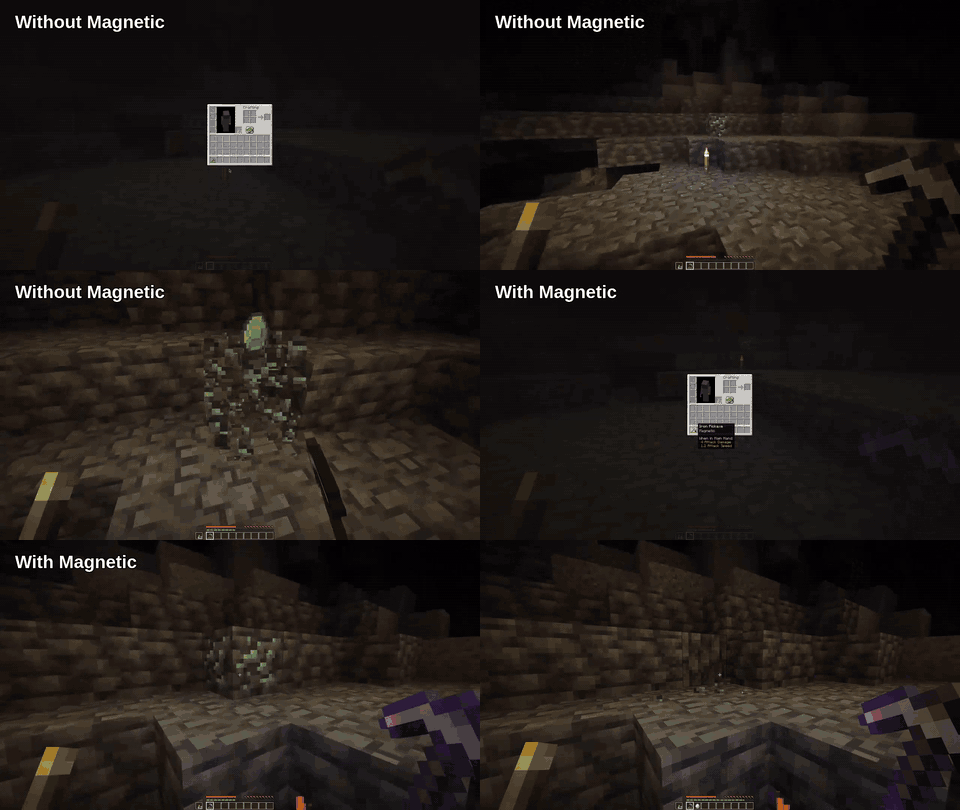
That is the default behavior. Server owners and modpack authors can also make Magnetic always active, permission-based, or active only while a player sneaks.
Download the file for your platform from Modrinth. Fabric and NeoForge builds are also available on CurseForge. Then add the required dependencies:
| Platform | Installation | Required dependencies |
|---|---|---|
| Fabric | Put Magnetic in the mods folder |
Fabric API, Fabric Language Kotlin, and YACL |
| NeoForge | Put Magnetic in the mods folder |
KotlinLangForge and YACL |
| Paper | Put Magnetic in the plugins folder |
None; players can join without installing the mod, but for the best experience the client mod is recommended |
Mod Menu is optional on Fabric and provides quick access to Magnetic's config screen.
Tested integrations:
Fabric and NeoForge: FallingTree, KleeSlabs, RightClickHarvest, Tree Harvester, and Veinminer
Paper: mcMMO, AuraSkills, and the TreeCapitator datapack
Grave mods on paper require "minecraft:player" to be added to the "ignoredEntities" config options
Magnetic works out of the box with the enchantment. For more control, edit magnetic.json or use the in-game config screen:
| Setting | What it controls |
|---|---|
conditionStatement.raw |
When Magnetic activates; accepts ENCHANTMENT, SNEAK, PERMISSION, &&, and || |
itemsAllowed / expAllowed |
Whether item drops and XP are collected |
buckets |
Whether and for how long placed-bucket effects trigger Magnetic |
leafDecay |
Whether natural leaf-decay drops caused by eligible log breaks are collected |
ignoreBlocks / ignoreEntities |
Source blocks and entities to exclude by ID or tag |
animation |
Flight effect, speed, and whether other players can intercept items |
fullInventoryAlert |
Sound, message, and title alerts with separate cooldowns |
Common condition statements:
ENCHANTMENT — the defaultENCHANTMENT || PERMISSION — enchantment for players, permission override for staff or ranksSNEAK — active while crouchingApply file changes with /magnetic reload (OP/level 3). The permission condition checks magnetic.ability.use.
See the complete configuration reference for every setting and its default.
Magnetic is available through the enchantment table, loot, and librarian trades. With the Villager Trade Rebalance experiment disabled, librarians from any biome can offer it. With the experiment enabled, look for a desert librarian; Magnetic is part of the desert's common enchanted-book pool.
Yes. It supports singleplayer, modded servers, and Paper servers. Players joining a Paper server do not need to install Magnetic themselves.
No. Change the condition statement to make Magnetic always active or use SNEAK or PERMISSION instead.
Drops remain safe, and Magnetic can notify you with a sound, chat message, or title.
You decide. Set animation.canOtherPlayersPickup to control whether flying items can be intercepted.
If you need help with any of my mods, just join my discord server.
Project description from Modrinth.
Pick your setup
Choose the version and loader you play, then open the matching release.
Showing the newest 12 of 27 game versions. Older files are in the list below.
Check the dependencies, then try the file in a copied instance before changing a world you care about.
Recent files
magnetic-3.15.1-26.3+neoforge.jar
16 Sept 2026
magnetic-3.15.1-26.3+fabric.jar
16 Sept 2026
magnetic-3.15.1-26.2+neoforge.jar
16 Sept 2026
magnetic-3.15.1-26.2+fabric.jar
16 Sept 2026
magnetic-3.15.1-26.1.2+neoforge.jar
16 Sept 2026
magnetic-3.15.1-26.1.2+fabric.jar
16 Sept 2026
magnetic-3.15.1-1.21.11+neoforge.jar
16 Sept 2026
magnetic-3.15.1-1.21.11+fabric.jar
16 Sept 2026
magnetic-3.15.1-1.21.1+neoforge.jar
16 Sept 2026
magnetic-3.15.1-1.21.1+fabric.jar
16 Sept 2026
magnetic-3.15.1-26.1+paper.jar
16 Sept 2026
magnetic-3.15.0-26.3+fabric.jar
15 Sept 2026
Looking for an older file? The official Modrinth project page is in Resources.