Project umyGl7zF Needed by RandomJS 1.0.0-A
requiredStill checking

Modrinth · Minecraft mod
Added a new category of block presets to KubeJS, allowing players to set custom survival rules for created blocks.
This page is having a moment, so a few details may be a little behind.
Quick answer
RandomJS 1.0.0-A targets 1.20.1, 1.20.2, 1.20.3 with Forge. Installation on the client is optional. Installation on the dedicated server is optional. 1 required mod needs checking.
Where it goes
Installation on the client is optional. Installation on the dedicated server is optional.
The source marks this as usable on both the client and server.
1.0.0-A. Change the file and its required mods may change too.
Install project umyGl7zF first. 1 required mod still needs checking for this exact setup.
We only count dependency files that match this setup. A file for another loader does not fill the gap.
Before you install it
Built for RandomJS 1.0.0-A. Pick another file and the loader, install side or required mods may change.
Use 1.0.0-A. It targets 1.20.1, 1.20.2, 1.20.3 with Forge; another release may have different loader, side or dependency requirements.
Install project umyGl7zF first. 1 required mod still needs checking for this exact setup.
Installation on the client is optional. Installation on the dedicated server is optional.
Use the “Get this file” button beside 1.0.0-A. It opens that exact file at the source.
About this project
Added a new category of block presets to KubeJS, allowing players to set custom survival rules for created blocks. (More features coming soon)
StartupEvents.registry ("block", e=> {
    e.create ("block_name", "super_block")
        .surviveType ("custom")
        .customSurviveRule (
            {
                "setFaceSturdy" : ["up", "down"],
                "setBelowBlock" : ["minecraft:stone", "minecraft:oak_log", "minecraft:campfire"]
            })
         .catchAllDirection (false)
})
Project description from Modrinth.
Pick your setup
Choose the version and loader you play, then open the matching release.
Check the dependencies, then try the file in a copied instance before changing a world you care about.
Recent files
randomjs-1.0.0-ALPHA-FIX.jar
27 Dec 2023
Looking for an older file? The official Modrinth project page is in Resources.
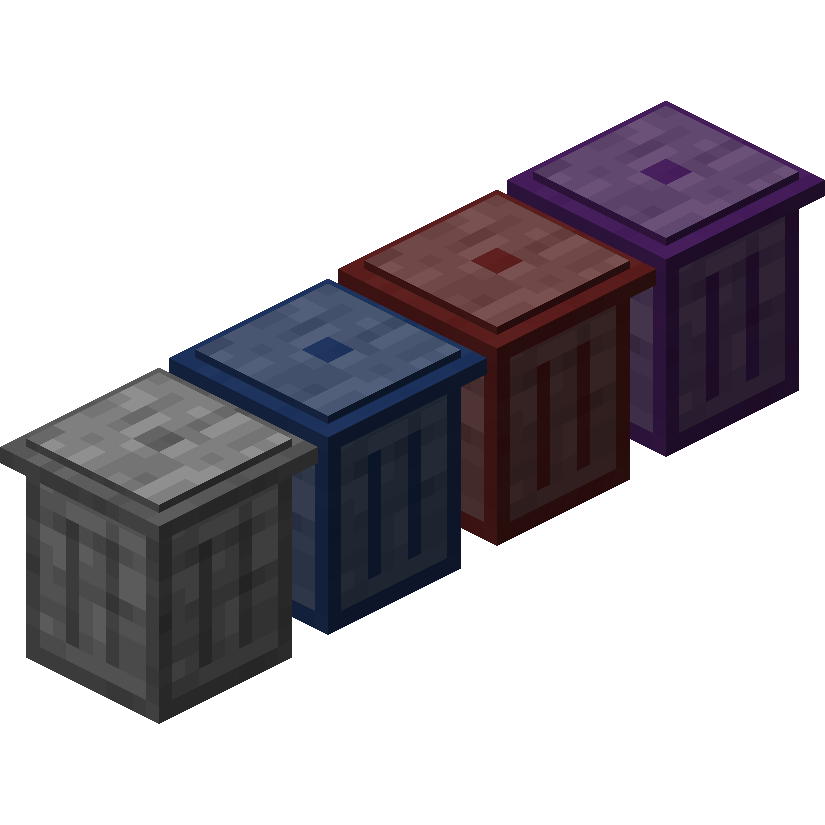 mod
modTrash Cans adds trash cans which can be used to void items, liquids, and energy!
 mod
modThis mod adds butterflies with a full life cycle to the world of Minecraft. Butterflies can be caught or released using a butterfly net. Once caught, they can be bottled and placed in the world as decorative objects.
 mod
modMinecraft Create addon that adds a single block: Transmission Chain! This block can be used to power belts in a cleaner way without using encased chain drive.