Fabric API Needed by Mob Battle Mod (Forge/NeoForge) 26.1.2-2.8.0-fabric
requiredMatching file found Matched file: 0.155.2+26.1.2
CurseForge · Minecraft mod
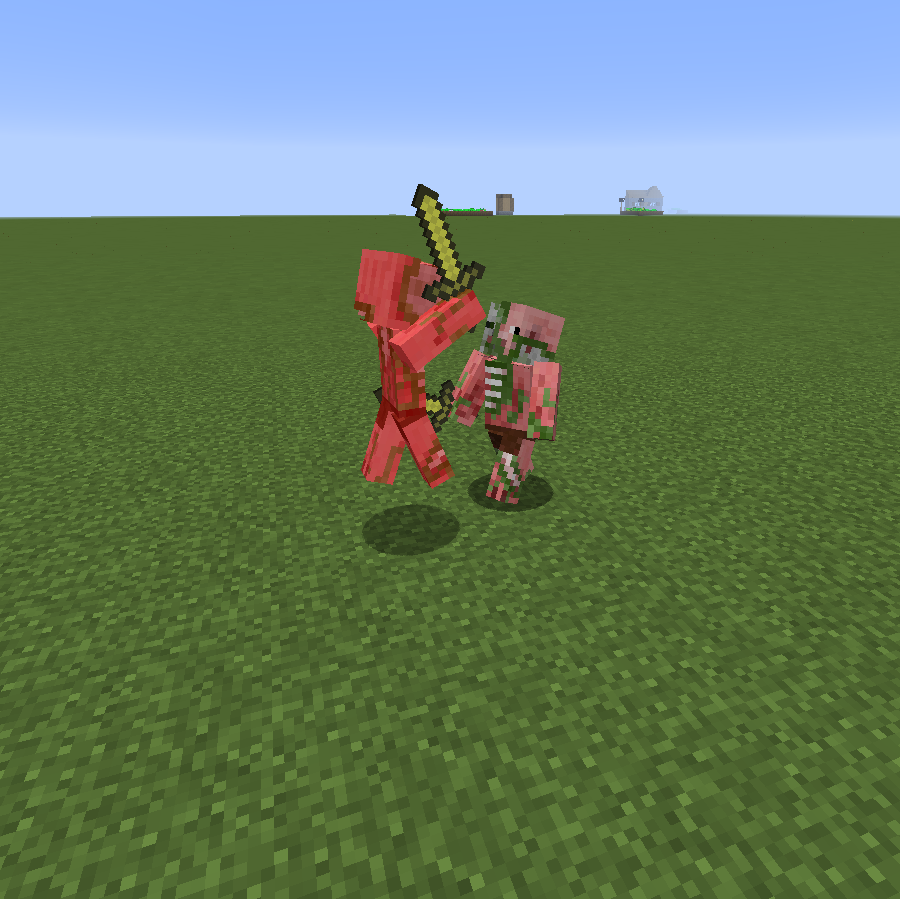
Creative utensils in creating mob battles
Quick answer
Mob Battle Mod (Forge/NeoForge) 26.1.2-2.8.0-fabric targets 26.1.2 with Fabric. Installation on the client is optional. Installation on the dedicated server is optional. All 1 required mods have matching files.
Where it goes
Installation on the client is optional. Installation on the dedicated server is optional.
The source marks this as usable on both the client and server.
26.1.2-2.8.0-fabric. Change the file and its required mods may change too.
Install Fabric API first. We found matching files for this game-version and loader setup.
We only count dependency files that match this setup. A file for another loader does not fill the gap.
Before you install it
Built for Mob Battle Mod (Forge/NeoForge) 26.1.2-2.8.0-fabric. Pick another file and the loader, install side or required mods may change.
Use 26.1.2-2.8.0-fabric. It targets 26.1.2 with Fabric; another release may have different loader, side or dependency requirements.
Install Fabric API first. We found matching files for this game-version and loader setup.
Installation on the client is optional. Installation on the dedicated server is optional.
Use the “Get this file” button beside 26.1.2-2.8.0-fabric. It opens that exact file at the source.
About this project



Note: This is the Forge/NeoForge version of the mod. For the Fabric version see here
You like mob battles?
Do you want to know which mob is the strongest one? Then look no further.
This small mod adds in items which will help you in creating (and maintaining) those epic mob fights you sought after.
This is meant to be played in creative mode. All tools have in-game tooltips explaining how they work.
Makes 2 mobs fight each other
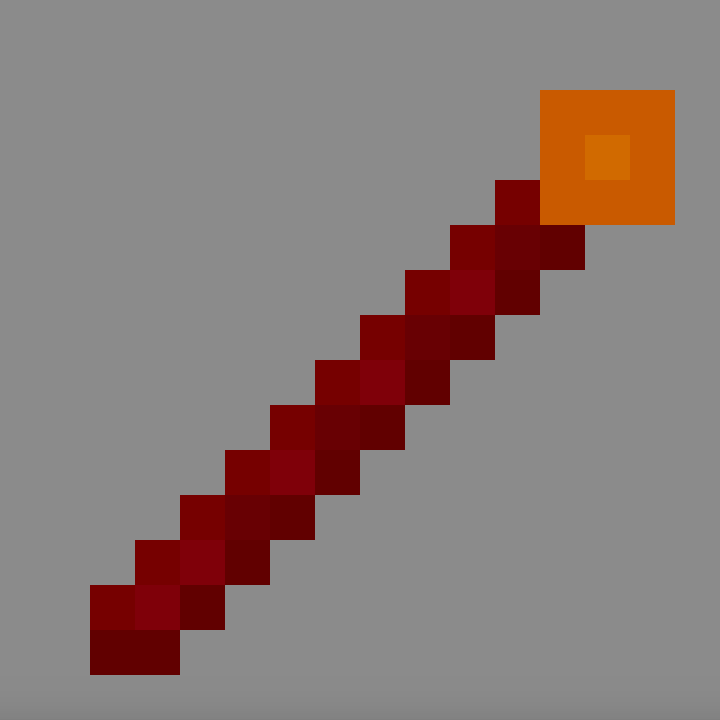
Makes a group of mobs fight another single mob
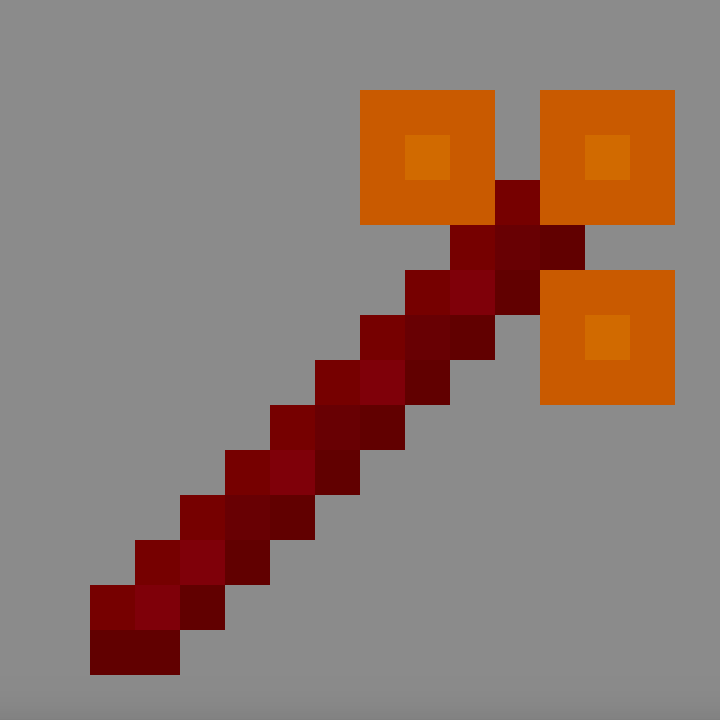
Heals a mob back to full health
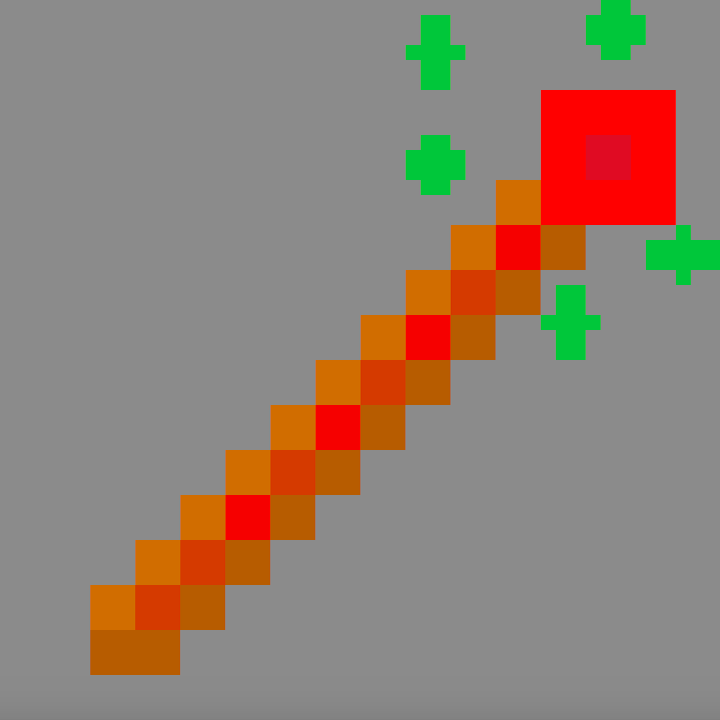
Kills a mob (no command typing etc anymore!)
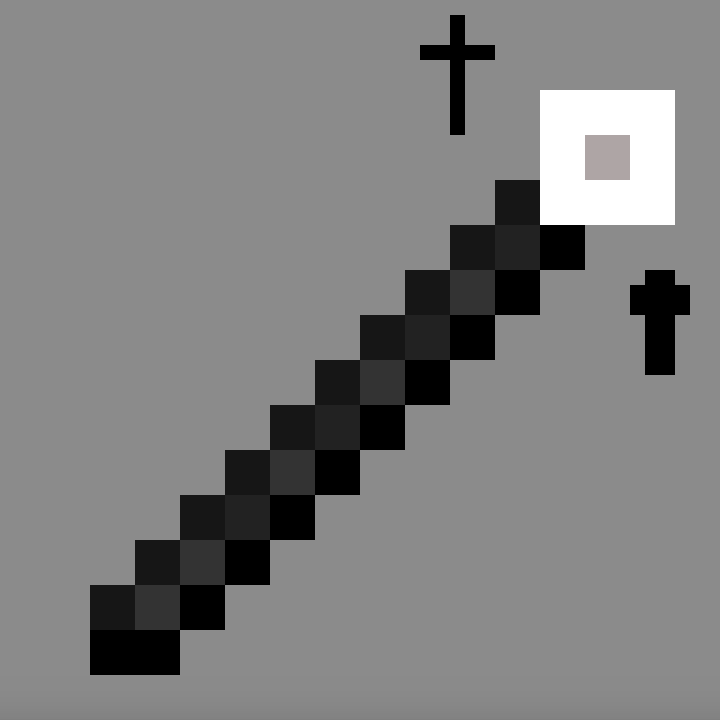
Remove every potion effect from the selected mob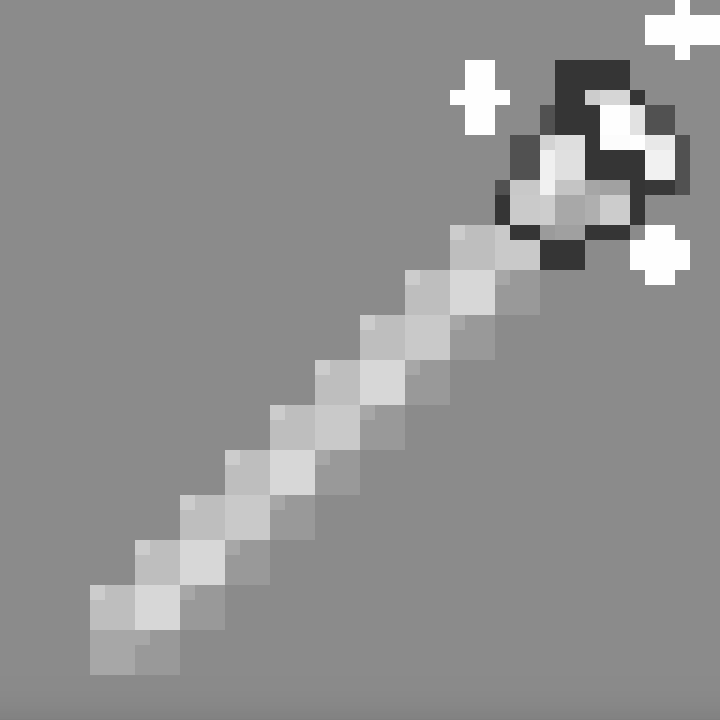
Give a mob a potion
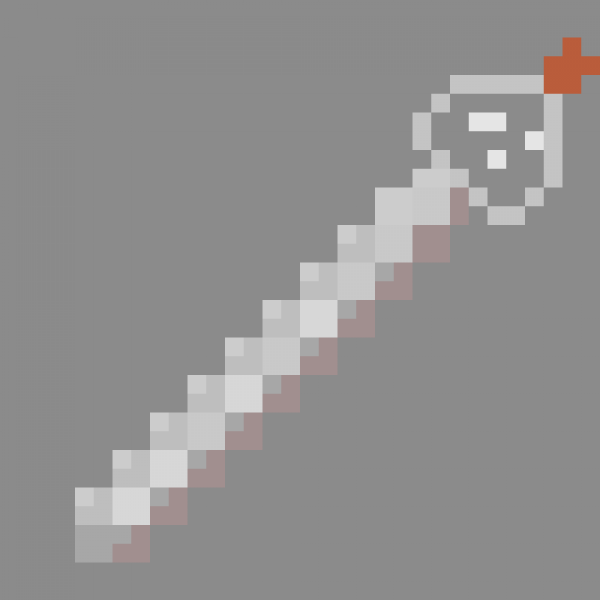
With it you can edit equipments from mobs really easy
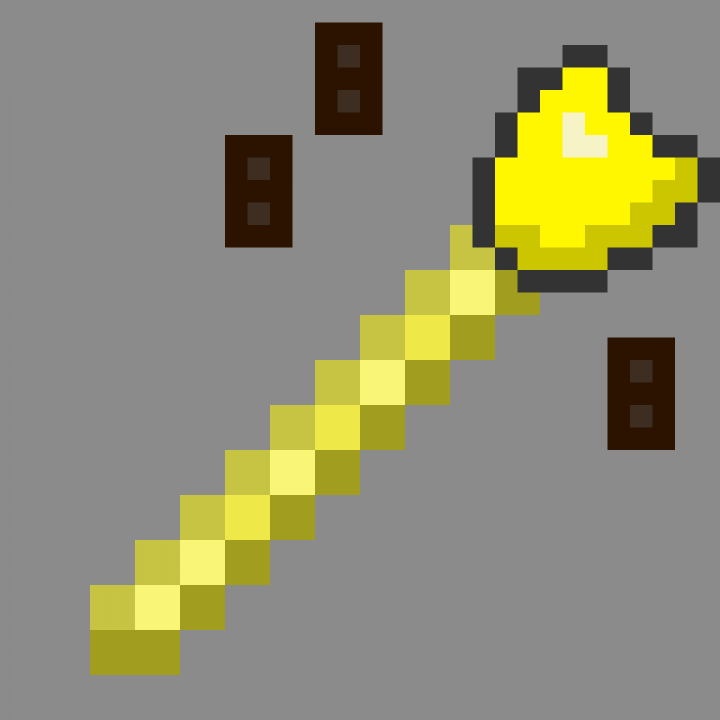
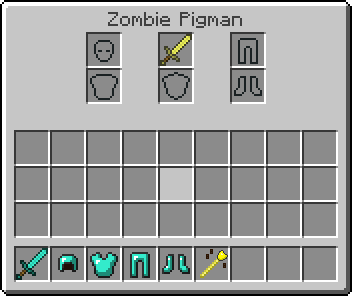
Stack mobs without command and on existing mobs.
Add mobs to a team, opposite teams attack each other and ignore everything else.
It uses minecraft build in scoreboard so you can join a team too. Mobs in same team can't hurt each other if friendlyfire is off.
Another advantage teams have other the mob stick is that the mob stick only sets the target once. Mobs on team will automatically seek out enemy teams.
Makes mob able to pickup items without manually giving it to them.
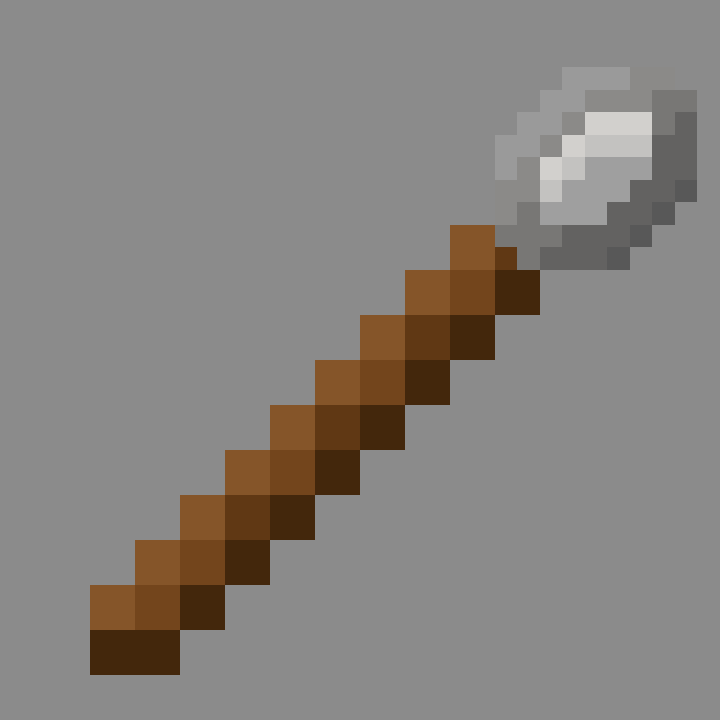
Mimicks a normal spawnegg but with additional features. Can spawn any mobs, in contrast to vanilla spawnegg. Left clicking a mob will set the spawnegg to spawn that mob, shift while doing so will also copy all its data to spawn an exact copy.
To allow phantoms to attack properly they need to be on teams as phantoms constantly reset their target. This is still kinda buggy though so keep that in mind
Normally slimes can only damage players and iron golems. Starting from version 2.4.8+ slimes can now damage other mobs too
Withers cannot be damaged by undead mobs and enderdragons can only be damaged by players or explosions in vanilla. You need version 2.6.0+ to allow other mobs to damage them.
Mobs that summon other mobs need to be on a team to properly account for that. The mod will try to detect if a mob is summoned from another mob. This is done by checking if the summoned mob has an owner.
If a mod does not set this properly then this detection will fail
Project description from CurseForge.
Pick your setup
Choose the version and loader you play, then open the matching release.
Showing the newest 12 of 13 game versions. Older files are in the list below.
Check the dependencies, then try the file in a copied instance before changing a world you care about.
Recent files
mobbattle-26.1.2-2.8.0-fabric.jar
26 Jun 2026
26 Jun 2026
mobbattle-1.21.1-2.8.0-fabric.jar
26 Jun 2026
26 Jun 2026
mobbattle-26.1.2-2.7.1-fabric.jar
9 May 2026
9 May 2026
mobbattle-1.21.1-2.7.1-fabric.jar
9 May 2026
9 May 2026
27 Nov 2025
mobbattle-1.21.1-2.7.0-fabric.jar
27 Nov 2025
27 Nov 2025
23 Jul 2025
Looking for an older file? The official CurseForge project page is in Resources.
 mod
modInspired by the original Sync mod, NeoSync lets you clone yourself into shells each with its own inventory, XP, and gamemode and swap minds between them across time and space.
 mod
modAdd multiple Items like armors, tools, and more.
 mod
modFramed Blocks is a Fabric mod that lets you create fully customizable framed blocks. Apply any texture to a frame, mix materials and styles, and design unique decorative blocks for your builds.