Minecraft version
Back to mods 
Modrinth · Minecraft mod
Essentials
Essentials expands automation and redstone in a balanced and vanilla style.
Choose a version Pick your version below, then grab the matching file.
Quick answer
Which Essentials release should I use?
Latest stable file 1.21.1-2.17.6
Game version 1.21, 1.21.1
Loader NeoForge
Essentials 1.21.1-2.17.6 targets 1.21, 1.21.1 with NeoForge. Installation on the client is optional. Installation on the dedicated server is optional. No extra mods listed for this file.
Where it goes
Is Essentials required on the client, server, or both?
Installation on the client is optional. Installation on the dedicated server is optional.
Client Optional
Dedicated server Optional
Loader for this release NeoForge
Required install it here Optional supported, not mandatory Not supported do not install here Source doesn’t say do not assume
The source marks this as usable on both the client and server.
What else does Essentials 1.21.1-2.17.6 need?
1.21.1-2.17.6. Change the file and its required mods may change too.
This file does not list any required mods. Do not add a library just because a different file uses it.
This file does not list any required or optional mods.
Before you install it
Add Essentials without breaking your instance.
Built for Essentials 1.21.1-2.17.6. Pick another file and the loader, install side or required mods may change.
- 01
Stick to this file
Use 1.21.1-2.17.6. It targets 1.21, 1.21.1 with NeoForge; another release may have different loader, side or dependency requirements.
- 02
Bring the mods it needs
This file does not list any required mods. Do not add a library just because a different file uses it.
- 03
Put it on the correct side
Installation on the client is optional. Installation on the dedicated server is optional.
- 04
Pick the file you checked
Use the “Get this file” button beside 1.21.1-2.17.6. It opens that exact file at the source.
About this project
What does Essentials add?
Essentials
Essentials expands automation and redstone in a balanced and vanilla style.
While there's full ingame documentation with Patchouli installed (strongly recommended), here's a few highlights:
- A single block chest that remembers item types for each slot
- Farmland that self-replants
- Simple and cheap item transport and sorting
- Single-block redstone circuits that can do logic or math
- And more...
Essentials has no worldgen, no balance destroying features, has ingame documentation, and is highly configurable. It can be dropped into a modpack without issues.
Spotlight
Full Tutorial
Previous versions are on the CurseForge page.

Project description from Modrinth.
Pick your setup
Essentials by Minecraft version and loader
Choose the version and loader you play, then open the matching release.
Minecraft version
1.21.10
1 loader buildMinecraft version
1.21.9
1 loader buildMinecraft version
1.21.8
1 loader buildMinecraft version
1.21.7
1 loader buildMinecraft version
1.21.6
1 loader buildMinecraft version
1.21.5
1 loader buildMinecraft version
1.21.4
1 loader buildMinecraft version
1.21.3
1 loader buildMinecraft version
1.21.2
1 loader buildMinecraft version
1.21.1
1 loader buildMinecraft version
1.21
1 loader buildShowing the newest 12 of 23 game versions. Older files are in the list below.
Check the dependencies, then try the file in a copied instance before changing a world you care about.
Recent files
Essentials versions and loaders
1.21.1-2.17.6
essentials-1.21.1-2.17.6.jar
7 Jul 2026
Client Optional Server Optional Dependencies No extras listed Listed on Release listing
Check the 1.21.1 · NeoForge setup 1.211.21.1NeoForge release
1.21.1-2.17.5
essentials-2.17.5.jar
16 May 2026
Client Optional Server Optional Dependencies No extras listed Listed on Release listing
Check the 1.21.1 · NeoForge setup 1.211.21.1NeoForge release
1.21.1-2.17.4
essentials-2.17.4.jar
18 Mar 2026
Client Optional Server Optional Dependencies No extras listed Listed on Release listing
Check the 1.21.11 · NeoForge setup 1.211.21.11.21.21.21.3 release
1.21.1-2.17.3
essentials-2.17.3.jar
5 Mar 2026
Client Optional Server Optional Dependencies No extras listed Listed on Release listing
Check the 1.21.11 · NeoForge setup 1.211.21.11.21.21.21.3 release
1.21.1-2.17.2
essentials-1.21.1-2.17.2.jar
19 Feb 2026
Client Optional Server Optional Dependencies No extras listed Listed on Release listing
Check the 1.21.1 · NeoForge setup 1.21.1NeoForge release
1.19-2.15.5
essentials-1.19-2.15.5.jar
25 Jul 2024
Client Optional Server Optional Dependencies No extras listed Listed on Release listing
Check the 1.19.2 · Forge setup 1.19.11.19.2Forge release
2.17.1
essentials-2.17.1.jar
20 Jul 2024
Client Optional Server Optional Dependencies No extras listed Listed on Release listing
Check the 1.21.1 · NeoForge setup 1.211.21.1NeoForge release
1.21-2.17.0
essentials-2.17.0.jar
17 Jul 2024
Client Optional Server Optional Dependencies No extras listed Listed on Release listing
Check the 1.21 · NeoForge setup 1.21NeoForge release
1.12.2-1.2.1
essentials-1.12.2-1.2.1.jar
21 Jan 2024
Client Optional Server Optional Dependencies No extras listed Listed on Release listing
Check the 1.12.2 · NeoForge setup 1.12.2NeoForge release
1.19.4-2.15.6
essentials-1.19.4-2.15.6.jar
21 Jan 2024
Client Optional Server Optional Dependencies No extras listed Listed on Release listing
Check the 1.19.4 · Forge setup 1.19.4Forge release
1.18.2-2.14.0
essentials-1.18.2-2.14.0.jar
21 Jan 2024
Client Optional Server Optional Dependencies No extras listed Listed on Release listing
Check the 1.18.2 · Forge setup 1.18.2Forge release
1.17.1-2.12.2
essentials-1.17.1-2.12.2.jar
21 Jan 2024
Client Optional Server Optional Dependencies No extras listed Listed on Release listing
Check the 1.17.1 · Forge setup 1.17.1Forge release
Looking for an older file? The official Modrinth project page is in Resources.
 mod
mod CurseForge + Modrinth · Minecraft
Passable Foliage 🌳 (Neo/Forge)
Remove collision from leaves
 mod
mod CurseForge + Modrinth · Minecraft
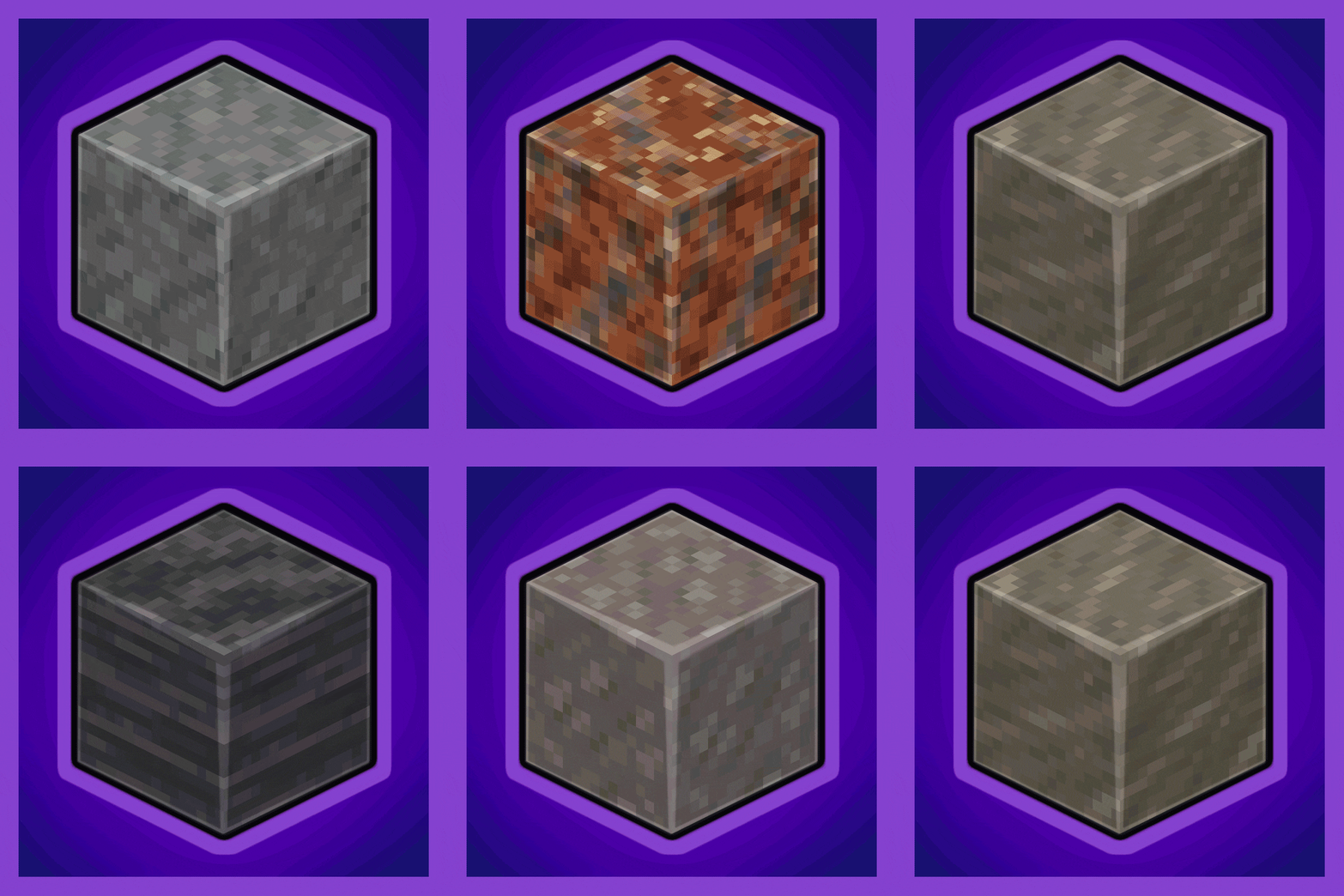
Every Compat (Stone Zone)
Universal Stone Compat: Supports Create, Rechiseled, and Others...
 mod
mod CurseForge + Modrinth · Minecraft
Hero's Lib
A library for a couple mods made by Herobrot.