Minecraft version
Back to mods 
Modrinth · Minecraft mod
caramelChat
Provides an enhanced CJK(Chinese, Japanese, Korean) IME input experience in Minecraft.
Choose a version Pick your version below, then grab the matching file.
Quick answer
Which caramelChat release should I use?
Latest stable file 1.2.2
Game version 1.21.11
Loader NeoForge
caramelChat 1.2.2 targets 1.21.11 with NeoForge. It must be installed on the client. Do not install it on the dedicated server. No extra mods listed for this file.
Where it goes
Is caramelChat required on the client, server, or both?
It must be installed on the client. Do not install it on the dedicated server.
Client Required
Dedicated server Not supported
Loader for this release NeoForge
Required install it here Optional supported, not mandatory Not supported do not install here Source doesn’t say do not assume
This file is marked client-only.
What else does caramelChat 1.2.2 need?
1.2.2. Change the file and its required mods may change too.
This file does not list any required mods. Do not add a library just because a different file uses it.
This file does not list any required or optional mods.
Before you install it
Add caramelChat without breaking your instance.
Built for caramelChat 1.2.2. Pick another file and the loader, install side or required mods may change.
- 01
Stick to this file
Use 1.2.2. It targets 1.21.11 with NeoForge; another release may have different loader, side or dependency requirements.
- 02
Bring the mods it needs
This file does not list any required mods. Do not add a library just because a different file uses it.
- 03
Put it on the correct side
It must be installed on the client. Do not install it on the dedicated server.
- 04
Pick the file you checked
Use the “Get this file” button beside 1.2.2. It opens that exact file at the source.
About this project
What does caramelChat add?
caramelChat
Provides an enhanced CJK(Chinese, Japanese, Korean) IME input experience in Minecraft.
💻 Compatibility
Currently, caramelChat uses CocoaInput-lib.
It must be the same as the OS compatibility of CocoaInput.
| OS | Compatibility |
|---|---|
| Windows (x86_64) | 🟢 Compatible |
| Windows (arm64) | 🔴 Incompatible |
| macOS (Intel) | 🟢 Compatible |
| macOS (Apple Silicon) | 🟢 Compatible |
| Linux X11 (x86_64) | 🟡 Incompatible in some cases |
| Linux X11 (arm64) | 🔴 Incompatible |
| Linux Wayland (x86_64) | 🟡 Incompatible in some cases |
| Linux Wayland (arm64) | 🔴 Incompatible |
Below is the ModLoader compatibility.
| Platform | Support |
|---|---|
| Fabric / Quilt | 🟢 Compatible |
| Forge | 🟢 Compatible |
| NeoForge | 🟢 Compatible |
🛠️ Troubleshooting (macOS 14.0+)
If you are using macOS Sonoma or later versions, you may experience the following issue:
- Some characters are skipped when typing very quickly.
- The client crashes when a system key is pressed (e.g., input source switch).
Most of the causes are due to the Input Tooltip added in Sonoma. However, Apple has not provided an API to disable it.
You can disable the Input Tooltip system-wide through the following guide.
Open the Terminal and enter the following command:
sudo mkdir -p /Library/Preferences/FeatureFlags/Domain
sudo /usr/libexec/PlistBuddy -c "Add 'redesigned_text_cursor:Enabled' bool false" /Library/Preferences/FeatureFlags/Domain/UIKit.plist
And then, reboot your Macintosh. This will return you to the input environment from before Sonoma.
Project description from Modrinth.
Pick your setup
caramelChat by Minecraft version and loader
Choose the version and loader you play, then open the matching release.
Minecraft version
1.21.10
4 loader buildsMinecraft version
1.21.9
4 loader buildsMinecraft version
1.21.8
4 loader buildsMinecraft version
1.21.7
4 loader buildsMinecraft version
1.21.6
4 loader buildsMinecraft version
1.21.5
4 loader buildsMinecraft version
1.21.4
4 loader buildsMinecraft version
1.21.3
4 loader buildsMinecraft version
1.21.2
4 loader buildsMinecraft version
1.21.1
4 loader buildsMinecraft version
1.21
4 loader buildsShowing the newest 12 of 20 game versions. Older files are in the list below.
Check the dependencies, then try the file in a copied instance before changing a world you care about.
Recent files
caramelChat versions and loaders
1.2.2
caramelChat-mc1.21.11-neoforge-1.2.2.jar
8 Apr 2026
Client Required Server Not supported Dependencies No extras listed Listed on Release listing
Check the 1.21.11 · NeoForge setup 1.21.11NeoForge release
1.2.2
caramelChat-mc1.21.11-forge-1.2.2.jar
8 Apr 2026
Client Required Server Not supported Dependencies No extras listed Listed on Release listing
Check the 1.21.11 · Forge setup 1.21.11Forge release
1.2.2
caramelChat-mc1.21.11-fabric-1.2.2.jar
8 Apr 2026
Client Required Server Not supported Dependencies No extras listed Listed on Release listing
Check the 1.21.11 · Fabric setup 1.21.11FabricQuilt release
1.2.2
caramelChat-mc1.21.9-neoforge-1.2.2.jar
8 Oct 2025
Client Required Server Not supported Dependencies No extras listed Listed on Release listing
Check the 1.21.10 · NeoForge setup 1.21.91.21.10NeoForge release
1.2.2
caramelChat-mc1.21.9-forge-1.2.2.jar
8 Oct 2025
Client Required Server Not supported Dependencies No extras listed Listed on Release listing
Check the 1.21.10 · Forge setup 1.21.91.21.10Forge release
1.2.2
caramelChat-mc1.21.9-fabric-1.2.2.jar
8 Oct 2025
Client Required Server Not supported Dependencies No extras listed Listed on Release listing
Check the 1.21.10 · Fabric setup 1.21.91.21.10FabricQuilt release
1.2.2
caramelChat-mc1.21.6-neoforge-1.2.2.jar
22 Jun 2025
Client Required Server Not supported Dependencies No extras listed Listed on Release listing
Check the 1.21.8 · NeoForge setup 1.21.61.21.71.21.8NeoForge release
1.2.2
caramelChat-mc1.21.6-forge-1.2.2.jar
22 Jun 2025
Client Required Server Not supported Dependencies No extras listed Listed on Release listing
Check the 1.21.8 · Forge setup 1.21.61.21.71.21.8Forge release
1.2.2
caramelChat-mc1.21.6-fabric-1.2.2.jar
22 Jun 2025
Client Required Server Not supported Dependencies No extras listed Listed on Release listing
Check the 1.21.8 · Fabric setup 1.21.61.21.71.21.8Fabric release
1.2.2
caramelChat-mc1.20.4-neoforge-1.2.2.jar
22 Jun 2025
Client Required Server Not supported Dependencies No extras listed Listed on Release listing
Check the 1.20.4 · NeoForge setup 1.20.31.20.4NeoForge release
1.2.2
caramelChat-mc1.20.4-forge-1.2.2.jar
22 Jun 2025
Client Required Server Not supported Dependencies No extras listed Listed on Release listing
Check the 1.20.4 · Forge setup 1.20.31.20.4Forge release
1.2.2
caramelChat-mc1.20.4-fabric-1.2.2.jar
22 Jun 2025
Client Required Server Not supported Dependencies No extras listed Listed on Release listing
Check the 1.20.4 · Fabric setup 1.20.31.20.4FabricQuilt release
Looking for an older file? The official Modrinth project page is in Resources.
 mod
mod CurseForge + Modrinth · Minecraft
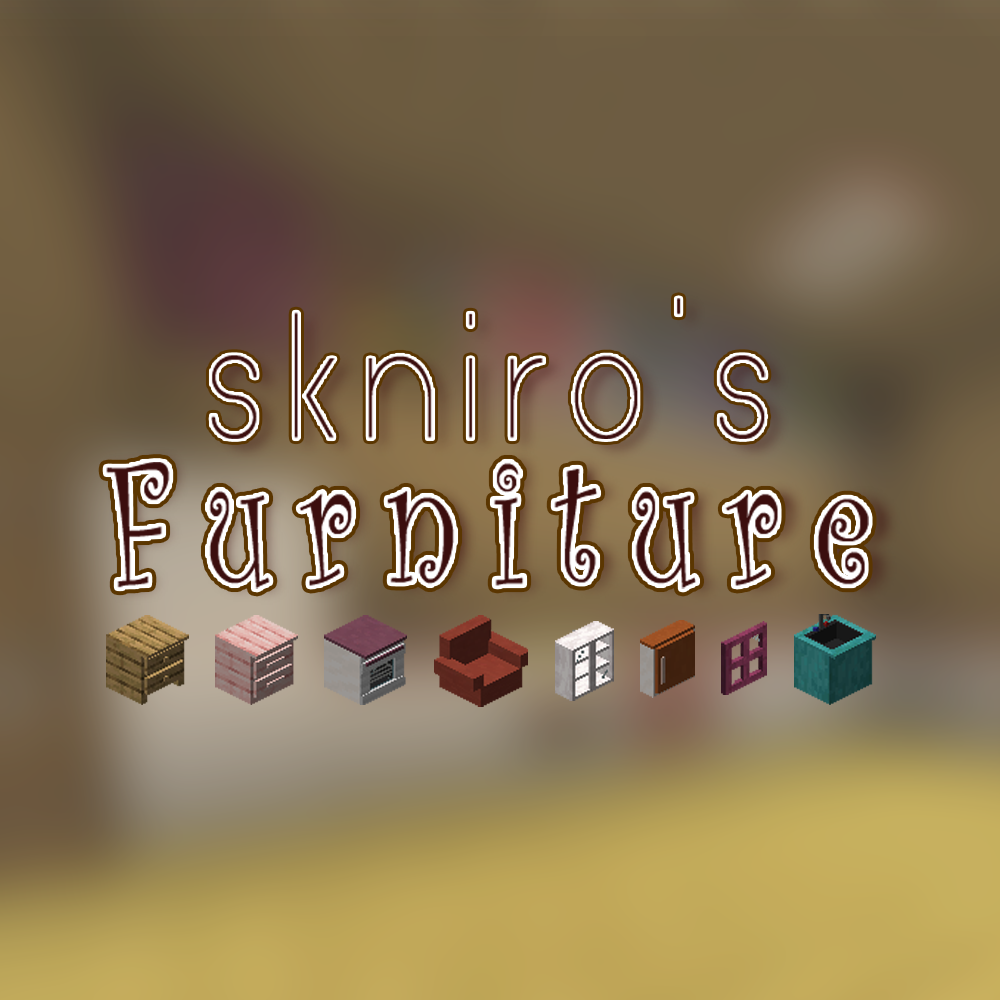
Skniro's Furniture
Skniro's furniture mod introduces a wide range of furniture while keeping the original Minecraft aesthetic.
 mod
mod CurseForge + Modrinth · Minecraft
Cozy Cafe
Run a cafe, restaurant, or bistro in Minecraft! Cozy Cafe adds mechanics based off food service games like Plate Up! Overcooked, and Diner Dash.
 mod
mod CurseForge + Modrinth · Minecraft
EnhancedVisuals
Feel the pain!