Fabric API Needed by Snapper 1.1.4
requiredMatching file found Matched file: 0.161.0+26.2

Modrinth · Minecraft mod
Screenshots, made simple
Quick answer
Snapper 1.1.4 targets 26.2 with Fabric. It must be installed on the client. Do not install it on the dedicated server. All 1 required mods have matching files.
Where it goes
It must be installed on the client. Do not install it on the dedicated server.
This file is marked client-only.
1.1.4. Change the file and its required mods may change too.
Install Fabric API first. We found matching files for this game-version and loader setup.
We only count dependency files that match this setup. A file for another loader does not fill the gap.
Before you install it
Built for Snapper 1.1.4. Pick another file and the loader, install side or required mods may change.
Use 1.1.4. It targets 26.2 with Fabric; another release may have different loader, side or dependency requirements.
Install Fabric API first. We found matching files for this game-version and loader setup.
It must be installed on the client. Do not install it on the dedicated server.
Use the “Get this file” button beside 1.1.4. It opens that exact file at the source.
About this project
Screenshots, made simple






Inspired by existing screenshot mods, Snapper strives to bridge the feature-gap that most screenshot mods have, improving the overall experience.
With Snapper, you can:
Forge?
No. Please do not ask us for a forge port.
Do you plan to / Could you add X?
If you want to suggest something, join the Discord or make a GitHub issue.
Can you port/backport to X version?
Probably not. Multi-version projects are hard :<
My screenshots aren't copying and my game is logging Failed to get clipboard.
The official Minecraft launcher doesn't have all of the necessary tools provided by a standard Java runtime. This may cause issues with copying for some users on Windows & Linux. Other launchers are not affected.
Question not here? We're happy to help you on our Discord server.
Special thanks to ThinkSeal for helping with Snapper QA.
Snapper's image uploading is powered by the wonderful (and open-source) AxolotlClient and governed by their terms of use. Agreement is opt-in and you may revoke it at any time.
Project description from Modrinth.
Pick your setup
Choose the version and loader you play, then open the matching release.
Check the dependencies, then try the file in a copied instance before changing a world you care about.
Recent files
snapper-1.1.4+26.2.jar
9 Jul 2026
snapper-1.1.3+26.2.jar
8 Jul 2026
snapper-1.1.2+26.1.2.jar
4 Jul 2026
snapper-1.1.1+1.21.10.jar
13 Mar 2026
snapper-1.1+1.21.8.jar
19 Nov 2025
snapper-1.1+1.21.5.jar
12 Aug 2025
snapper-1.1+1.21.4.jar
9 Jul 2025
snapper-1.1+1.21.1.jar
8 Jul 2025
snapper-1.0.1x1.21.jar
2 Dec 2024
snapper1.0.0x1.21.jar
20 Aug 2024
Looking for an older file? The official Modrinth project page is in Resources.
 mod
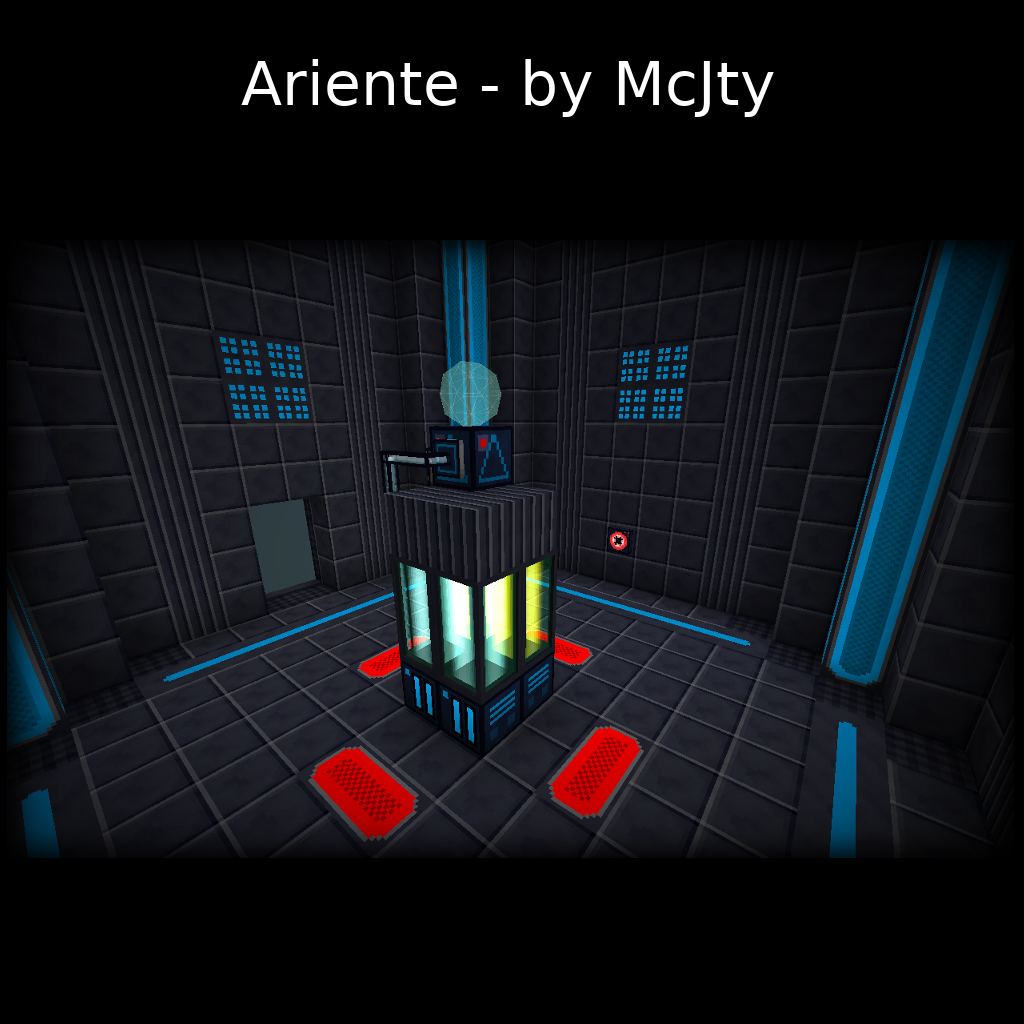
Ariente - a high-tech exploration and tech mod
 mod
A lightweight client-side mod that allows you to open containers behind item frames with a simple right-click.
 mod
A mod that adds various first person animations and visible hands with held items!