Project xxtIpapP Optional for PolyFactory 0.12.1+26.2
optionalStill checking

Modrinth · Minecraft mod
Let's build a factory! A tech mod for your Minecraft server!
Quick answer
PolyFactory 0.12.1+26.2 targets 26.2 with Fabric. Do not install it on the client. It must be installed on the dedicated server. 1 required mod needs a matching file.
Where it goes
Do not install it on the client. It must be installed on the dedicated server.
This file is marked server-only.
0.12.1+26.2. Change the file and its required mods may change too.
Install Polymer first, but 1 required mod has no matching file for this setup. Do not mix loader builds to force a match.
We only count dependency files that match this setup. A file for another loader does not fill the gap.
Before you install it
Built for PolyFactory 0.12.1+26.2. Pick another file and the loader, install side or required mods may change.
Use 0.12.1+26.2. It targets 26.2 with Fabric; another release may have different loader, side or dependency requirements.
Install Polymer first, but 1 required mod has no matching file for this setup. Do not mix loader builds to force a match.
Do not install it on the client. It must be installed on the dedicated server.
Use the “Get this file” button beside 0.12.1+26.2. It opens that exact file at the source.
About this project
Ever wanted to play with tech mods, but people you play with don't want to install them?
Or maybe you are making a server, but vanilla gameplay isn't enough? If so, this project
will be ideal for you!
PolyFactory is Fabric (and Quilt) server side modification powered by
Polymer which adds new mechanics, blocks and tools allowing
for further automation, processing and storage
(or in simpler terms, it's a tech mod)!
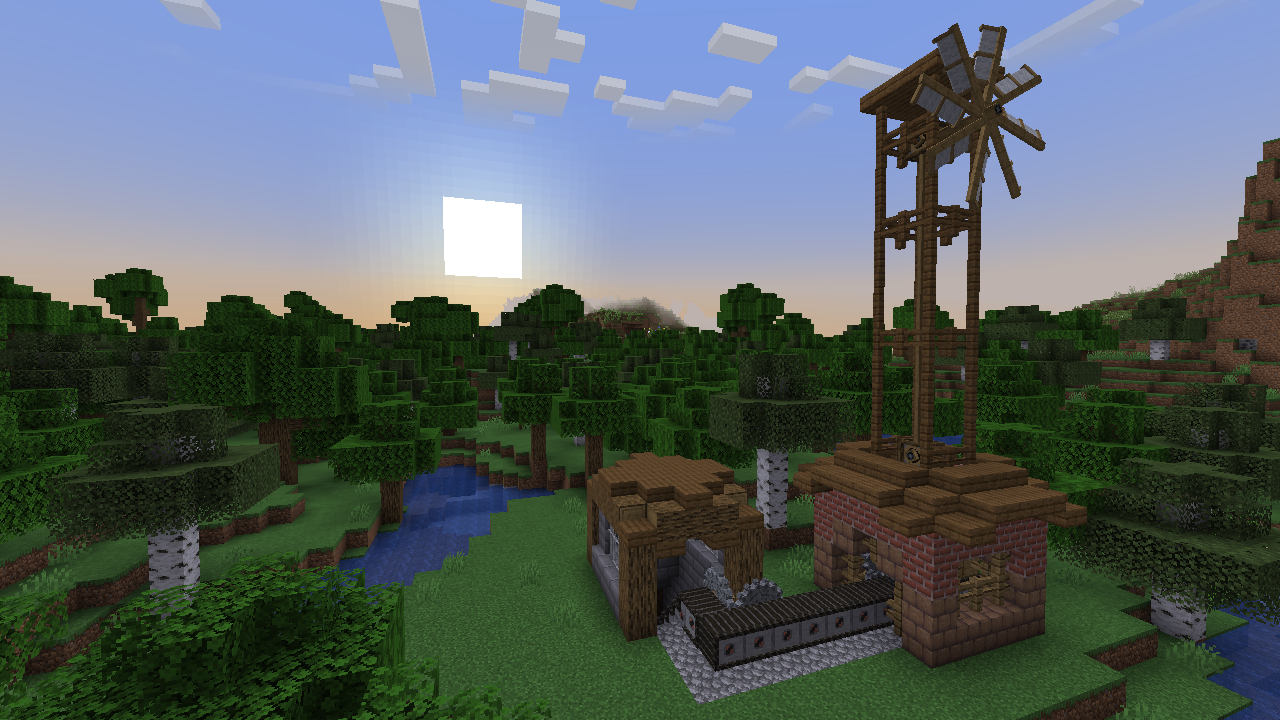
Use Grinders, Mechanical Presses and Mechanical Mixers to process items into different, likely more
useful or compact items, transport them with lines of Conveyors and sort them out with Item Splitters
and Funnels into their own respective Wooden Containers. Just remember to create a Windmill
or Steam Engine, as using Hand Crank for everything isn't ideal.
Then, if you think you are done with machinery, you can use some Item Readers, Item Counters
connected to Nixie Tubes via colored Cables to display information in a nice and visible way!
You don't know how to start? Use advancements and recipe book/Polydex
for help, as they should guide you through the mod!
While not necessarily required, it's highly recommended to install Polydex, as it allows
you to view all recipes in a simple interface. PolyFactory has full support for them,
with a shortcut button in all crafting station.
Simplest way to handle automatic resource pack generation for your server!
While bundled by main distribution of Polymer, it requires some manual
setup to work correctly. But it is quick and simple!
Wanted to decorate your world a bit more? If so, this mod is ideal for you!
PolyDecorations is Fabric (and Quilt) server side mod which multiple decorative blocks such as benches, braziers and shelfs. Checkout Modrinth page for more information!
Project description from Modrinth.
Pick your setup
Choose the version and loader you play, then open the matching release.
Check the dependencies, then try the file in a copied instance before changing a world you care about.
Recent files
polyfactory-0.12.1+26.2.jar
2 Aug 2026
polyfactory-0.12.0+26.2.jar
20 Jun 2026
polyfactory-0.11.1+26.1.2.jar
20 Jun 2026
polyfactory-0.1.1+1.20.2.jar
16 Oct 2023
Looking for an older file? The official Modrinth project page is in Resources.
 mod
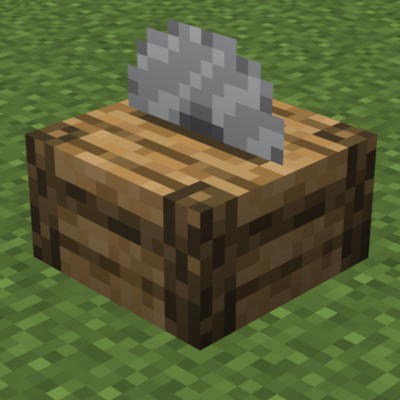
modAdds a Woodcutter block to craft stairs, slabs, fences, doors and other wooden items easily and efficiently, just like a stonecutter!
 mod
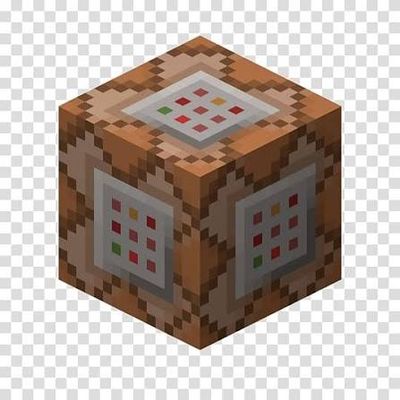
modA universal Forge and Fabric Minecraft mod that removes all in-game command limits, including effect level caps, item give counts, and fill volume restrictions.
 mod
modA Minecraft mod bringing a stealth and alert system just like what in other games.