

Minecraft version
Back to mods 
Modrinth · Minecraft mod
Time Control
Want longer or shorter in-game days/nights? So did I.
Choose a version Pick your version below, then grab the matching file.
Quick answer
Which Time Control release should I use?
Latest stable file 1.6.0
Game version 1.20.4
Loader Fabric
Time Control 1.6.0 targets 1.20.4 with Fabric. Installation on the client is optional. Installation on the dedicated server is optional. No extra mods listed for this file.
Where it goes
Is Time Control required on the client, server, or both?
Installation on the client is optional. Installation on the dedicated server is optional.
Client Optional
Dedicated server Optional
Loader for this release Fabric
Required install it here Optional supported, not mandatory Not supported do not install here Source doesn’t say do not assume
The source marks this as usable on both the client and server.
What else does Time Control 1.6.0 need?
1.6.0. Change the file and its required mods may change too.
This file does not list any required mods. Do not add a library just because a different file uses it.
This file does not list any required or optional mods.
Before you install it
Add Time Control without breaking your instance.
Built for Time Control 1.6.0. Pick another file and the loader, install side or required mods may change.
- 01
Stick to this file
Use 1.6.0. It targets 1.20.4 with Fabric; another release may have different loader, side or dependency requirements.
- 02
Bring the mods it needs
This file does not list any required mods. Do not add a library just because a different file uses it.
- 03
Put it on the correct side
Installation on the client is optional. Installation on the dedicated server is optional.
- 04
Pick the file you checked
Use the “Get this file” button beside 1.6.0. It opens that exact file at the source.
About this project
What does Time Control add?
Since 1.20.1 there is also a version for Fabric!
Control Minecraft’s day-night cycle using a simple config file, choosing either:
- Set length for day and night in minutes (can be configured independently)
- Or sync in-game time with system clock
No base classes are modified, no ASM/mixin transformations (on the Forge version) and no touching tick lengths.
For years when playing the game I couldn't stand vanilla day length.
No other mod that tried to implement a similar feature satisfied me, either due to breaking other mods or having unnecessary features.
This is my simplistic, non-invasive implementation that relies on the vanilla "doDaylightCycle" gamerule being off.
The mod will set it to false on it's own during world startup.
/time command works, sleeping works (sleep should be mostly handled by vanilla)
There is also compatibility with Comforts and Vampirism's day sleeping
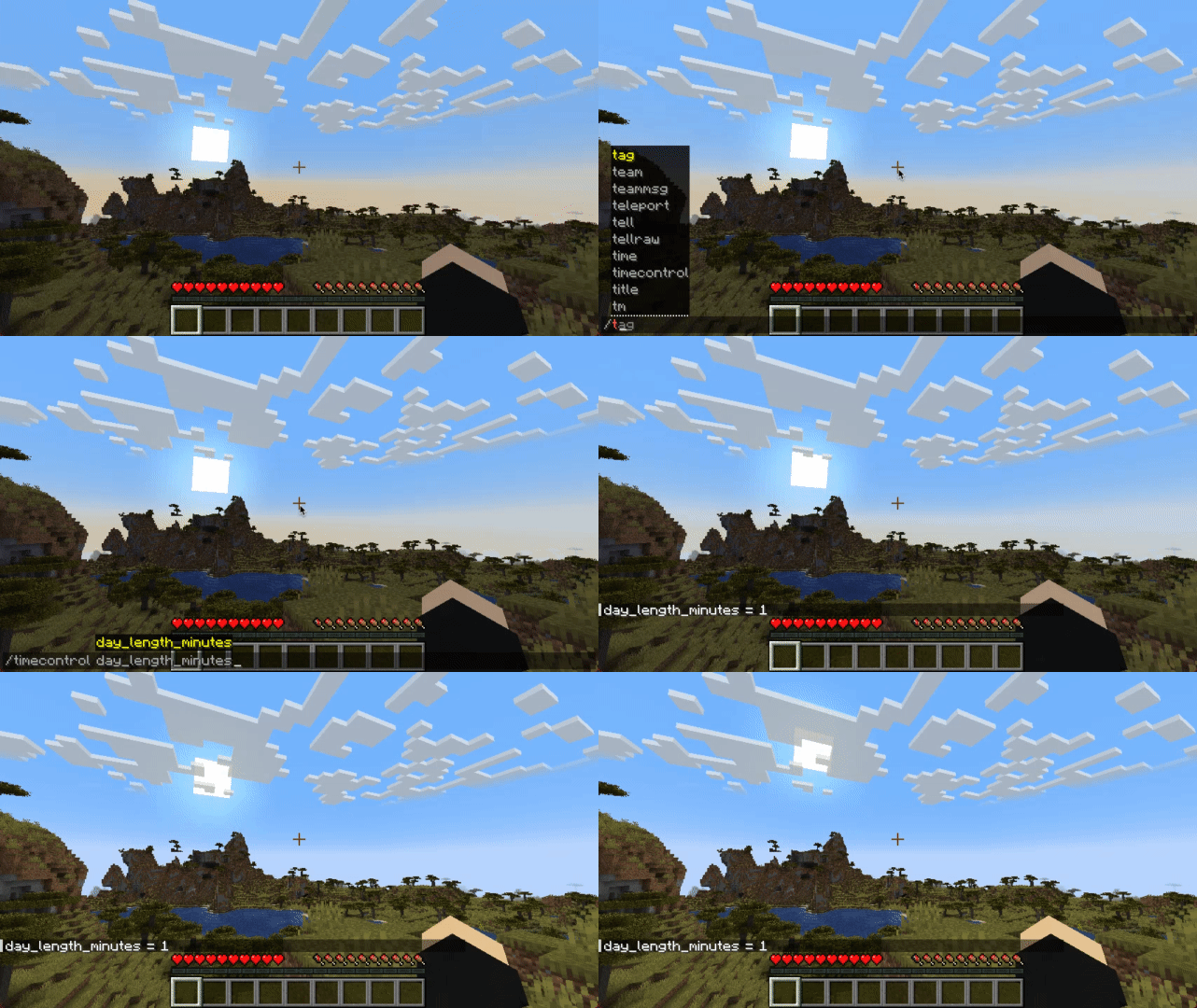
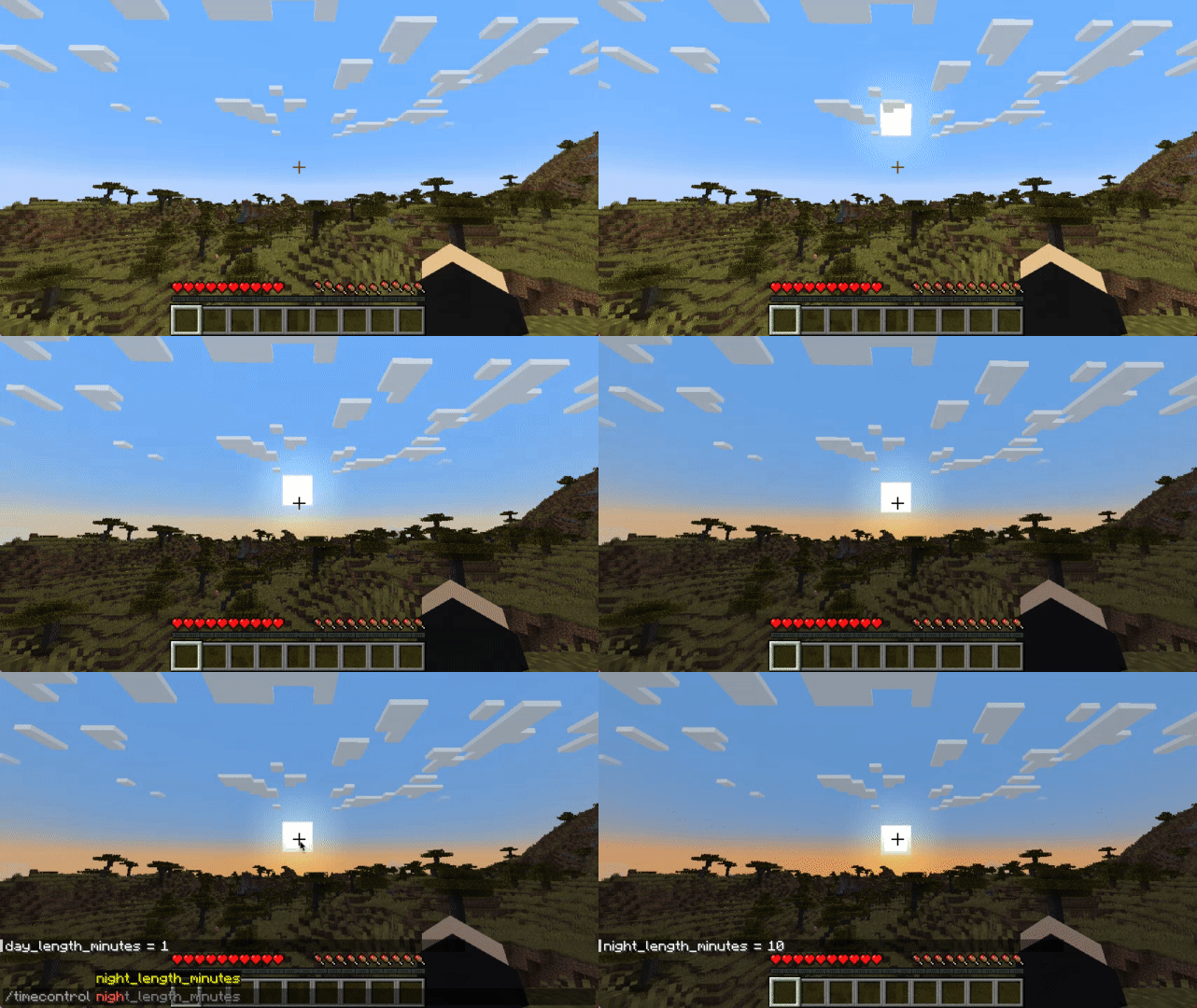
Configuration
File:
Starting with 1.20.1 on Forge configuration is saved per-world (serverside config):
.minecraft/saves/{world}/serverconfig/timecontrol-server.toml
On Fabric 1.20.1+:
.minecraft/config/timecontrol.json
If you're using Forge, on Minecraft versions up to and including 1.19.4 you can find it at:
.minecraft/config/timecontrol-common.toml
[system_time]
	#Synchronize game world time with system time
	sync_to_system_time = true
	#Sync time every n ticks
	#Range: 1 ~ 864000
	sync_to_system_time_rate = 20

[arbitrary_time]
	#How long daytime lasts (0 - 12000)
	#Range: 1 ~ 178956
	day_length_minutes = 30
	#How long nighttime lasts (12000 - 24000)
	#Range: 1 ~ 178956
	night_length_minutes = 25

[miscellaneous]
	debug = true
The Fabric version json does not have comments, so you can refer to the above example.
Commands:
There is also an in-game command:
In 1.20+
/timecontrol day_length_minutes [<value>]
/timecontrol night_length_minutes [<value>]
/timecontrol sync_to_system_time_rate [<value>]
/timecontrol sync_to_system_time [<value>]
Up to 1.19.4:
/timecontrol get < sync_to_system_time | night_length_minutes | day_length_minutes >
/timecontrol set < night_length_minutes | day_length_minutes > <value>
At this time it works with both multiplayer and singleplayer (must be installed on both), but on Dedicated Servers due to possible ping and ticks per second discrepancies slight skybox jitter may be noticeable.
FAQ
Q: Forge?
A: Forge, and since 1.20.1 - Fabric.
Q: Can I include your mod in a video?
A: As long as you include a link to the mod/modpack (if it happens to be in one), absolutely
Q: Can I add your mod to a modpack?
A: CurseForge/Modrinth modpacks are cool.
P.S.
If you don't feel confident enough about my mod and may have also become distrustful of all the previously existing mods attempting to give control to daylight cycle length:
I've been using it myself since 1.12.2, always in heavily modded packs (200+ mods), (usually) on a multiplayer server. This should be a vanilla feature in my opinion.
The mod also doesn't have any permanent effects on the game or save, so if you install/remove it without worry.
Project description from Modrinth.
Pick your setup
Time Control by Minecraft version and loader
Choose the version and loader you play, then open the matching release.
Minecraft version
1.20.1
3 loader buildsMinecraft version
1.20
1 loader buildMinecraft version
1.19.4
1 loader buildMinecraft version
1.19.2
1 loader buildMinecraft version
1.18.2
1 loader buildMinecraft version
1.18.1
1 loader buildMinecraft version
1.17.1
1 loader buildMinecraft version
1.16.5
1 loader buildMinecraft version
1.15.2
1 loader buildMinecraft version
1.12.2
1 loader buildCheck the dependencies, then try the file in a copied instance before changing a world you care about.
Recent files
Time Control versions and loaders
1.6.0
timecontrol-1.20.4-1.6.0.jar
10 Feb 2024
Client Optional Server Optional Dependencies No extras listed Listed on Release listing
Check the 1.20.4 · Fabric setup 1.20.4Fabric release
1.6.0
timecontrol-1.20.1-1.6.0.jar
10 Feb 2024
Client Optional Server Optional Dependencies No extras listed Listed on Release listing
Check the 1.20.1 · Fabric setup 1.20.1Fabric release
1.6.0
timecontrol-1.20.1-1.6.0.jar
10 Feb 2024
Client Optional Server Optional Dependencies No extras listed Listed on Release listing
Check the 1.20.1 · Forge setup 1.20.1ForgeNeoForge release
1.5.0
timecontrol-1.20.4-1.5.0.jar
7 Feb 2024
Client Optional Server Optional Dependencies No extras listed Listed on Release listing
Check the 1.20.4 · Fabric setup 1.20.4Fabric release
1.5.0
timecontrol-1.20.1-1.5.0.jar
7 Feb 2024
Client Optional Server Optional Dependencies No extras listed Listed on Release listing
Check the 1.20.1 · Fabric setup 1.20.1Fabric release
1.4.1
timecontrol-1.20.1-1.4.1.jar
3 Jul 2023
Client Optional Server Optional Dependencies No extras listed Listed on Release listing
Check the 1.20.1 · Fabric setup 1.201.20.1Fabric release
1.4.0
timecontrol-1.20.1-1.4.0.jar
3 Jul 2023
Client Optional Server Optional Dependencies No extras listed Listed on Release listing
Check the 1.20.1 · Fabric setup 1.201.20.1Fabric release
1.4.0
timecontrol-1.20.1-1.4.0.jar
27 Jun 2023
Client Optional Server Optional Dependencies No extras listed Listed on Release listing
Check the 1.20.1 · Forge setup 1.20.1Forge release
1.3.1
timecontrol-1.20.1-1.3.1.jar
26 Jun 2023
Client Optional Server Optional Dependencies No extras listed Listed on Release listing
Check the 1.20.1 · Forge setup 1.20.1Forge release
1.1.3.1
timecontrol-1.19.2-1.1.3.1.jar
30 May 2023
Client Optional Server Optional Dependencies No extras listed Listed on Release listing
Check the 1.19.4 · Forge setup 1.19.21.19.4Forge release
1.1.3.0
timecontrol-1.19.2-1.1.3.0.jar
8 Apr 2023
Client Optional Server Optional Dependencies No extras listed Listed on Release listing
Check the 1.19.4 · Forge setup 1.19.21.19.4Forge release
1.1.3.0
timecontrol-1.18.1-1.1.3.0.jar
8 Apr 2023
Client Optional Server Optional Dependencies No extras listed Listed on Release listing
Check the 1.18.2 · Forge setup 1.18.11.18.2Forge release
Looking for an older file? The official Modrinth project page is in Resources.
 mod
mod CurseForge + Modrinth · Minecraft
Vistas
Allows the addition of new title screen panoramas
 mod
mod Modrinth · Minecraft
Tick Sync
Reduces the delay between server packets and client ticks. 서버에서 도착한 패킷과 클라이언트 틱 사이의 딜레이를 완화합니다.
 mod
mod Modrinth · Minecraft
Create:Custom Train Door
Interactive CR400BF and CRH2A sliding train doors for Create on Minecraft 1.21.1, with ZIP-based custom textures, animations, sounds, and recipes.