Minecraft version
Back to mods 
Modrinth · Minecraft mod
Tilted
Crossbows, unlimited crossbows, but no crossbows.
Choose a version Pick your version below, then grab the matching file.
Quick answer
Which Tilted release matches 1.21.11?
Best match for your filters 1.4.3
Game version 1.21.11
Loader Fabric
Tilted 1.4.3 targets 1.21.11 with Fabric. Installation on the client is optional. Installation on the dedicated server is optional. No extra mods listed for this file.
Where it goes
Is Tilted required on the client, server, or both?
Installation on the client is optional. Installation on the dedicated server is optional.
Client Optional
Dedicated server Optional
Loader for this release Fabric
Required install it here Optional supported, not mandatory Not supported do not install here Source doesn’t say do not assume
The source marks this as usable on both the client and server.
What else does Tilted 1.4.3 need?
1.4.3 on 1.21.11. Every mod below is checked against that same setup.
This file does not list any required mods. Do not add a library just because a different file uses it.
This file does not list any required or optional mods.
Before you install it
Add Tilted without breaking your instance.
Built for Tilted 1.4.3 on 1.21.11. Pick another file and the loader, install side or required mods may change.
- 01
Stick to this file
Use 1.4.3. It targets 1.21.11 with Fabric; another release may have different loader, side or dependency requirements.
- 02
Bring the mods it needs
This file does not list any required mods. Do not add a library just because a different file uses it.
- 03
Put it on the correct side
Installation on the client is optional. Installation on the dedicated server is optional.
- 04
Pick the file you checked
Use the “Get this file” button beside 1.4.3. It opens that exact file at the source.
About this project
What does Tilted add?



A Minecraft mod about crossbows. Adds leaning, aiming down sights, scopes, barrels, skins - a LOT of skins - and gives a use to the fletching table! :D
The main features of this mod are split into 3 parts:
- Crossbow Focus Mode
- Fletching Table
- Smithing Table
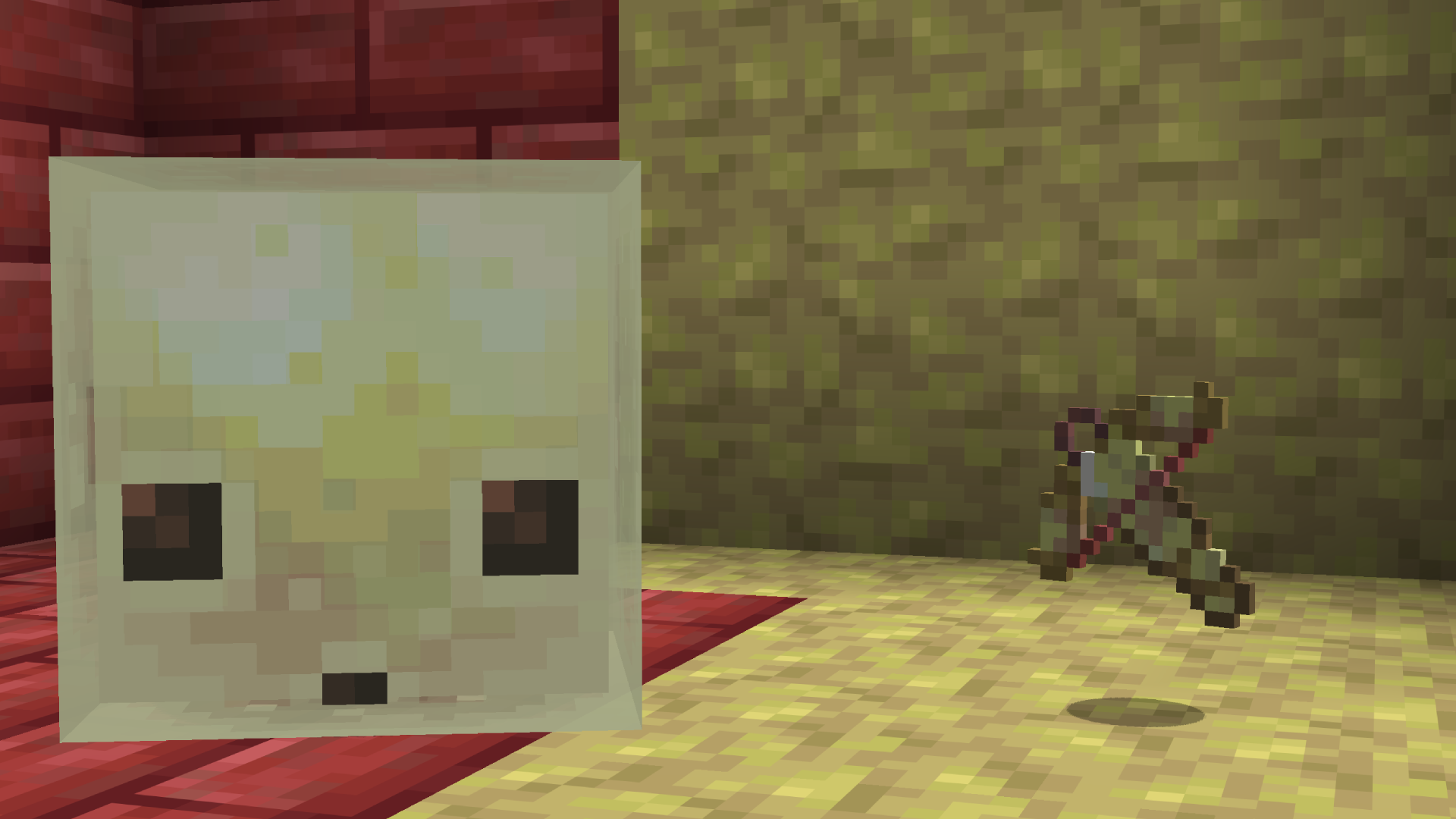
Available for 26.2! Newer updates are backported down to 1.21.8.
Crossbow Focus Mode
Allows you to lean, Aim Down Sights and have more control over your aim.
Fletching Table
Allows you to pick attachments to put on your crossbow, affecting it's stats.
Barrels
Suppressor

Silences crossbow sounds & arrow trial.
Extended Barrel

Increases power, but increases spread.
Flash Hider

Greatly reduces spread.
Compensator

Greatly decreases charge time.
Scopes
Iron Sights

Fast ADS time, but minimal zoom.
Magnified A

Slower ADS time, but more zoom.
Magnified B

Hides crosshair when aiming.
Telescopic

Significant zoom, but impaired vision.
Microscope

errrrrrrr.........
Smithing Table
Choose between a LOT of skins to put on your crossbow! Recieve crates with a rare chance, with them being added to spawn in most trial chamber loot tables with a 1/5 chance..
NOTE: due to some backend changes in 26.3, those versions still use the old system of crates being added to every loot table at a rare chance.
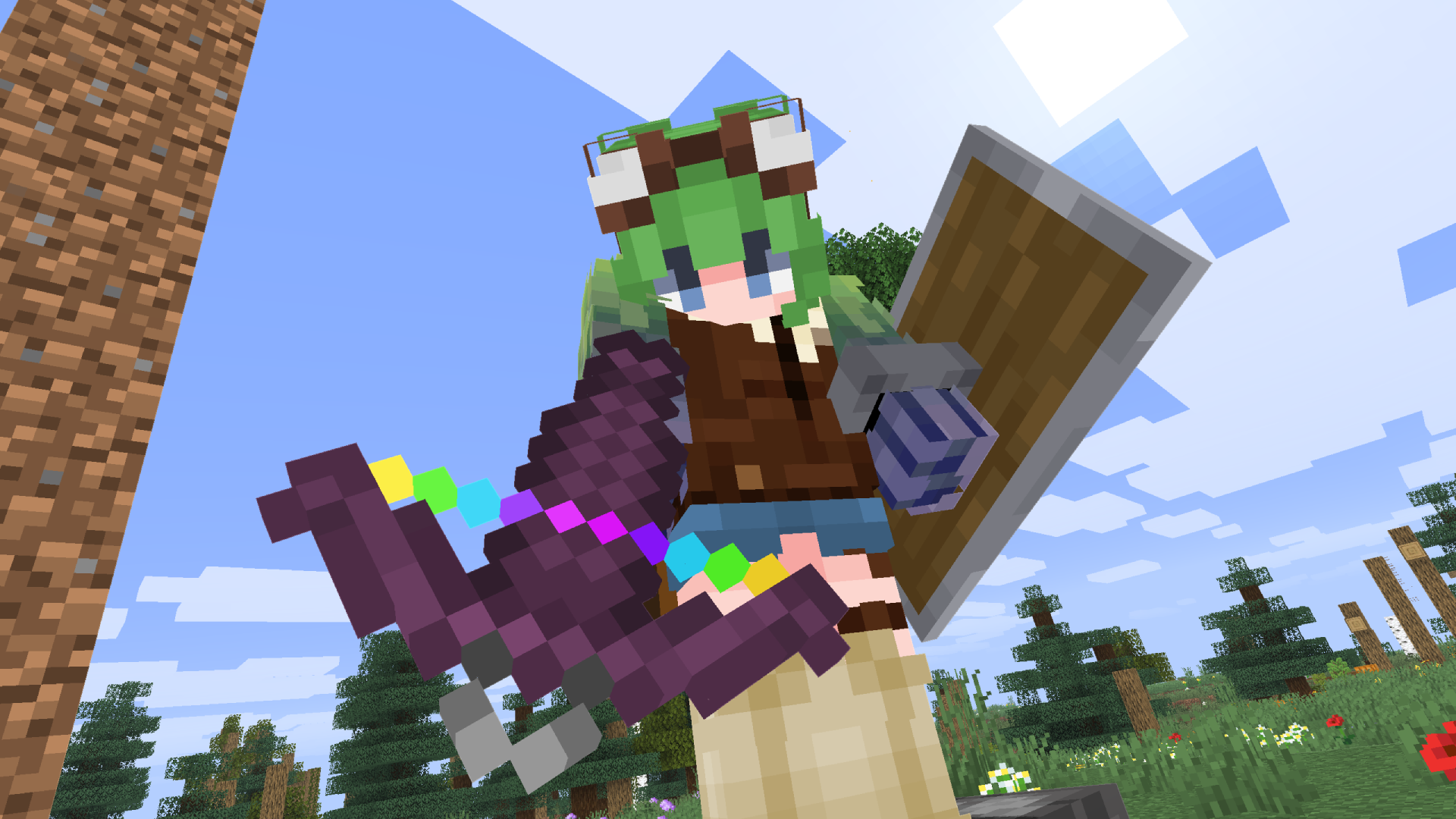
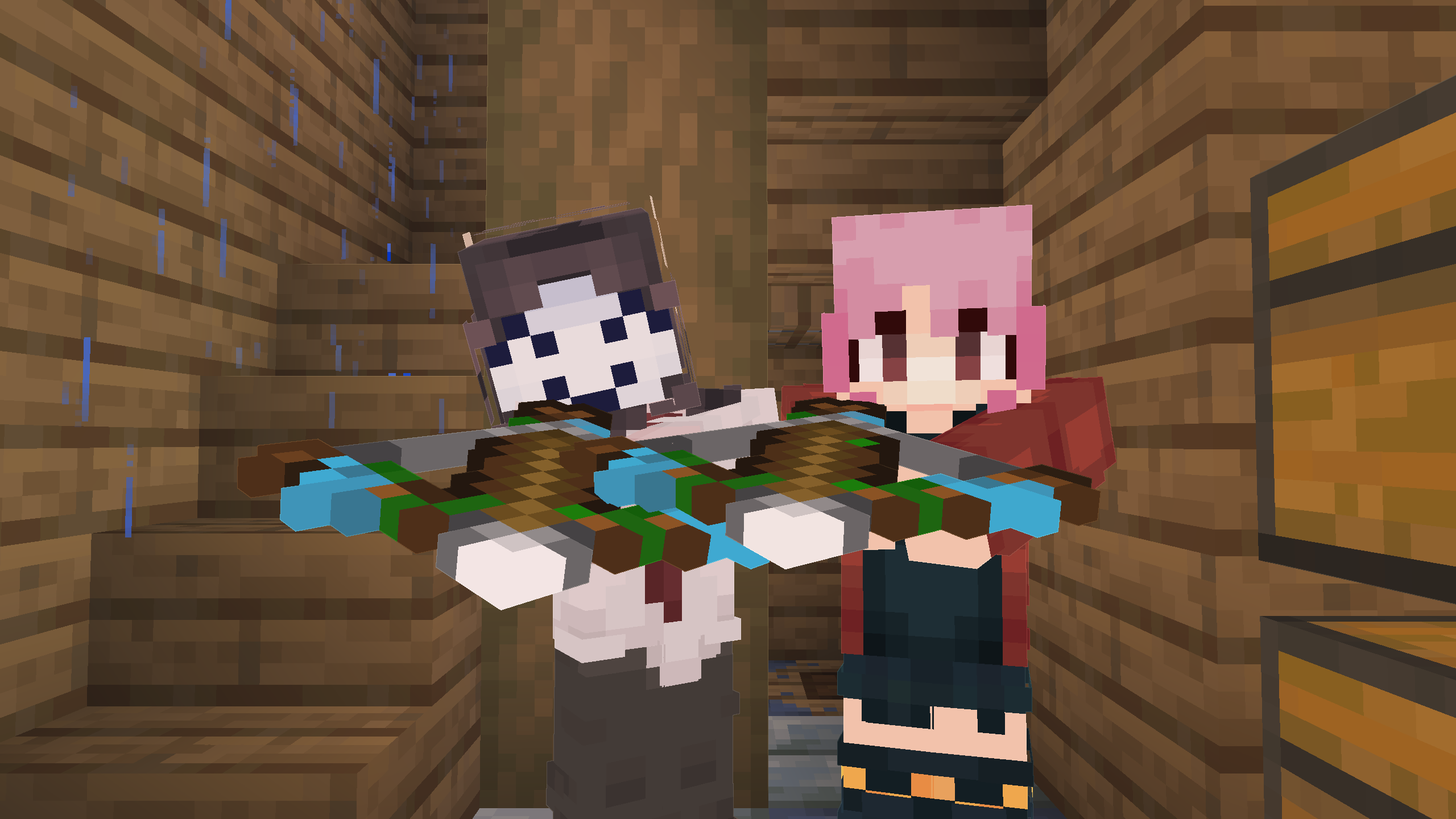
All skins use string alongside a crossbow in a smithing table to skin the crossbow, except for one.
The "Ice" smithing template allows you to dye your crossbow any dye color (except for a few).
Project description from Modrinth.
Pick your setup
Tilted by Minecraft version and loader
Choose the version and loader you play, then open the matching release.
Minecraft version
26.3-snapshot-3
1 loader buildMinecraft version
26.2
1 loader buildMinecraft version
26.1.2
1 loader buildMinecraft version
26.1.1
1 loader buildMinecraft version
26.1
1 loader buildMinecraft version
1.21.11
1 loader buildMinecraft version
1.21.10
1 loader buildMinecraft version
1.21.9
1 loader buildMinecraft version
1.21.8
1 loader buildCheck the dependencies, then try the file in a copied instance before changing a world you care about.
Recent files
Tilted versions and loaders
1.4.3
tilted+1.21.11-1.4.3.jar
8 Aug 2026
Client Optional Server Optional Dependencies No extras listed Listed on Release listing
Check the 1.21.11 · Fabric setup 1.21.11Fabric release
1.4.1
tilted+1.21.11-1.4.1.jar
11 Jul 2026
Client Optional Server Optional Dependencies No extras listed Listed on Release listing
Check the 1.21.11 · Fabric setup 1.21.11Fabric release
1.4.0
tilted+1.21.11-1.4.0.jar
10 Jul 2026
Client Optional Server Optional Dependencies No extras listed Listed on Release listing
Check the 1.21.11 · Fabric setup 1.21.11Fabric release
1.3.0
tilted+1.21.11-1.3.0.jar
8 Jul 2026
Client Optional Server Optional Dependencies No extras listed Listed on Release listing
Check the 1.21.11 · Fabric setup 1.21.11Fabric release
Looking for an older file? The official Modrinth project page is in Resources.
 mod
mod CurseForge + Modrinth · Minecraft
Villager Phrases
Adds immersive phrases to villagers when you interact with or walk near them.
 mod
mod CurseForge + Modrinth · Minecraft
rankboard
Scoreboard ranking mod: web dashboard access, historical data query, point lookup for arbitrary post-install dates.
 mod
mod Modrinth · Minecraft
Forbidden Library
A datapack adding a collection of custom enchantments.