Minecraft version
Back to mods 
Modrinth · Minecraft mod
TD-Hearts
Displays the player's hearts above their username.
Choose a version Pick your version below, then grab the matching file.
Quick answer
Which TD-Hearts release should I use?
Latest stable file 1.4.0
Game version 26.3
Loader Fabric
TD-Hearts 1.4.0 targets 26.3 with Fabric. It must be installed on the client. Do not install it on the dedicated server. No extra mods listed for this file.
Where it goes
Is TD-Hearts required on the client, server, or both?
It must be installed on the client. Do not install it on the dedicated server.
Client Required
Dedicated server Not supported
Loader for this release Fabric
Required install it here Optional supported, not mandatory Not supported do not install here Source doesn’t say do not assume
This file is marked client-only.
What else does TD-Hearts 1.4.0 need?
1.4.0. Change the file and its required mods may change too.
This file does not list any required mods. Do not add a library just because a different file uses it.
This file does not list any required or optional mods.
Before you install it
Add TD-Hearts without breaking your instance.
Built for TD-Hearts 1.4.0. Pick another file and the loader, install side or required mods may change.
- 01
Stick to this file
Use 1.4.0. It targets 26.3 with Fabric; another release may have different loader, side or dependency requirements.
- 02
Bring the mods it needs
This file does not list any required mods. Do not add a library just because a different file uses it.
- 03
Put it on the correct side
It must be installed on the client. Do not install it on the dedicated server.
- 04
Pick the file you checked
Use the “Get this file” button beside 1.4.0. It opens that exact file at the source.
About this project
What does TD-Hearts add?
🔵 DESCRIPTION
See how much health players and mobs have left, and customize how hearts look in your game.
🔵 FEATURES
- Live health: display hearts above players and mobs, with a separate option to show hearts above your own character.
- Your health display: keep Minecraft's default hearts above the hotbar or use your selected TD-Hearts style.
- Mob filters: show health for all mobs, hostile mobs, passive mobs or animals. You can also disable mob hearts.
- Four styles: choose Vanilla, Square, Round or a health bar, with a selection of colors.
- Size options: choose small or large icons for Square and Round styles, or small, medium or large health bars.
- Adjustable layout: change the height above characters, the spacing between hearts and the distance between rows.
- Health animations: highlight missing health or damage from the last hit, add flashing outlines or turn blinking off.
- Golden and Hardcore hearts: supports absorption hearts, such as those from golden apples, and Hardcore heart designs.
- Configuration profiles: save different setups, switch between them, update them or delete them. The built-in Default profile lets you restore the original settings.
- Customizable settings menu: choose its theme, color and scrolling speed, and use search to find options.
- English and Polish: select either language or follow your Minecraft language setting.
- Optimized rendering: designed to reduce the performance impact when many mobs are visible.
🔵 COMMANDS
- /td-hearts » Opens the configuration screen.
- /td-hearts reload » Reloads the configuration without requiring a game restart.
🔵 SUPPORT
If you encounter an error or need assistance, please contact support on Discord.
DISCORD: https://discord.gg/M3FENPR9fN

Project description from Modrinth.
Pick your setup
TD-Hearts by Minecraft version and loader
Choose the version and loader you play, then open the matching release.
Minecraft version
26.2
1 loader buildMinecraft version
26.1
1 loader buildMinecraft version
1.21.11
1 loader buildMinecraft version
1.21.4
1 loader buildCheck the dependencies, then try the file in a copied instance before changing a world you care about.
Recent files
TD-Hearts versions and loaders
1.4.0
TD-Hearts-26.3-1.4.0.jar
18 Nov 2026
Client Required Server Not supported Dependencies No extras listed Listed on Release listing
Check the 26.3 · Fabric setup 26.3Fabric release
1.4.0
TD-Hearts-26.2-1.4.0.jar
18 Nov 2026
Client Required Server Not supported Dependencies No extras listed Listed on Release listing
Check the 26.2 · Fabric setup 26.2Fabric release
1.4.0
TD-Hearts-26.1-1.4.0.jar
18 Nov 2026
Client Required Server Not supported Dependencies No extras listed Listed on Release listing
Check the 26.1 · Fabric setup 26.1Fabric release
1.4.0
TD-Hearts-1.21.11-1.4.0.jar
18 Nov 2026
Client Required Server Not supported Dependencies No extras listed Listed on Release listing
Check the 1.21.11 · Fabric setup 1.21.11Fabric release
1.4.0
TD-Hearts-1.21.4-1.4.0.jar
18 Nov 2026
Client Required Server Not supported Dependencies No extras listed Listed on Release listing
Check the 1.21.4 · Fabric setup 1.21.4Fabric release
1.3.1
TD-Hearts-26.3-1.3.1.jar
27 Oct 2026
Client Required Server Not supported Dependencies No extras listed Listed on Release listing
Check the 26.3 · Fabric setup 26.3Fabric release
1.3.1
TD-Hearts-26.2-1.3.1.jar
27 Oct 2026
Client Required Server Not supported Dependencies No extras listed Listed on Release listing
Check the 26.2 · Fabric setup 26.2Fabric release
1.3.1
TD-Hearts-26.1-1.3.1.jar
27 Oct 2026
Client Required Server Not supported Dependencies No extras listed Listed on Release listing
Check the 26.1 · Fabric setup 26.1Fabric release
1.3.1
TD-Hearts-1.21.11-1.3.1.jar
27 Oct 2026
Client Required Server Not supported Dependencies No extras listed Listed on Release listing
Check the 1.21.11 · Fabric setup 1.21.11Fabric release
1.3.1
TD-Hearts-1.21.4-1.3.1.jar
27 Oct 2026
Client Required Server Not supported Dependencies No extras listed Listed on Release listing
Check the 1.21.4 · Fabric setup 1.21.4Fabric release
1.3
TD-Hearts-26.3-1.3.jar
22 Oct 2026
Client Required Server Not supported Dependencies No extras listed Listed on Release listing
Check the 26.3 · Fabric setup 26.3Fabric release
1.3
TD-Hearts-26.2-1.3.jar
22 Oct 2026
Client Required Server Not supported Dependencies No extras listed Listed on Release listing
Check the 26.2 · Fabric setup 26.2Fabric release
Looking for an older file? The official Modrinth project page is in Resources.
 mod
Modrinth · Minecraft
TD-ShulkerTooltip
Shows the contents of shulker boxes directly in their tooltips.
 mod
CurseForge · Minecraft
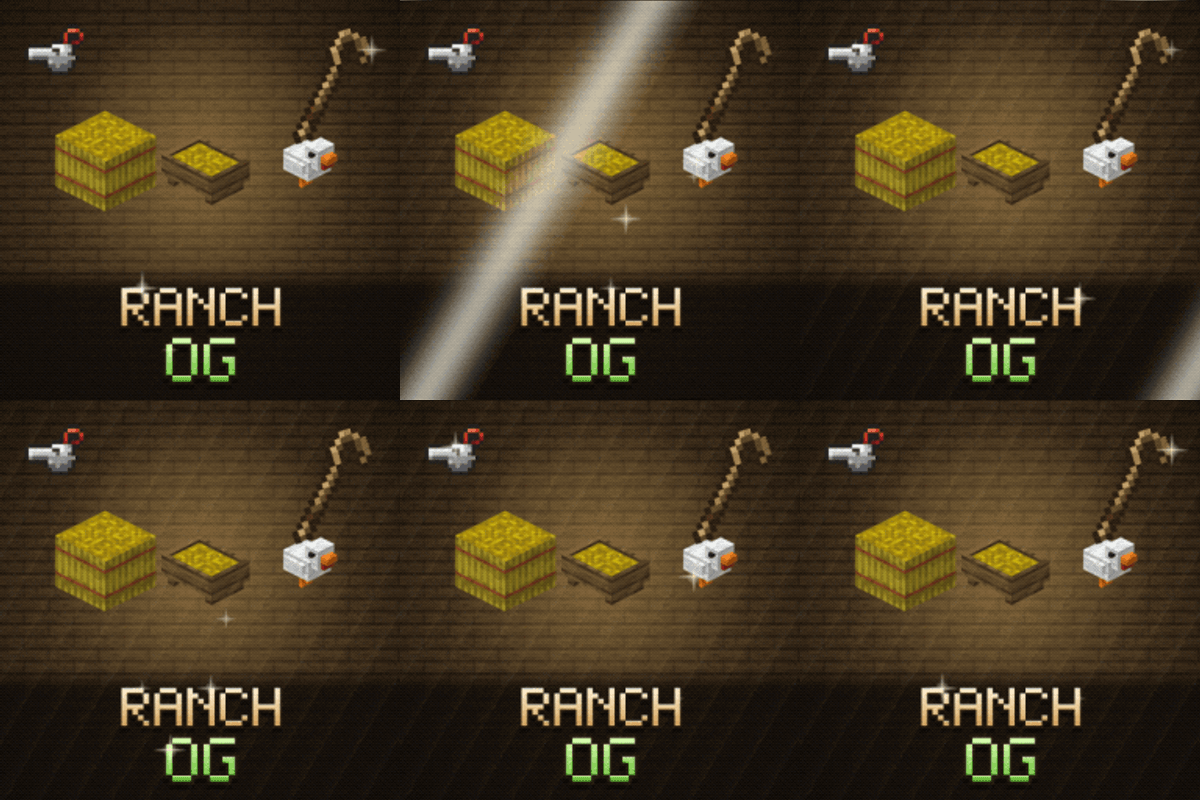
Ranch OG - Feeding Trough, Pet Whistle & Animal Info
Farm and pet QoL: a feeding trough that feeds and breeds your animals, animal info, carrying small animals, pets knocked out instead of killed, a Pet Bed, a Pet Whistle and a Shepherd's Crook.
 mod
CurseForge + Modrinth · Minecraft
Ponderer - 思索者
Ponderer is an in-game Ponder authoring tool for players and modpack creators. You can build, edit, and iterate tutorial scenes directly in Minecraft without leaving the game or writing scripts first.