Forge Config API Port Needed by No Render 0.4.0
requiredMatching file found Matched file: v21.1.6-1.21.1-Fabric
Modrinth · Minecraft mod
Render only the things you want
Quick answer
No Render 0.4.0 targets 1.21, 1.21.1 with Fabric. It must be installed on the client. Do not install it on the dedicated server. All 2 required mods have matching files.
Where it goes
It must be installed on the client. Do not install it on the dedicated server.
This file is marked client-only.
0.4.0. Change the file and its required mods may change too.
Install Forge Config API Port, Fabric API first. We found matching files for this game-version and loader setup. 1 comes through another mod in the chain.
1 extra mod was pulled in by another dependency. Indented rows show who needs each one. We only count dependency files that match this setup. A file for another loader does not fill the gap.
Before you install it
Built for No Render 0.4.0. Pick another file and the loader, install side or required mods may change.
Use 0.4.0. It targets 1.21, 1.21.1 with Fabric; another release may have different loader, side or dependency requirements.
Install Forge Config API Port, Fabric API first. We found matching files for this game-version and loader setup. 1 comes through another mod in the chain.
It must be installed on the client. Do not install it on the dedicated server.
Use the “Get this file” button beside 0.4.0. It opens that exact file at the source.
About this project
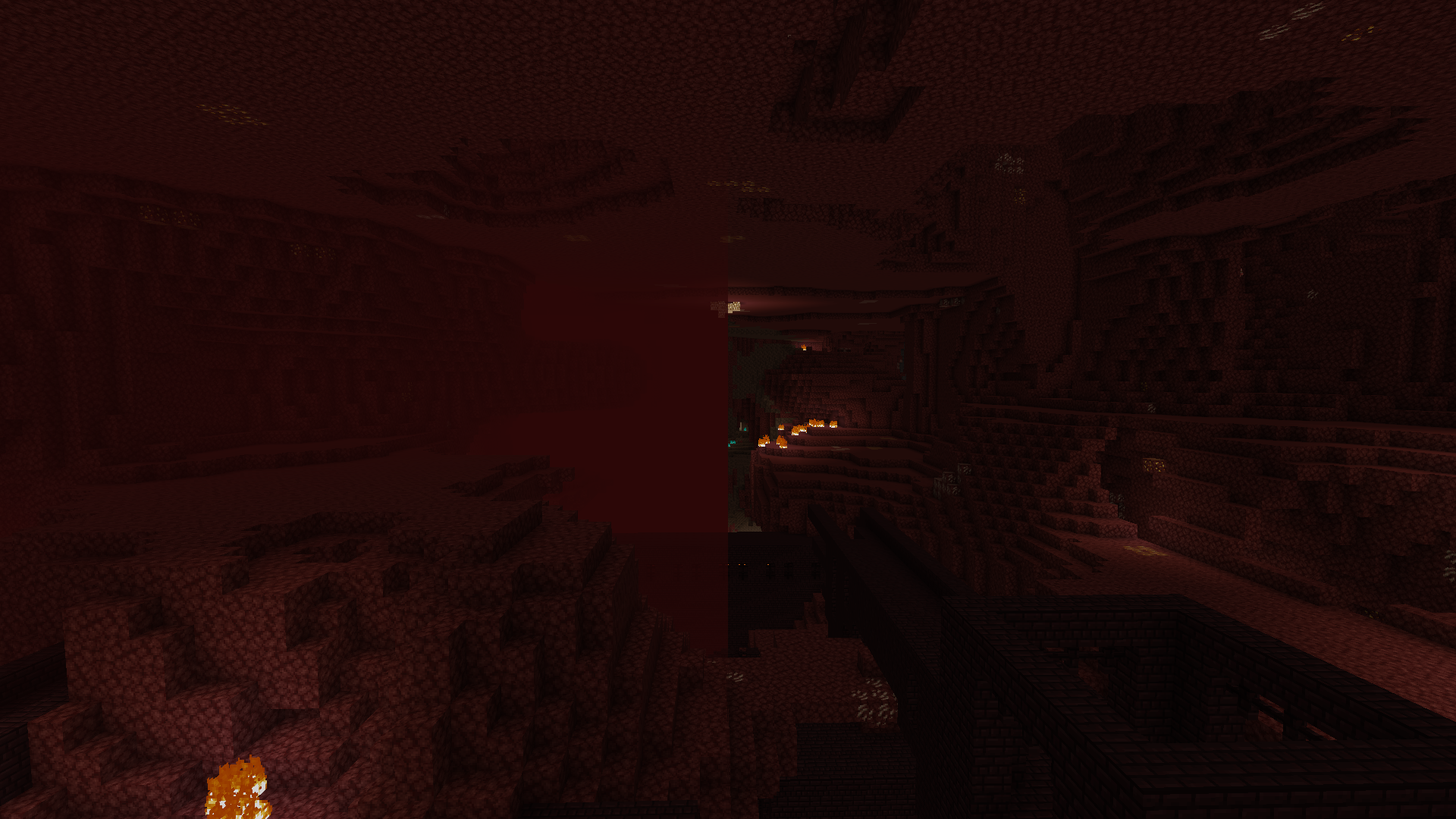
A Minecraft mod for Forge and Fabric to toggle the rendering of various things.
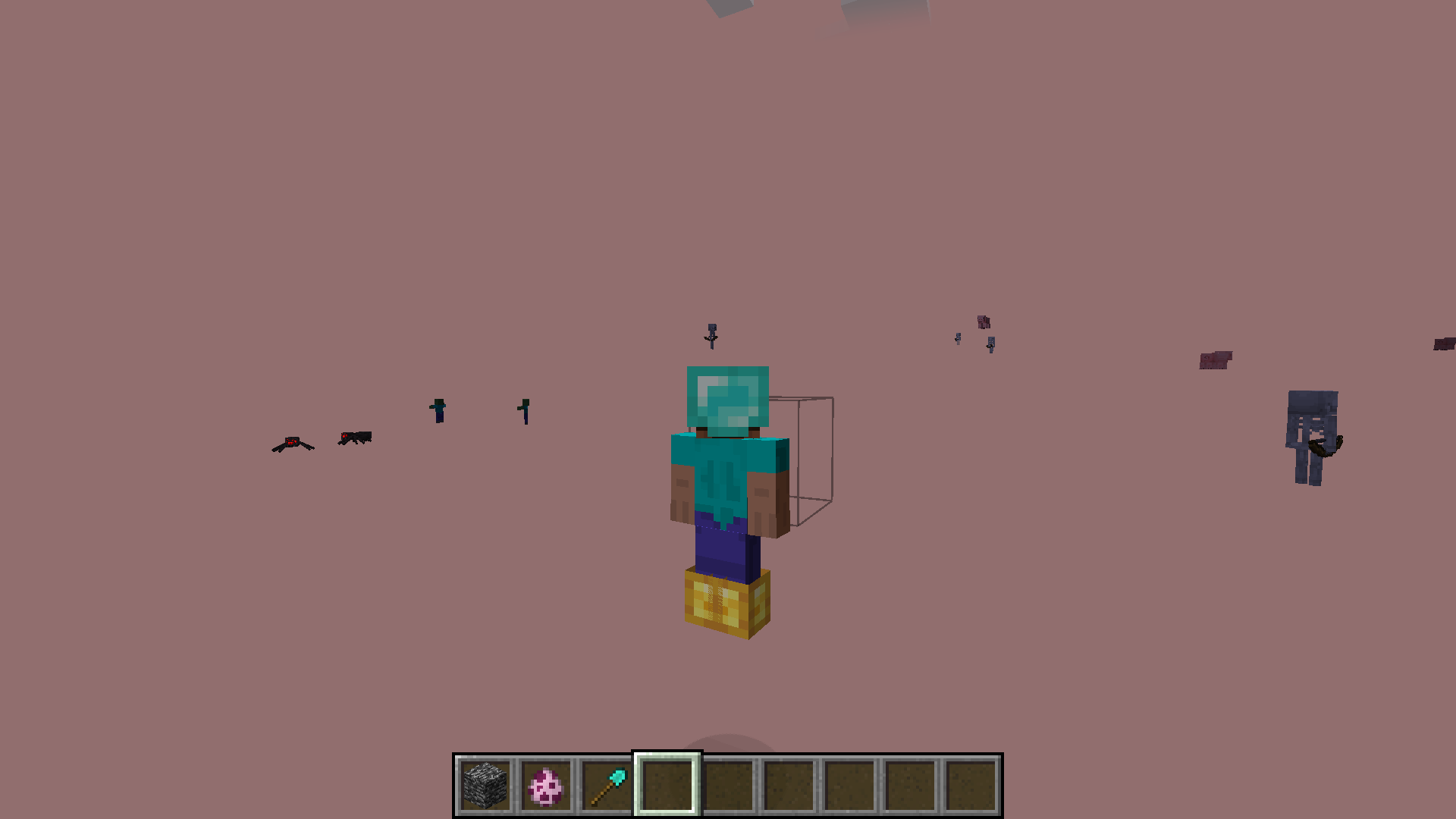
Too many cows? Your game lags? Stop it, use No Render.
Too many items? Simply don't render them and save your FPS.
Don't like seeing other players? Don't render them.
Fabric 1.19.4+ requires Forge Config API Port and Fabric API.
In-game Config Screen
minecraft:creeper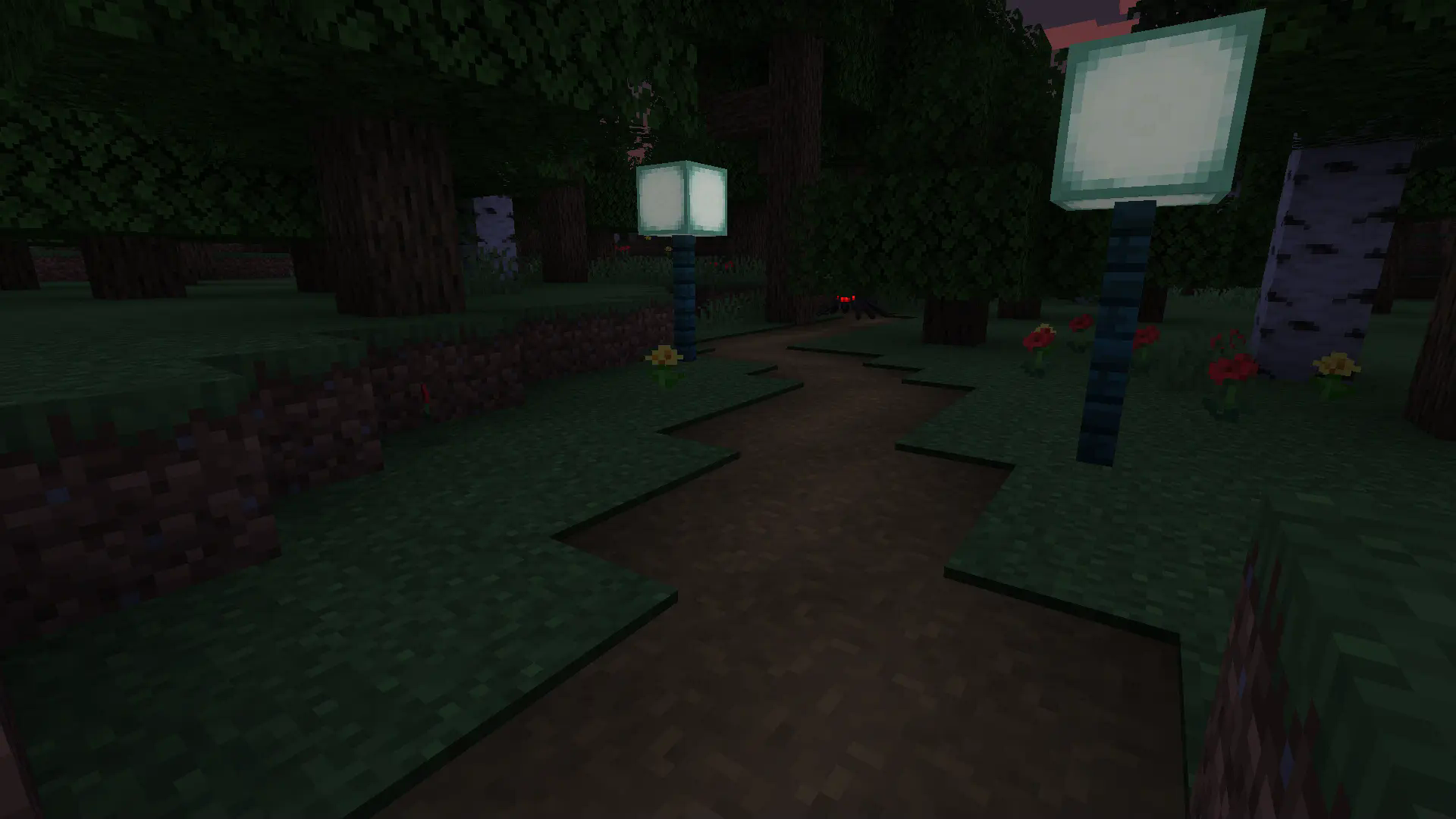
Project description from Modrinth.
Pick your setup
Choose the version and loader you play, then open the matching release.
Check the dependencies, then try the file in a copied instance before changing a world you care about.
Recent files
no_render-fabric-0.4.0.jar
28 Jan 2026
no_render-neoforge-0.4.0.jar
28 Jan 2026
no_render-neoforge-0.4.0.jar
15 Oct 2024
no_render-fabric-0.4.0.jar
15 Oct 2024
no_render-0.4.0.jar
24 Sept 2024
no_render-0.4.0.jar
24 Sept 2024
no_render-0.2.1-1.18.2-all.jar
24 Sept 2024
no_render-0.3.0+1.19.2+forge.jar
24 Sept 2024
no_render-0.4.0.jar
24 Sept 2024
no_render-0.4.0.jar
24 Sept 2024
no_render-0.4.0-fabric1.19.2.jar
24 Sept 2024
no_render-0.4.0-fabric1.19.3.jar
24 Sept 2024
Looking for an older file? The official Modrinth project page is in Resources.
 mod
Mallard guard aims to provide a unique way to experience combat with reactive and immersive parrying. The mod is part of my immersive duckie series created to make a more memorable minecraft experience!
 mod
A lightweight Tinkers' Construct addon featuring tools, new materials, and exclusive projectile traits.
 mod
This mod makes zombies the only hostile mobs that spawn. It is useful for vanilla-friendly zombie apocalypse modpacks.