Fabric API Needed by PasswordManager for AuthMe 0.0.14+fabric-1.18.2
requiredMatching file found Matched file: [1.18.2] Fabric API 0.77.0+1.18.2

Modrinth · Minecraft mod
Manages your passwords on the servers with plugins like AuthMe
Quick answer
PasswordManager for AuthMe 0.0.14+fabric-1.18.2 targets 1.18.2 with Fabric. It must be installed on the client. Do not install it on the dedicated server. All 2 required mods have matching files.
Where it goes
It must be installed on the client. Do not install it on the dedicated server.
This file is marked client-only.
0.0.14+fabric-1.18.2 on 1.18.2. Every mod below is checked against that same setup.
Install Fabric API, Fabric Language Kotlin first. We found matching files for this game-version and loader setup.
We only count dependency files that match this setup. A file for another loader does not fill the gap.
Before you install it
Built for PasswordManager for AuthMe 0.0.14+fabric-1.18.2 on 1.18.2. Pick another file and the loader, install side or required mods may change.
Use 0.0.14+fabric-1.18.2. It targets 1.18.2 with Fabric; another release may have different loader, side or dependency requirements.
Install Fabric API, Fabric Language Kotlin first. We found matching files for this game-version and loader setup.
It must be installed on the client. Do not install it on the dedicated server.
Use the “Get this file” button beside 0.0.14+fabric-1.18.2. It opens that exact file at the source.
About this project

Password Manager aims to enhance security across servers utilizing the AuthMe plugin.
PWAM introduces a password management system that securely auto-fills passwords and generates strong, unique passwords as needed.
If you have any questions, please join my Discord or refer to the documentation.
This mod works with Minecraft 1.18.2, 1.19.4, 1.20.x and 1.21 - 1.21.4.
Plugins like LoginSecurity, OpeNLogin, LibreLogin and UserLogin are also supported.
Please install the following dependencies before you can use PWAM:
Getting started with PWAM is straightforward, especially if you're already familiar with the autocomplete feature.
Simply type /register (or /login, or any other command that requires a password) and press Tab.
PWAM will automatically suggest your password or generate a new one.
To save your existing password, use the commands /login, /l, or /pwam set as needed.
Your password will be securely stored for future use.

When registering on a new server, enter /register (or /reg if available).
PWAM will offer a securely generated password for you to use.
You can choose to use this suggestion or enter a password of your own.
Either way, PWAM will save your new password.

You can use globally accessible /pwam command to look up your passwords (they are never deleted automatically!).
You can even use it in the singleplayer, if the server kicks you for standing too long.

Project description from Modrinth.
Pick your setup
Choose the version and loader you play, then open the matching release.
Showing the newest 12 of 14 game versions. Older files are in the list below.
Check the dependencies, then try the file in a copied instance before changing a world you care about.
Recent files
PasswordManagerAuthMe-0.0.14-fabric-1.18.2.jar
27 Mar 2025
PasswordManagerAuthMe-0.0.13-fabric-1.18.2.jar
12 Mar 2025
PasswordManagerAuthMe-0.0.12-fabric-1.18.2.jar
12 Mar 2025
PasswordManagerAuthMe-0.0.11-fabric-1.18.2.jar
8 Aug 2024
PasswordManagerAuthMe-0.0.10-fabric-1.18.2.jar
20 Jun 2024
PasswordManagerAuthMe-0.0.9-fabric-1.18.2.jar
30 Apr 2024
PasswordManagerAuthMe-0.0.8-fabric-1.18.2.jar
25 Apr 2024
PasswordManagerAuthMe-0.0.7-fabric-1.18.2.jar
23 Apr 2024
PasswordManagerAuthMe-0.0.5-fabric-1.18.2.jar
15 Apr 2024
Looking for an older file? The official Modrinth project page is in Resources.
 mod
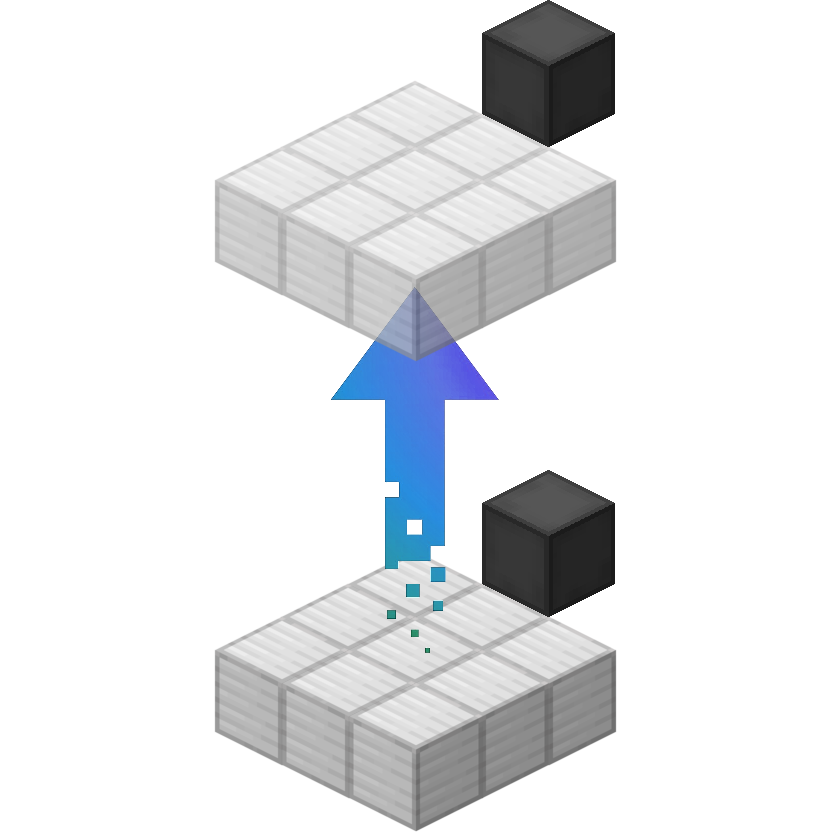
Moving Elevators adds real Elevators to Minecraft!
 mod
Building wands with different modes
 mod
Create in-game screens to stream your favorite videos in Minecraft.