Cloth Config API (Fabric/Forge/NeoForge) Optional for Minecart Trains Fork 2.5.0+26.2
optionalMatching file found Matched file: [Fabric 26.2] v26.2.155
CurseForge · Minecraft mod
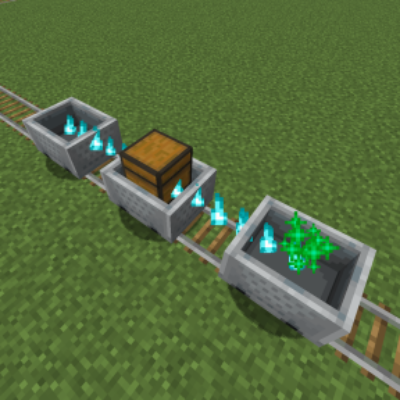
Inspired by the original Minecart Trains by LarsenR. Reworks and improves minecart transportation, making it more fun and useful as a train system!
Quick answer
Minecart Trains Fork 2.5.0+26.2 targets 26.2 with Fabric. The project page does not say whether this file belongs on the client, dedicated server, or both. All 1 required mods have matching files.
Where it goes
The project page does not say whether this file belongs on the client, dedicated server, or both.
The source does not explicitly classify this release as client-only or server-only.
2.5.0+26.2. Change the file and its required mods may change too.
Install Fabric API first. We found matching files for this game-version and loader setup. 2 come through another mod in the chain.
2 extra mods were pulled in by other dependencies. Indented rows show who needs each one. We only count dependency files that match this setup. A file for another loader does not fill the gap.
Before you install it
Built for Minecart Trains Fork 2.5.0+26.2. Pick another file and the loader, install side or required mods may change.
Use 2.5.0+26.2. It targets 26.2 with Fabric; another release may have different loader, side or dependency requirements.
Install Fabric API first. We found matching files for this game-version and loader setup. 2 come through another mod in the chain.
The project page does not say whether this file belongs on the client, dedicated server, or both.
Use the “Get this file” button beside 2.5.0+26.2. It opens that exact file at the source.
About this project
Inspired by the original Minecart Trains by LarsenR. Reworks and improves minecart transportation, making it more fun and useful as a train system!


| Symbol | Relation |
|---|---|
| v | Required |
| o | Optional |
| x | Incompatible |
| Server Side | Relation | Description |
|---|---|---|
| Fabric API | v | - |
| Cloth Config API | o | Train Behavior Configuration |
| Client Side | Relation | Description |
|---|---|---|
| Fabric API | v | - |
| Cloth Config API | o | Client Display Configuration |
| Mod Menu | o | Client Configuration Entry |
| Server Side | Relation | Description |
|---|---|---|
| Cloth Config API | o | Train Behavior Configuration |
| Client Side | Relation | Description |
|---|---|---|
| Cloth Config API | o | Client Display Configuration |
Check out the latest development progress here: Development Progress
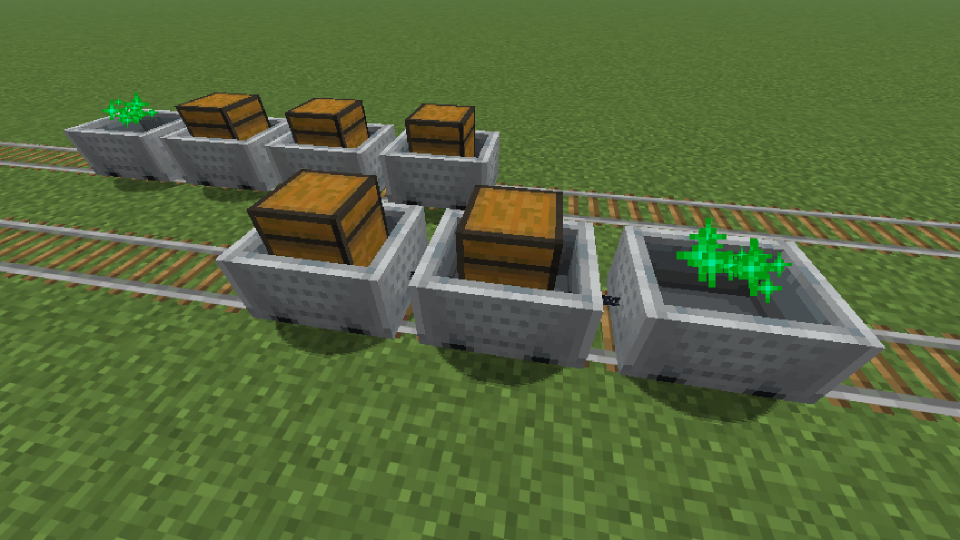
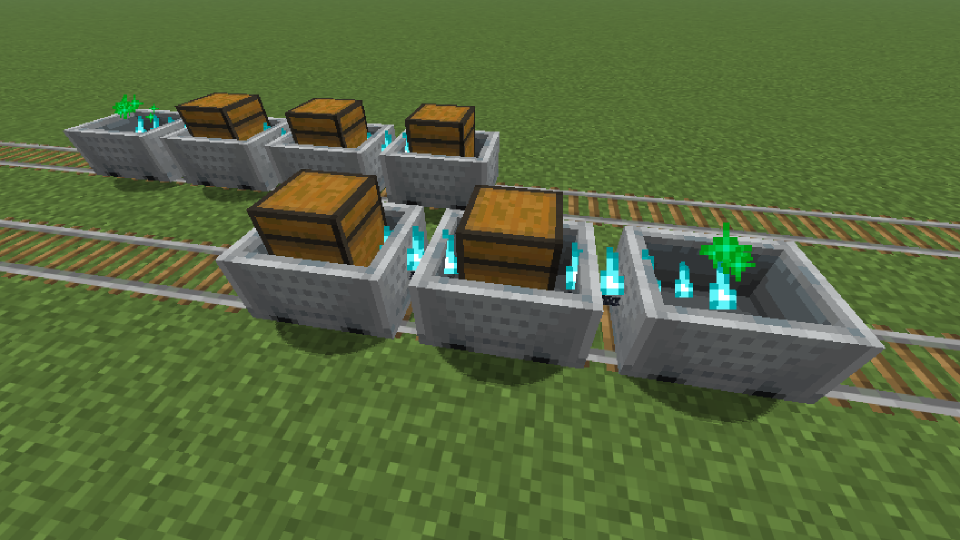
Cloth Config API, you can adjust certain features.You can attempt to clear the train connection at Any Time, including in cases where the connection fails.
Configuration files that will be generated after installing Cloth Config API:
.../config/minecart-trains-fork-server.json.../config/minecart-trains-fork-client.jsonminecart-trains-fork-server.json
[brakingAfterSeparation] Value: true/false, Default: true
[cartSpacing] Range: 3 - 10, Default: 5
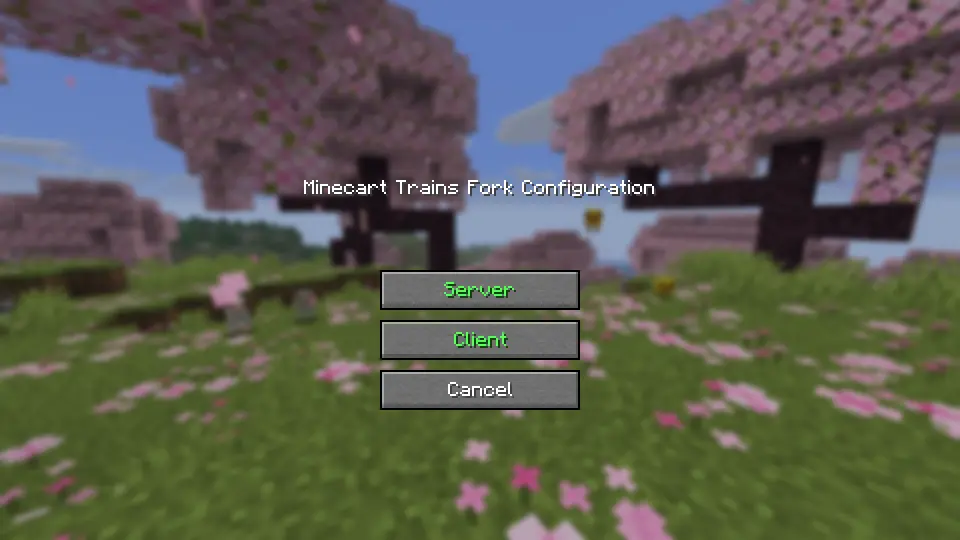
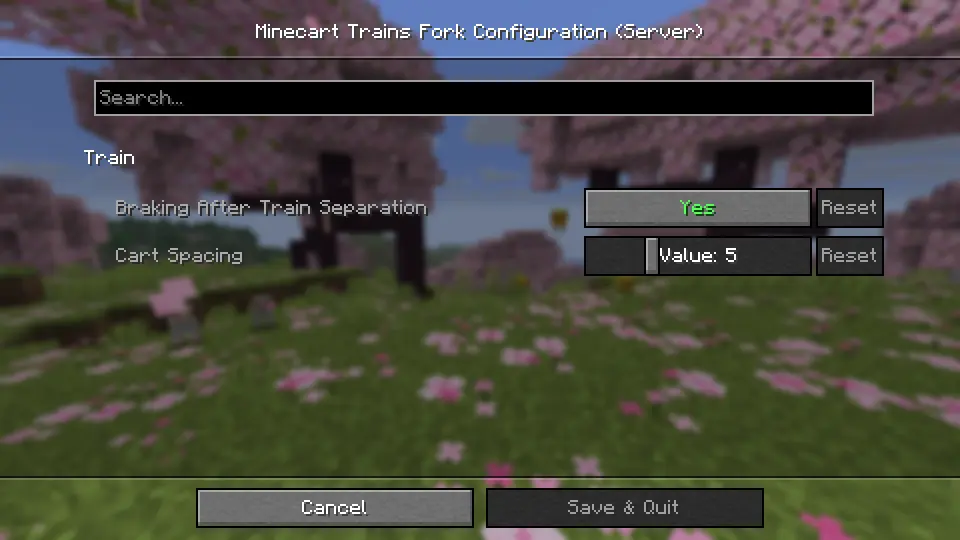
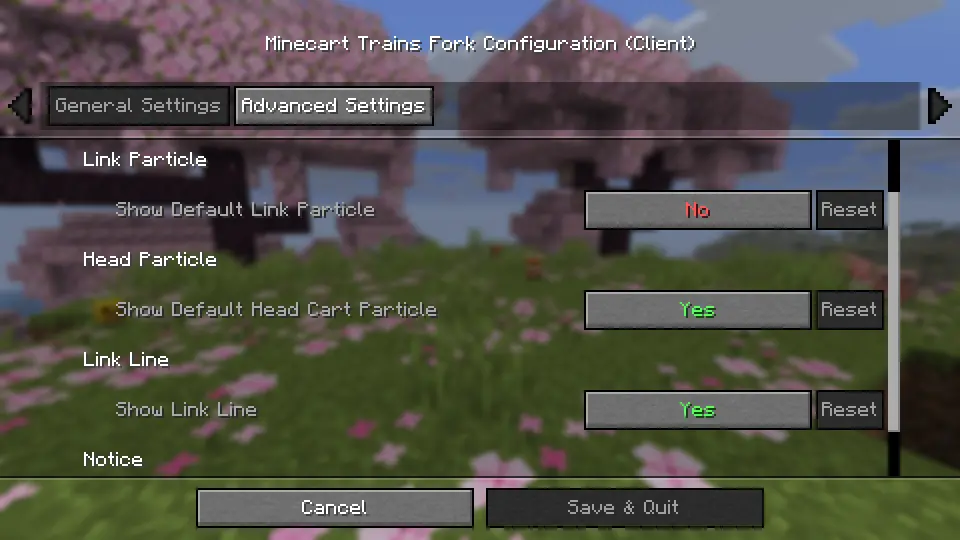
Special thanks to Minecart Trains, which served as the inspiration for this project.
Project description from CurseForge.
Pick your setup
Choose the version and loader you play, then open the matching release.
Showing the newest 12 of 33 game versions. Older files are in the list below.
Check the dependencies, then try the file in a copied instance before changing a world you care about.
Recent files
minecart-trains-fork-2.5.0+26.2.jar
17 Sept 2026
minecart-trains-fork-2.5.0-beta.2+26.2.jar
13 Sept 2026
minecart-trains-fork-2.5.0-beta.1+26.2.jar
6 Sept 2026
minecart-trains-fork-2.5.0-alpha.4+26.2.jar
31 Aug 2026
minecart-trains-fork-2.5.0-alpha.3+26.2.jar
23 Aug 2026
minecart-trains-fork-2.5.0-alpha.2+26.2.jar
20 Aug 2026
minecart-trains-fork-2.5.0-alpha.1+26.2.jar
19 Aug 2026
minecart_trains_fork-2.4.3+26.2.neoforge.jar
25 Jun 2026
minecart-trains-fork-2.4.3+26.2.jar
22 Jun 2026
minecart-trains-fork-2.4.2+26.2.jar
18 Jun 2026
minecart-trains-fork-2.4.2+1.20.r1.jar
23 May 2026
minecart_trains_fork-2.4.2+1.20.forge.jar
23 May 2026
Looking for an older file? The official CurseForge project page is in Resources.