Fabric API Needed by StructureCodex 1.1.0+26.1
requiredMatching file found Matched file: 0.155.3+26.1.2

Modrinth · Minecraft mod
Browse every structure in 3D, then drop it into your world
Quick answer
StructureCodex 1.1.0+26.1 targets 26.1, 26.1.1, 26.1.2 with Fabric. Installation on the client is optional. Installation on the dedicated server is optional. All 1 required mods have matching files.
Where it goes
Installation on the client is optional. Installation on the dedicated server is optional.
The source marks this as usable on both the client and server.
1.1.0+26.1 on 26.1.2 Fabric. Every mod below is checked against that same setup.
Install Fabric API first. We found matching files for this game-version and loader setup. 1 comes through another mod in the chain.
1 extra mod was pulled in by another dependency. Indented rows show who needs each one. We only count dependency files that match this setup. A file for another loader does not fill the gap.
Before you install it
Built for StructureCodex 1.1.0+26.1 on 26.1.2 Fabric. Pick another file and the loader, install side or required mods may change.
Use 1.1.0+26.1. It targets 26.1, 26.1.1, 26.1.2 with Fabric; another release may have different loader, side or dependency requirements.
Install Fabric API first. We found matching files for this game-version and loader setup. 1 comes through another mod in the chain.
Installation on the client is optional. Installation on the dedicated server is optional.
Use the “Get this file” button beside 1.1.0+26.1. It opens that exact file at the source.
About this project
Fabric mod that adds an in-game catalog of every structure your world can generate. Press K to open it.
The list comes straight from the game's registry, so vanilla structures, modded ones and anything a datapack adds all show up on their own. Tabs by category, plus a search box.
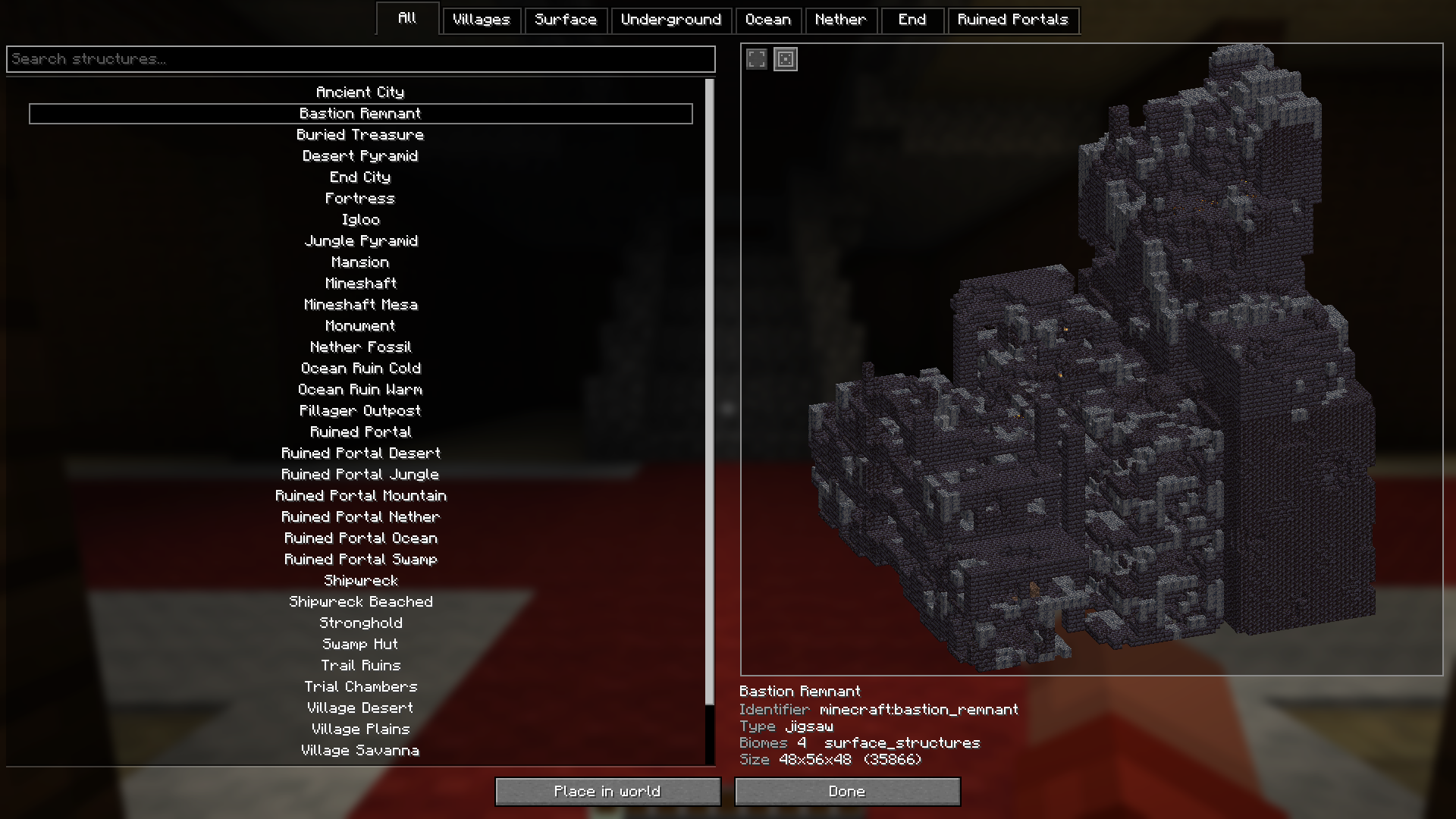
Each structure is drawn with Minecraft's own terrain renderer. Drag to turn it, scroll to zoom.
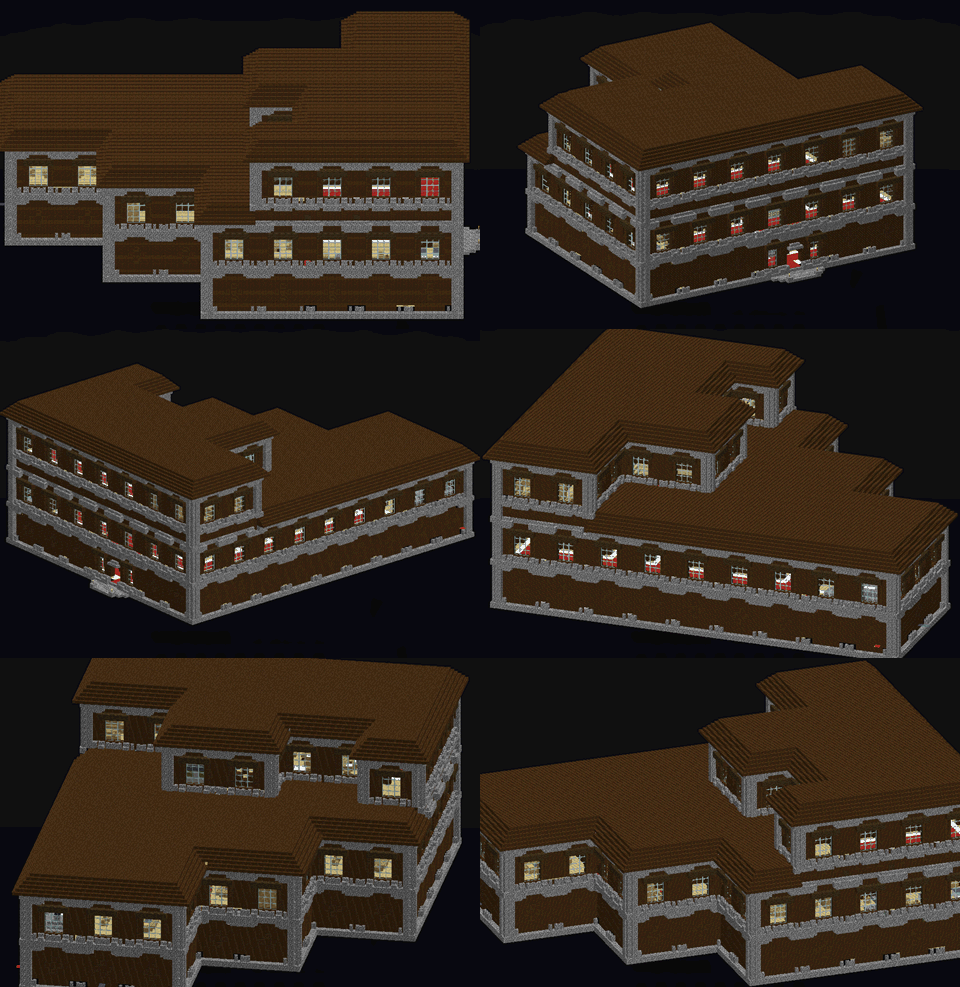
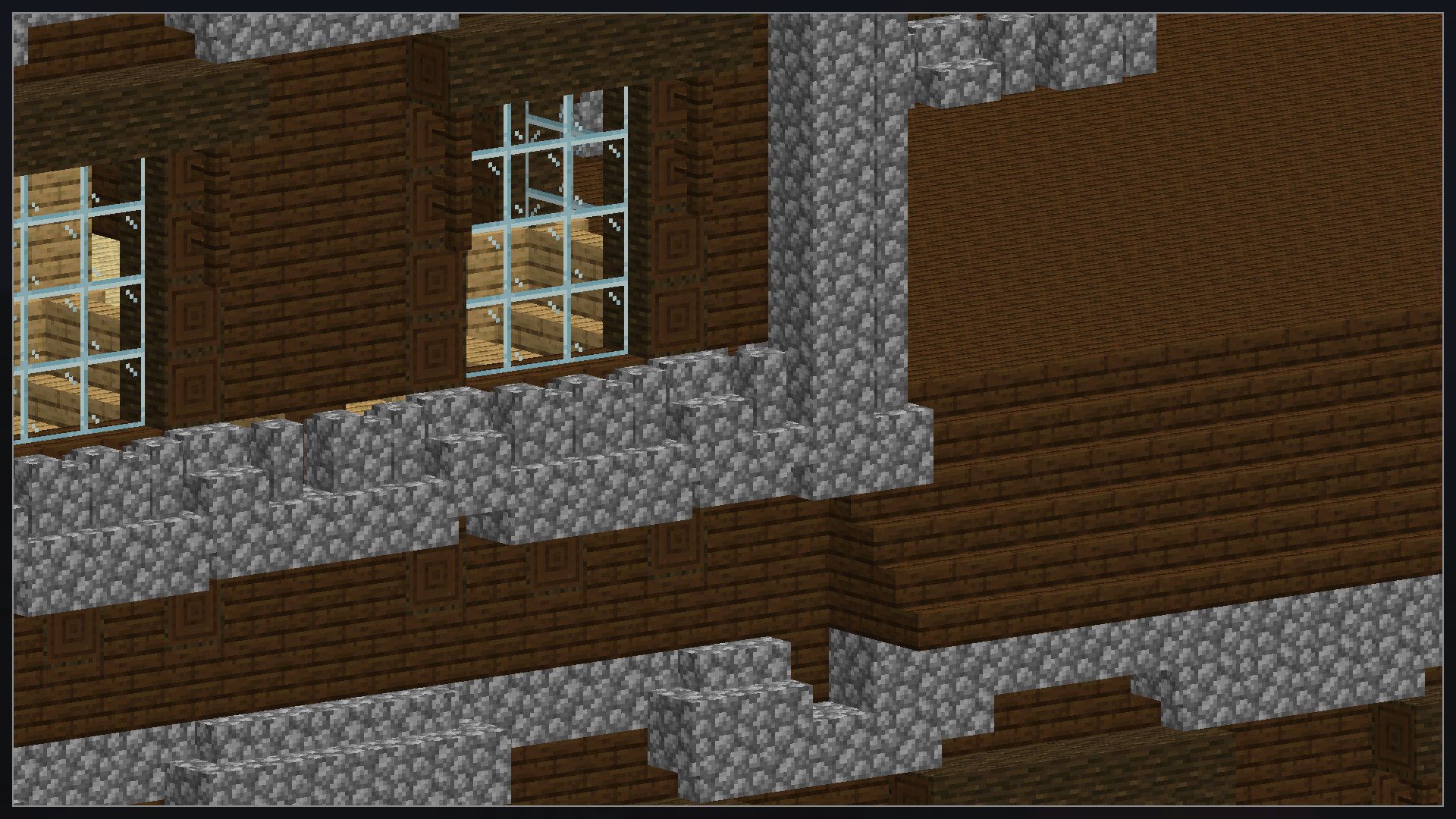
For structures that don't fit in the side panel.
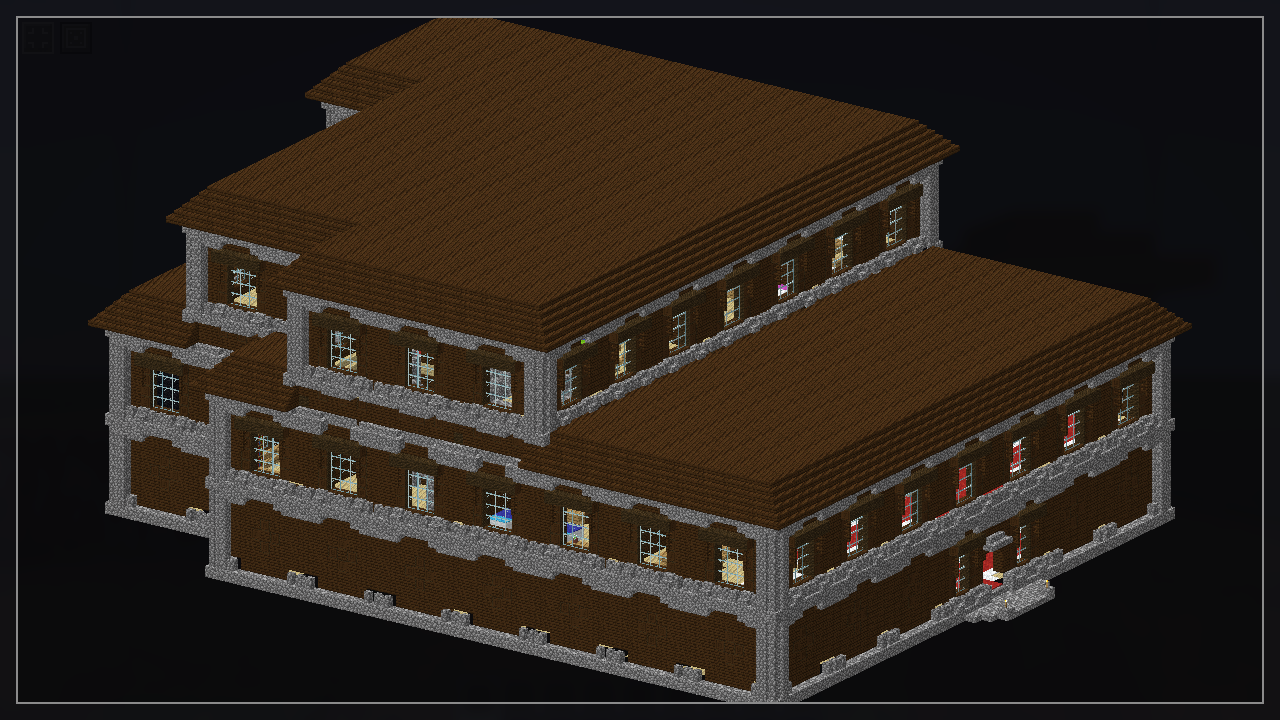
Villages, outposts and other jigsaw structures come out differently every time they generate. The dice button rolls another one.
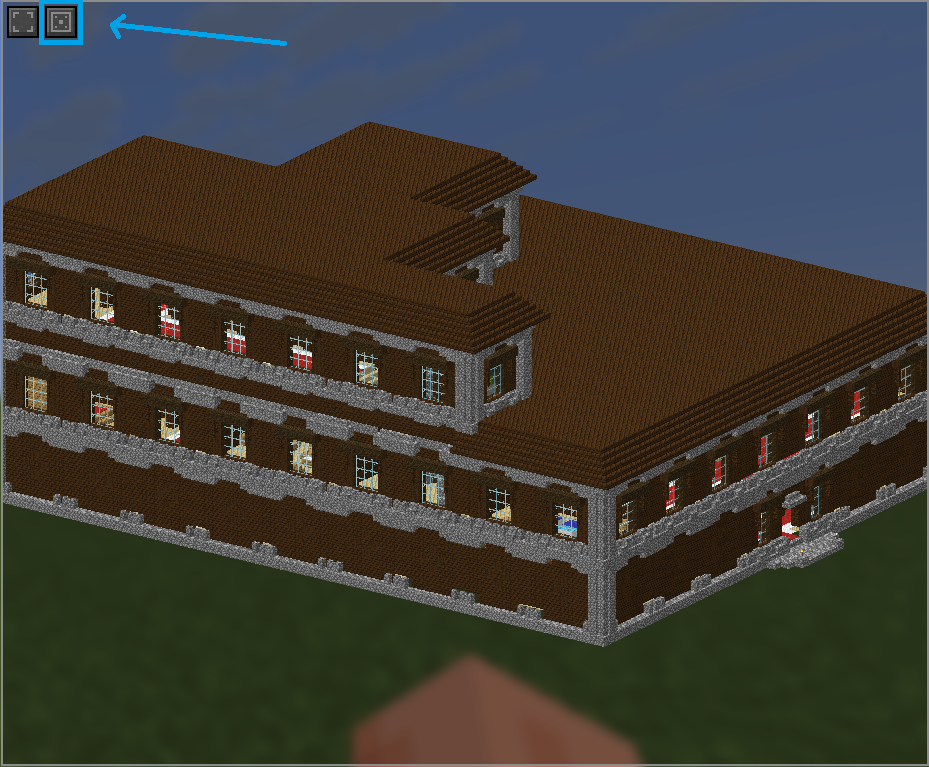
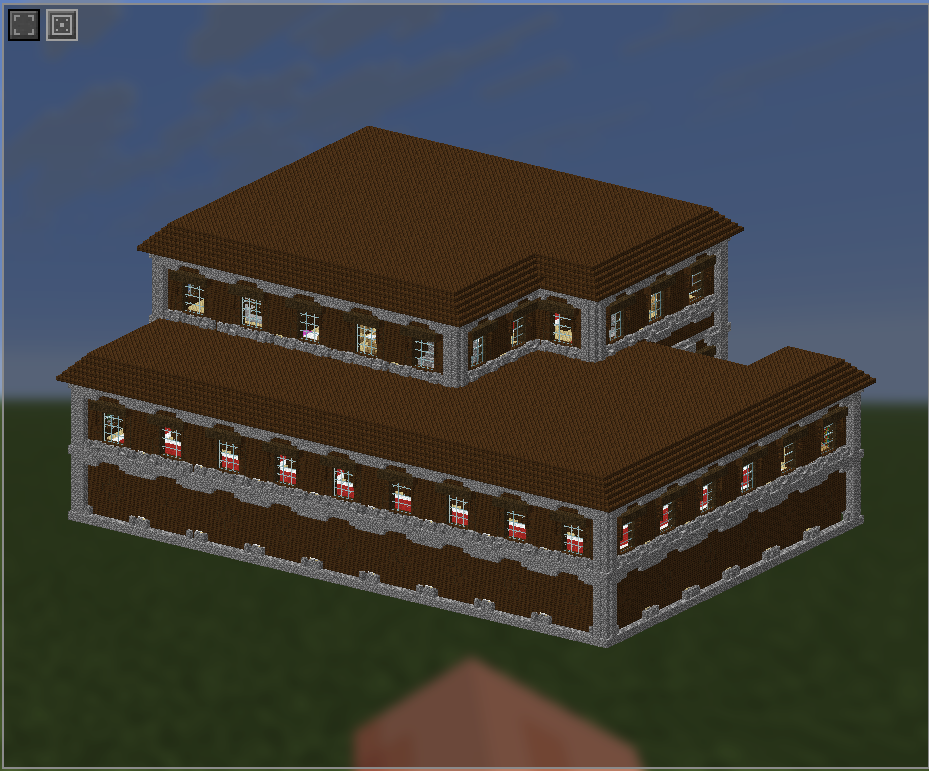
Drops the structure at your feet, built through normal world generation so it settles into the terrain instead of hanging in the air. Only the structure's own blocks are written and its rooms are hollowed out, so no cube of empty space gets punched into the landscape.
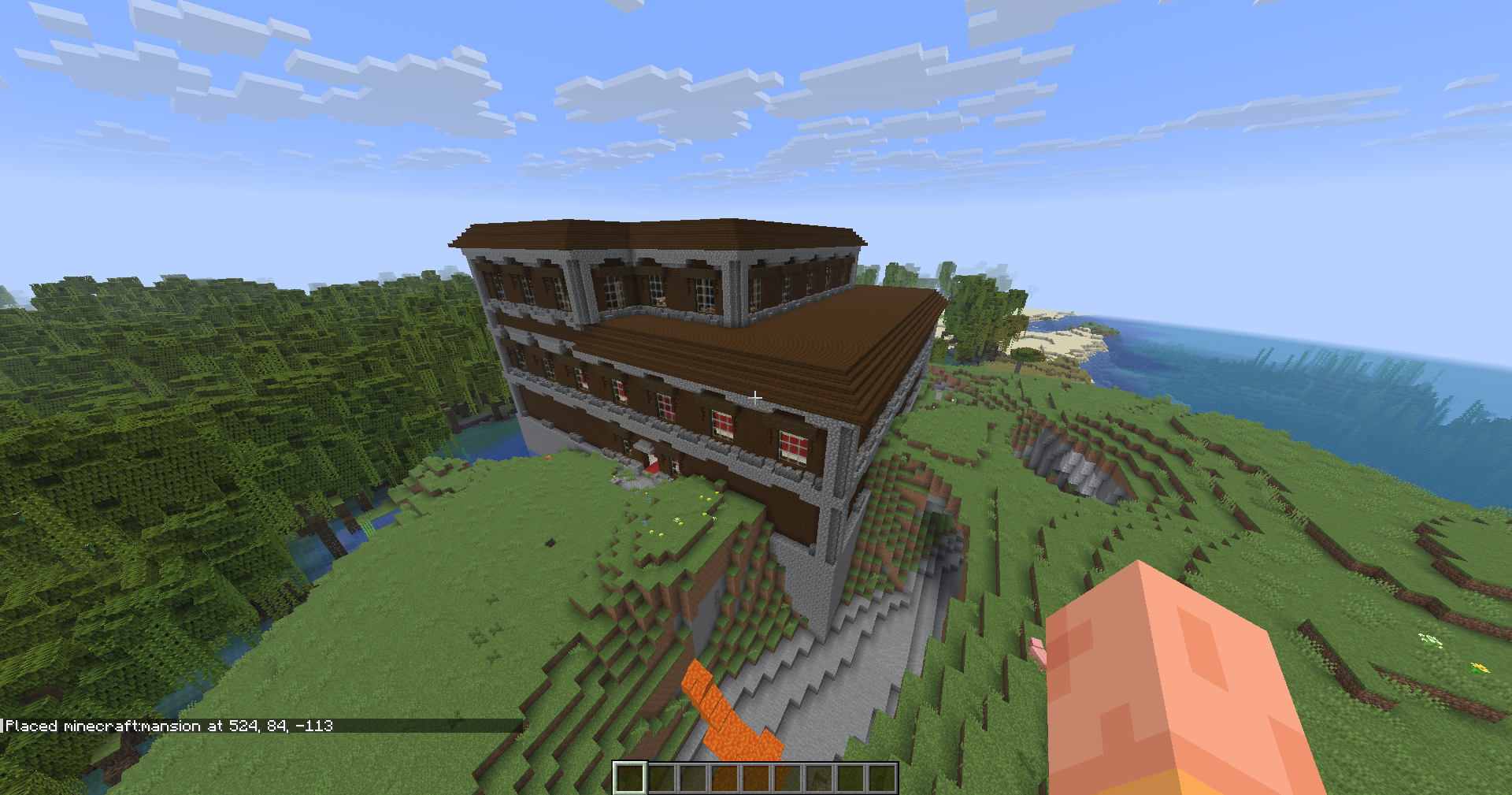
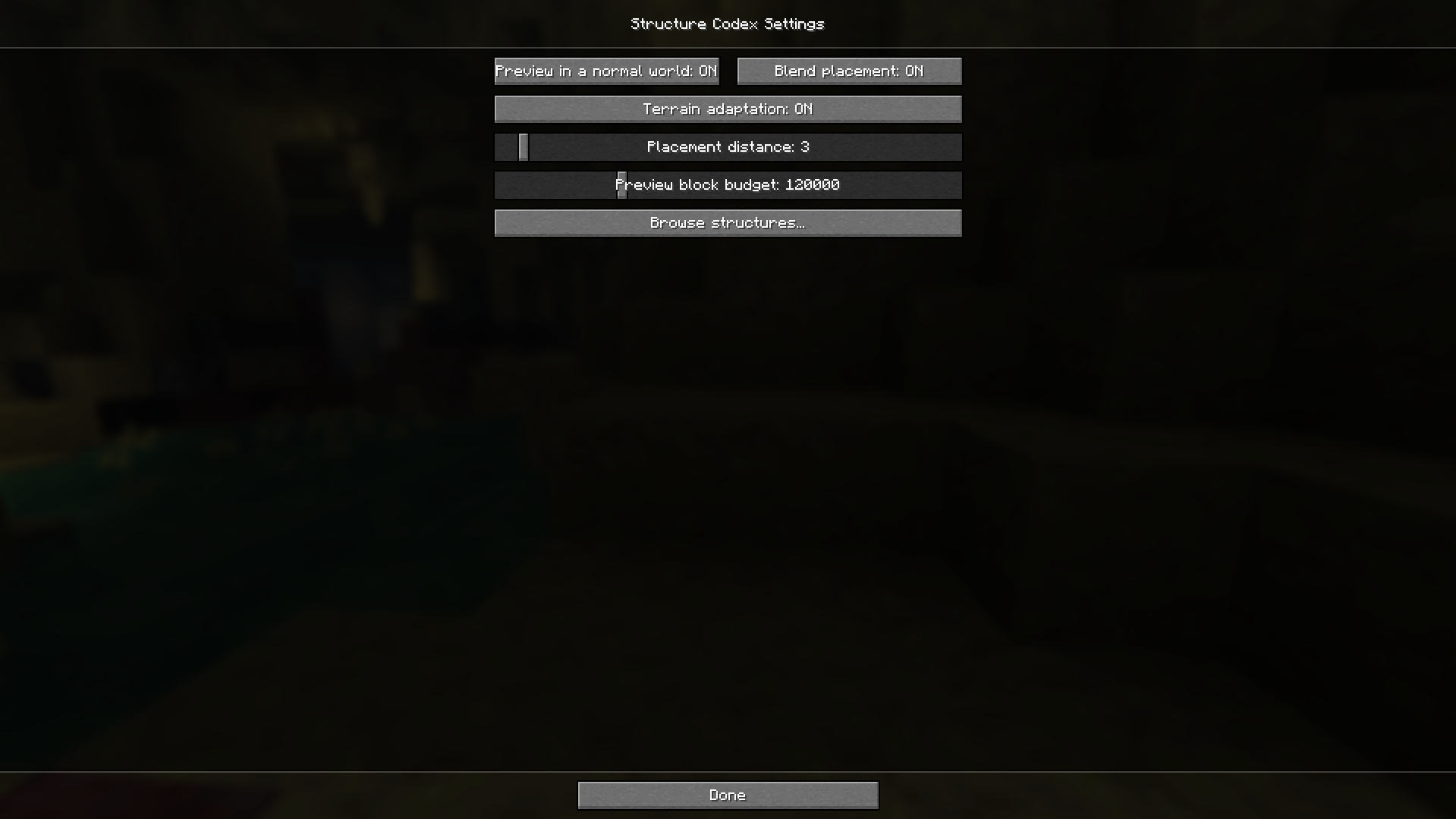
Browsing and previewing work anywhere - singleplayer, LAN, and any server, including vanilla and plugin ones that have never heard of this mod. When a server doesn't hand over its structure data, the mod loads its own from your game files and generates the previews locally.
The catch on someone else's server is that it can only show what you have: a structure that exists solely in a server-side datapack won't be listed, and if the server overrides a vanilla structure, you'll see your version rather than theirs. On a modpack, where the datapacks come inside the mods everyone runs, this doesn't come up.
Placing needs Structure Codex on the server as well, plus creative mode or operator permission.
Project description from Modrinth.
Pick your setup
Choose the version and loader you play, then open the matching release.
Check the dependencies, then try the file in a copied instance before changing a world you care about.
Recent files
structurecodex-1.1.0+26.1.jar
4 Aug 2026
structurecodex-1.0.1+26.1.jar
4 Aug 2026
Looking for an older file? The official Modrinth project page is in Resources.
 mod
⚡ Custom 3D entity model on servers!
 mod
Simulates blocks and entities to catch up after being unloaded for a period of time.
 mod
This mod displays your inventory directly on the HUD without needing to open it.