Fabric API Needed by Default Components 1.0.2+1.21.9
requiredMatching file found Matched file: [1.21.9] Fabric API 0.134.1+1.21.9

Modrinth · Minecraft mod
Add, remove and change default item components. Data driven and improved mod support, can modify selected or all items
Quick answer
Default Components 1.0.2+1.21.9 targets 1.21.9, 1.21.10 with Fabric. Installation on the client is optional. Installation on the dedicated server is optional. All 1 required mods have matching files.
Where it goes
Installation on the client is optional. Installation on the dedicated server is optional.
The source marks this as usable on both the client and server.
1.0.2+1.21.9. Change the file and its required mods may change too.
Install Fabric API first. We found matching files for this game-version and loader setup.
We only count dependency files that match this setup. A file for another loader does not fill the gap.
Before you install it
Built for Default Components 1.0.2+1.21.9. Pick another file and the loader, install side or required mods may change.
Use 1.0.2+1.21.9. It targets 1.21.9, 1.21.10 with Fabric; another release may have different loader, side or dependency requirements.
Install Fabric API first. We found matching files for this game-version and loader setup.
Installation on the client is optional. Installation on the dedicated server is optional.
Use the “Get this file” button beside 1.0.2+1.21.9. It opens that exact file at the source.
About this project

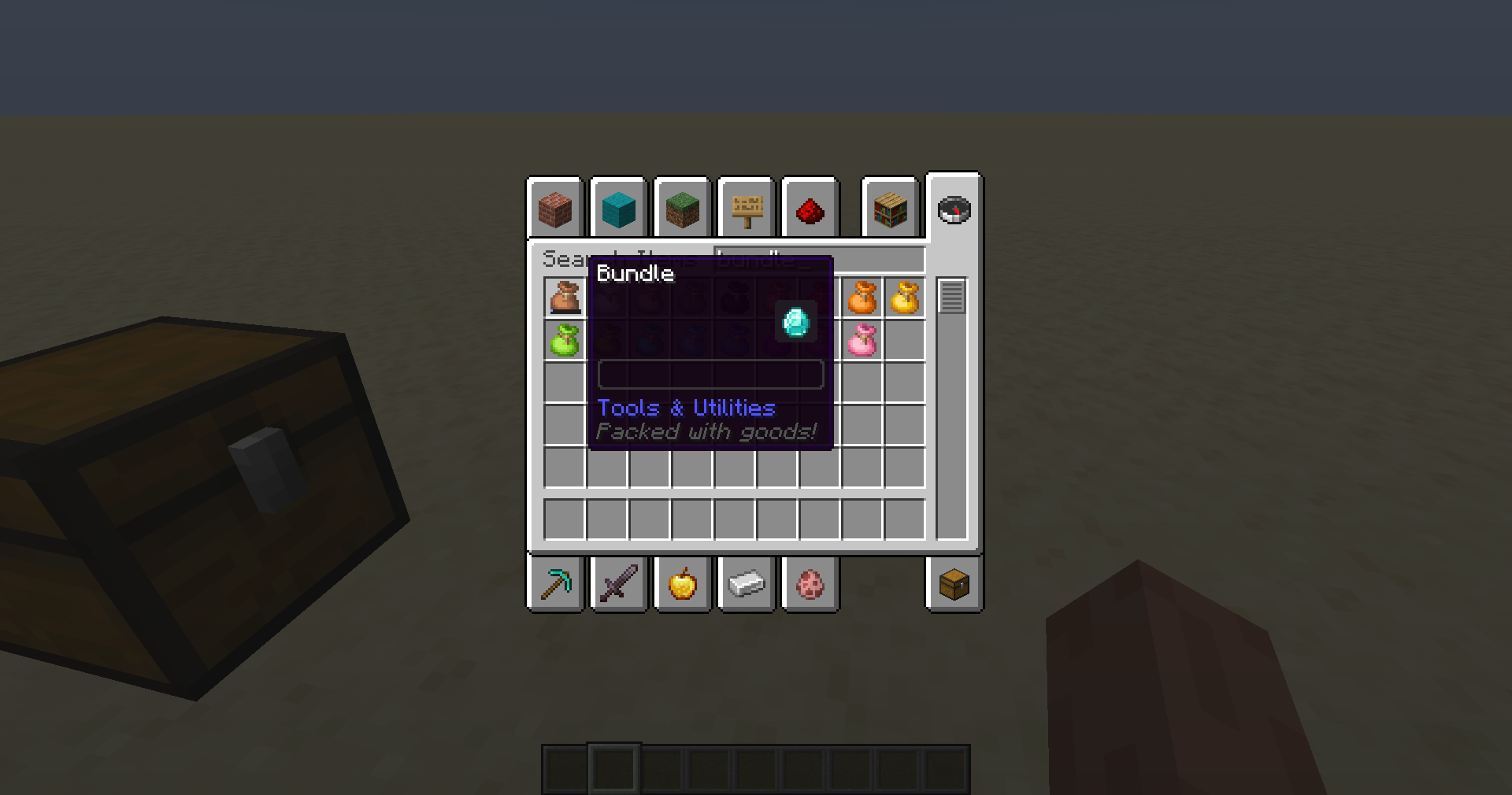
Add and remove data components from all or selected items with a simple datapack, fully serverside,
can also be added to the client to provide a better and smoother experience
Create great customized modpacks with modified default components for the items
Allows to make any item food, a tool, and everything else components allow you to do.
The mod can be used to override existing properties.
You can remove components from items, providing power for balancing.
This mod supports both vanilla and modded components and also works with modded items
The mod modifies packets to vanilla clients to provide the best experience.
Having the mod on the client is recommended as it can avoid jank caused by ping, server lag and the creative inventory being handled by the client
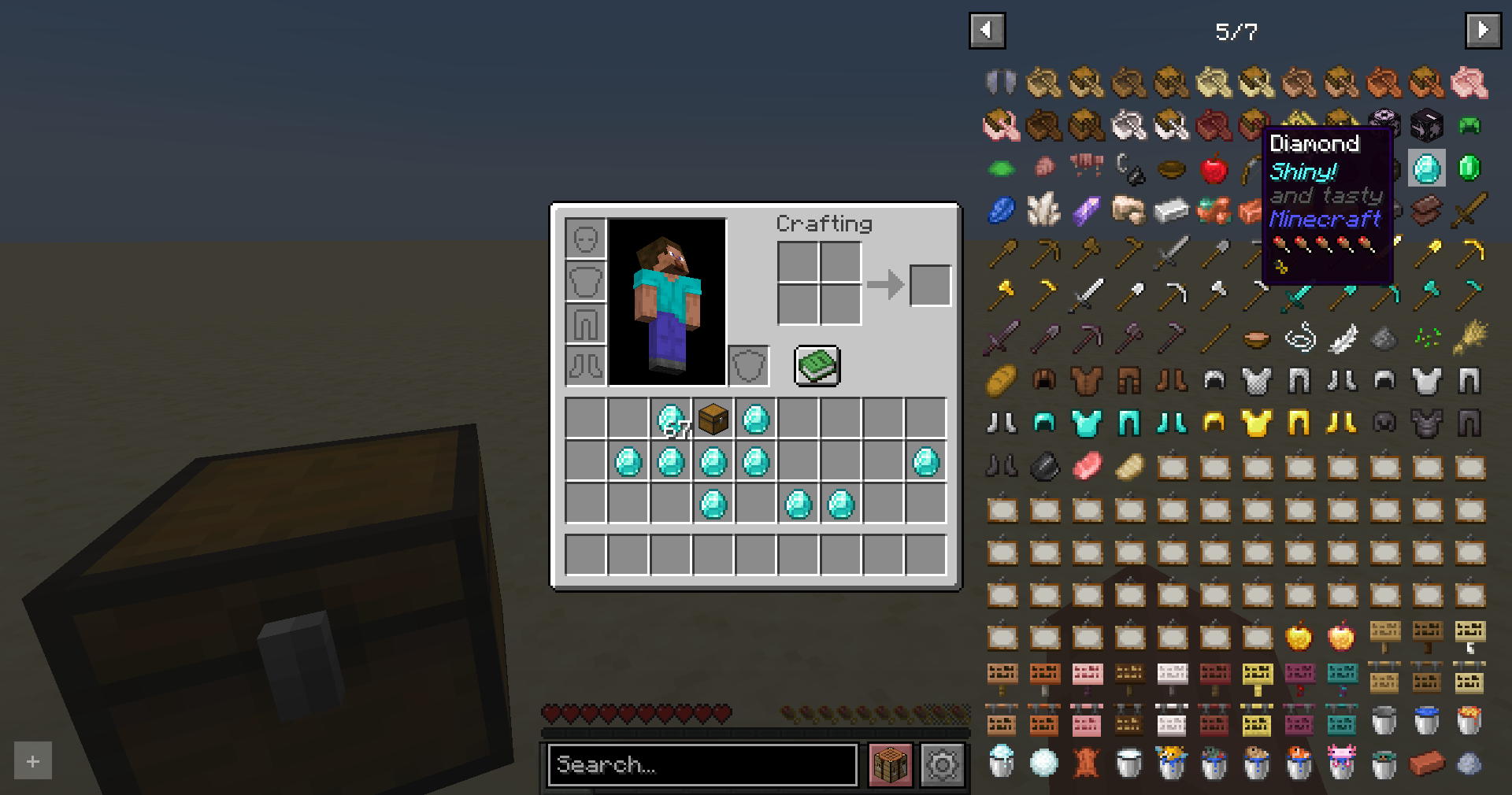
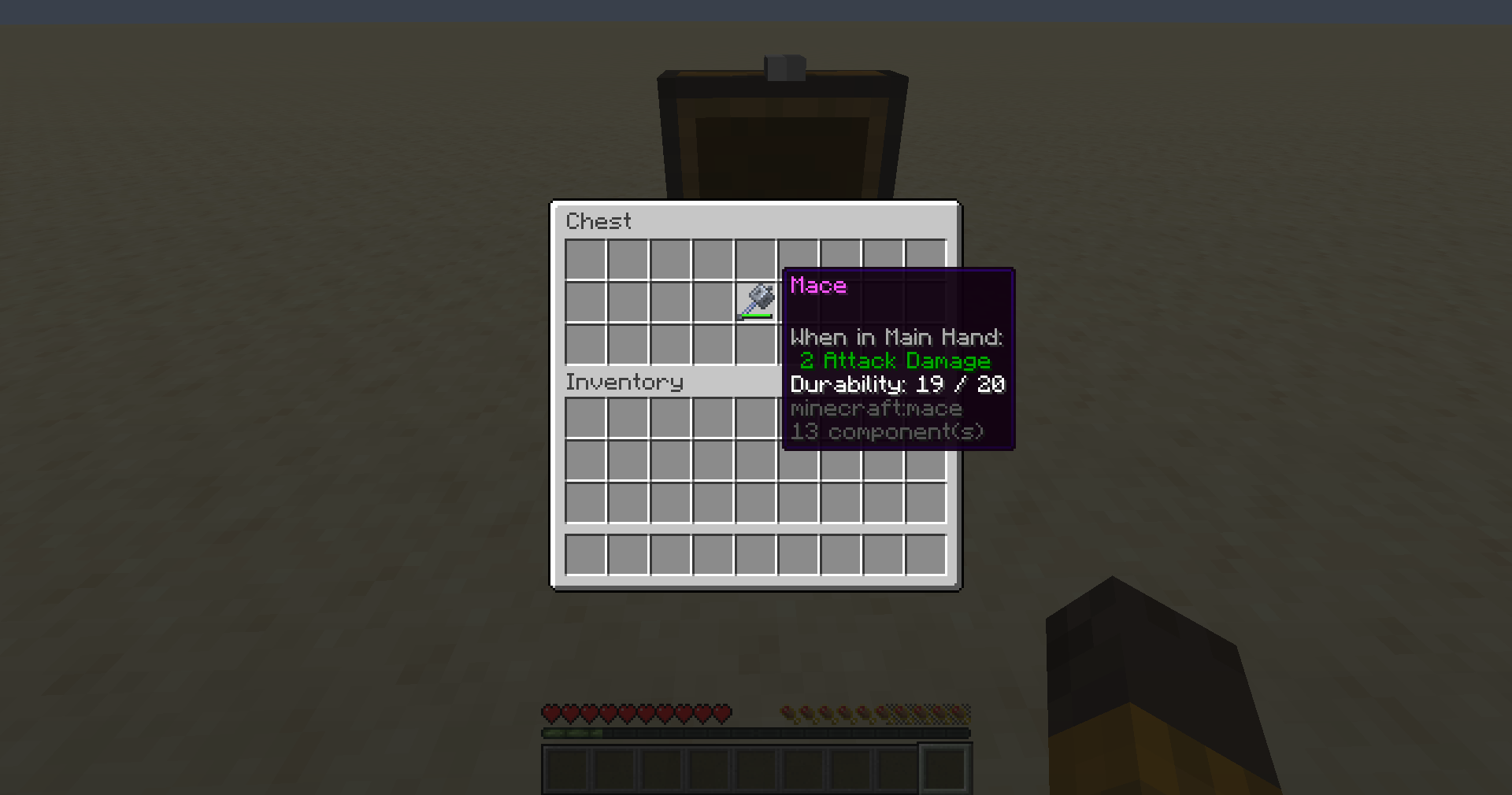
Project description from Modrinth.
Pick your setup
Choose the version and loader you play, then open the matching release.
Showing the newest 12 of 19 game versions. Older files are in the list below.
Check the dependencies, then try the file in a copied instance before changing a world you care about.
Recent files
default-components-1.0.2+1.21.9.jar
19 Oct 2025
default-components-1.0.2+1.21.jar
19 Oct 2025
default-components-1.0.2+1.21.2.jar
19 Oct 2025
default-components-1.0.2+1.21.5.jar
19 Oct 2025
default-components-1.0.2+1.21.4.jar
19 Oct 2025
default-components-1.0.1+1.21.jar
11 Jul 2025
default-components-1.0.1+1.21.4.jar
11 Jul 2025
default-components-1.0.1+1.21.5.jar
11 Jul 2025
default-components-1.0.1+1.21.2.jar
11 Jul 2025
default-components-1.0.0+1.21.jar
14 Jun 2025
default-components-1.0.0+1.21.2.jar
14 Jun 2025
default-components-1.0.0+1.21.4.jar
14 Jun 2025
Looking for an older file? The official Modrinth project page is in Resources.
 mod
modMakes your hotbar seemingly float in place by shifting it a few pixels upward.
 mod
modTweak your Minecraft and send it back in time! Rediscover the Nostalgia of older versions of Minecraft!
 mod
modEdit the various elements of the item.