Mod Menu Optional for Clean Armor HUD 2.1.11-mc26.4
optionalMatching file found Matched file: 22.0.0-alpha.2

Modrinth · Minecraft mod
A clean/simple armour hud which is made in a modern style and can be used easily.
Quick answer
Clean Armor HUD 2.1.11-mc26.4 targets 26.4-snapshot-1, 26.4-snapshot-2, 26.4-snapshot-3 with Fabric. It must be installed on the client. Do not install it on the dedicated server. All 1 required mods have matching files.
Where it goes
It must be installed on the client. Do not install it on the dedicated server.
This file is marked client-only.
2.1.11-mc26.4. Change the file and its required mods may change too.
Install Fabric API first. We found matching files for this game-version and loader setup. 1 comes through another mod in the chain.
1 extra mod was pulled in by another dependency. Indented rows show who needs each one. We only count dependency files that match this setup. A file for another loader does not fill the gap.
Before you install it
Built for Clean Armor HUD 2.1.11-mc26.4. Pick another file and the loader, install side or required mods may change.
Use 2.1.11-mc26.4. It targets 26.4-snapshot-1, 26.4-snapshot-2, 26.4-snapshot-3 with Fabric; another release may have different loader, side or dependency requirements.
Install Fabric API first. We found matching files for this game-version and loader setup. 1 comes through another mod in the chain.
It must be installed on the client. Do not install it on the dedicated server.
Use the “Get this file” button beside 2.1.11-mc26.4. It opens that exact file at the source.
About this project
A light weight client-side Fabric mod for Minecraft that adds a fully customizable, modern armor HUD.
check gallery for better understanding.


THANKS FOR 30k❤️!
if there is any issue or bug, contact me through discord or github I would love to hear back from y'all also feel free to add it to your modpack also -my other mod:D
Credits-
Project description from Modrinth.
Pick your setup
Choose the version and loader you play, then open the matching release.
Showing the newest 12 of 38 game versions. Older files are in the list below.
Check the dependencies, then try the file in a copied instance before changing a world you care about.
Recent files
cleanhud-26.4-2.1.11-mc26.4.jar
24 Oct 2026
cleanhud-2.1.11-mc26.3.jar
24 Oct 2026
cleanhud-26.2-2.1.11-mc26.2.jar
24 Oct 2026
cleanhud-2.1.11-mc1.21.11.jar
24 Oct 2026
cleanhud-2.1.11-mc26.1.2.jar
24 Oct 2026
cleanhud-26.4-2.1.10-mc26.4.jar
23 Oct 2026
cleanhud-2.1.10-mc26.3.jar
20 Oct 2026
cleanhud-26.2-2.1.10-mc26.2.jar
20 Oct 2026
cleanhud-2.1.10-mc26.1.2.jar
20 Oct 2026
cleanhud-2.1.10-mc1.21.11.jar
20 Oct 2026
cleanhud-26.4-2.1.8-mc26.4.jar
18 Oct 2026
cleanhud-2.1.8-mc26.3.jar
18 Oct 2026
Looking for an older file? The official Modrinth project page is in Resources.
 mod
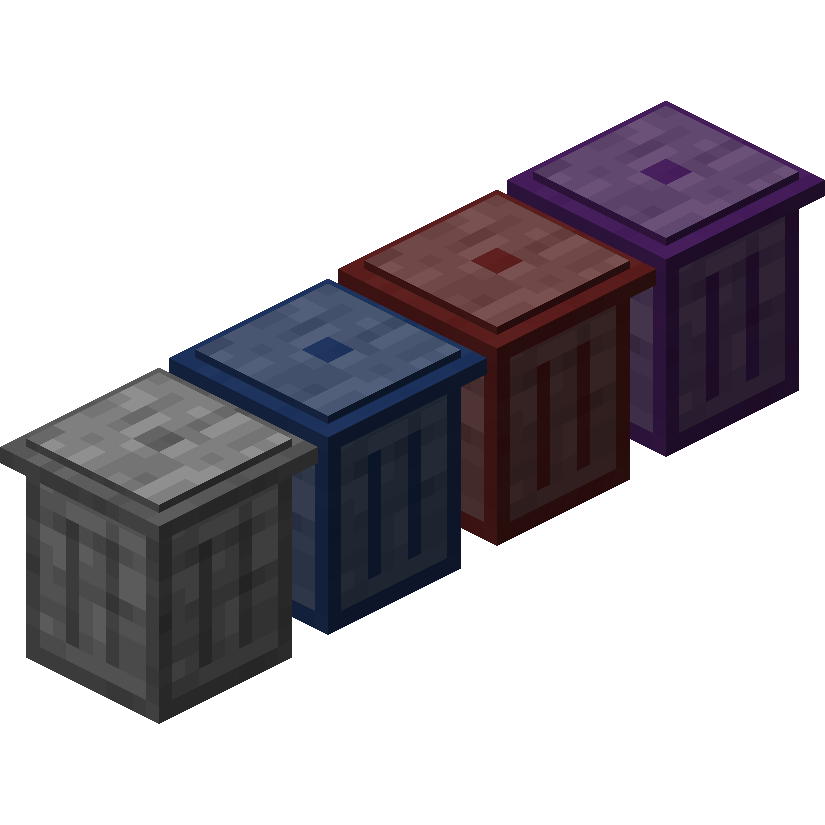
modTrash Cans adds trash cans which can be used to void items, liquids, and energy!
 mod
modSuperMartijn642's Core Lib adds lots of basic implementations that allow for similar code between different Minecraft versions!
 mod
modA mod that adds blocks!