Minecraft version
Back to mods 
Modrinth · Minecraft mod
DeckedOutOBS
A client-side Decked Out 2 OBS Browser Source companion to show your viewers the currently called out card in the dungeon
Choose a version Pick your version below, then grab the matching file.
Quick answer
Which DeckedOutOBS release matches Fabric?
Best match for your filters 1.1.5+fabric-26.1
Game version 26.1, 26.1.1, 26.1.2
Loader Fabric
DeckedOutOBS 1.1.5+fabric-26.1 targets 26.1, 26.1.1, 26.1.2 with Fabric. It must be installed on the client. Do not install it on the dedicated server. No extra mods listed for this file.
Where it goes
Is DeckedOutOBS required on the client, server, or both?
It must be installed on the client. Do not install it on the dedicated server.
Client Required
Dedicated server Not supported
Loader for this release Fabric
Required install it here Optional supported, not mandatory Not supported do not install here Source doesn’t say do not assume
This file is marked client-only.
What else does DeckedOutOBS 1.1.5+fabric-26.1 need?
1.1.5+fabric-26.1 on Fabric. Every mod below is checked against that same setup.
This file does not list any required mods. Do not add a library just because a different file uses it.
This file does not list any required or optional mods.
Before you install it
Add DeckedOutOBS without breaking your instance.
Built for DeckedOutOBS 1.1.5+fabric-26.1 on Fabric. Pick another file and the loader, install side or required mods may change.
- 01
Stick to this file
Use 1.1.5+fabric-26.1. It targets 26.1, 26.1.1, 26.1.2 with Fabric; another release may have different loader, side or dependency requirements.
- 02
Bring the mods it needs
This file does not list any required mods. Do not add a library just because a different file uses it.
- 03
Put it on the correct side
It must be installed on the client. Do not install it on the dedicated server.
- 04
Pick the file you checked
Use the “Get this file” button beside 1.1.5+fabric-26.1. It opens that exact file at the source.
About this project
What does DeckedOutOBS add?
DeckedOutOBS (Fabric)
DeckedOutOBS is a client-side Minecraft mod that enhances the Decked Out 2 game that was built by
TangoTek on the Hermitcraft Season 9 server.
This mod provides card callouts directly into an OBS Browser Source, allowing your audience
to see the cards being played while you're running the dungeon.

Features
- Client-Side Only: No need to install the mod on servers.
- Card Callouts: Displays the cards being played in real-time through an OBS Browser Source.
- Flexible: You can resize and move the browser source card as you wish.
- Easy Calibration: Simple setup with in-game commands, no permissions needed.
- Customizable Port: Change the server port number if needed.
Installation
- Download the DeckedOutOBS mod and place it into your Minecraft
modsfolder. - If you don't have it yet, download the Fabric API mod and place it into your Minecraft
modsfolder. - Start your Minecraft client with the mod installed.
Setup
Calibration
To calibrate the mod, you need to set the key barrel position where you place the frozen shards to start Decked Out 2.
Use the following command in-game:
/deckedout dungeon set <key barrel position>
Replace <key barrel position> with the x, y, z coordinates of the barrel.
If you're looking at the barrel, Minecraft should automatically suggest the correct coordinates

Starting the Server
Once the dungeon is set, the mod will start the server automatically.
The port number and the Browser Source URL for OBS will be displayed on the screen.
By default, the url should be http://localhost:3002
Running the Dungeon
As you or anyone else runs the dungeon, and you are nearby, the cards will automatically
show up in the OBS Browser Source.
You can open up the OBS Browser Source URL in a normal browser too and use it as a dungeon companion.
Commands
Set Dungeon Key Barrel Position
/deckedout dungeon set <key barrel position>
<key barrel position>: The x, y, z coordinates of the key barrel.
Change Port Number
/deckedout port set <port>
<port>: The port number you want to set for the server.
Usage with OBS
- Add Browser Source: In OBS, add a new Browser Source.
- Enter URL: Use the URL displayed on your screen after starting the server.
- Adjust Settings: Set the width and height as needed.
For the best experience with a 1080p stream, try setting the width to 720 and the height to 1000.
Once that's set, you can adjust the position and scale of the Browser Source to fit your stream layout.

Troubleshooting
- Cards Not Showing: Ensure you are near the dungeon and that the mod is correctly calibrated.
- OBS URL Not Displayed: Make sure the server is running and check for any error messages in the game.
Contributing
If you encounter any issues or have suggestions for improvements, feel free to open an issue or pull request on the GitHub repository.
License
This project is licensed under the GPL-3 License.
Disclaimer
The card artwork has been created for TangoTek by CJ Moseley and has been
extracted from the world download of the Hermitcraft Season 9 server for this project.
Enjoy running the Decked Out dungeon with enhanced visuals for your audience!
Project description from Modrinth.
Pick your setup
DeckedOutOBS by Minecraft version and loader
Choose the version and loader you play, then open the matching release.
Minecraft version
26.1.2
1 loader buildMinecraft version
26.1.1
1 loader buildMinecraft version
26.1
1 loader buildMinecraft version
1.21.11
1 loader buildMinecraft version
1.21.10
1 loader buildMinecraft version
1.21.9
1 loader buildMinecraft version
1.21.8
1 loader buildMinecraft version
1.21.7
1 loader buildMinecraft version
1.21.6
1 loader buildMinecraft version
1.21.5
1 loader buildMinecraft version
1.21.4
2 loader buildsShowing the newest 12 of 22 game versions. Older files are in the list below.
Check the dependencies, then try the file in a copied instance before changing a world you care about.
Recent files
DeckedOutOBS versions and loaders
1.1.5+fabric-26.1
decked-out-obs-fabric-1.1.5+mc26.1.jar
24 Jun 2026
Client Required Server Not supported Dependencies No extras listed Listed on Release listing
Check the 26.1.2 · Fabric setup 26.126.1.126.1.2Fabric release
1.1.5+fabric-26.2
decked-out-obs-fabric-1.1.5+mc26.2.jar
24 Jun 2026
Client Required Server Not supported Dependencies No extras listed Listed on Release listing
Check the 26.2 · Fabric setup 26.2Fabric release
1.1.4+fabric-1.21.11
decked-out-obs-fabric-1.1.4+mc1.21.11.jar
9 Dec 2025
Client Required Server Not supported Dependencies No extras listed Listed on Release listing
Check the 1.21.11 · Fabric setup 1.21.11Fabric release
1.1.4+fabric-1.21.6
decked-out-obs-fabric-1.1.4+mc1.21.6.jar
9 Dec 2025
Client Required Server Not supported Dependencies No extras listed Listed on Release listing
Check the 1.21.8 · Fabric setup 1.21.61.21.71.21.8Fabric release
1.1.4+fabric-1.21.9
decked-out-obs-fabric-1.1.4+mc1.21.9.jar
9 Dec 2025
Client Required Server Not supported Dependencies No extras listed Listed on Release listing
Check the 1.21.10 · Fabric setup 1.21.101.21.9Fabric release
1.1.4+fabric-1.21.5
decked-out-obs-fabric-1.1.4+mc1.21.5.jar
9 Dec 2025
Client Required Server Not supported Dependencies No extras listed Listed on Release listing
Check the 1.21.5 · Fabric setup 1.21.5Fabric release
1.1.4+fabric-1.20.1
decked-out-obs-fabric-1.1.4+mc1.20.1.jar
9 Dec 2025
Client Required Server Not supported Dependencies No extras listed Listed on Release listing
Check the 1.20.1 · Fabric setup 1.20.1Fabric release
1.1.4+fabric-1.21.4
decked-out-obs-fabric-1.1.4+mc1.21.4.jar
9 Dec 2025
Client Required Server Not supported Dependencies No extras listed Listed on Release listing
Check the 1.21.4 · Fabric setup 1.21.4Fabric release
1.1.4+fabric-1.21
decked-out-obs-fabric-1.1.4+mc1.21.jar
9 Dec 2025
Client Required Server Not supported Dependencies No extras listed Listed on Release listing
Check the 1.21 · Fabric setup 1.21Fabric release
1.1.3+fabric-1.20.1
decked-out-obs-fabric-1.1.3+mc1.20.1.jar
19 Oct 2025
Client Required Server Not supported Dependencies No extras listed Listed on Release listing
Check the 1.20.1 · Fabric setup 1.20.1Fabric release
1.1.3+fabric-1.21
decked-out-obs-fabric-1.1.3+mc1.21.jar
19 Oct 2025
Client Required Server Not supported Dependencies No extras listed Listed on Release listing
Check the 1.21 · Fabric setup 1.21Fabric release
1.1.3+fabric-1.21.4
decked-out-obs-fabric-1.1.3+mc1.21.4.jar
19 Oct 2025
Client Required Server Not supported Dependencies No extras listed Listed on Release listing
Check the 1.21.4 · Fabric setup 1.21.4Fabric release
Looking for an older file? The official Modrinth project page is in Resources.
 mod
CurseForge + Modrinth · Minecraft
Oh My, Meteors! - A meteorite mod
A modern mod about Meteors and meteorites falling from the sky! With extreme configurability!
 mod
CurseForge + Modrinth · Minecraft
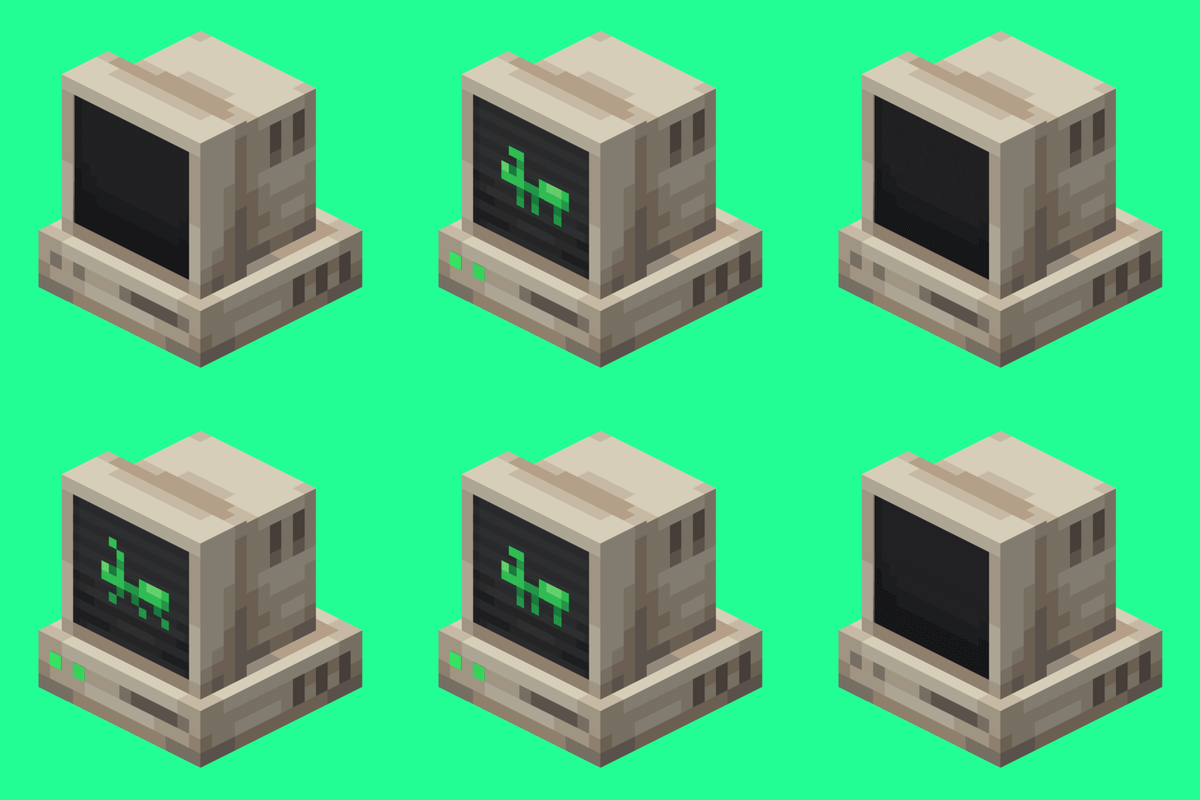
AntOS Computer | Quests + Guidebook
An immersive and fully functioning computer that provides an anternative to the stale and overused quest book and guide book
 mod
CurseForge + Modrinth · Minecraft
CreativeCore
a core mod