Fabric API Needed by ShardHud v2
requiredMatching file found Matched file: 0.160.0+26.2

Modrinth · Minecraft mod
ShardHUD is a lightweight client-side Fabric mod for Minecraft shard networks that automatically watches the shard-local player list and shows smooth HUD notifications when players join or leave your current shard.
Quick answer
ShardHud v2 targets 26.2 with Fabric. It must be installed on the client. Do not install it on the dedicated server. All 1 required mods have matching files.
Where it goes
It must be installed on the client. Do not install it on the dedicated server.
This file is marked client-only.
v2. Change the file and its required mods may change too.
Install Fabric API first. We found matching files for this game-version and loader setup.
We only count dependency files that match this setup. A file for another loader does not fill the gap.
Before you install it
Built for ShardHud v2. Pick another file and the loader, install side or required mods may change.
Use v2. It targets 26.2 with Fabric; another release may have different loader, side or dependency requirements.
Install Fabric API first. We found matching files for this game-version and loader setup.
It must be installed on the client. Do not install it on the dedicated server.
Use the “Get this file” button beside v2. It opens that exact file at the source.
About this project
ShardHUD is a lightweight client-side Fabric HUD mod for Minecraft networks with shards, subservers, or world instances.
It automatically detects when players join or leave your current shard using Minecraft’s online player list, then displays clean, configurable HUD notifications. No proxy or server-side plugin is required.
Player joined your shard[+] or red [-] followed by the player’s name in white1–30K/shardhud toggle
/shardhud on
/shardhud off
/shardhud autodetect toggle
/shardhud autodetect on
/shardhud autodetect off
/shardhud style toggle
/shardhud style text
/shardhud style card
/shardhud limit <1-30>
/shardhud position <x> <y>
/shardhud test <player>
/shardhud reload
/shardhud clear
Position values range from -0.5 to 1.5, allowing the HUD to extend beyond every edge of the screen.
Examples:
/shardhud position 0.78 0.34
/shardhud limit 8
/shardhud style text
Press K to open the HUD editor.
From there, you can:
+ and - buttons to adjust scaleAll changes are saved automatically.
ShardHUD stores its settings in:
config/shardhud.properties
Important options include:
enabled=true
text_only_mode=false
max_visible=5
anchor_x=0.78
anchor_y=0.34
hud_scale=1.0
glow_enabled=true
shadow_enabled=true
sound_enabled=false
auto_detect_enabled=true
Project description from Modrinth.
Pick your setup
Choose the version and loader you play, then open the matching release.
Check the dependencies, then try the file in a copied instance before changing a world you care about.
Recent files
shardhud-26.2-1.1.0.jar
16 Sept 2026
shardhud-26.1.2-1.1.0.jar
16 Sept 2026
shardhud.jar
14 May 2026
Looking for an older file? The official Modrinth project page is in Resources.
 mod
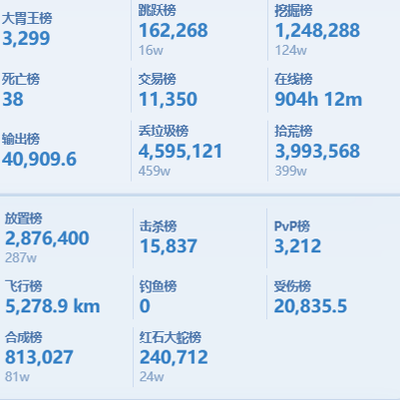
modScoreboard ranking mod: web dashboard access, historical data query, point lookup for arbitrary post-install dates.
 mod
modThis mod adds the option for individual players to turn off being shown on the Locator Bar. That can be useful for PvP events or similar.
 mod
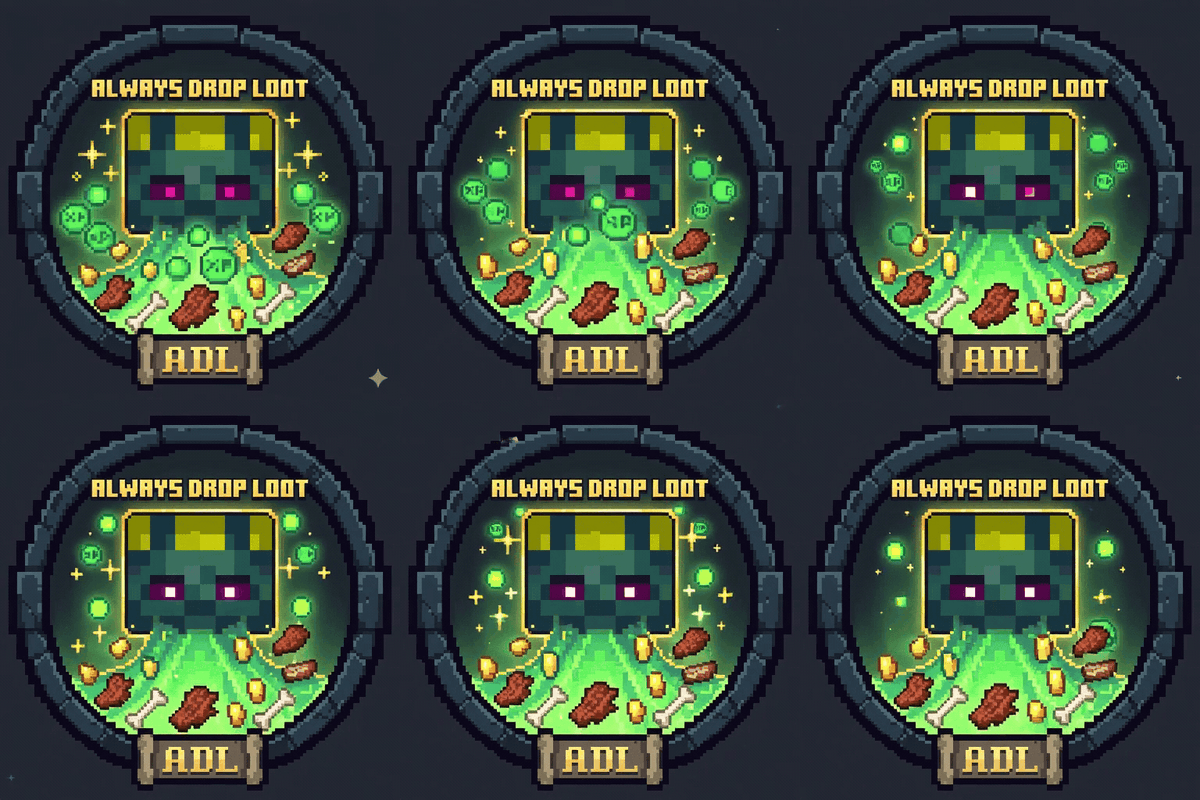
modMake mobs always drop exp and loot, regardless of cause of death.