ImageLib Needed by Notes 0.4.1
requiredMatching file found Matched file: 0.0.5

Modrinth · Minecraft mod
This mod adds notes. You can put text and images in it
Quick answer
Notes 0.4.1 targets 26.3 with NeoForge. Installation on the client is optional. Installation on the dedicated server is optional. All 1 required mods have matching files.
Where it goes
Installation on the client is optional. Installation on the dedicated server is optional.
The source marks this as usable on both the client and server.
0.4.1. Change the file and its required mods may change too.
Install ImageLib first. We found matching files for this game-version and loader setup.
We only count dependency files that match this setup. A file for another loader does not fill the gap.
Before you install it
Built for Notes 0.4.1. Pick another file and the loader, install side or required mods may change.
Use 0.4.1. It targets 26.3 with NeoForge; another release may have different loader, side or dependency requirements.
Install ImageLib first. We found matching files for this game-version and loader setup.
Installation on the client is optional. Installation on the dedicated server is optional.
Use the “Get this file” button beside 0.4.1. It opens that exact file at the source.
About this project
Note is an item that can store text and images. Notes can be used like book with only one page but you can also add images to it. For that you need only image url. Upload your image to any image shairing website and paste a link to it in game. Every note can be finalized. After that nobody would be able to change text or images in it.


You can also create notebooks which contains mulptimple notes (up to 100). To craft notebook you need 3 leather craft is shapeless. To add note to notebook you need to place finalized note in second hand and notebook in main hand and then press right mouse button. You can also finalize it and nobody would be able to take out notes or add new ones.
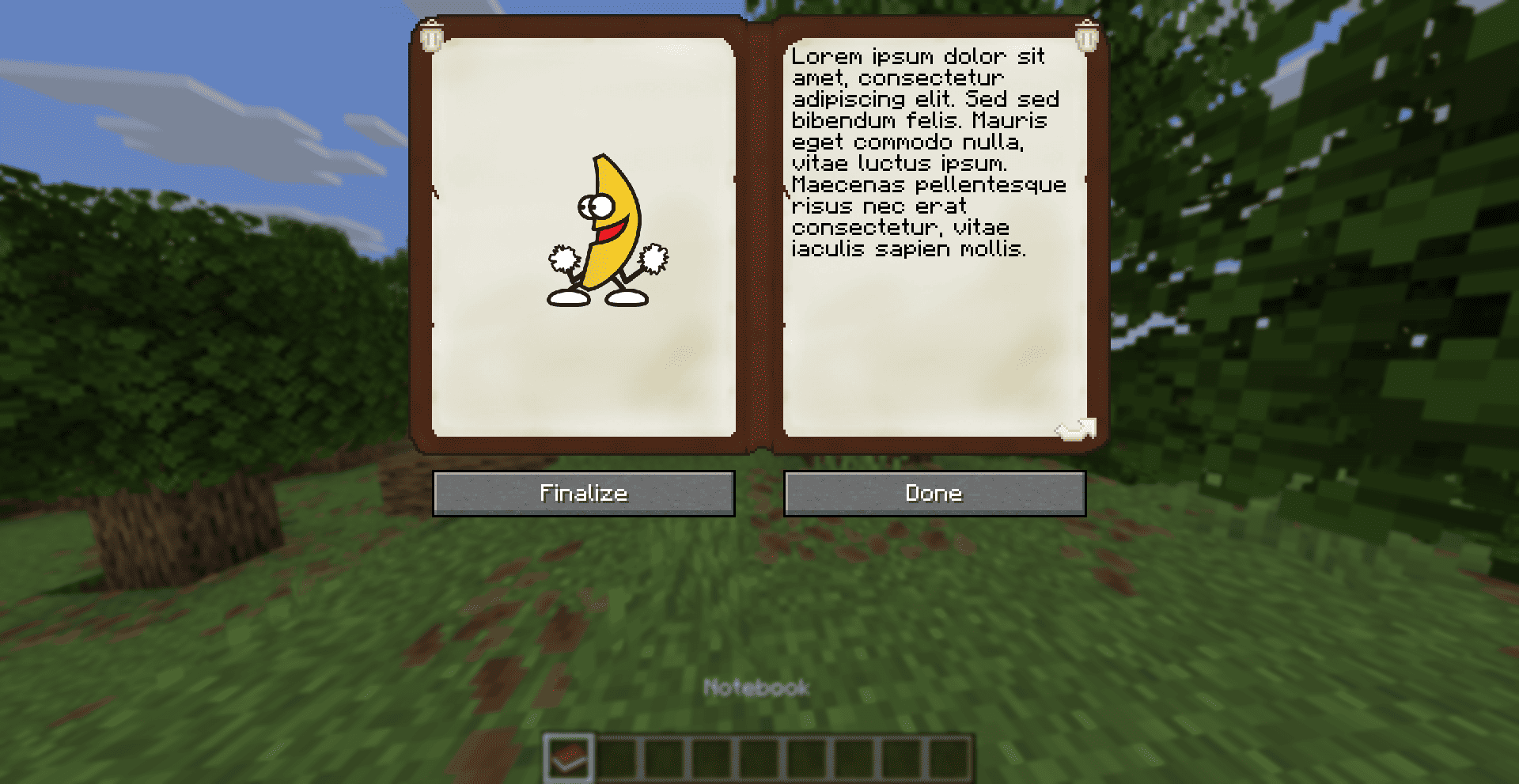
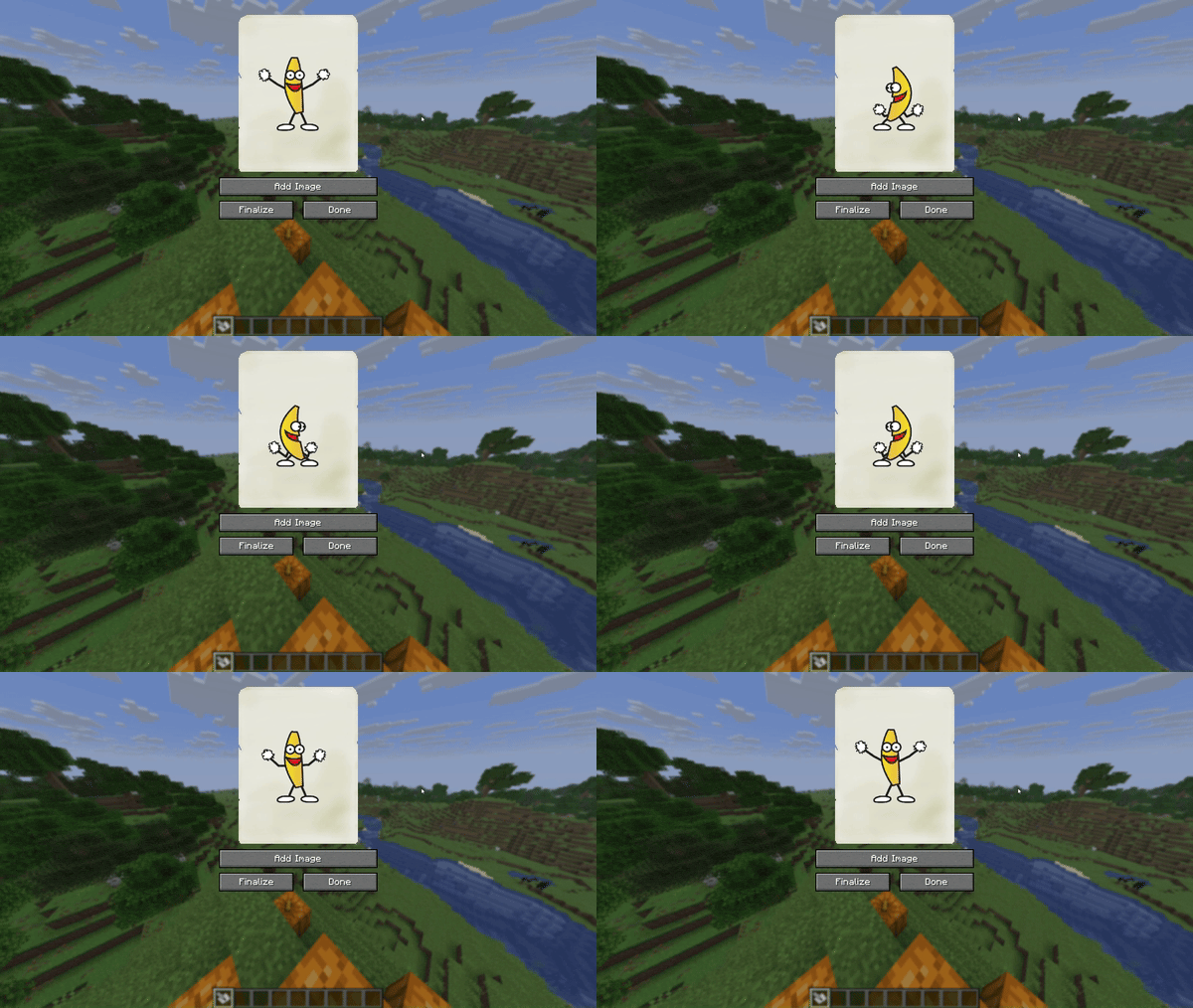

Like written books finalized notes can be cloned.

If you find a bug, your game crashed or you want to suggest a new feature create an issue on mod's issue tracker.
Project description from Modrinth.
Pick your setup
Choose the version and loader you play, then open the matching release.
Showing the newest 12 of 20 game versions. Older files are in the list below.
Check the dependencies, then try the file in a copied instance before changing a world you care about.
Recent files
notes-neoforge-0.4.1+26.3.jar
7 Oct 2026
notes-fabric-0.4.1+26.3.jar
7 Oct 2026
notes-neoforge-0.4.1+26.2.jar
3 Jul 2026
notes-fabric-0.4.1+26.2.jar
3 Jul 2026
notes-neoforge-0.4.3+1.21.1.jar
26 May 2026
notes-fabric-0.4.3+1.21.1.jar
26 May 2026
notes-neoforge-0.4.1+26.1.jar
30 Apr 2026
notes-fabric-0.4.1+26.1.jar
30 Apr 2026
notes-neoforge-0.4.1+1.21.11.jar
30 Apr 2026
notes-fabric-0.4.1+1.21.11.jar
30 Apr 2026
notes-neoforge-0.4.1+1.21.9.jar
30 Apr 2026
notes-fabric-0.4.1+1.21.9.jar
30 Apr 2026
Looking for an older file? The official Modrinth project page is in Resources.
 mod
A Vanilla+ Snow & Frost Update Survival Experience for Minecraft - sister mod of Scorchful!
 mod
Provides the core functionallity for the Easy NPC mod.
 mod
Create easily NPCs with dialogs for your world or for your mods.