Minecraft version
Back to mods 
Modrinth · Minecraft mod
FFModSubfolders
Allows users to place mods within subfolders. Supports disabling folders as well as other unique options.
Choose a version Pick your version below, then grab the matching file.
Quick answer
Which FFModSubfolders release matches 26.3?
Best match for your filters 0.6.1+26.3-neoforge
Game version 26.3
Loader NeoForge
FFModSubfolders 0.6.1+26.3-neoforge targets 26.3 with NeoForge. Installation on the client is optional. Installation on the dedicated server is optional. No extra mods listed for this file.
Where it goes
Is FFModSubfolders required on the client, server, or both?
Installation on the client is optional. Installation on the dedicated server is optional.
Client Optional
Dedicated server Optional
Loader for this release NeoForge
Required install it here Optional supported, not mandatory Not supported do not install here Source doesn’t say do not assume
The source marks this as usable on both the client and server.
What else does FFModSubfolders 0.6.1+26.3-neoforge need?
0.6.1+26.3-neoforge on 26.3. Every mod below is checked against that same setup.
This file does not list any required mods. Do not add a library just because a different file uses it.
This file does not list any required or optional mods.
Before you install it
Add FFModSubfolders without breaking your instance.
Built for FFModSubfolders 0.6.1+26.3-neoforge on 26.3. Pick another file and the loader, install side or required mods may change.
- 01
Stick to this file
Use 0.6.1+26.3-neoforge. It targets 26.3 with NeoForge; another release may have different loader, side or dependency requirements.
- 02
Bring the mods it needs
This file does not list any required mods. Do not add a library just because a different file uses it.
- 03
Put it on the correct side
Installation on the client is optional. Installation on the dedicated server is optional.
- 04
Pick the file you checked
Use the “Get this file” button beside 0.6.1+26.3-neoforge. It opens that exact file at the source.
About this project
What does FFModSubfolders add?
FFModsSubfolders
Keep your mods folder organized. FFModsSubfolders lets you sort your mods into subfolders
by category, by modpack section, however makes sense to you instead of one giant flat list,
without NeoForge losing track of any of them.
This mod must stay in the top level folder, as must Sinytra Connector if present, but any other mods should be able to be placed in subfolders within /mods/
Features
- Subfolders, to any depth.
mods/performance/,mods/qol/utility/ - Nothing gets left behind. Mods that ship as an early-loading wrapper around an embedded
mod (Sodium's NeoForge jar is the main example) still register their real mod id from a
subfolder, so things that depend on them (like (Sodium) Chloride) resolve. - Disable a whole folder at once. Rename a folder to end in
.disabledand everything inside
it is skipped, the same way a single mod is disabled by
renaming its jar to end in.disabled. - Sinytra Connector compatible. Fabric mods running via
Connector are found in subfolders too, automatically, with zero setup. - Clear logging. A startup summary, and specific, actionable warnings if something looks
wrong (a corrupt jar, an accidental duplicate, a folder that couldn't be read).
Known Limitations
- This mod's own jar must stay in the top level of
mods. It can't be organized into a
subfolder itself. Every other mod is free to go anywhere. - Sinytra Connector's Fabric-mod integration has one edge case: a subfolder whose name (or an
ancestor folder's name) contains a literal comma can't be relayed to Connector safely. Regular
NeoForge mods in that folder still load normally either way, only Connector's ability to see
Fabric mods in that specific folder is affected. Your log will say exactly which folder, if this
ever applies to you. - Only one early loading-screen replacement can be active at a time, if you happen to have
more than one mod that provides one placed in different subfolders (this is rare - most mods
never touch the loading screen at all). NeoForge decides which one wins; your log will say if
it detects more than one candidate.
FAQ
Why does this mod have to stay in the top level of mods, if the whole point is subfolders?
Because of how mod loading works under the hood, a mod that finds other mods in subfolders
can't also find itself in one, it has to already be running before it can go looking. Every
other mod is free to go anywhere.
Does this slow down startup?
Not meaningfully. It's a filesystem walk, the same kind of work NeoForge already does for the top
level of mods, just extended to cover subfolders too.
Will this break anything?
It shouldn't. This mod only adds places NeoForge looks for mods; it doesn't change how any mod
itself loads or behaves. If something looks wrong, check your log for lines starting with[mod scan] or [early-service scan]as they're written specifically to make problems easy to
diagnose.
Does this work with modpacks that use Sinytra Connector to run Fabric mods?
Yes, fully. Both regular NeoForge mods and Fabric mods (via Connector) work from subfolders.
Feedback
If you have any ideas for improvements, questions, or concerns, I am open to communicating through email: FyxeINCFeedback@gmail.com
Project description from Modrinth.
Pick your setup
FFModSubfolders by Minecraft version and loader
Choose the version and loader you play, then open the matching release.
Minecraft version
26.2
1 loader buildMinecraft version
26.1.2
1 loader buildMinecraft version
26.1.1
1 loader buildMinecraft version
26.1
1 loader buildMinecraft version
1.21.11
1 loader buildMinecraft version
1.21.10
1 loader buildMinecraft version
1.21.9
1 loader buildMinecraft version
1.21.8
1 loader buildMinecraft version
1.21.7
1 loader buildMinecraft version
1.21.6
1 loader buildMinecraft version
1.21.5
1 loader buildShowing the newest 12 of 19 game versions. Older files are in the list below.
Check the dependencies, then try the file in a copied instance before changing a world you care about.
Recent files
FFModSubfolders versions and loaders
0.6.1+26.3-neoforge
ffmodsubfolders-0.6.1+26.3-neoforge.jar
9 Oct 2026
Client Optional Server Optional Dependencies No extras listed Listed on Release listing
Check the 26.3 · NeoForge setup 26.3NeoForge release
0.6.0+26.3-neoforge
ffmodsubfolders-0.6.0+26.3-neoforge.jar
3 Oct 2026
Client Optional Server Optional Dependencies No extras listed Listed on Release listing
Check the 26.3 · NeoForge setup 26.3NeoForge release
Looking for an older file? The official Modrinth project page is in Resources.
 mod
CurseForge + Modrinth · Minecraft
Grabby Mobs
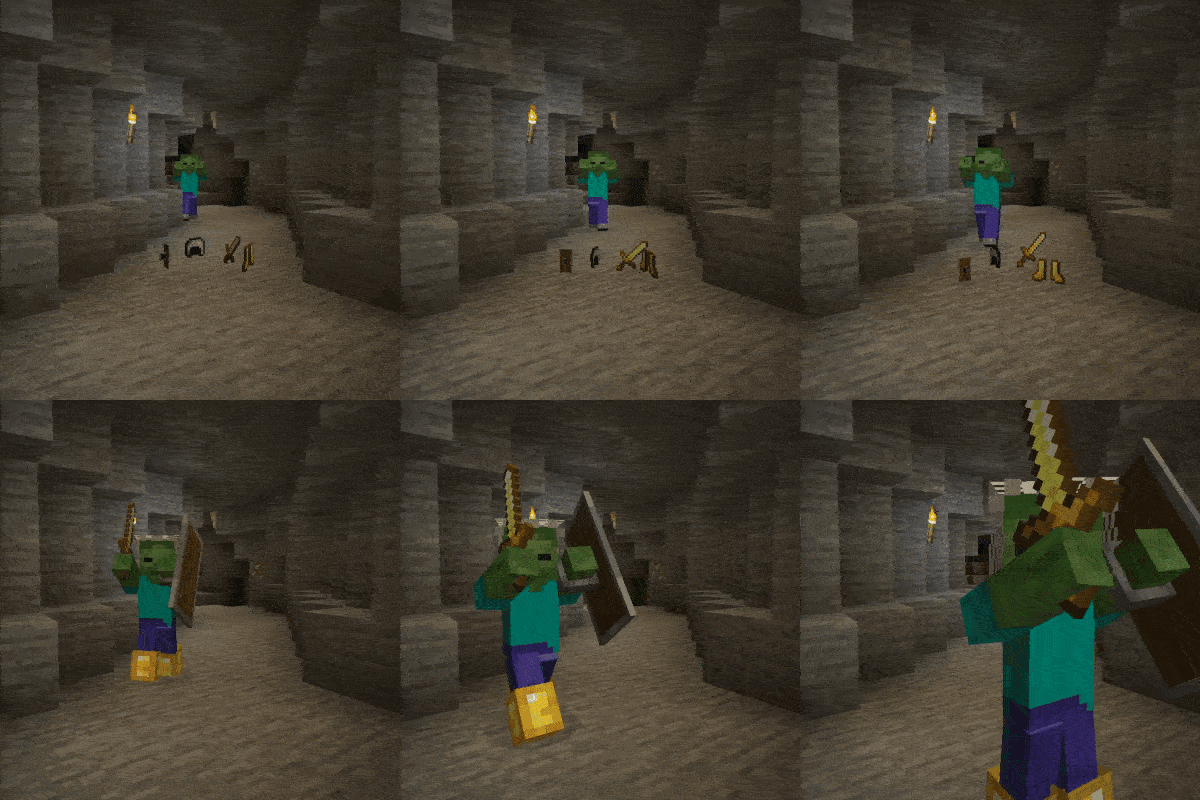
👾 Allows all mobs which can carry equipment to pick up items from the floor.
 mod
CurseForge + Modrinth · Minecraft
Remnants | RPG Mobs
Every mob has the potential to grow stronger, smarter, and more dangerous as they gain levels. With dynamic scaling of health, damage, and special abilities, each encounter becomes a unique challenge that will test your survival skills
 mod
CurseForge · Minecraft
Swinging Hanging Signs
Hanging signs sway in the wind, swing harder in rain and thunderstorms, and get pushed around when players, mobs or minecarts brush past them, then slowly settle again. Client-side, works on any server.