Fabric API Needed by DarkTimer 1.1.2
requiredMatching file found Matched file: [1.20.2] Fabric API 0.91.6+1.20.2

Modrinth · Minecraft mod
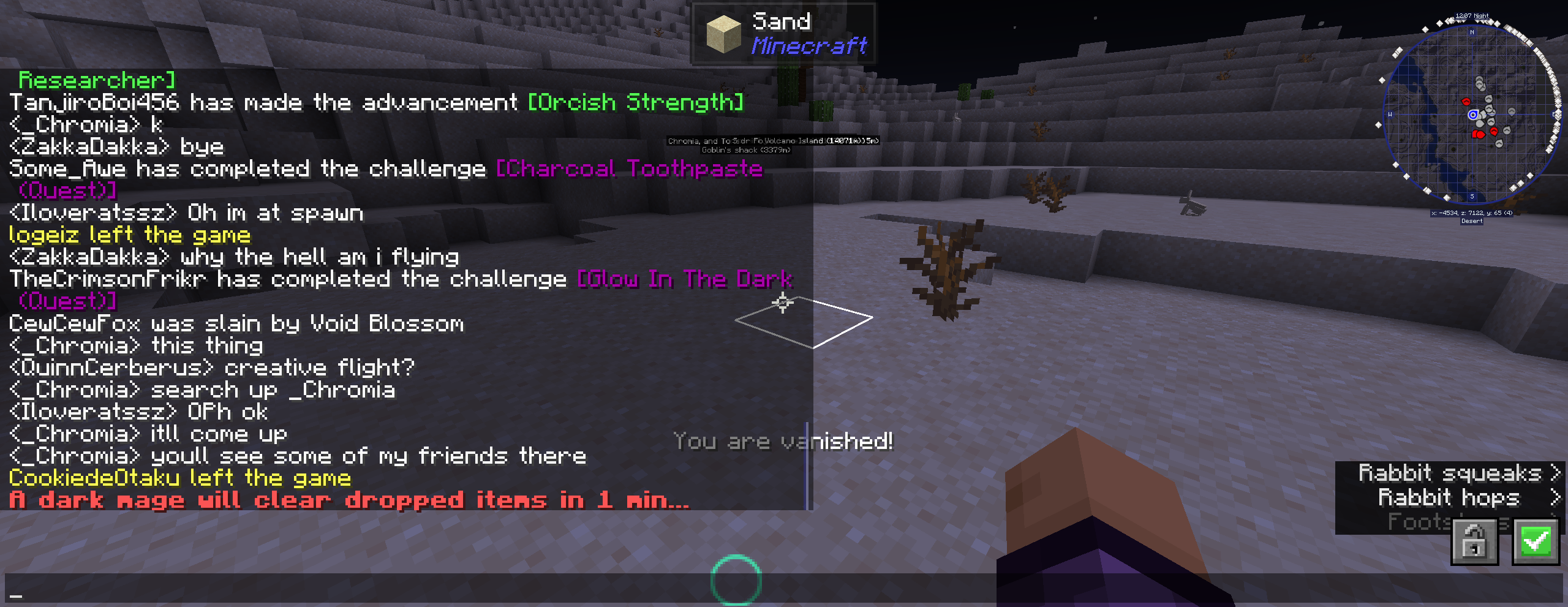
Improve server performance, reduce server lag, clears dropped items every 10 minutes
Quick answer
DarkTimer 1.1.2 targets 1.20.2, 1.20.3, 1.20.4 with Fabric. Installation on the client is optional. Installation on the dedicated server is optional. All 1 required mods have matching files.
Where it goes
Installation on the client is optional. Installation on the dedicated server is optional.
The source marks this as usable on both the client and server.
1.1.2 on 1.20.2 Fabric. Every mod below is checked against that same setup.
Install Fabric API first. We found matching files for this game-version and loader setup.
We only count dependency files that match this setup. A file for another loader does not fill the gap.
Before you install it
Built for DarkTimer 1.1.2 on 1.20.2 Fabric. Pick another file and the loader, install side or required mods may change.
Use 1.1.2. It targets 1.20.2, 1.20.3, 1.20.4 with Fabric; another release may have different loader, side or dependency requirements.
Install Fabric API first. We found matching files for this game-version and loader setup.
Installation on the client is optional. Installation on the dedicated server is optional.
Use the “Get this file” button beside 1.1.2. It opens that exact file at the source.
About this project
Get a server today and play with your friends! Click HERE or below banner & Use Code GAMERPOTION to get 25 off!



Clears dropped ground items to help reduce entity lag | View Changelog
Server side is supported. You can install this on the server and not need to have it installed on the client.
Created by the same authors who made DarkRPG (for a full RPG experience, get the DarkRPG modpack and enjoy quests and rpg gameplay)
(Your vanilla experience will be further enhanced thanks to these features)
Modded servers can sometimes encounter an issue where dropped items do not despawn after 5 minutes. This results in unnecessary server lag due to entities. This simple mod aims to fix that by clearing dropped items every 10 minutes. This can be useful in a heavily modded environment where lots of players have dropped unwanted items on the ground that have not despawned and cause users to suffer entity lag. A warning message is displayed 10 minutes and 1 minute prior to clearing ground items. You can also change the duration of the timer using datapacks found at the GamerPotion support Discord #files section.
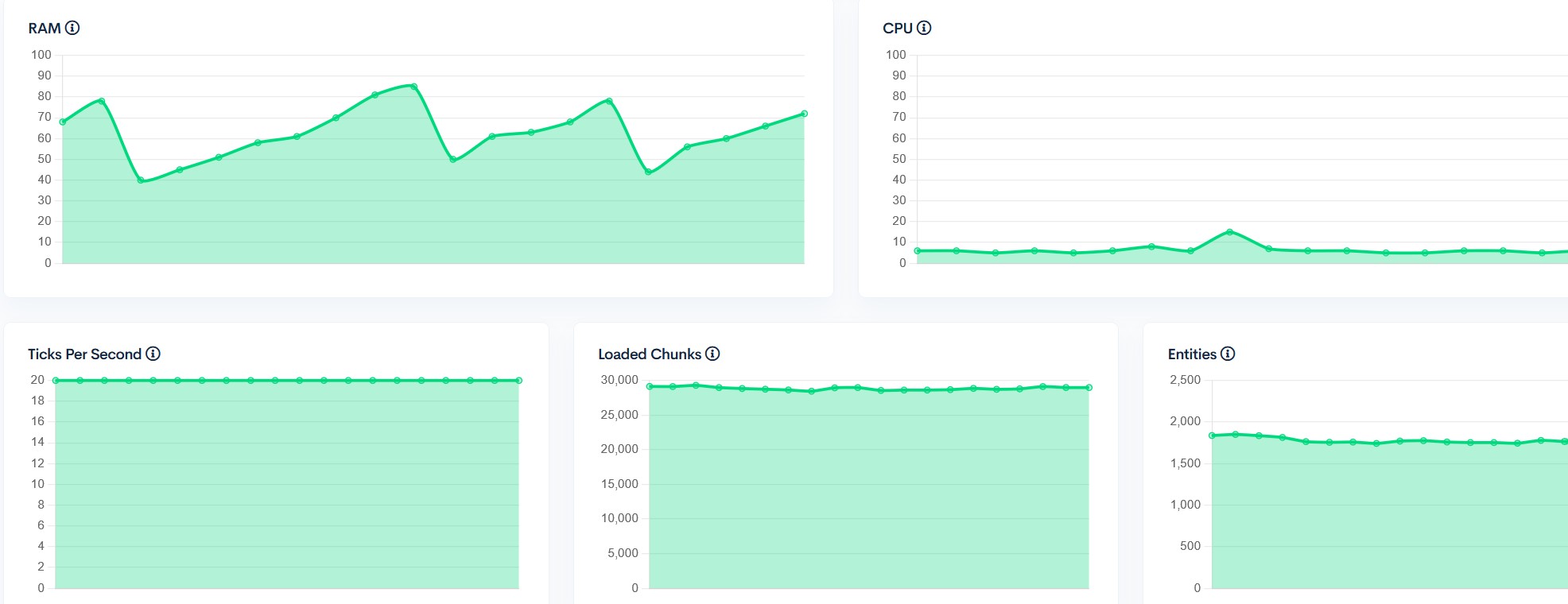
Server performance with 31 players on the Official DarkRPG server:-
Permission - Feel free to use in your modpacks.
Click the banner below to get your server today! or go to BisectHosting.com and make sure to use the code 'gamerpotion' to get your 25% off.
Project description from Modrinth.
Pick your setup
Choose the version and loader you play, then open the matching release.
Check the dependencies, then try the file in a copied instance before changing a world you care about.
Recent files
darktimer-fabric-1.20.3-1.20.4-1.1.2.jar
23 Mar 2024
Looking for an older file? The official Modrinth project page is in Resources.
 mod
modMake /time /tp /kill /weather usable without cheating
 mod
modAdds a setting for the duration of displaying messages in the chat
 mod
modA project can translate you sodium mod into Chinese