Minecraft version
Back to mods 
Modrinth · Minecraft mod
Full Bundle Tooltip
This mod changes the Bundle item tooltip to show every item inside instead of only the first 11-12
Choose a version Pick your version below, then grab the matching file.
Quick answer
Which Full Bundle Tooltip release matches 26.1.2?
Best match for your filters 1.1+26.1.2
Game version 26.1.2
Loader Fabric
Full Bundle Tooltip 1.1+26.1.2 targets 26.1.2 with Fabric. It must be installed on the client. Do not install it on the dedicated server. No extra mods listed for this file.
Where it goes
Is Full Bundle Tooltip required on the client, server, or both?
It must be installed on the client. Do not install it on the dedicated server.
Client Required
Dedicated server Not supported
Loader for this release Fabric
Required install it here Optional supported, not mandatory Not supported do not install here Source doesn’t say do not assume
This file is marked client-only.
What else does Full Bundle Tooltip 1.1+26.1.2 need?
1.1+26.1.2 on 26.1.2. Every mod below is checked against that same setup.
This file does not list any required mods. Do not add a library just because a different file uses it.
This file does not list any required or optional mods.
Before you install it
Add Full Bundle Tooltip without breaking your instance.
Built for Full Bundle Tooltip 1.1+26.1.2 on 26.1.2. Pick another file and the loader, install side or required mods may change.
- 01
Stick to this file
Use 1.1+26.1.2. It targets 26.1.2 with Fabric; another release may have different loader, side or dependency requirements.
- 02
Bring the mods it needs
This file does not list any required mods. Do not add a library just because a different file uses it.
- 03
Put it on the correct side
It must be installed on the client. Do not install it on the dedicated server.
- 04
Pick the file you checked
Use the “Get this file” button beside 1.1+26.1.2. It opens that exact file at the source.
About this project
What does Full Bundle Tooltip add?
This mod changes the Bundle's tooltip to show its full contents (up to 64 slots) instead of being limited to only 11-12 slots. The capacity bar in the tooltip has also been modified to show the used/total capacity in numeric form (e.g. 12/64)
The tooltip can expand up to an 8x8 grid and may take up a large portion of the screen at lower resolutions.
Project description from Modrinth.
Pick your setup
Full Bundle Tooltip by Minecraft version and loader
Choose the version and loader you play, then open the matching release.
Minecraft version
26.2
1 loader buildMinecraft version
26.1.2
1 loader buildMinecraft version
1.21.11
1 loader buildCheck the dependencies, then try the file in a copied instance before changing a world you care about.
Recent files
Full Bundle Tooltip versions and loaders
1.1+26.1.2
bundle_fixes-1.1+26.1.2.jar
22 May 2026
Client Required Server Not supported Dependencies No extras listed Listed on Release listing
Check the 26.1.2 · Fabric setup 26.1.2Fabric release
1.0+26.1.2
bundle_fixes-1.0+26.1.2.jar
23 Apr 2026
Client Required Server Not supported Dependencies No extras listed Listed on Release listing
Check the 26.1.2 · Fabric setup 26.1.2Fabric release
Looking for an older file? The official Modrinth project page is in Resources.
 mod
CurseForge + Modrinth · Minecraft
Countered's Terrain Slabs
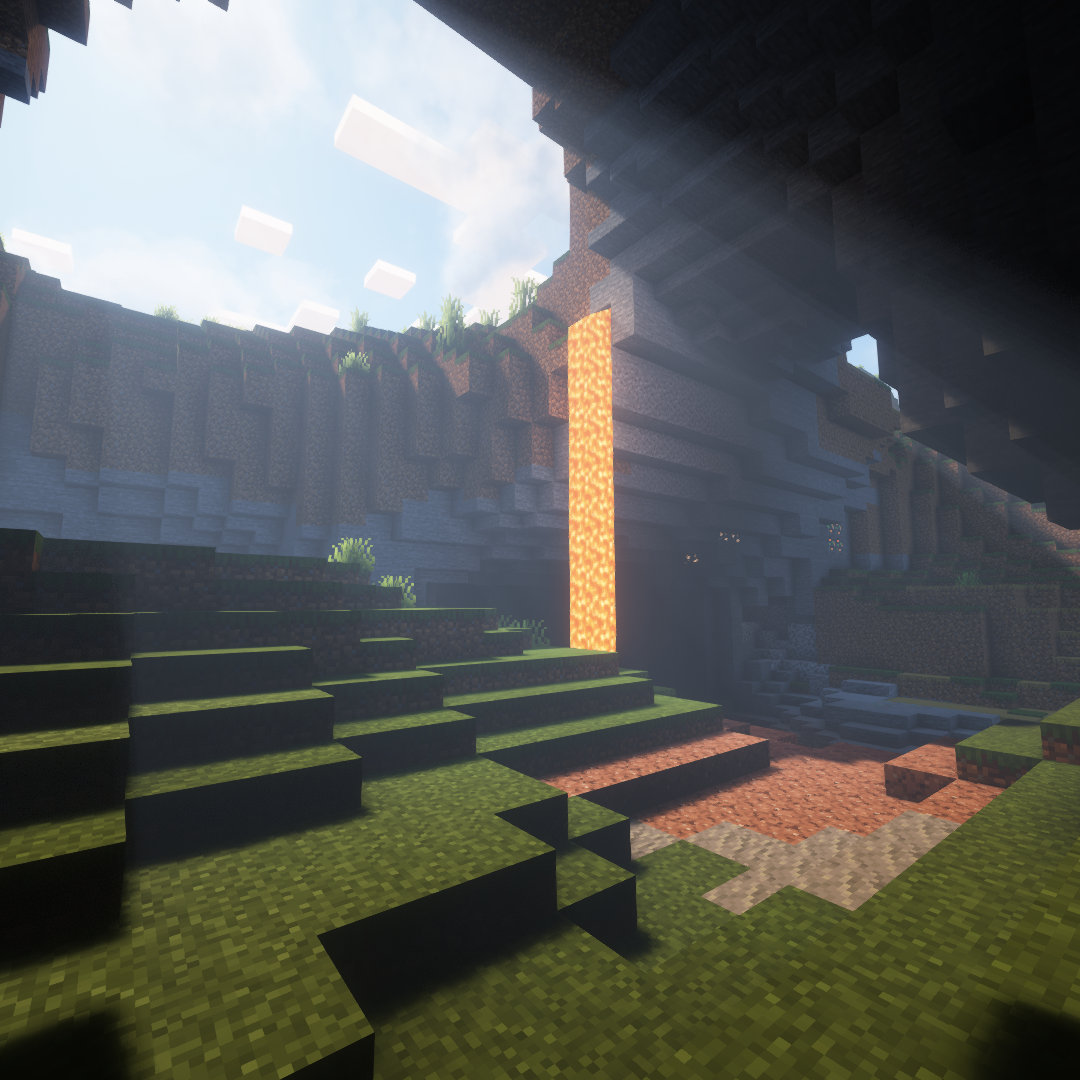
A mod designed to enhance world generation and elevate the gameplay experience by smoothing out terrain with custom slabs, making exploration more seamless!
 mod
Modrinth · Minecraft
Collapsible gamerules screen
Makes the GameRules UI screen collapsible by category. Tired of scrolling? Clean up your world settings.
 mod
Modrinth · Minecraft
VO: Speedometer
adding a dedicated F3 debug entry that shows your speed in blocks per second — the same unit your brain actually understands. It works fully independently, uses vanilla's own tick-based physics data, and even consolidates with player_speed