Iris Shaders Optional for Easy Install 1.2.0
optionalMatching file found Matched file: 1.11.7+26.3-neoforge

Modrinth · Minecraft mod
Browse, install, and update mods, resource packs, data packs, and shaders from Modrinth directly in-game!
Quick answer
Easy Install 1.2.0 targets 26.3 with NeoForge. It must be installed on the client. Do not install it on the dedicated server. No extra mods listed for this file.
Where it goes
It must be installed on the client. Do not install it on the dedicated server.
This file is marked client-only.
1.2.0. Change the file and its required mods may change too.
This file does not list any required mods. Do not add a library just because a different file uses it.
1 extra mod was pulled in by another dependency. Indented rows show who needs each one. We only count dependency files that match this setup. A file for another loader does not fill the gap.
Before you install it
Built for Easy Install 1.2.0. Pick another file and the loader, install side or required mods may change.
Use 1.2.0. It targets 26.3 with NeoForge; another release may have different loader, side or dependency requirements.
This file does not list any required mods. Do not add a library just because a different file uses it.
It must be installed on the client. Do not install it on the dedicated server.
Use the “Get this file” button beside 1.2.0. It opens that exact file at the source.
About this project
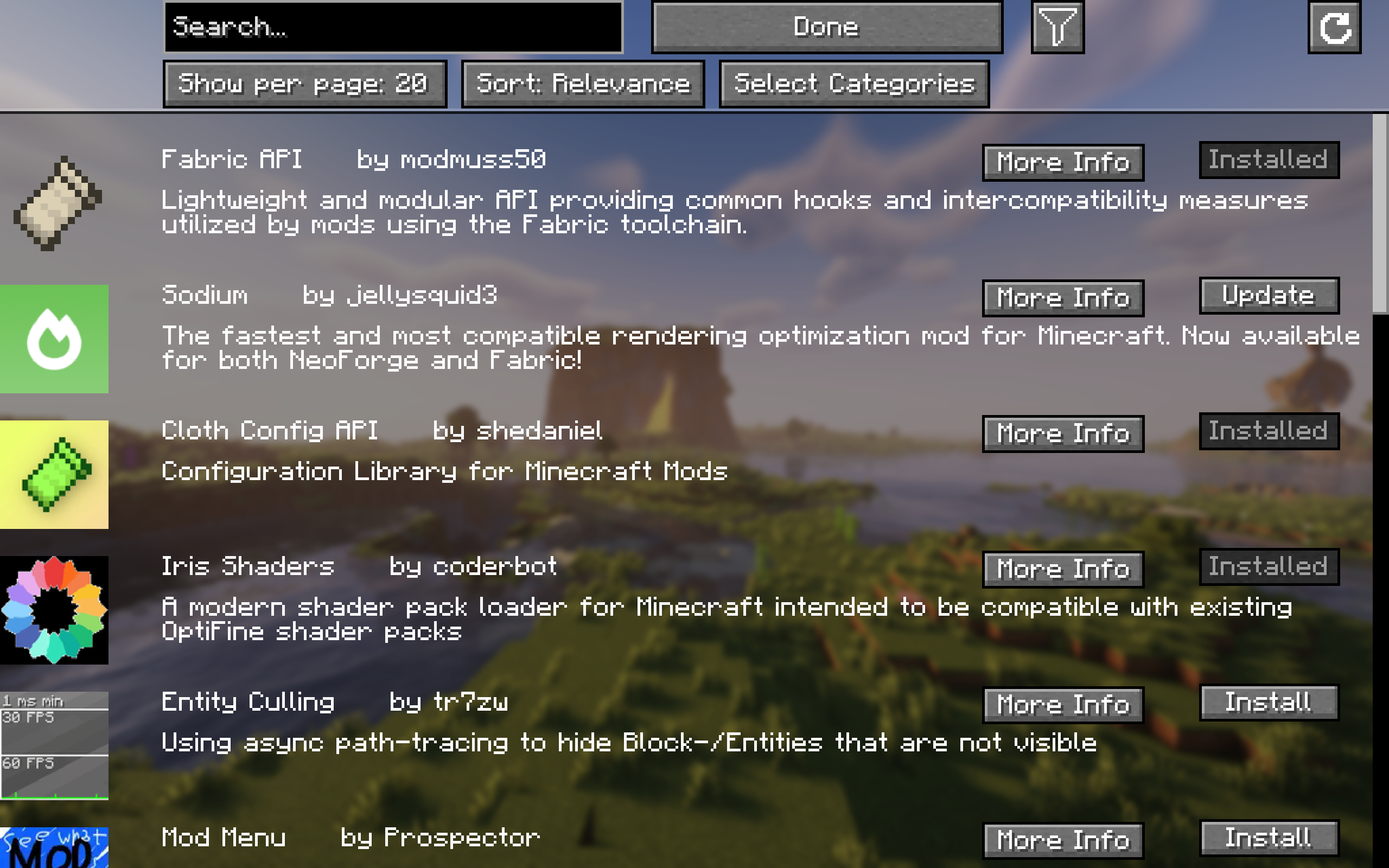
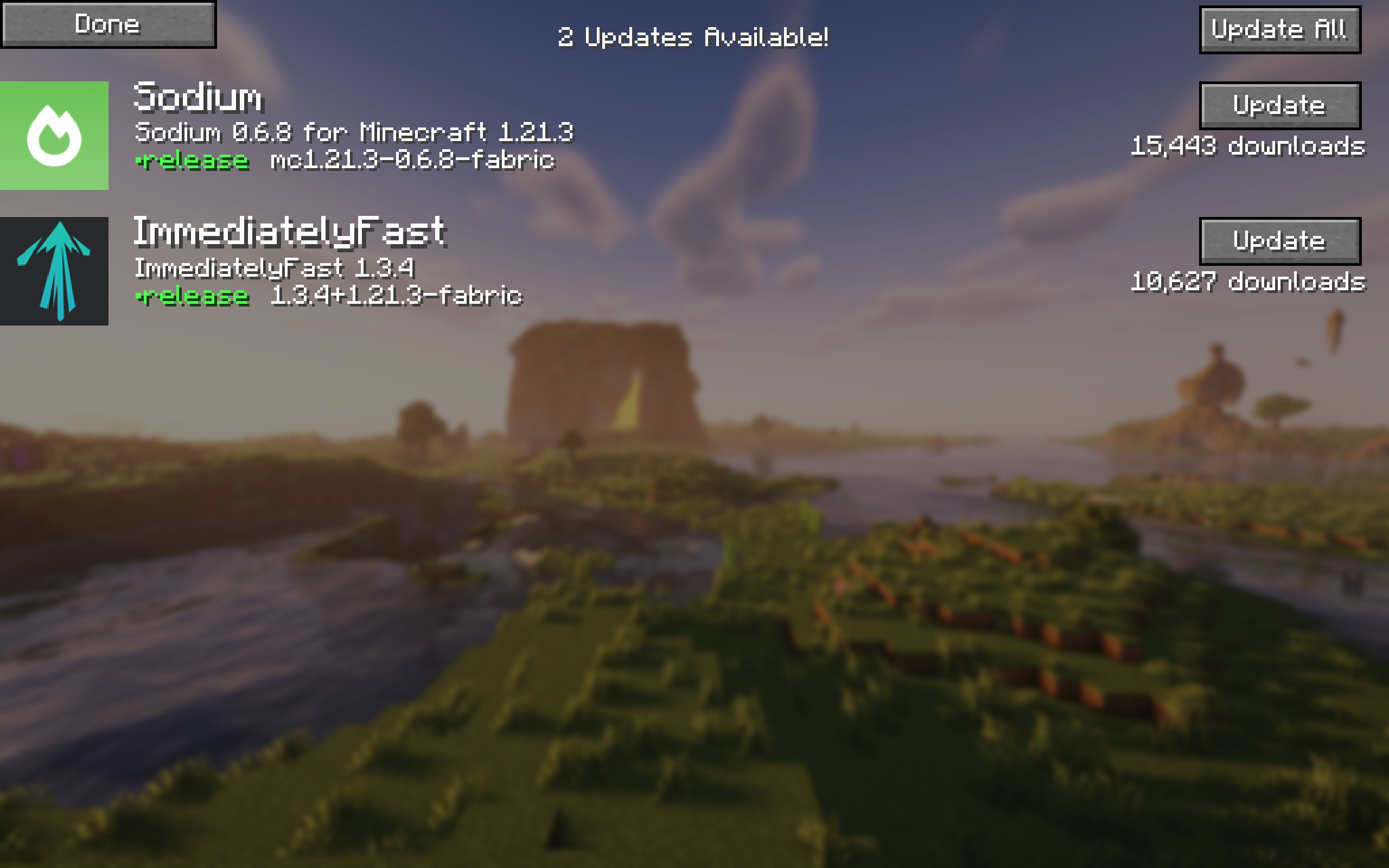
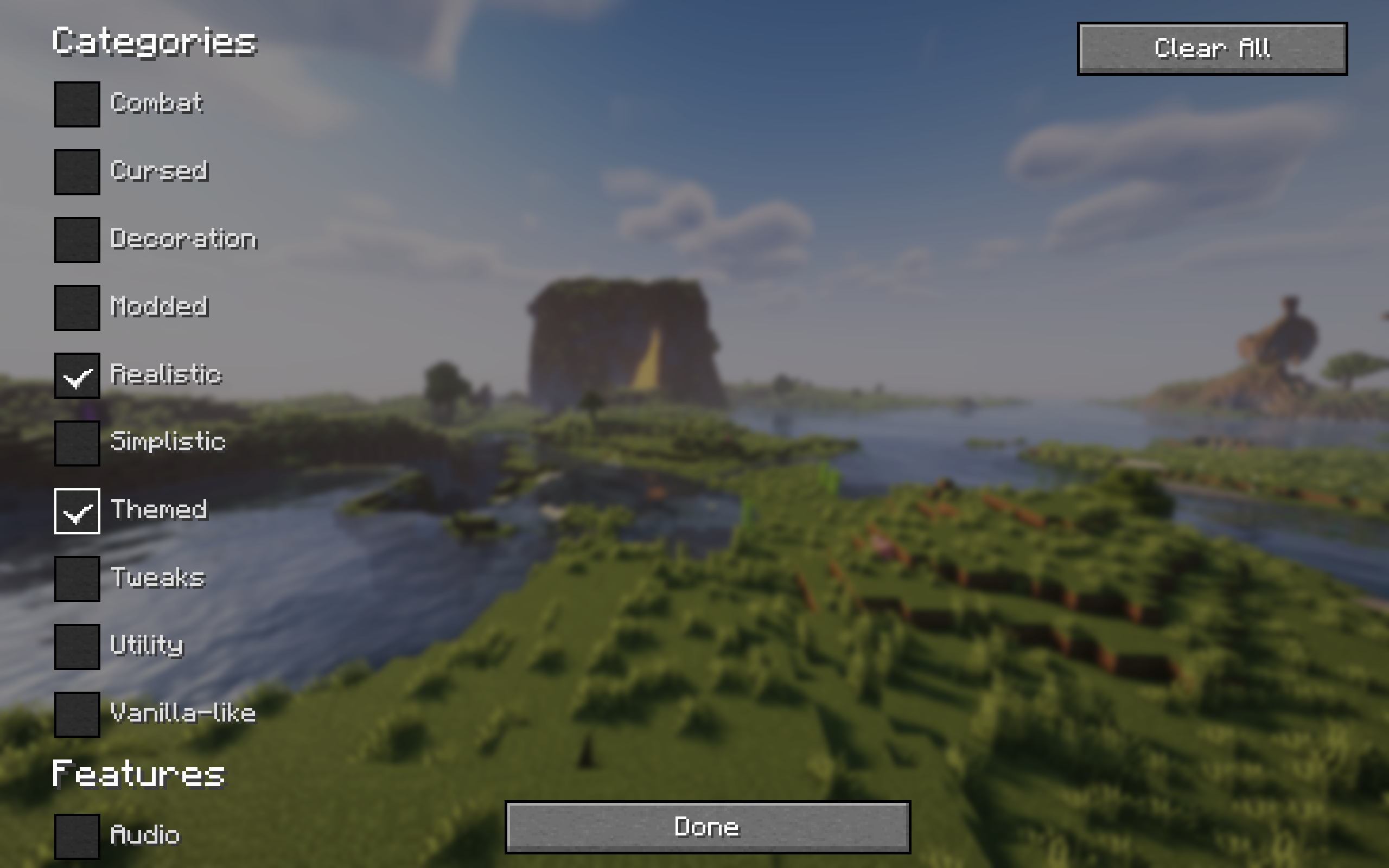
Easily browse, install, and update content like mods, resource packs, datapacks, and shaders from Modrinth and all required dependencies with a single click of a button!
For mods, changes will only apply after a restart of the game. For everything else, no restart is required!
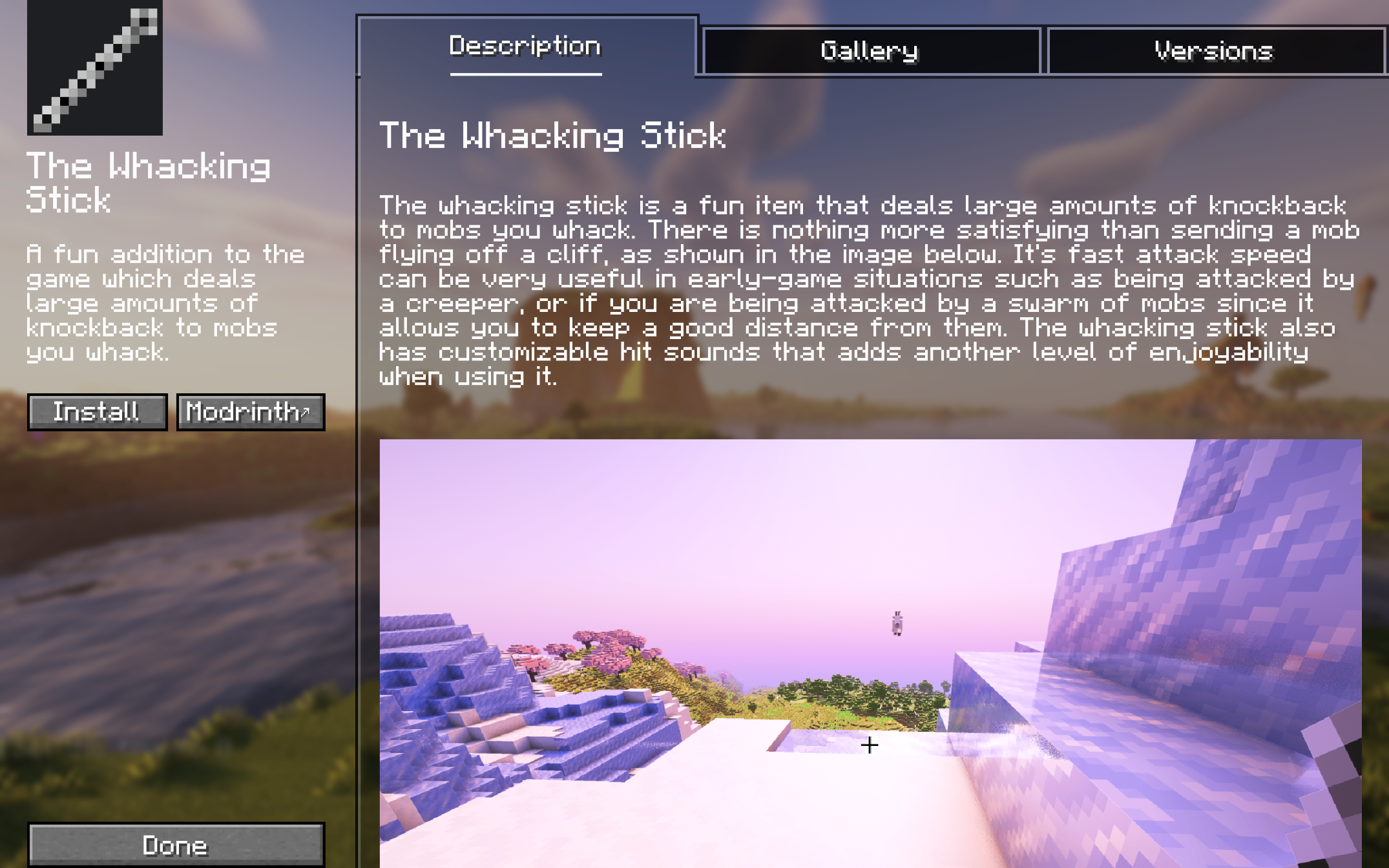
For more detailed information about a project, simply click "More Info" and it will take you to the project screen.
Here, you can view the description, gallery, and you can choose between versions of the project that are available for your game version.
If you experience any issues please report them here.
Project description from Modrinth.
Pick your setup
Choose the version and loader you play, then open the matching release.
Showing the newest 12 of 16 game versions. Older files are in the list below.
Check the dependencies, then try the file in a copied instance before changing a world you care about.
Recent files
easy-install-neoforge-1.2.0.jar
7 Nov 2026
easy-install-fabric-1.2.0.jar
7 Nov 2026
easy-install-neoforge-1.1.13.jar
23 Sept 2026
easy-install-fabric-1.1.13.jar
23 Sept 2026
easy-install-neoforge-1.1.13.jar
23 Sept 2026
easy-install-fabric-1.1.13.jar
23 Sept 2026
easy-install-neoforge-1.1.12.jar
16 Sept 2026
easy-install-fabric-1.1.12.jar
16 Sept 2026
easy-install-neoforge-1.1.11.jar
17 Jun 2026
easy-install-fabric-1.1.11.jar
17 Jun 2026
easy-install-neoforge-1.1.10.jar
4 Apr 2026
easy-install-fabric-1.1.10.jar
4 Apr 2026
Looking for an older file? The official Modrinth project page is in Resources.
 mod
Allow older Java Edition clients to connect to newer servers.
 mod
Rethought and tweaked Anvil usage to have more fair prices
 mod
removes every* useless button minecraft has