Fabric API Needed by TwitchierChat 1.4+26.3
requiredMatching file found Matched file: 0.166.2+26.3

Modrinth · Minecraft mod
Server side fabric mod to make minecraft chat more like twitch's. Adds emotes, name colors, replies and much more.
Quick answer
TwitchierChat 1.4+26.3 targets 26.3 with Fabric. Do not install it on the client. It must be installed on the dedicated server. All 1 required mods have matching files.
Where it goes
Do not install it on the client. It must be installed on the dedicated server.
This file is marked server-only.
1.4+26.3. Change the file and its required mods may change too.
Install Fabric API first. We found matching files for this game-version and loader setup.
We only count dependency files that match this setup. A file for another loader does not fill the gap.
Before you install it
Built for TwitchierChat 1.4+26.3. Pick another file and the loader, install side or required mods may change.
Use 1.4+26.3. It targets 26.3 with Fabric; another release may have different loader, side or dependency requirements.
Install Fabric API first. We found matching files for this game-version and loader setup.
Do not install it on the client. It must be installed on the dedicated server.
Use the “Get this file” button beside 1.4+26.3. It opens that exact file at the source.
About this project
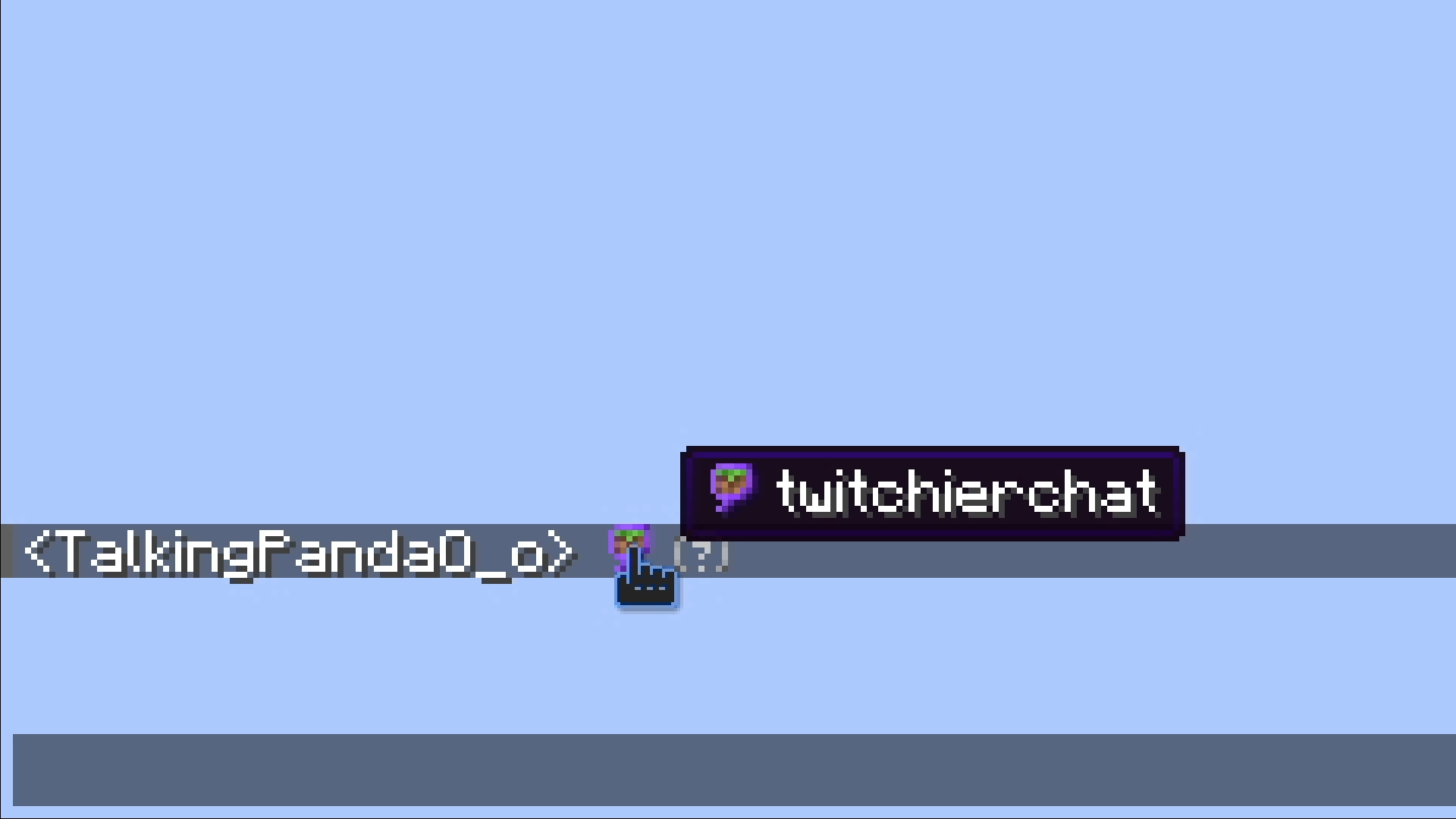
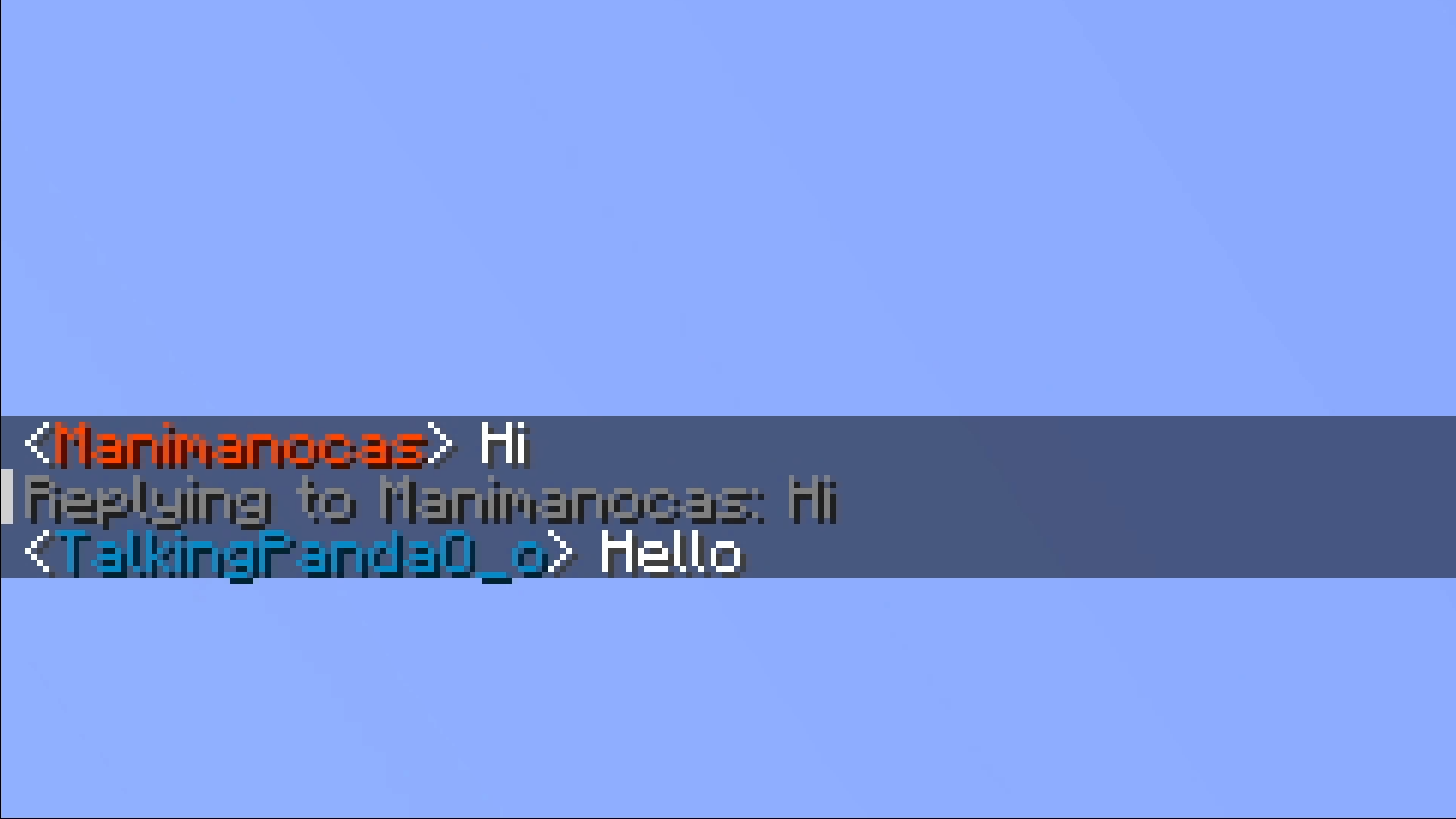
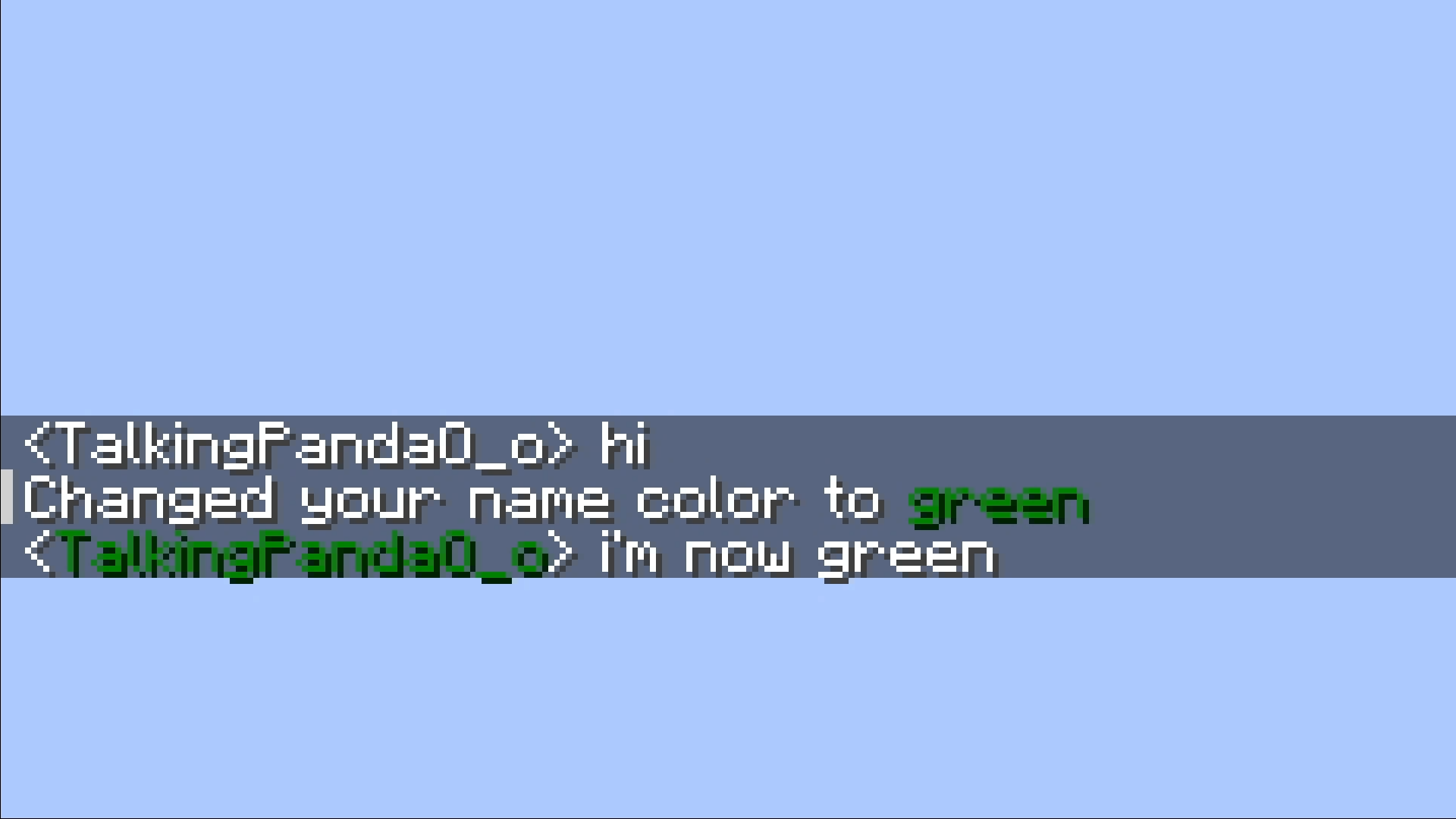
< >, they don't need to be on the server or even online.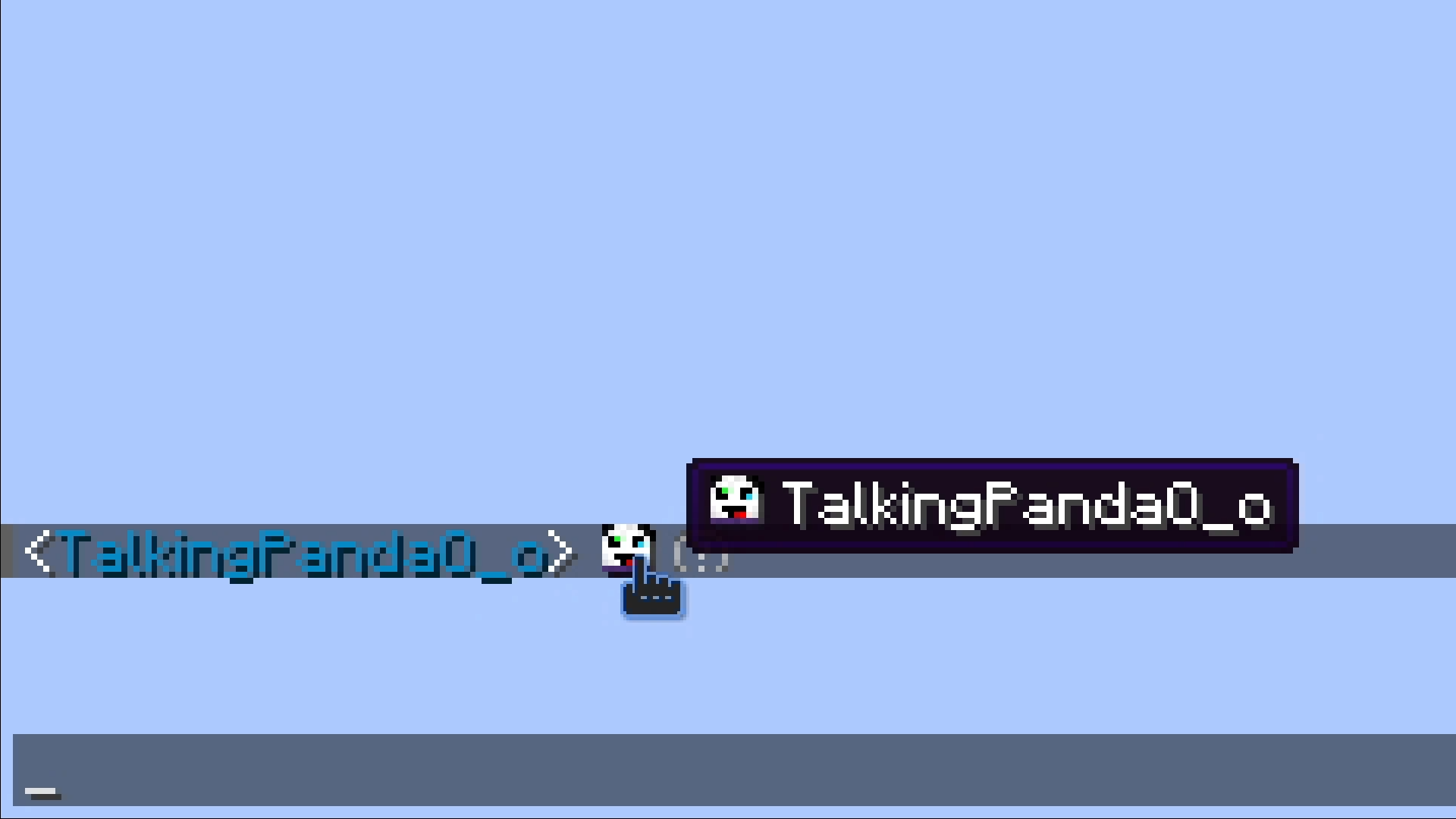
/twitchierchat server <address> <port>
Sets the server address used for the emote resource pack. Requires operator priviliges.
<address> needs to be the address players are using to join your server.
<port> will be set to the port you have in server.properties if empty.
/twitchierchat managers
Lists current managers.
/twitchierchat managers add <player>
Will make <player> a manager.
Managers can remove and add emotes they can't add or remove other managers. Requires operator priviliges.
/twitchierchat managers remove <player>
Will remove <player> from managers.
/emotes add <emote> <sourceUrl> <showLogs> <tileSize> <fps>
Adds emote with name <emote> from <sourceUrl> with size <tileSize> and framerate <fps>. Can be run by operators or managers.
<emote> can't be longer than 14 characters.
/emotes remove <emote>
Removes emote with name <emote>. Can be run by operators or managers.
/emotes reload
Reloads the emotes from the resource pack file.
/emotes update
Sends the resource pack to the person running it.
/emotes list
Shows a list of every emote.
/ping
Shows your current ping status.
ping on|off
Turns pings on or off.
/ping reply on|off
Turns pings on or off for replies.
/ping alias
Lists your current aliases.
/ping aliases add <alias>
Adds <alias> to your aliases.
/ping aliases remove <alias>
Removes <alias> from your aliases.
/ping sound
Will show and play your current ping sound.
/ping sound <sound>
Sets your ping sound <sound>.
/ping resetSound
Resets your ping sound.
/ping blocked
Shows the players you currently have blocked.
/ping block <player>
Prevents <player> from pinging you.
/ping unblock <player>
Allows <player> to ping you again.
Project description from Modrinth.
Pick your setup
Choose the version and loader you play, then open the matching release.
Check the dependencies, then try the file in a copied instance before changing a world you care about.
Recent files
TwitchierChat-1.4+26.3.jar
19 Sept 2026
twitchierchat-1.3.2+26.2.jar
3 Jul 2026
twitchierchat-1.3.1+26.2.jar
1 Jul 2026
twitchierchat-1.3+26.2.jar
1 Jul 2026
twitchierchat-1.2+26.2.jar
28 Jun 2026
twitchierchat-1.1+26.2.jar
28 Jun 2026
twitchierchat-1.0+26.2.jar
18 Jun 2026
Looking for an older file? The official Modrinth project page is in Resources.