Cloth Config API Needed by 2D Projectiles ➵ 1.1.1
requiredMatching file found Matched file: 26.2.155+neoforge

Modrinth · Minecraft mod
Makes projectiles (arrows, firework rockets, trident, etc.) look 2D!
Quick answer
2D Projectiles ➵ 1.1.1 targets 26.2 with NeoForge. It must be installed on the client. Do not install it on the dedicated server. All 1 required mods have matching files.
Where it goes
It must be installed on the client. Do not install it on the dedicated server.
This file is marked client-only.
1.1.1. Change the file and its required mods may change too.
Install Cloth Config API first. We found matching files for this game-version and loader setup.
We only count dependency files that match this setup. A file for another loader does not fill the gap.
Before you install it
Built for 2D Projectiles ➵ 1.1.1. Pick another file and the loader, install side or required mods may change.
Use 1.1.1. It targets 26.2 with NeoForge; another release may have different loader, side or dependency requirements.
Install Cloth Config API first. We found matching files for this game-version and loader setup.
It must be installed on the client. Do not install it on the dedicated server.
Use the “Get this file” button beside 1.1.1. It opens that exact file at the source.
About this project
This mod will replace the 3D arrow model with its 2D item texture model.
It will also remove the Critical particles (enabled by default).
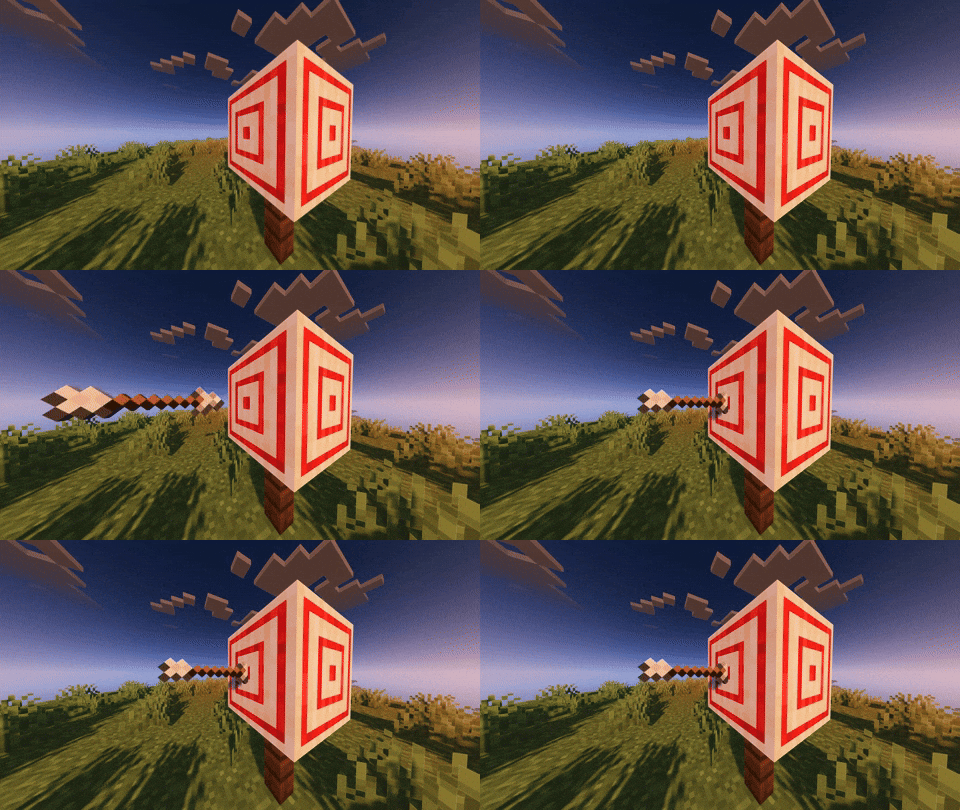
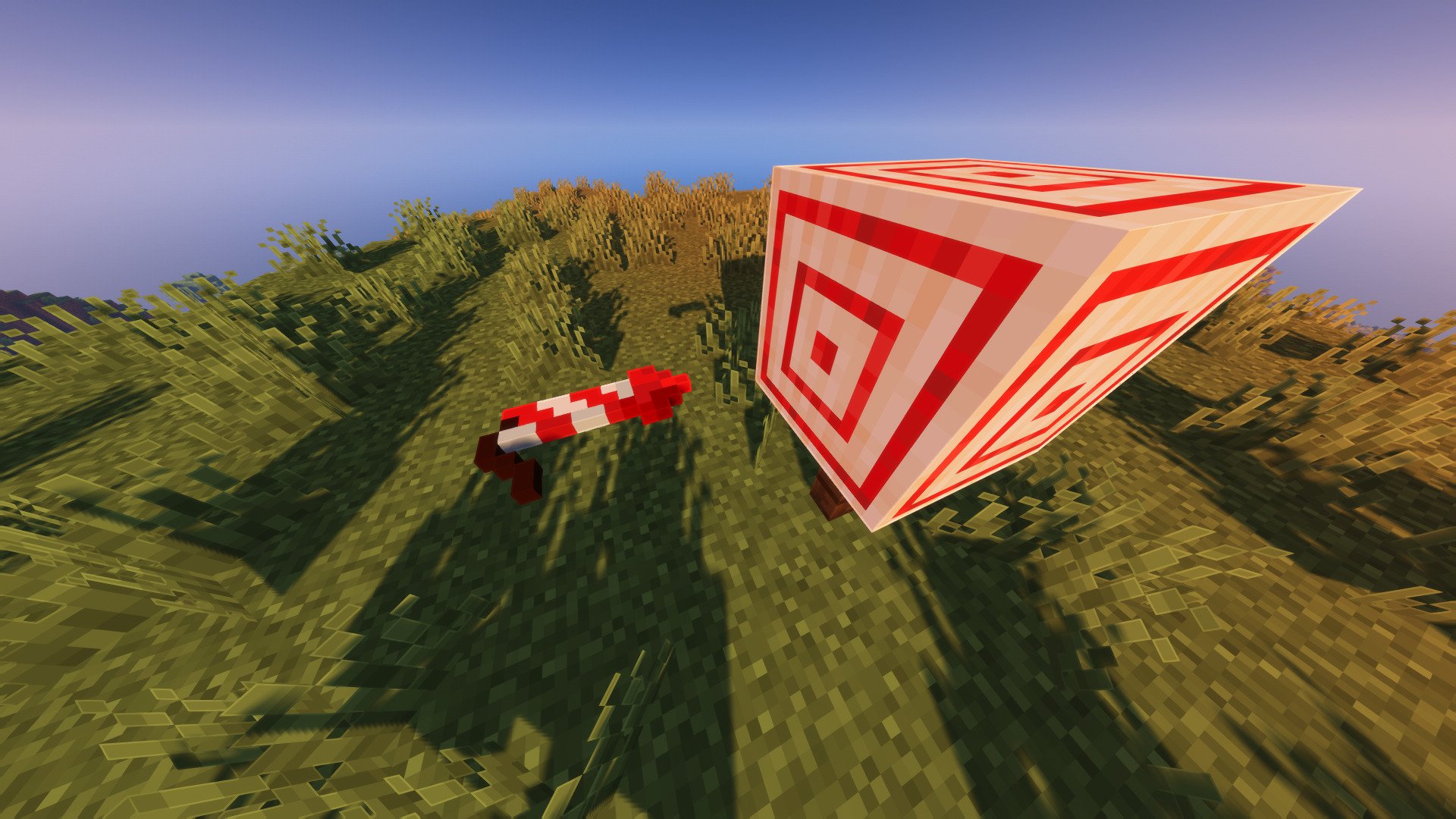
The Firework Rocket got a little rework too, the model is scaled up
and will be flat if shouted from a crossbow.
Arrow and Firework Rocket have a new roll animation that depends on their velocity.
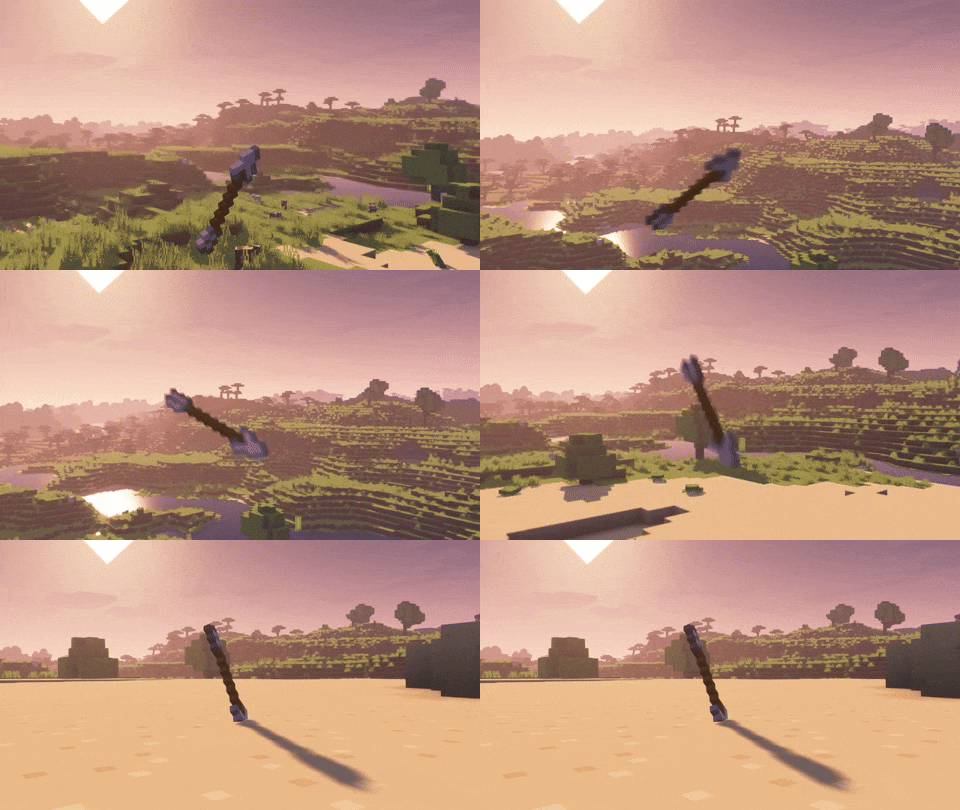
(with Bare Bones texture pack)
The default values are calibrated for the vanilla textures. If you're using a texture pack, you might need to adjust some elements, such as the orientation of the arrow or firework rocket tip.
Normal arrows, spectral arrows, and even modded arrows can each have different directions, just add them in the config file.
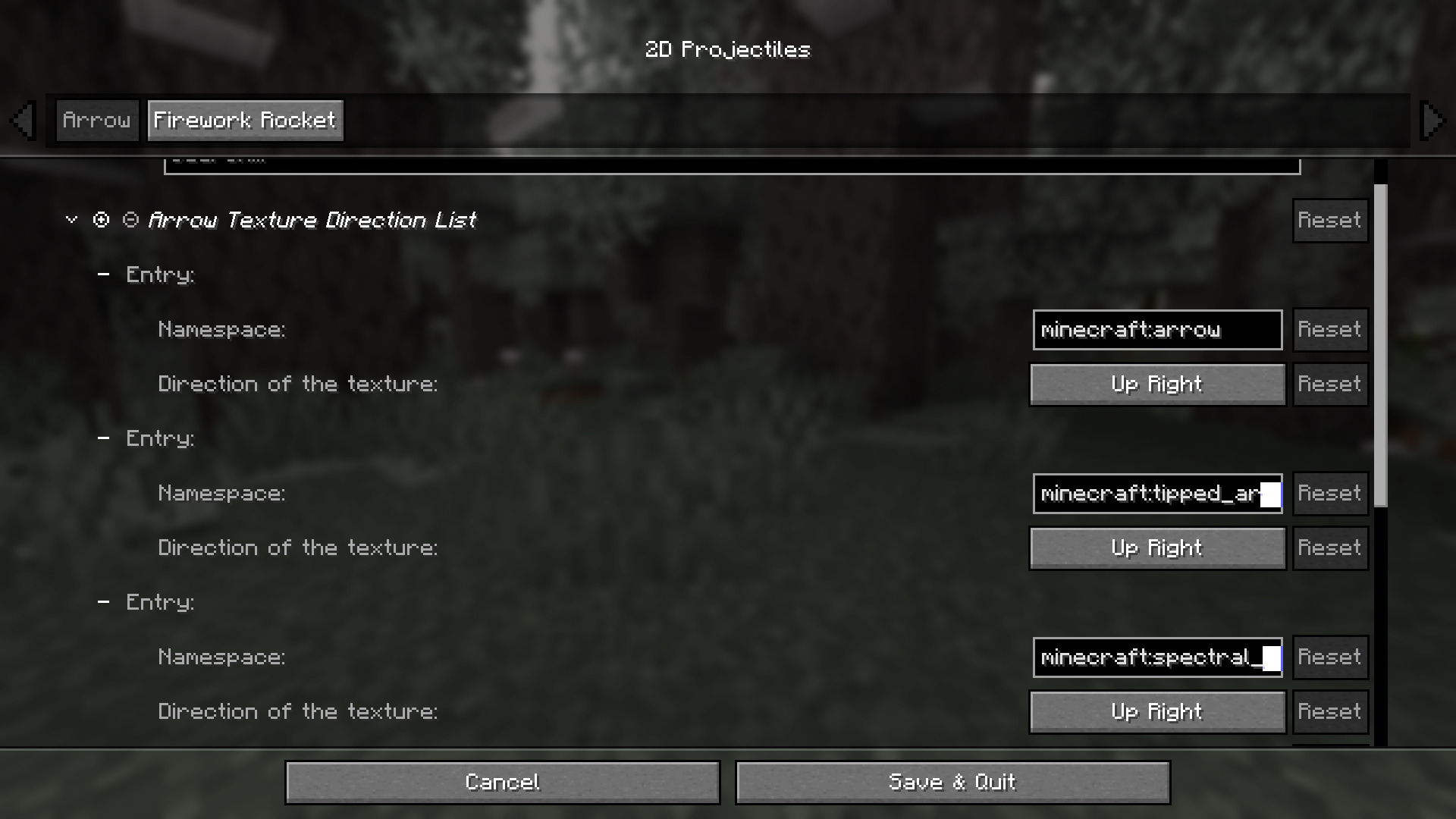
Project description from Modrinth.
Pick your setup
Choose the version and loader you play, then open the matching release.
Showing the newest 12 of 19 game versions. Older files are in the list below.
Check the dependencies, then try the file in a copied instance before changing a world you care about.
Recent files
twod_projectiles-neoforge-26.2-1.1.1.jar
9 Aug 2026
twod_projectiles-fabric-26.2-1.1.1.jar
9 Aug 2026
twod_projectiles-neoforge-26.1-1.1.1.jar
7 Aug 2026
twod_projectiles-fabric-26.1-1.1.1.jar
7 Aug 2026
twod_projectiles-neoforge-1.1.1.jar
3 Jan 2026
twod_projectiles-fabric-1.1.1.jar
3 Jan 2026
twod_projectiles-neoforge-1.1.1.jar
26 Oct 2025
twod_projectiles-fabric-1.1.1.jar
26 Oct 2025
twod_projectiles-forge-1.1.1.jar
30 Aug 2025
twod_projectiles-fabric-1.1.1.jar
30 Aug 2025
twod_projectiles-neoforge-1.1.1.jar
26 Aug 2025
twod_projectiles-fabric-1.1.1.jar
26 Aug 2025
Looking for an older file? The official Modrinth project page is in Resources.
 mod
modModern Fabric port of the cooking and farming mod, "Farmer's Delight"
 mod
modPerform necromancy and dark rituals using the power of souls. Highly configurable.
 mod
modLets servers opt into client tweaks that are otherwise off on multiplayer. Vendor-neutral, resource-pack based.