Fabric API Optional for Vanilla NPC 0.2.1+mod
optionalNo matching file

Modrinth · Minecraft mod
Use the new mannequins to your advantage. Simple and customizable.
Quick answer
Vanilla NPC 0.2.1+mod targets 1.21.10, 1.21.11, 1.21.9 with Fabric, Forge, NeoForge. Installation on the client is optional. Installation on the dedicated server is optional. No extra mods listed for this file.
Where it goes
Installation on the client is optional. Installation on the dedicated server is optional.
The source marks this as usable on both the client and server.
0.2.1+mod on 26.2 Forge. Every mod below is checked against that same setup.
This file does not list any required mods. Do not add a library just because a different file uses it.
We only count dependency files that match this setup. A file for another loader does not fill the gap.
Before you install it
Built for Vanilla NPC 0.2.1+mod on 26.2 Forge. Pick another file and the loader, install side or required mods may change.
Use 0.2.1+mod. It targets 1.21.10, 1.21.11, 1.21.9 with Fabric, Forge, NeoForge; another release may have different loader, side or dependency requirements.
This file does not list any required mods. Do not add a library just because a different file uses it.
Installation on the client is optional. Installation on the dedicated server is optional.
Use the “Get this file” button beside 0.2.1+mod. It opens that exact file at the source.
About this project
Easily create your own NPC in Minecraft thanks to the new mannequins! No Command knowledge required!
How to use: Press ESC or open the Quick Options Menu (default Keybind is G) or use the following command: /function vanillanpc:menu in order to open the main menu.

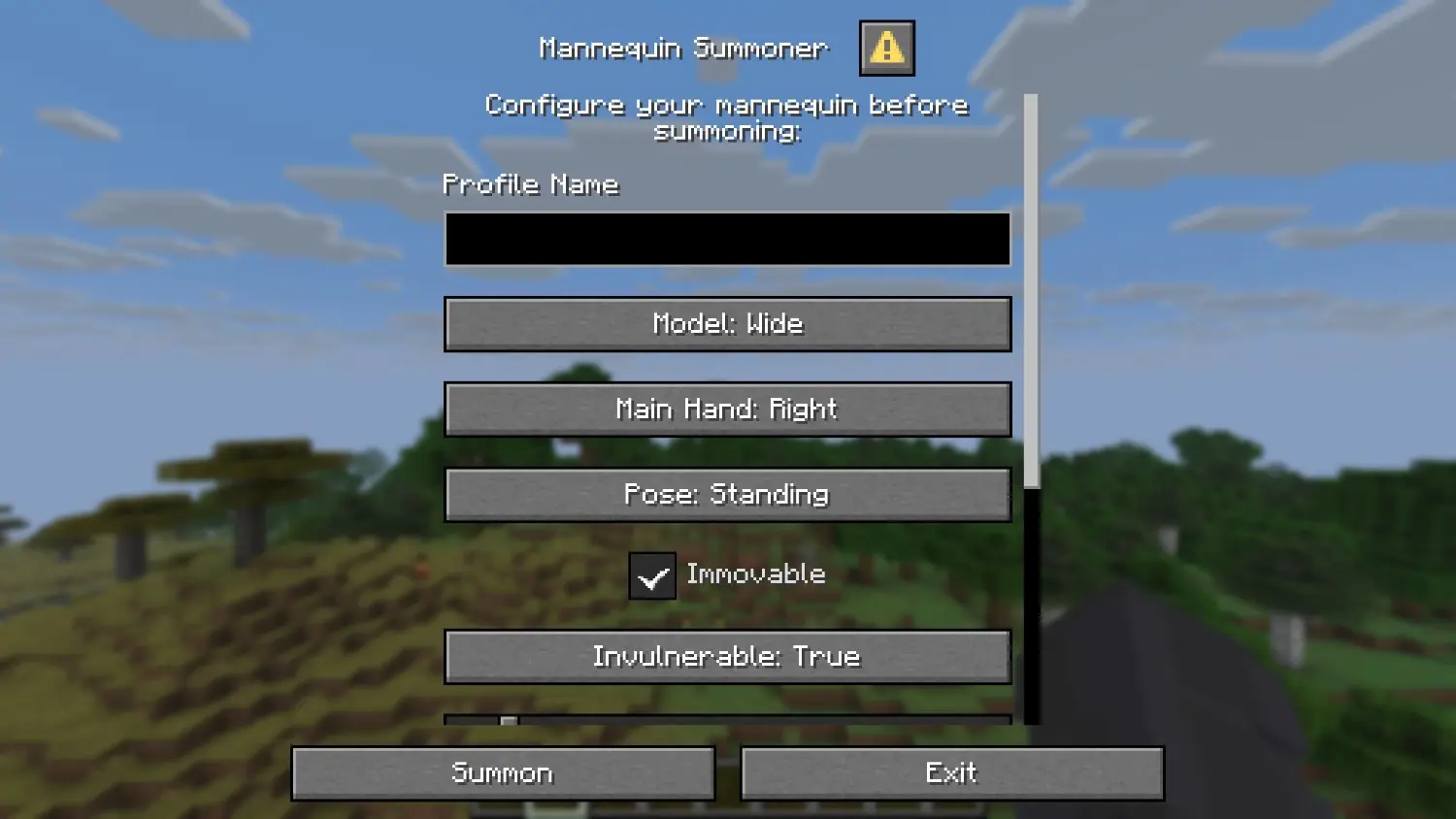
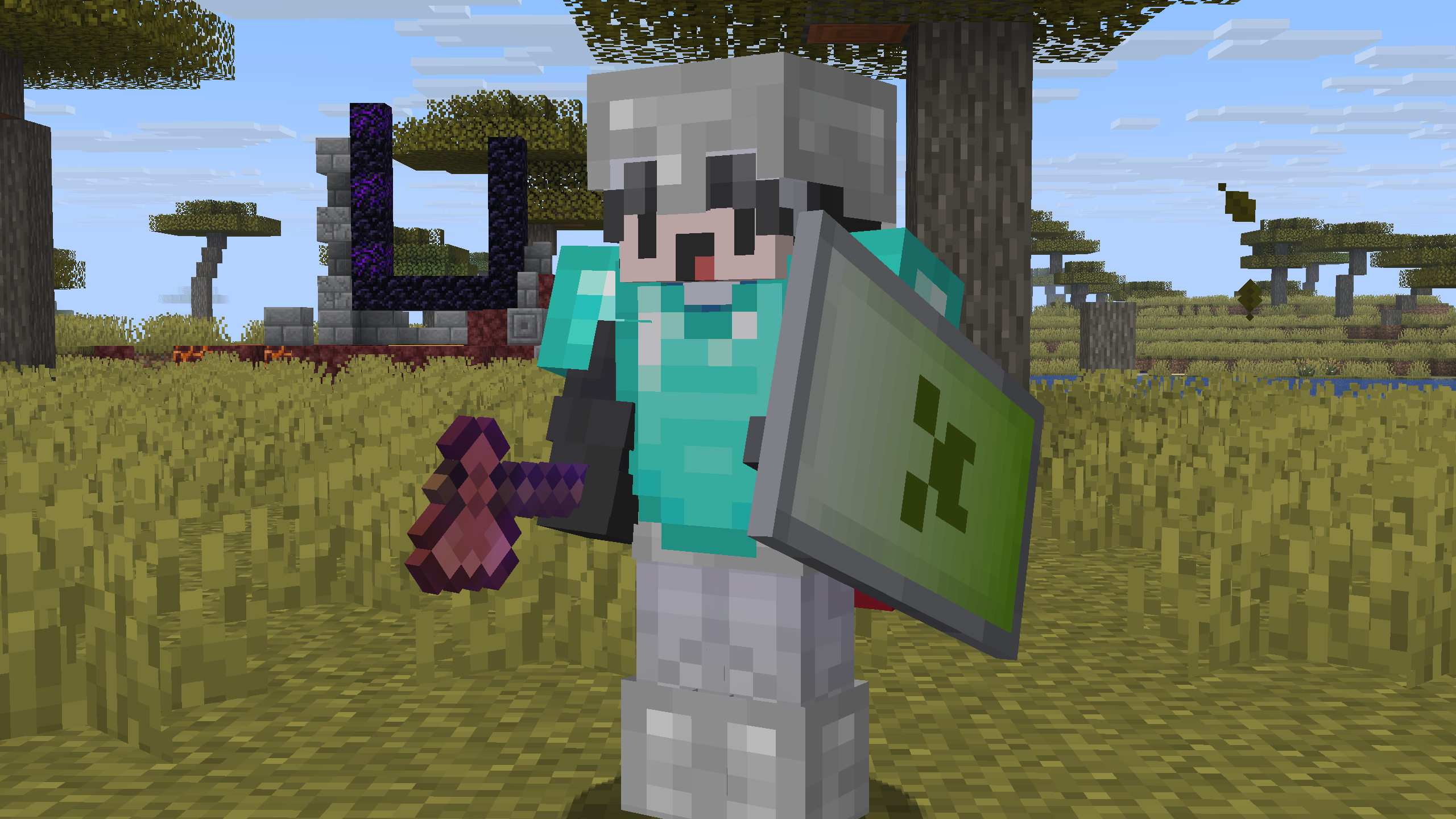
Drag the downloaded .zip file into the "\.minecraft\saves\YOURWORLD\datapacks" folder.
Now enter your world. You can check whether the datapack is enabled with /datapack list.
Drag the downloaded .zip file into the datapack folder, which is located in the default "world" folder.
Now join your server. You can check whether the datapack is enabled with /datapack list.
Enjoy!
Project description from Modrinth.
Pick your setup
Choose the version and loader you play, then open the matching release.
Showing the newest 12 of 13 game versions. Older files are in the list below.
Check the dependencies, then try the file in a copied instance before changing a world you care about.
Recent files
vanilla-npcs-0.2.1.jar
7 Apr 2026
Looking for an older file? The official Modrinth project page is in Resources.
 mod
Don’t mess with the server Play Minecraft with your friends in 2 clicks via P2P
 mod
See the world before you make it. Genesis puts a live biome map, seed tools and world pre-generation on the Create New World screen, so you can compare seeds and pre-build the terrain before you ever spawn in.
 mod
A calculator in your chat with shortcuts designed for Minecraft