Fabric API Needed by MineBerry - Essentials 1.7.0
requiredMatching file found Matched file: 0.161.0+26.2

Modrinth · Minecraft mod
An essential Fabric mod for MineBerry and MinePeak
Quick answer
MineBerry - Essentials 1.7.0 targets 26.2 with Fabric. It must be installed on the client. Do not install it on the dedicated server. All 1 required mods have matching files.
Where it goes
It must be installed on the client. Do not install it on the dedicated server.
This file is marked client-only.
1.7.0 on 26.2 Fabric. Every mod below is checked against that same setup.
Install Fabric API first. We found matching files for this game-version and loader setup.
We only count dependency files that match this setup. A file for another loader does not fill the gap.
Before you install it
Built for MineBerry - Essentials 1.7.0 on 26.2 Fabric. Pick another file and the loader, install side or required mods may change.
Use 1.7.0. It targets 26.2 with Fabric; another release may have different loader, side or dependency requirements.
Install Fabric API first. We found matching files for this game-version and loader setup.
It must be installed on the client. Do not install it on the dedicated server.
Use the “Get this file” button beside 1.7.0. It opens that exact file at the source.
About this project
An essential Fabric mod for MineBerry and MinePeak.
Chat tools, safety tools, a tournament mode, waypoints, evidence reports, a customizable HUD and more, all in one clean dashboard.
Built for the MineBerry and MinePeak servers. Some features depend on those servers' commands and chat messages, so they may not behave the same elsewhere.
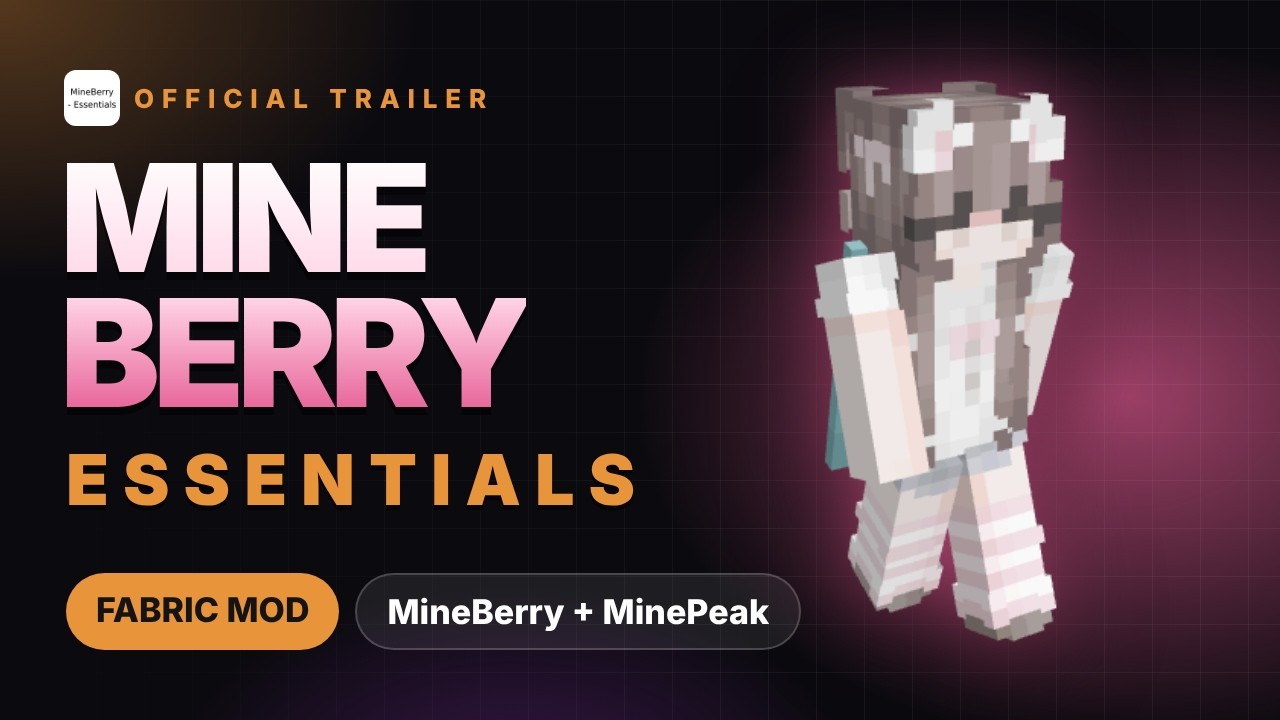
Watch the official trailer on YouTube.
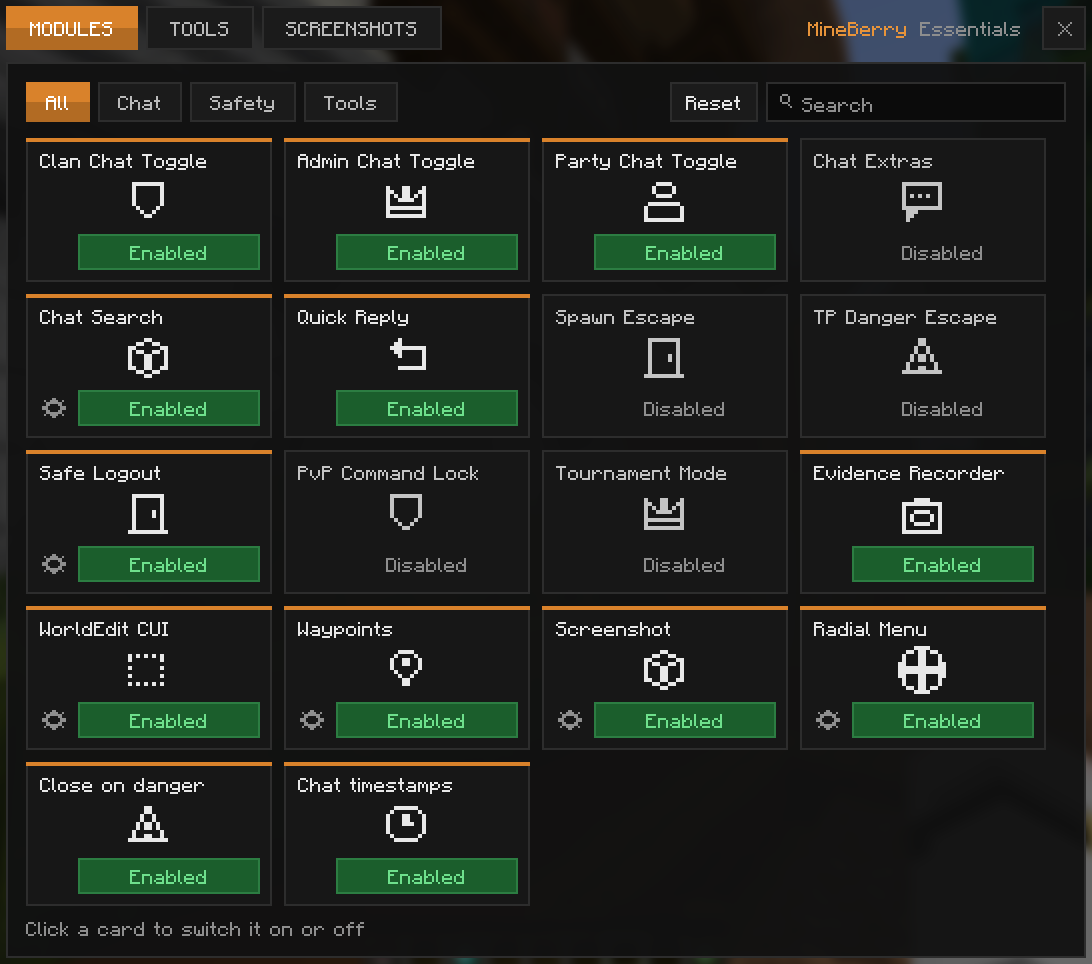
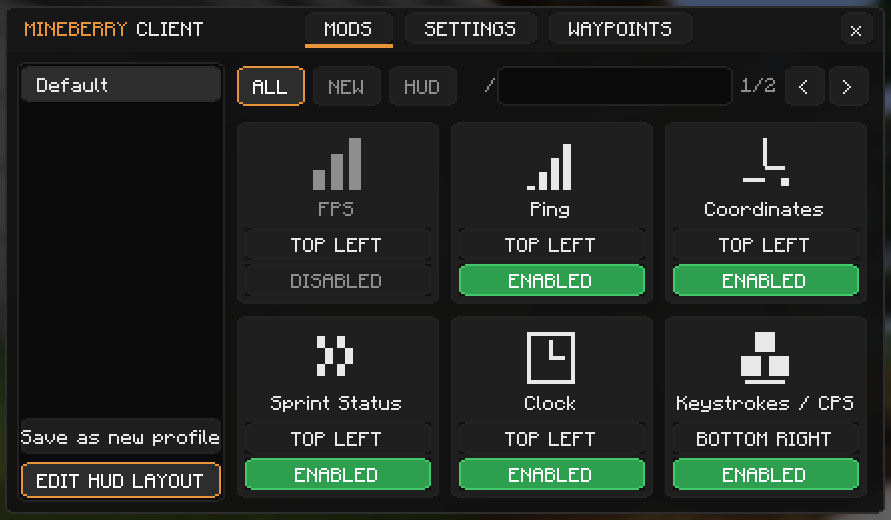
mods folder (Java 25 or newer).Press Right Shift for the HUD menu. Every key can be rebound under Options > Controls > Key Binds.
| Requirement | Version |
|---|---|
| Minecraft | 26.2 |
| Fabric Loader | 0.20.1 or newer |
| Fabric API | Required |
| Java | 25 or newer |
| Mod Menu | Optional |
See the release notes on GitHub for every version. After an update, the mod also shows a "What's New" popup in-game, and you can reopen it anytime from the Control Center under Tools > What's New.
Made by Agio12 (ex.aerys) and Nice_EX (nice_ex.). Licensed under MIT.
Project description from Modrinth.
Pick your setup
Choose the version and loader you play, then open the matching release.
Check the dependencies, then try the file in a copied instance before changing a world you care about.
Recent files
mineberry-essentials-1.7.0.jar
19 Nov 2026
mineberry-essentials-1.6.4.jar
19 Nov 2026
mineberry-essentials-1.6.3.jar
19 Nov 2026
mineberry-essentials-1.6.2.jar
18 Nov 2026
mineberry-essentials-1.6.1.jar
18 Nov 2026
Looking for an older file? The official Modrinth project page is in Resources.
 mod
🔥 Backbone of modded fire 🔥
 mod
A growing collection of quality-of-life tweaks, bug fixes, and cross-mod integrations for modpack creators!
 mod
Glasscraft adds a Glasscutter that lets you safely harvest glass, glass panes, glowstone and sea lanterns