Minecraft version
Back to mods 
Modrinth · Minecraft mod
Bind Presets
This plugin adds the option to set different presets for your keybinds in Options → Keybinds (At minecraft Settings)
Choose a version Pick your version below, then grab the matching file.
Quick answer
Which Bind Presets release should I use?
Latest stable file 1.2.1
Game version 1.21.11
Loader Fabric
Bind Presets 1.2.1 targets 1.21.11 with Fabric. It must be installed on the client. Do not install it on the dedicated server. No extra mods listed for this file.
Where it goes
Is Bind Presets required on the client, server, or both?
It must be installed on the client. Do not install it on the dedicated server.
Client Required
Dedicated server Not supported
Loader for this release Fabric
Required install it here Optional supported, not mandatory Not supported do not install here Source doesn’t say do not assume
This file is marked client-only.
What else does Bind Presets 1.2.1 need?
1.2.1. Change the file and its required mods may change too.
This file does not list any required mods. Do not add a library just because a different file uses it.
This file does not list any required or optional mods.
Before you install it
Add Bind Presets without breaking your instance.
Built for Bind Presets 1.2.1. Pick another file and the loader, install side or required mods may change.
- 01
Stick to this file
Use 1.2.1. It targets 1.21.11 with Fabric; another release may have different loader, side or dependency requirements.
- 02
Bring the mods it needs
This file does not list any required mods. Do not add a library just because a different file uses it.
- 03
Put it on the correct side
It must be installed on the client. Do not install it on the dedicated server.
- 04
Pick the file you checked
Use the “Get this file” button beside 1.2.1. It opens that exact file at the source.
About this project
What does Bind Presets add?
BindPresets
A client-side Fabric mod for Minecraft 1.21.11 that lets you save and switch
between named keybind presets right from the Options > Controls > Keybinds
screen.
Author: ISekai

Features
- Adds a Preset row to the vanilla Keybinds screen with buttons to cycle,
add, rename, and delete keybind presets. - Each preset stores a full snapshot of every keybinding; switching presets
re-binds every key at once and writes it back tooptions.txt. - Presets are persisted to
bindpresets.jsonin the game's config folder and
reloaded automatically on startup.
Dependencies
- Minecraft
1.21.11 - Yarn mappings
1.21.11+build.6 - Fabric Loader
0.18.6 - Fabric API
0.141.4+1.21.11 - Fabric Loom
1.17.12 - Java 21
Installation
Download the jar from Releases, drop it into your .minecraft/mods folder
along with Fabric API, and launch with Fabric Loader 0.18.6 or newer.
Building from source
Minecraft 1.21.11 + Loom 1.17 require Java 21 to run Gradle itself (not
just to compile). Point JAVA_HOME at a JDK 21 installation before building.
./gradlew build
Compiled jar lands in build/libs/.
License
See LICENSE. All rights reserved - see terms above.
Project description from Modrinth.
Pick your setup
Bind Presets by Minecraft version and loader
Choose the version and loader you play, then open the matching release.
Check the dependencies, then try the file in a copied instance before changing a world you care about.
Recent files
Bind Presets versions and loaders
1.2.1
BindPresets-1.2.1.jar
18 Sept 2026
Client Required Server Not supported Dependencies No extras listed Listed on Release listing
Check the 1.21.11 · Fabric setup 1.21.11Fabric release
1.2.1
BindPresets-1.2.1.jar
8 Aug 2026
Client Required Server Not supported Dependencies No extras listed Listed on Release listing
Check the 1.21.11 · Fabric setup 1.21.11Fabric release
Looking for an older file? The official Modrinth project page is in Resources.
 mod
mod CurseForge + Modrinth · Minecraft
Simple Voice Voice Changer
Client-side live voice changer for Simple Voice Chat with presets, detailed tuning, saved profiles, self-listen, and native menu integration.
 mod
mod CurseForge + Modrinth · Minecraft
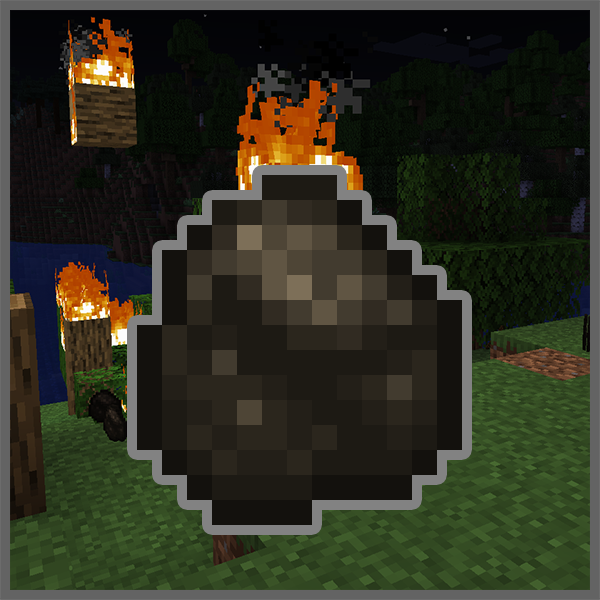
Natural Charcoal
🔥🌳 Burned out logs have a chance to generate charcoal, which are immune to fire.
 mod
mod CurseForge + Modrinth · Minecraft
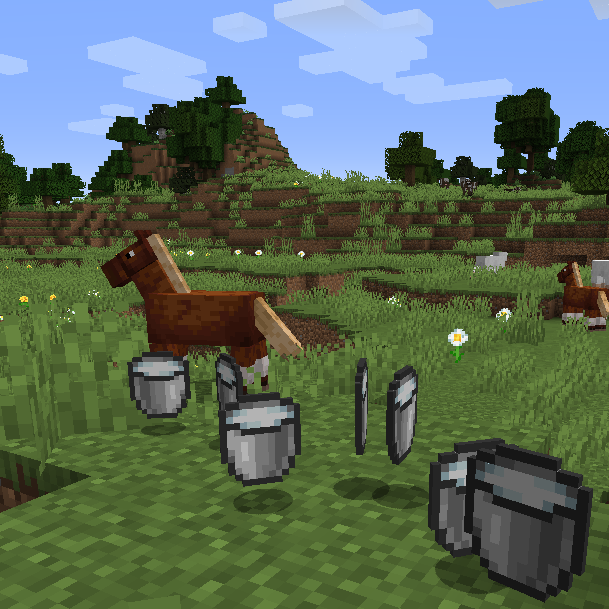
Milk All The Mobs
🥛 Allows sheep, llamas, pigs, donkeys, horses and mules to produce a bucket of milk.