Fabric API Needed by WayGL 1.2.1
requiredMatching file found Matched file: 0.92.12+1.20.1

Modrinth · Minecraft mod
Forces GLFW to use Wayland on supported systems
Quick answer
WayGL 1.2.1 targets 1.20, 1.20.1, 1.20.2 with Fabric. It must be installed on the client. Do not install it on the dedicated server. All 2 required mods have matching files.
Where it goes
It must be installed on the client. Do not install it on the dedicated server.
This file is marked client-only.
1.2.1. Change the file and its required mods may change too.
Install Fabric API, Cloth Config API first. We found matching files for this game-version and loader setup.
We only count dependency files that match this setup. A file for another loader does not fill the gap.
Before you install it
Built for WayGL 1.2.1. Pick another file and the loader, install side or required mods may change.
Use 1.2.1. It targets 1.20, 1.20.1, 1.20.2 with Fabric; another release may have different loader, side or dependency requirements.
Install Fabric API, Cloth Config API first. We found matching files for this game-version and loader setup.
It must be installed on the client. Do not install it on the dedicated server.
Use the “Get this file” button beside 1.2.1. It opens that exact file at the source.
About this project
Tired of all those pesky X11/Xorg bugs happening because you're using wayland? Well fear no more, I have quite the solution for you.
WayGL will force GLFW to create a wayland window (at the cost of sacrificing your window icon) (NO LONGER AT THE COST OF YOUR ICON!!!) on supported systems (Linux using wayland display server).
WayGL makes use of runtime GLFW platform switching, if your on a supported platform, GLFW will be set to use Wayland. Like this, you don’t have to worry about compiling GLFW specifically for wayland.
Say goodbye to those Xwayland bugs/compatability issues!
LWJGL version can be changed in instance settings in prism launcher
Project description from Modrinth.
Pick your setup
Choose the version and loader you play, then open the matching release.
Showing the newest 12 of 32 game versions. Older files are in the list below.
Check the dependencies, then try the file in a copied instance before changing a world you care about.
Recent files
waygl-fabric-1.2.1.jar
9 May 2026
waygl-neoforge-1.2.1.jar
9 May 2026
waygl-fabric-1.2.1.jar
9 May 2026
waygl-neoforge-1.2.1.jar
9 May 2026
waygl-fabric-1.2.1.jar
9 May 2026
waygl-neoforge-1.2.1.jar
9 May 2026
waygl-fabric-1.2.1.jar
9 May 2026
waygl-neoforge-1.2.0.jar
17 Jan 2026
waygl-fabric-1.2.0.jar
17 Jan 2026
waygl-neoforge-1.2.0.jar
17 Jan 2026
waygl-fabric-1.2.0.jar
17 Jan 2026
waygl-neoforge-1.1.6.jar
17 May 2025
Looking for an older file? The official Modrinth project page is in Resources.
 mod
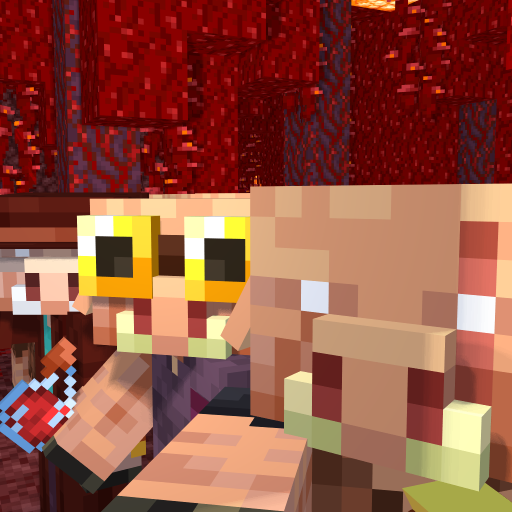
modDiversifies Piglins by giving unique features to their vanilla variants, and adds new Piglin types to fill specific gameplay niches.
 mod
modSimply a camera shake mod! Code taken from my Subtly Dungeons mod.
 mod
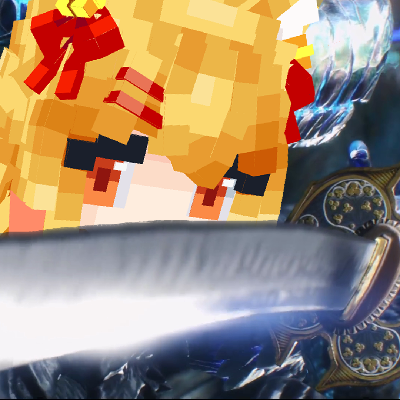
modA SlashBlade: Resharped and Touhou Little Maid crossover addon, designed to empower maids in wielding SlashBlades.