Minecraft version
Back to mods 
Modrinth · Minecraft mod
L4JAddons
Things that shouldnt be in Legacy4J!
Choose a version Pick your version below, then grab the matching file.
Quick answer
Which L4JAddons release matches 26.1.2?
Best match for your filters 1.0.0
Game version 26.1.2
Loader Fabric
L4JAddons 1.0.0 targets 26.1.2 with Fabric. Installation on the client is optional. Installation on the dedicated server is optional. No extra mods listed for this file.
Where it goes
Is L4JAddons required on the client, server, or both?
Installation on the client is optional. Installation on the dedicated server is optional.
Client Optional
Dedicated server Optional
Loader for this release Fabric
Required install it here Optional supported, not mandatory Not supported do not install here Source doesn’t say do not assume
The source marks this as usable on both the client and server.
What else does L4JAddons 1.0.0 need?
1.0.0 on 26.1.2. Every mod below is checked against that same setup.
This file does not list any required mods. Do not add a library just because a different file uses it.
This file does not list any required or optional mods.
Before you install it
Add L4JAddons without breaking your instance.
Built for L4JAddons 1.0.0 on 26.1.2. Pick another file and the loader, install side or required mods may change.
- 01
Stick to this file
Use 1.0.0. It targets 26.1.2 with Fabric; another release may have different loader, side or dependency requirements.
- 02
Bring the mods it needs
This file does not list any required mods. Do not add a library just because a different file uses it.
- 03
Put it on the correct side
Installation on the client is optional. Installation on the dedicated server is optional.
- 04
Pick the file you checked
Use the “Get this file” button beside 1.0.0. It opens that exact file at the source.
About this project
What does L4JAddons add?
Legacy4J Addons
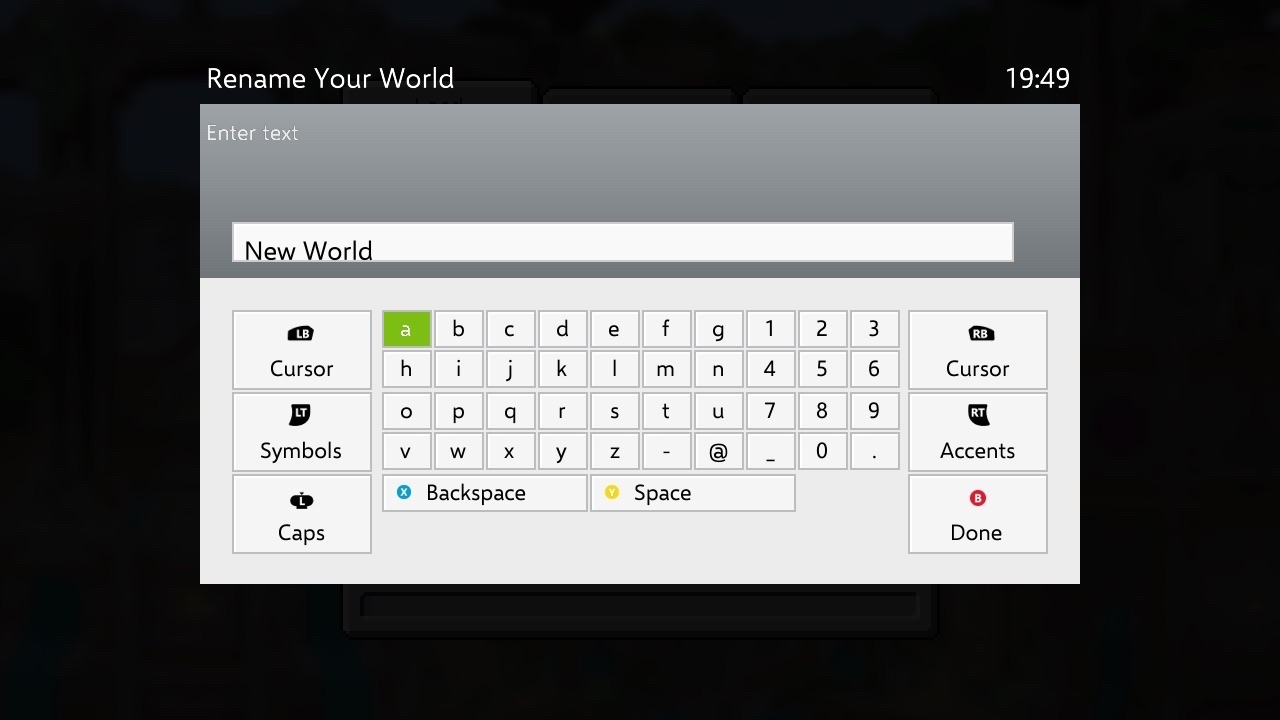
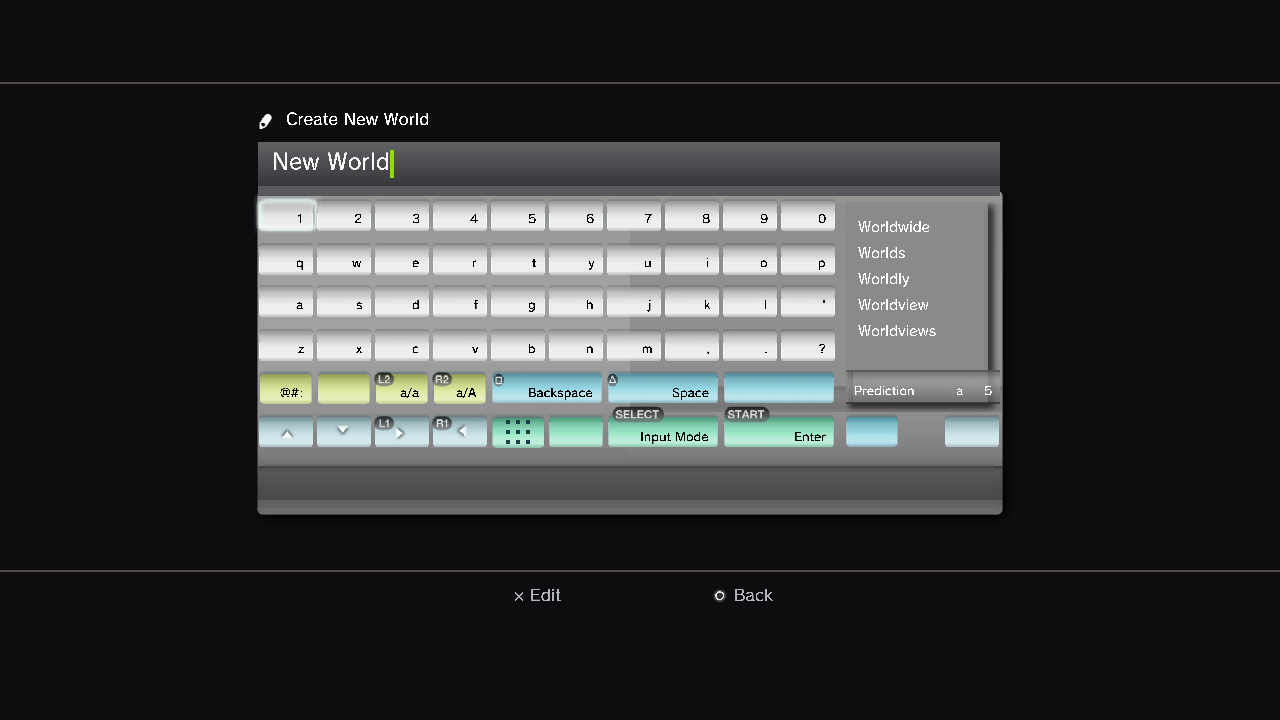
Legacy4J Addons is an addons mod for Legacy4J, focused on out of scope features such as an Xbox 360 and PS3 themed keyboard, and trophy pop-up UIs, along with removed or changed features from Legacy like old glass rendering, 2D Heads, cycling potion storage, UI profiles from previous versions of Legacy Console Edition etc.
Features
- PS3 and Xbox 360 keyboard styles
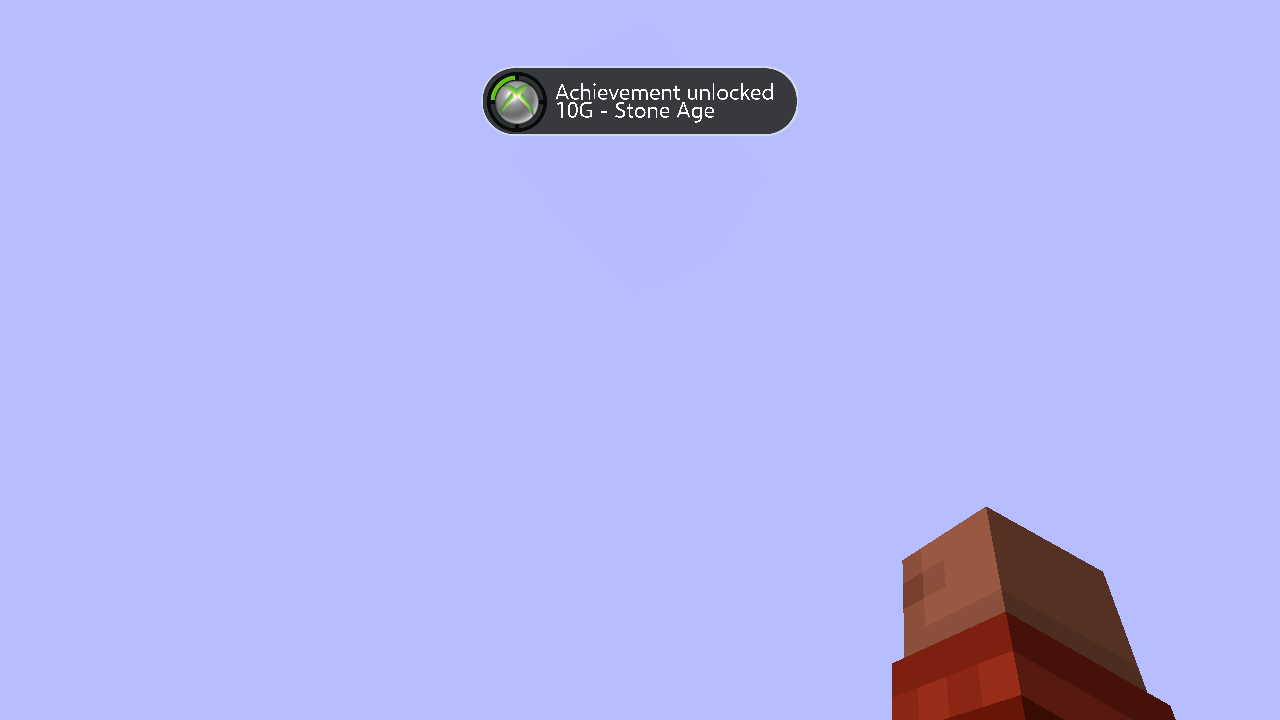
- Console Advancement pop ups and sounds
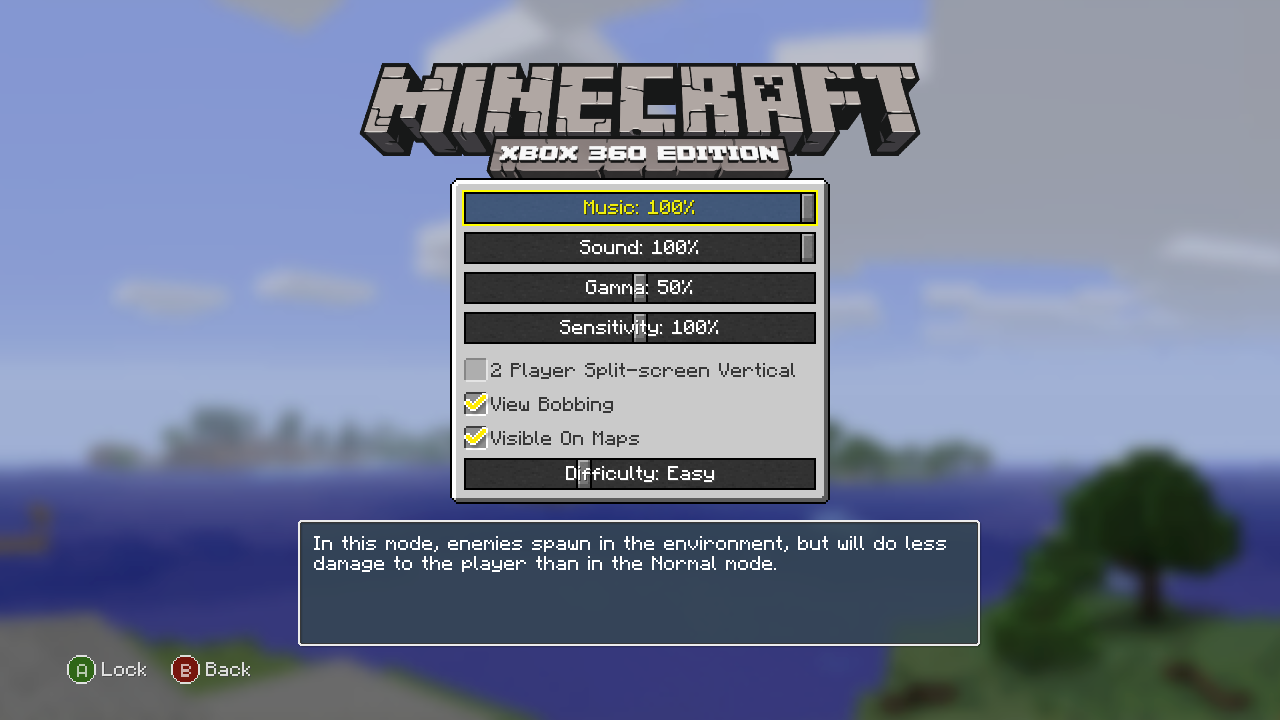
- TU1-9 UI profiles (almost 100% accurate!)
Screenshots
Console-style Achievement Pop-ups

Console-style Keyboards
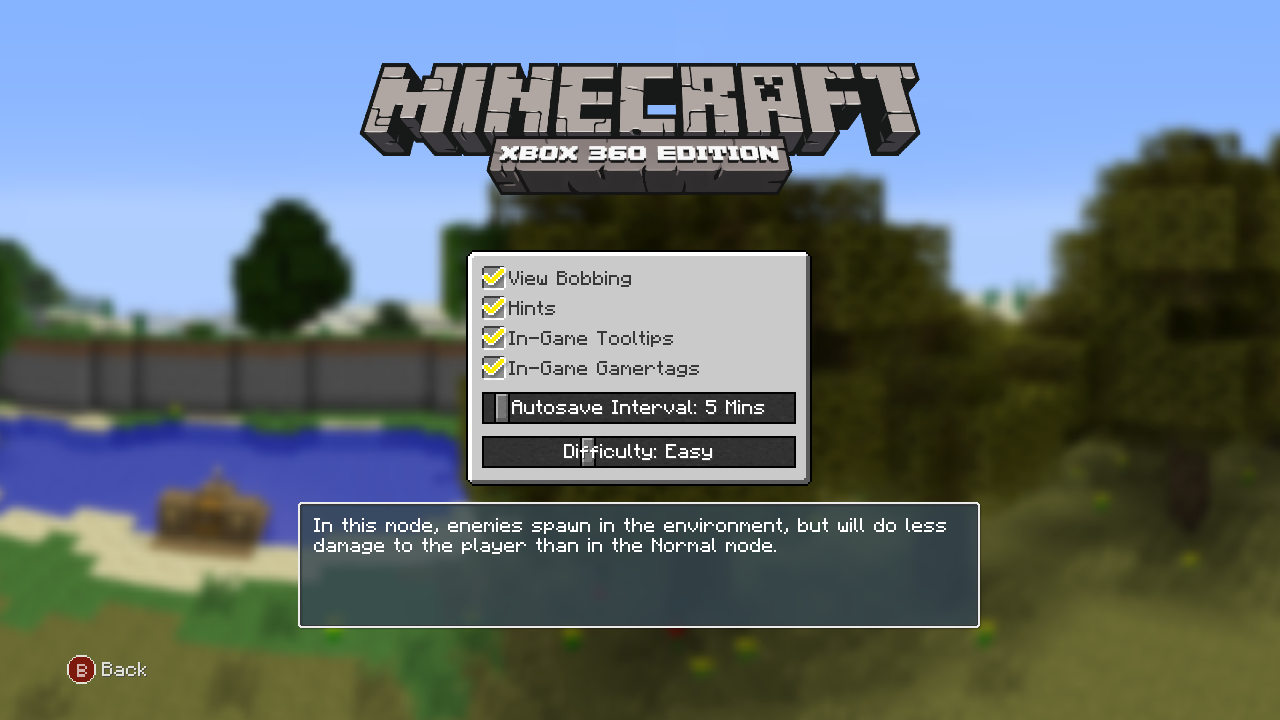
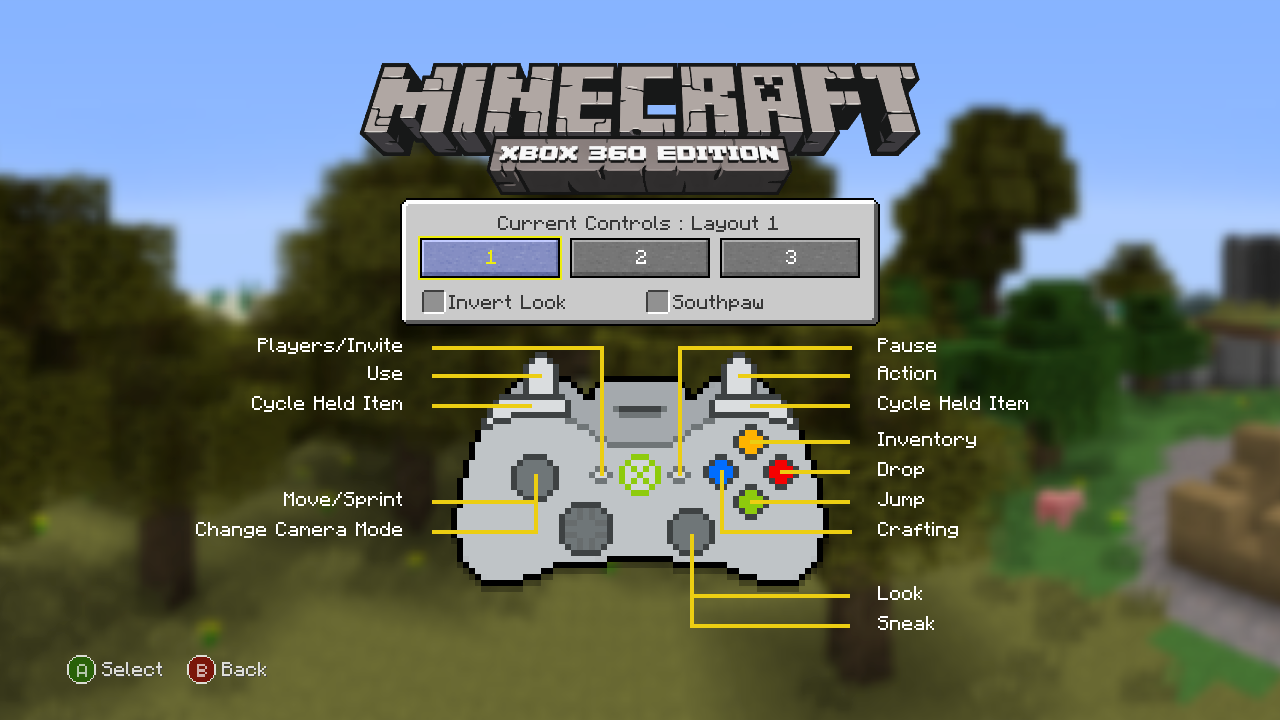
Menus and User Interface Profiles
Panoramas, Control Icons and the Menu Title are provided by resource packs
Related Projects
Credits
This mod's development is led by Creepereater201
Thanks to Cjnator38 for helping with the UI profiles.
Project description from Modrinth.
Pick your setup
L4JAddons by Minecraft version and loader
Choose the version and loader you play, then open the matching release.
Check the dependencies, then try the file in a copied instance before changing a world you care about.
Recent files
L4JAddons versions and loaders
1.0.0
l4jaddons-1.0.0.jar
17 Jul 2026
Client Optional Server Optional Dependencies No extras listed Listed on Release listing
Check the 26.1.2 · Fabric setup 26.1.2Fabric release
Looking for an older file? The official Modrinth project page is in Resources.
 mod
Modrinth · Minecraft
JsMacros Reloaded
Clean fork of JsMacros with Ongoing 26.1+ Support
 mod
Modrinth · Minecraft
Keep My Sword
Items stay in your inventory in an unusable state when durability runs out — zero dependencies, native repair compatibility.
 mod
Modrinth · Minecraft
Useful Poison Potatoes
Vanilla Friendly recipes to make the poisonous potato useful.