Fabric Language Kotlin Needed by CustomFontFix 1.1
requiredMatching file found Matched file: 1.14.2+kotlin.2.4.21

Modrinth · Minecraft mod
Fixes Z-fighting issues caused by TTF font rendering in Minecraft, especially when using glow ink on signs. Optimized for third-party pixel fonts like 'Neo둥근모 Pro'. Some fonts may not display correctly due to inherent rendering limitations.
Quick answer
CustomFontFix 1.1 targets 26.3 with Fabric. It must be installed on the client. Do not install it on the dedicated server. All 2 required mods have matching files.
Where it goes
It must be installed on the client. Do not install it on the dedicated server.
This file is marked client-only.
1.1. Change the file and its required mods may change too.
Install Fabric Language Kotlin, Fabric API first. We found matching files for this game-version and loader setup.
We only count dependency files that match this setup. A file for another loader does not fill the gap.
Before you install it
Built for CustomFontFix 1.1. Pick another file and the loader, install side or required mods may change.
Use 1.1. It targets 26.3 with Fabric; another release may have different loader, side or dependency requirements.
Install Fabric Language Kotlin, Fabric API first. We found matching files for this game-version and loader setup.
It must be installed on the client. Do not install it on the dedicated server.
Use the “Get this file” button beside 1.1. It opens that exact file at the source.
About this project
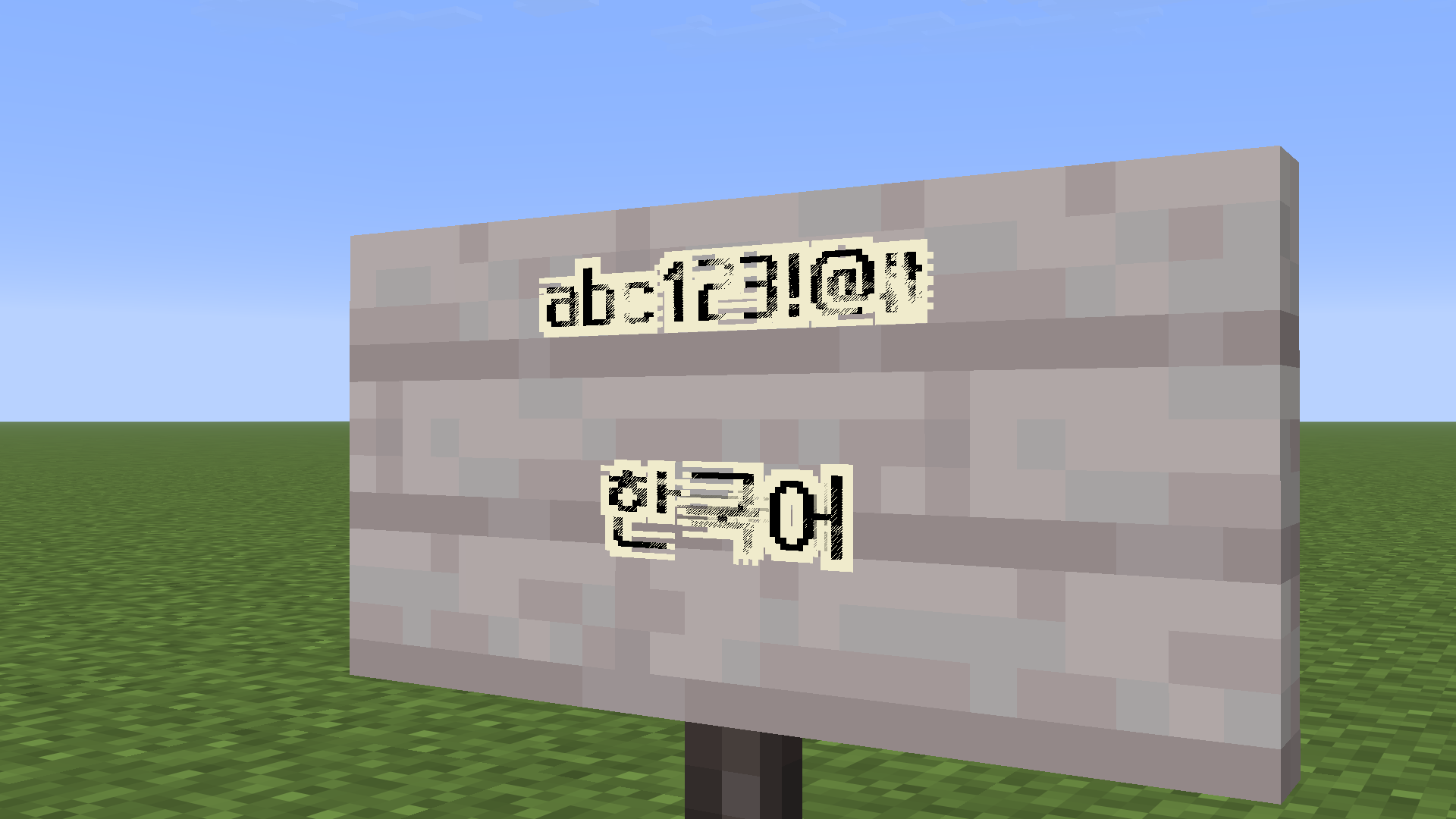
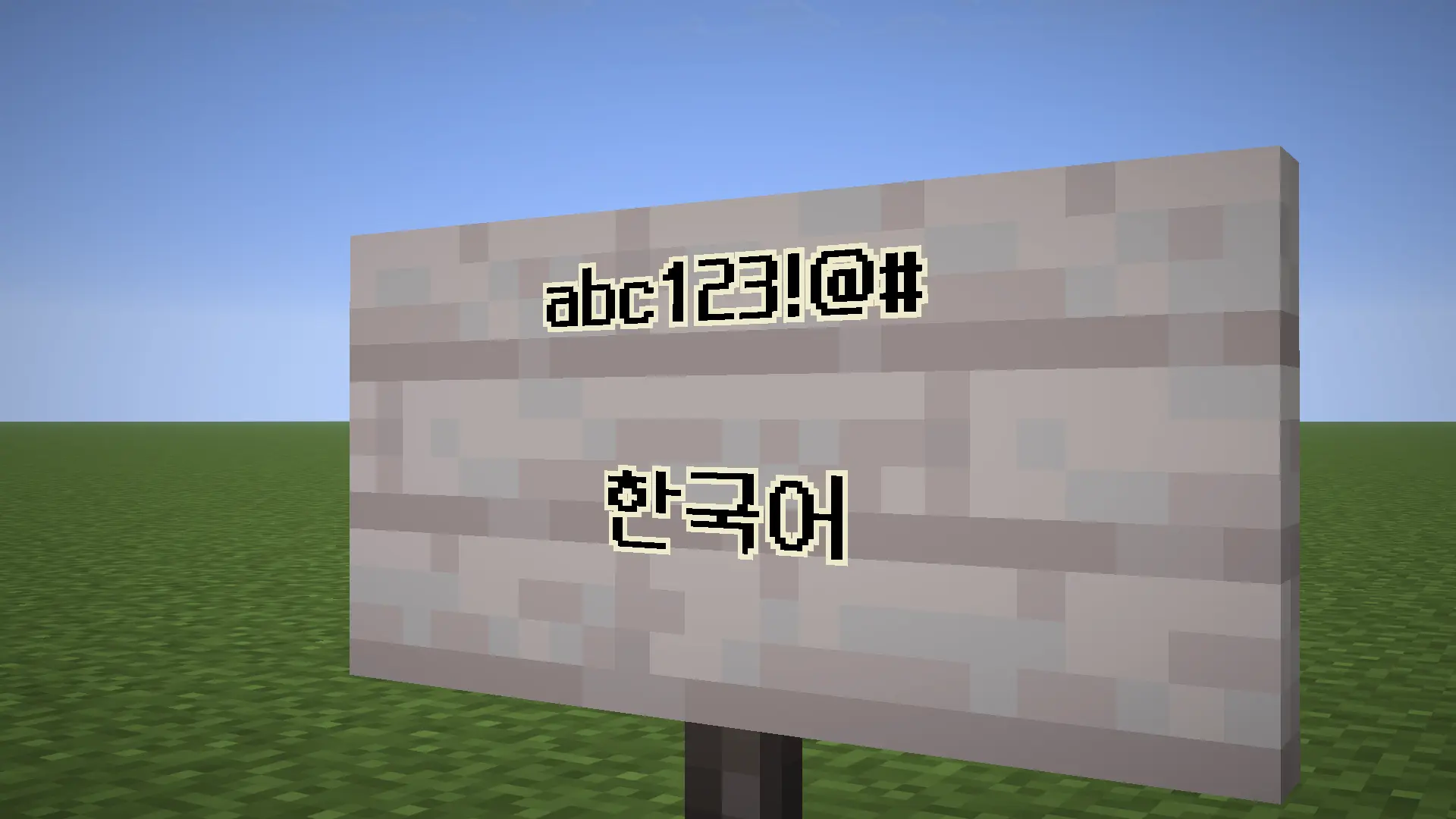
Fixes Z-fighting issues caused by TTF font rendering in Minecraft, especially when using glow ink on signs.
mods folderThis project is licensed under GPL-3.0-only.
Project description from Modrinth.
Pick your setup
Choose the version and loader you play, then open the matching release.
Check the dependencies, then try the file in a copied instance before changing a world you care about.
Recent files
customfontfix-1.1.jar
17 Sept 2026
customfontfix-1.1.jar
5 Sept 2026
customfontfix-2.0.jar
19 Jun 2026
customfontfix-1.0.jar
23 Apr 2026
Looking for an older file? The official Modrinth project page is in Resources.
 mod
A simple planting machinery mod: insert seeds, provide energy, and the machine automatically plants, grows, and harvests crops.
 mod
An enchantment type mod based on the Elden Ring game
 mod
A core mod adding a few items and blocks, serving as the foundation for addons.